
Automating Inventory Replenishment with n8n and Smart Alerts
Discover how paint and construction material stores can automate inventory replenishment using n8n, smart alerts, and the WhatsApp Business API to prevent stockouts.
- n8n
- Inventory Automation
- WhatsApp Business API
- Customer Experience
- ERP Integration

The Nightmare of the Empty Shelf
Picture this: a major contractor walks into your construction material store needing twenty buckets of premium white matte paint to finish a large project. You confidently walk to the aisle, only to find an empty shelf.
You rush to check the system, but the reality is harsh: zero stock. You just lost a massive sale because someone on the team forgot to check the manual inventory spreadsheet. Worse than the lost revenue is the damage to the customer experience.
In the highly competitive market of independent paint and construction material stores, relying on manual stock checks is a risky game. Between expiring cement and seasonal demands for waterproofing, human error is inevitable.
This is where smart automation comes in. By connecting your store's systems, you can eliminate manual checks, prevent stockouts, and organize your purchases weeks in advance.
What is n8n and Why Your Store Needs It
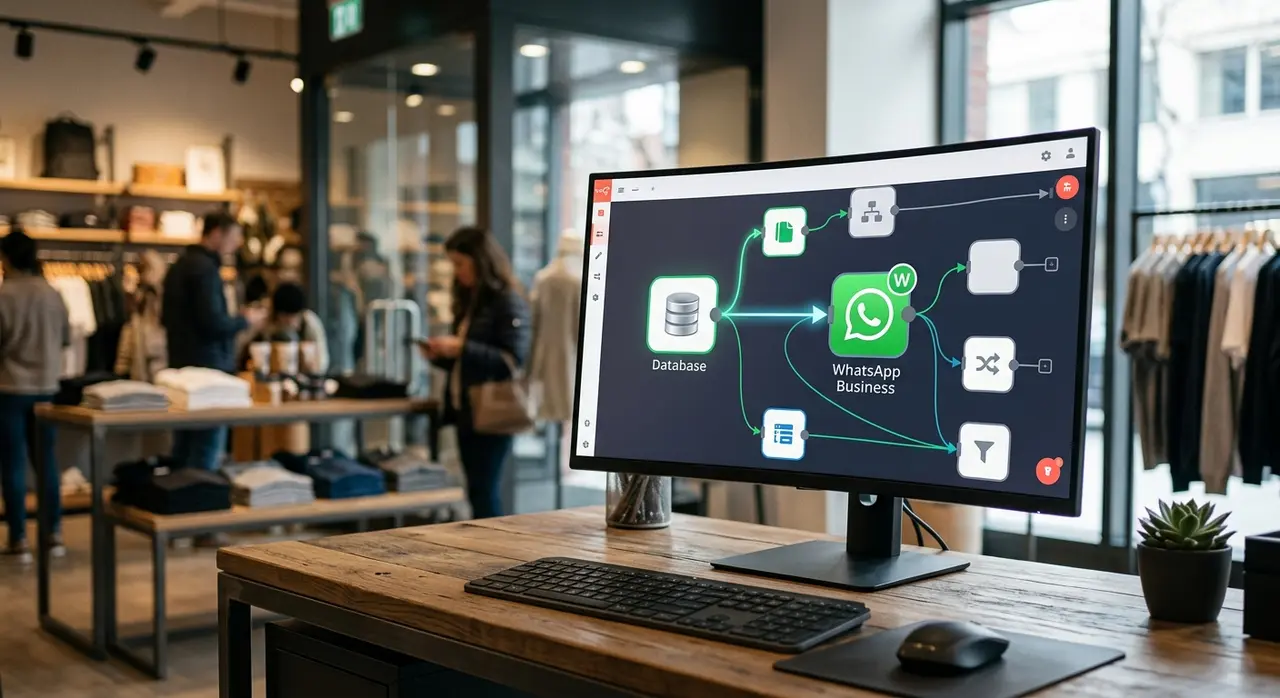
If you are looking for ways to modernize your operations, you might be wondering: what is n8n? Simply put, n8n is a powerful, flexible workflow automation tool that acts as a digital manager for your software.
It connects your ERP, your supplier's databases, and your messaging apps, allowing them to talk to each other automatically. Instead of having an employee manually export a sales report to see what needs to be bought, n8n does the heavy lifting in the background.
For a paint or hardware store, this means you can set rules based on real-time data. When a specific base paint reaches a critical level, n8n notices it instantly and triggers a sequence of smart actions.
If you want to dive deeper into how automated workflows can transform your business, you can explore our AI solutions designed specifically for smart operations.
Step-by-Step: Automating the Replenishment Cycle
Building an automated inventory system isn't magic; it is pure logic. It requires setting up clear triggers, defining smart rules, and choosing the right notification channels.
Let's break down the exact step-by-step process to automate your stock replenishment using n8n.
1. The Trigger: Identifying the Reorder Point
The entire automation starts with a trigger. In inventory management, this is known as the Reorder Point (ROP). It is the specific stock level at which a new order must be placed to avoid running out before the supplier delivers.
Using n8n, you can set up a node to continuously poll your ERP system or receive a webhook every time a sale is made. When a cashier rings up ten bags of cement, the ERP updates the stock.
If the stock dips below the predefined ROP, n8n immediately catches this event and starts the replenishment workflow. No manual counting required.
2. Smart Logic: Purchase Suggestions and Seasonality
Not all products behave the same way. A smart automation doesn't just say "buy more paint." It calculates exactly how much to buy based on historical data and seasonality.
In n8n, you can use an "If" or "Switch" node to apply different rules based on the item category or the time of year. This prevents overstocking items that are out of season, saving your cash flow.
- Waterproofing materials: Demand spikes before the rainy season. n8n can automatically multiply the suggested purchase quantity by 1.5 during these months.
- Base paints for tinting machines: These are high-turnover items. The rule can dictate a higher safety stock level year-round.
- Perishables (like cement): Since cement has a short shelf life, the rule ensures smaller, more frequent purchase suggestions to avoid waste.
Here is a simplified view of how you might structure these rules in your automation:
| Product Category | Standard Reorder Point | Seasonal Multiplier | Suggested Action |
|---|---|---|---|
| Waterproofing | 20 units | 1.5x (Pre-Rainy Season) | Order 30 units |
| White Matte Paint | 50 buckets | 1.0x (Year-round) | Order 50 buckets |
| Portland Cement | 100 bags | 0.8x (Slow Season) | Order 80 bags (Frequent) |
3. Taking Action: Supplier Quotations
Once n8n calculates what needs to be ordered, it can take the next logical step: asking for prices. Instead of your purchasing manager spending hours calling suppliers, the automation handles the initial outreach.
Using an HTTP Request node in n8n, the system can automatically send an email or an API request to your top three suppliers. The message requests a quote for the exact quantities calculated in the previous step.
This speeds up the procurement process immensely. By the time your purchasing manager sits down at their desk, the quotes are already arriving in their inbox.
4. Smart Alerts: Notifying the Team
The final and most crucial step is keeping the human decision-makers in the loop. Automation shouldn't operate entirely in the dark; it needs to empower your team.
This is where the WhatsApp Business API shines. Because store managers are constantly walking the aisles and rarely sitting behind a computer, email alerts often go unnoticed.
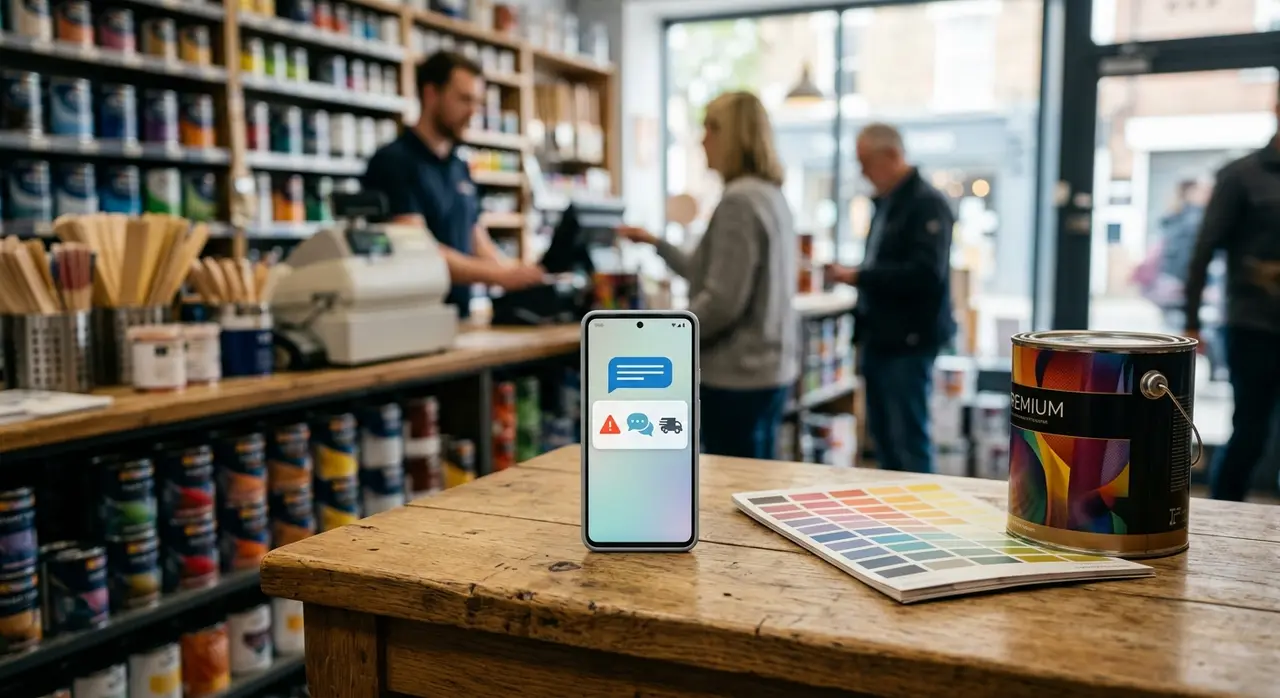
n8n can integrate directly with the WhatsApp Business API to send an instant, formatted message directly to the purchasing manager's phone. The message can include the item, current stock, suggested purchase amount, and a quick approval button.
Detailing the n8n Workflow Nodes
For the technical decision-makers and IT staff in your store, understanding the exact nodes used in this workflow provides clarity on how simple yet powerful this setup is.
If you already automate tasks with n8n and your ERP, adding an inventory replenishment flow will be a natural next step.
- Webhook Node / Schedule Node: This is the starting point. You can set a Schedule Node to run every night at 11 PM to check all stock levels, or use a Webhook Node to trigger instantly upon a large sale.
- HTTP Request Node (ERP Fetch): This node connects to your store's ERP system (like Bling, Tiny, or a custom local ERP) to pull the current inventory numbers and the pre-set Reorder Points.
- Code Node (Data Processing): Here, a simple script compares the current stock against the ROP. It filters out everything that has sufficient stock and keeps only the items that need replenishment.
- Switch Node (Routing): This directs the workflow based on the supplier. Items from Supplier A go down one path, while items from Supplier B go down another, ensuring purchase orders are grouped correctly.
- WhatsApp API Node: The final node formats the data into a readable message and pushes it to the manager's smartphone.
Enhancing the Customer Experience
Why go through all this trouble just to order paint and cement? Because retail is no longer just about having the lowest price; it is about reliability.
When contractors know they can walk into your store and always find the specific materials they need, you build unwavering loyalty. A flawless customer experience relies on product availability.
Automation ensures you never have to say, "We are out of stock, but it arrives next week." In the construction business, next week is often too late. By organizing purchases with advance smart alerts, you guarantee that your shelves are always ready for business.
A Real-World Scenario: The Holiday Rush
Let's look at a practical application. Imagine it is the month before the end-of-year holidays. Homeowners are rushing to renovate and repaint their houses. The demand for premium interior paint skyrockets.
In a traditional setup, your manager might miss the sudden spike in sales until the shelf is completely bare. Panic ensues, emergency orders are placed (often with high express shipping fees), and customers are turned away.
With n8n, the system detects the accelerated sales velocity immediately. It factors in the seasonal holiday multiplier. Before the stock even drops below a critical level, the manager receives a WhatsApp alert: "Alert: Premium Interior Paint selling 40% faster than usual. Current stock: 45. Suggested order: 100 units. Approve?"
The manager taps "Approve," the supplier is notified, and the new batch arrives before the old one runs out. The flow of business remains completely uninterrupted. You can see more examples of AI use cases to understand how different industries apply these triggers.
Conclusion: Stop Managing Stock, Start Managing Strategy
Running a successful independent construction material or paint store requires your attention on sales strategy, team training, and customer relationships. You shouldn't be spending hours staring at inventory spreadsheets.
By leveraging n8n, smart alerts, and the WhatsApp Business API, you transform a reactive chore into a proactive, automated machine. You avoid ruptures, optimize your cash flow by preventing overstock, and most importantly, deliver a superior experience to every customer who walks through your doors.
Frequently Asked Questions
Do I need to change my current ERP to use n8n?
No, you do not need to change your ERP. n8n is designed to integrate with almost any modern system through APIs or Webhooks. As long as your current inventory software can send or receive data, n8n can connect to it and automate your workflows.
Is the WhatsApp Business API expensive for internal alerts?
The cost is very manageable, especially for internal alerts. WhatsApp charges a small fee per conversation, but the return on investment you get from preventing just one major stockout easily covers the monthly cost of the API usage.
How hard is it to set up seasonal rules for different products?
It is highly customizable and straightforward once the initial logic is built. You can use simple spreadsheet data or n8n's internal logic nodes to apply multipliers based on the current month, ensuring you automatically buy more waterproofing in the rainy season and less in the dry season.
What if the automation suggests buying a product that is being discontinued?
You always maintain total control. The automation acts as a smart assistant, sending purchase suggestions via WhatsApp. The store manager or purchasing director still makes the final call and can easily decline or adjust the order before it goes to the supplier.