
Botpress Chatbot for ISPs: From Zero to Production
Learn how to build a Botpress chatbot for your ISP. Map conversational flows, integrate your ERP, and launch your first AI customer service agent efficiently.
- Botpress
- ISP Automation
- AI Customer Service
- Chatbot Development
- Telecom AI

The Era of AI in Telecom: Scaling Your ISP Support
If you run a regional Internet Service Provider (ISP), you already know the drill. Whenever it rains, a fiber optic cable breaks, or billing day arrives, your support channels explode. Your human team gets overwhelmed, response times drop, and customer satisfaction takes a massive hit.
Scaling a support team linearly with your subscriber base is expensive and inefficient. This is exactly where AI for internet providers changes the game. By deploying a smart virtual assistant, you can resolve up to 80% of routine queries instantly, 24/7, without human intervention.
In this guide, we will show you how to build a Botpress chatbot tailored specifically for ISPs. We will walk you through the entire journey: from planning your strategy to putting your very first AI customer service agent into production.
Step 1: Mapping Your Conversational Flow
Before you even open the Botpress studio, you need a plan. A common mistake ISP owners make is jumping straight into the software without mapping the customer journey. You need to define a clear conversational flow that guides the user from their initial greeting to a successful resolution.
For an ISP, customer requests generally fall into three main categories:
- Financial: Requesting duplicate bills, reporting a payment, or asking for a trust unlock (desbloqueio em confiança).
- Technical: Reporting slow internet, connection drops, or router configuration issues.
- Commercial: Upgrading plans, checking coverage in a new address, or signing up for a new service.

Grab a whiteboard or a mind-mapping tool and draw the paths. For example, if a customer selects "Technical Support", what is the next step? The bot should ask for their CPF/CNPJ (tax ID) to identify them in your system. Then, it should check if there is a known mass outage in their region before running individual diagnostics.
By mapping these intents beforehand, you guarantee that your AI customer service agent will feel logical, helpful, and incredibly fast, drastically reducing the friction your customers usually face.
Step 2: How to Create a Chatbot in Botpress
Botpress is a powerful, visual, and highly customizable platform for building generative AI bots. To create a chatbot, start by creating a free account and setting up a new workspace. Botpress uses a node-based interface, meaning you build conversations by connecting visual blocks.
Here is how to structure your first ISP agent:
- The Greeting Node: Set up the initial message. The bot should introduce itself clearly as an AI assistant. For example: "Hello! I am your provider's virtual assistant. How can I help you today?"
- Knowledge Base Integration: Upload your ISP's FAQ documents, router troubleshooting manuals, and plan details. Botpress uses LLMs (like ChatGPT) to read these documents and answer open-ended questions naturally.
- Intent Recognition: Instead of forcing customers to type exact numbers (e.g., "Press 1 for Finance"), Botpress allows natural language processing. If a user types "I need my boleto", the AI instantly recognizes the financial intent and routes them to the correct workflow.
Keep your nodes organized. Name them clearly (e.g., "Check_Outage", "Send_Invoice") so your team can easily read and modify the flow later. A well-organized canvas is the secret to a scalable bot.
Step 3: ERP Integration (The Secret to True Automation)
A chatbot that only answers FAQs is just an interactive FAQ page. To deliver true automated customer service, your Botpress agent must communicate with your ISP's management software (ERP), such as IXC Provedor, SGP, or TOPSAPP.
This is done through API integrations via "Execute Code" or "Call API" cards in Botpress. Let's look at a practical example: a customer wants a duplicate bill. Instead of transferring the chat to a human, your AI agent asks for the customer's ID.
The bot then sends a seamless API request to your ERP. If you use SGP, for instance, you can configure an SGP integration for duplicate bills. The ERP returns the PDF link, and the bot delivers it directly to the customer's WhatsApp in seconds.
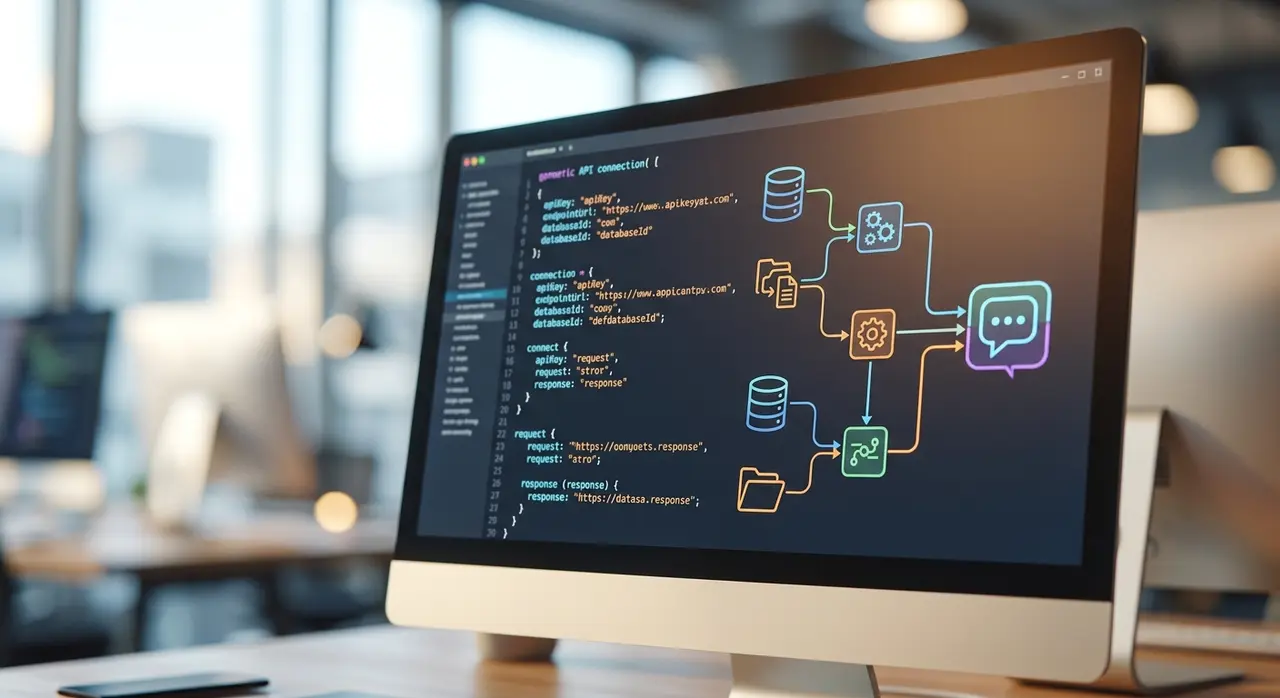
You can apply this same API logic to technical support. The bot can query your ERP to check the customer's PPPoE status, verify their current MAC address, or see if their optical signal (RX/TX) is within acceptable parameters. If everything is fine, the bot can instruct the customer to reboot their router before ever alerting a human technician.
Step 4: Testing and Going to Production
Never launch an AI agent without rigorous testing. Botpress features a built-in emulator on the right side of the screen. Use it to simulate various customer profiles. Try to "break" the bot by typing confusing requests, sending audio files, or asking questions outside the scope of your ISP.
Pay special attention to the human handoff protocol. No AI is perfect, and some complex issues require a real technician. Ensure that when the bot fails to understand an issue twice, or when the user explicitly asks for a human, the conversation is seamlessly transferred to your live support dashboard (like Kommo or ManyChat) with the full chat history attached.
The Ultimate Pre-Launch Checklist for ISPs
Ready to hit "Publish"? Before connecting your Botpress chatbot to your official WhatsApp Business API, run through this final checklist to ensure a smooth launch:
- API Endpoints Verified: Are all ERP connections (IXC, SGP, etc.) returning the correct data?
- Fallback Messages Set: Does the bot have polite error messages if an API times out?
- Knowledge Base Updated: Did you remove any outdated pricing or old router models from the uploaded documents?
- Tone of Voice: Does the AI sound professional, empathetic, and aligned with your ISP's brand?
- Security: Are you masking sensitive data (like full CPF numbers or passwords) in the chat logs?
Once you check all these boxes, you are ready to deploy. If you prefer to have experts handle the architecture, consider working with official Botpress partners who understand the unique demands of the telecom industry.
Frequently Asked Questions
Do I need to know how to code to use Botpress?
Botpress is primarily a low-code platform. You can build the entire conversational flow and knowledge base using a visual drag-and-drop interface. However, for advanced ERP integrations (like connecting to IXC or SGP APIs), basic knowledge of JSON and REST APIs is highly recommended to ensure data flows correctly.
Can Botpress connect directly to WhatsApp?
Yes. Botpress has native integrations and webhooks that allow you to connect your AI agent directly to the WhatsApp Business API. This means your customers will interact with the bot through the exact same WhatsApp number they already use to contact your ISP.
How does the bot handle angry customers?
You can configure sentiment analysis within your Botpress chatbot. If the AI detects aggressive language, profanity, or high frustration levels, it can be programmed to instantly bypass the automated flow and route the ticket to a human supervisor, prioritizing the customer's experience.
Is Botpress safe for handling customer data?
Absolutely. Botpress is built with enterprise-grade security and compliance in mind. However, as the ISP owner, you must ensure that your API calls are secure (using HTTPS and proper authentication tokens) and that you comply with local data protection laws (such as LGPD or GDPR) when processing customer information.