
WhatsApp Business After-Sales Message Templates
Boost customer retention with these 5 after-sales message templates for WhatsApp Business. Learn timing, tone, and how to automate your follow-ups.
- WhatsApp Business
- After-Sales
- Customer Retention
- Message Templates
- Sales Automation

Did you know that increasing customer retention by just 5% can boost your profits by over 25%? For small and medium-sized businesses, the secret to this growth often lies right in your customers' pockets.
Using after-sales message templates for WhatsApp Business is one of the most effective ways to turn a one-time buyer into a loyal brand advocate. But there is a fine line between excellent service and annoying spam.
In this guide, we will explore exactly how to structure your post-purchase communication. You will learn how to generate WhatsApp link strategies, manage your WhatsApp broadcast list, and master the basics of how WhatsApp Business works to keep customers coming back.
Understanding How WhatsApp Business Works for Retention
Before diving into templates, it is crucial to grasp how WhatsApp Business works (often referred to by global users as whatsapp business como funciona). Unlike the personal app, the Business version offers tools built specifically for relationship management.
Features like labels, automated away messages, and quick replies allow you to organize your pipeline. When a customer makes a purchase, tagging them as "New Customer" helps you plan your follow-up strategy effortlessly.
By integrating these native tools with intelligent automation, you can unlock incredible benefits of using AI in customer service, ensuring no buyer ever feels forgotten.
The Golden Rules: Timing and Tone
A great message sent at the wrong time becomes an annoyance. To build loyalty without being blocked, you must master both timing and tone.
- Keep it conversational: Write like a human. Use the customer's name and a friendly, helpful tone.
- Be brief: Nobody wants to read a novel on WhatsApp. Get straight to the point.
- Always offer an opt-out: Politely let them know they can reply "STOP" if they do not wish to receive updates.
| Message Type | Ideal Timing | Primary Goal |
|---|---|---|
| Thank You | 0 - 24 hours | Reassurance & Gratitude |
| Instructions | 2 - 3 days | Product Onboarding |
| Check-in | 7 - 14 days | Relationship Building |
| Feedback | 14 - 30 days | Improvement & Reviews |
| Repurchase | 30+ days | Upsell & Repeat Sales |
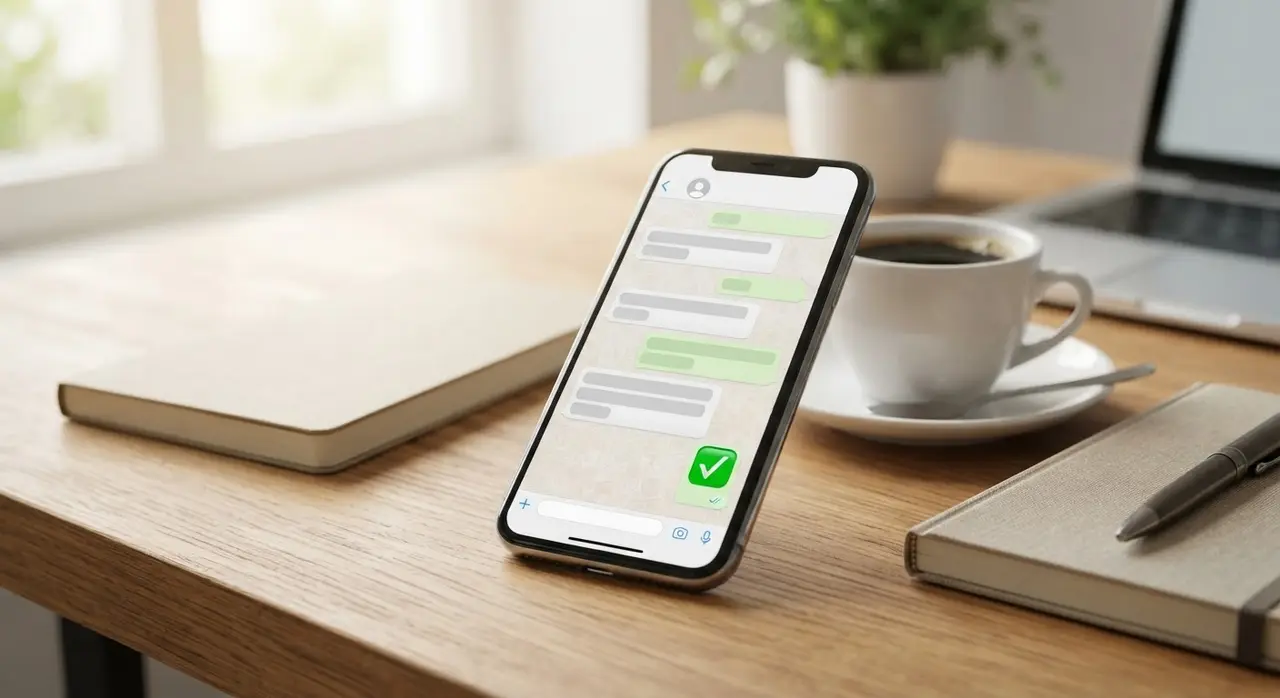
5 After-Sales Message Templates for WhatsApp Business
Here are five highly converting templates you can copy, adapt, and use in your business today.
1. The Immediate Thank You
This message reassures the customer that their order was received and appreciates their trust. It sets a positive tone for the entire relationship.
Template:
"Hi [Name]! 🌟 Thank you so much for choosing [Your Company]. Your order #[Order Number] is confirmed! We are preparing everything with care. If you have any questions, just reply here. Have a great day!"
2. Usage Instructions & Value Add
Sent a few days after delivery, this message prevents user error and shows you care about their success with your product or service.
Template:
"Hello [Name]! By now you should have received your [Product/Service]. To help you get the best results, here is a quick tip: [Insert brief, valuable tip]. Let us know if you need any help setting it up!"
3. The Follow-Up Check-In
This is a pure relationship-building touchpoint. You are not selling anything; you are simply checking if they are happy.
Template:
"Hi [Name], just checking in! It’s been a week since you started using [Product]. Is everything working as expected? We are here if you need anything at all. 😊"
4. Feedback and Survey
Customer feedback is gold. Keep the survey incredibly short to maximize your response rate.
Template:
"Hello [Name]! We are always looking to improve. On a scale of 1 to 5, how would you rate your experience with us? (Just reply with a number!). Thank you for your time!"
5. The Repurchase or Upsell Offer
Once you have established trust, it is time to invite them back. Offer an exclusive incentive for being a returning customer.
Template:
"Hi [Name]! Since you loved [Previous Product], we thought you might like our new [New Product]. As a special thank you for being our customer, here is a 15% discount code: VIP15. Check it out here: [Link]"
Scaling Up: Broadcast Lists and Links
Sending individual messages works for your first 10 customers, but as you grow, you need to scale. This is where a WhatsApp broadcast list (known locally as lista de transmissão whatsapp) becomes your best friend.
A broadcast list allows you to send a single message to up to 256 contacts at once. However, the message will only be delivered if the customer has your number saved in their address book. This is why the initial "Thank You" message is so critical—it prompts them to save your contact.
To make it easy for customers to start a chat with you in the first place, you should generate WhatsApp link (gerar link whatsapp) URLs. Place these links on your website, Instagram bio, and email signatures.
When customers click, they are taken directly to a chat with a pre-filled message. You can see various AI use cases in customer service to understand how chatbots can instantly pick up these inbound conversations and route them beautifully.
Taking After-Sales to the Next Level
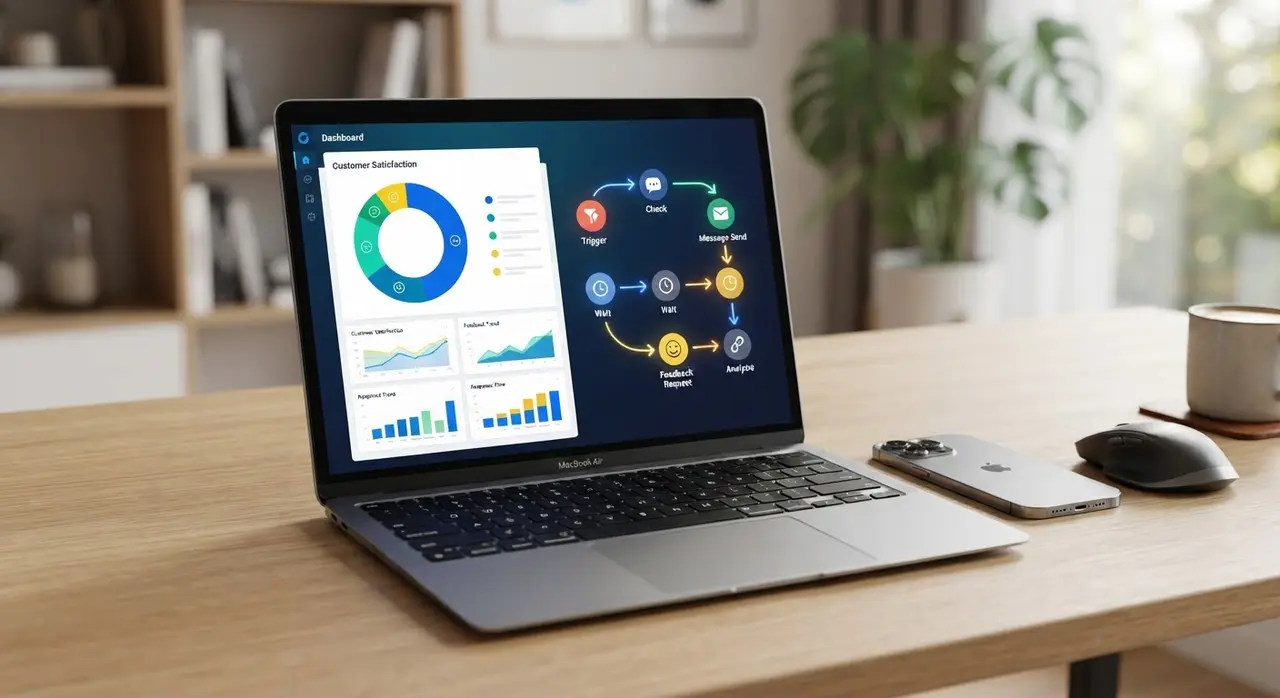
Implementing these templates is just the beginning. The real magic happens when you pair great copywriting with smart automation.
By mapping out your customer journey and setting up automated triggers, you ensure that every single buyer receives the VIP treatment. If you are curious about the costs of upgrading your tech stack, check out the IAChatbot pricing plans to find a solution that fits your business size.
Remember, the goal of after-sales is not just to close another ticket. It is to open a long-lasting, profitable relationship with your customer.
Frequently Asked Questions
How soon should I send an after-sales message on WhatsApp?
Your first message, typically an order confirmation or a "Thank You," should be sent immediately or within the first 24 hours. This reassures the customer and builds immediate trust.
Will my customers get annoyed by follow-up messages?
Not if you provide value. If your messages are helpful (like usage instructions) and spaced out appropriately (e.g., 3 days, then 14 days), customers will appreciate the proactive support. Always include a polite opt-out option.
Can I automate these WhatsApp Business templates?
Yes! While the free WhatsApp Business app allows for basic quick replies, you can use the WhatsApp Business API combined with AI agents to fully automate personalized follow-ups based on customer tags and purchase dates.
Why is my WhatsApp broadcast list not delivering messages?
For a message sent via a broadcast list to be delivered, the recipient must have your business phone number saved in their contacts. Always encourage new buyers to save your number during the initial interaction.