
CorelDRAW to ERP Automation: AI & n8n Guide
Learn how connecting CorelDRAW artwork to your ERP using n8n webhooks and AI agents eliminates manual retyping, speeds up production, and boosts customer quality.
- AI Automation
- CorelDRAW to ERP
- n8n webhook
- Autonomous Agent
- Custom Products Manufacturing

Connecting vector artwork in CorelDRAW directly to an ERP sales order via AI automation eliminates manual data entry and production delays for custom print manufacturers. By deploying an agente autônomo integrated with an n8n webhook, promotional product factories can transform visual design metadata into structured production data instantly.
For owners and production managers in the custom merchandise sector, bridging the gap between graphic design and enterprise management is the ultimate operational frontier. Every minute spent retyping print dimensions, color codes, item quantities, and print technique specifications is a minute lost to potential production errors and delayed client deliveries.
The Hidden Cost of Retyping Artwork Specs into ERP Systems
Manual data re-entry between pre-press design software and ERP platforms creates severe operational bottlenecks that cost custom product manufacturers thousands in wasted materials and delayed shipments. When sales reps or pre-press operators copy specifications from a vector graphic in CorelDRAW to manually create an order in systems like Bling, ContaAzul, or SAP, mistakes inevitably happen.
Consider the typical journey of an approved promotional item artwork:
- Dimension Mismatches: A graphic designer sets a logo size to 45mm x 20mm in CorelDRAW, but the order desk keys in 50mm x 25mm, ruining an entire batch of customized metal pens.
- Color Code Drifts: Pantone numbers or C/M/Y/K values referenced in design callouts get swapped or omitted during invoice drafting.
- Production Delays: Orders sit in administrative queues for hours—or days—waiting for a human clerk to read approved mockups and transcribe line items into production queues.
- Administrative Overhead: High-salary pre-press technicians waste up to 30% of their daily working hours performing clerical data entry instead of handling actual artwork preparation.
By removing manual human transcription, factories achieve total synchronization between what the client approved on screen and what the factory floor actually manufactures. To discover more strategic frameworks for print operational efficiency, explore our detailed guide on AI automation strategies for custom products.
How n8n Webhook Architecture Connects CorelDRAW to ERP Workflows
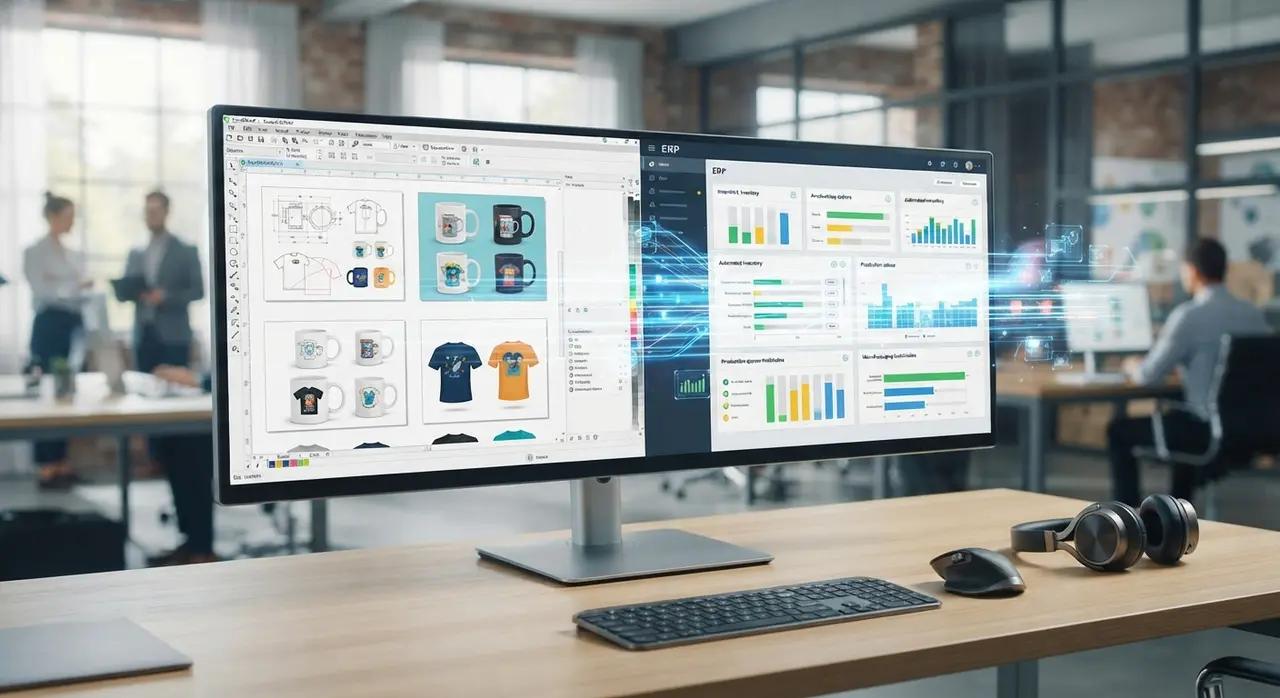
An n8n webhook functions as an automated bridge that triggers instant, real-time data exchange between graphic design applications and backend ERP software. Instead of relying on manual file transfers, a lightweight macro or script embedded within CorelDRAW captures key artwork attributes upon approval and posts them immediately as a JSON payload.
When an art director clicks 'Approve Art' inside CorelDRAW, the script gathers essential design metadata—such as client ID, bounding box dimensions, print placement coordinates, ink color count, and file paths—and fires a request to a dedicated endpoint hosted on n8n.
| Workflow Phase | Manual Process | Automated n8n + AI Workflow |
|---|---|---|
| Data Extraction | Designers manually record dimensions and color layers on a paper job ticket. | CorelDRAW macro automatically exports vector metadata via JSON payload. |
| Order Trigger | Sales clerks read job tickets and type order items manually into the ERP system. | An n8n webhook instantly captures payload and triggers automated backend flows. |
| Data Validation | Operator visually checks if specs match client quote, taking 10-15 minutes. | An agente autônomo validates layers, print areas, and pricing rules in seconds. |
| ERP Entry | Manual creation of sales orders, stock reservation, and billing records. | Automated API calls insert line items, reserve blanks, and issue production tickets. |
| Processing Time | 2 to 24 hours from artwork approval to factory scheduling. | Under 30 seconds from artwork approval to live factory queue. |
The n8n platform receives this incoming payload, cleans the incoming parameters, and routes the data to downstream cognitive services before pushing formatted orders directly into your ERP database through secure REST API calls.
Deploying an Agente Autônomo for Pre-Press Data Extraction and Validation
An agente autônomo powered by vision-language models autonomously parses graphical vector layouts, verifies color layers, and extracts exact commercial parameters without manual oversight. Traditional automation handles rigid text fields well, but custom promotional artwork often contains unstructured comments, embedded Pantone tables, and multi-page visual proofs that require intelligent context comprehension.
The autonomous agent inspects both the raw vector metadata and the rendered visual preview (PDF/PNG export) simultaneously. It performs sophisticated verification routines, such as:
- Print Feasibility Verification: Ensuring text stroke widths comply with minimum tolerances for screen printing, laser engraving, or pad printing.
- Color Layer Decomposition: Extracting exact spot-color names and separating full-color CMYK artwork from specialized UV-varnish or white-ink backing layers.
- Automated Quotation Cross-Checking: Comparing vector dimensions against the original sales quote stored in your CRM or ERP to detect unauthorized size upgrades before printing.
If the AI agent confirms total compliance, it automatically constructs the ERP order payload. If it flags a discrepancy—such as a low-resolution bitmap embedded inside a CorelDRAW file—it automatically alerts the pre-press supervisor via WhatsApp or internal chat with a direct link to the offending design element.
Real-World Application: How a Custom Merchandise Brand Cut Turnaround by 70%
Promotional product manufacturer PrintCraft Solutions streamlined its entire order fulfillment pipeline by integrating AI-driven pre-press workflows directly into their ERP system. Operating in the competitive corporate gifting sector, PrintCraft processed over 250 custom mug, pen, and apparel orders every day, relying on a team of four design coordinators who manually retyped CorelDRAW mockup specs into their ERP software.
This manual bridge resulted in a persistent 18-hour backlog between artwork approval and production dispatch. Misread color codes resulted in an average monthly scrap rate of 3.5%, costing thousands in wasted blank merchandise.
To solve this bottleneck, PrintCraft partnered with IAChatbot to implement a custom pre-press automation architecture. They established an automated pipeline where approved CorelDRAW templates trigger an n8n webhook, sending visual proofs and structural metadata directly to a fine-tuned agente autônomo. The agent checks vector boundaries, matches item stock numbers, and executes an instant POST request to their ERP API.
The qualitative results transformed their manufacturing operations:
- Order Creation Speed: Order entry time dropped from 45 minutes per job to under 20 seconds.
- Scrap Reduction: Specification errors related to retyping vanished completely, cutting monthly scrap costs by over 90%.
- Service Responsiveness: Improved back-office velocity directly enhanced overall commercial qualidade de atendimento, enabling same-day production scheduling for urgent corporate accounts.
For more inspiring real-world execution strategies, examine our library of practical implementation examples across diverse industrial environments.
Balancing Automation with Human Quality Control in Printing Operations
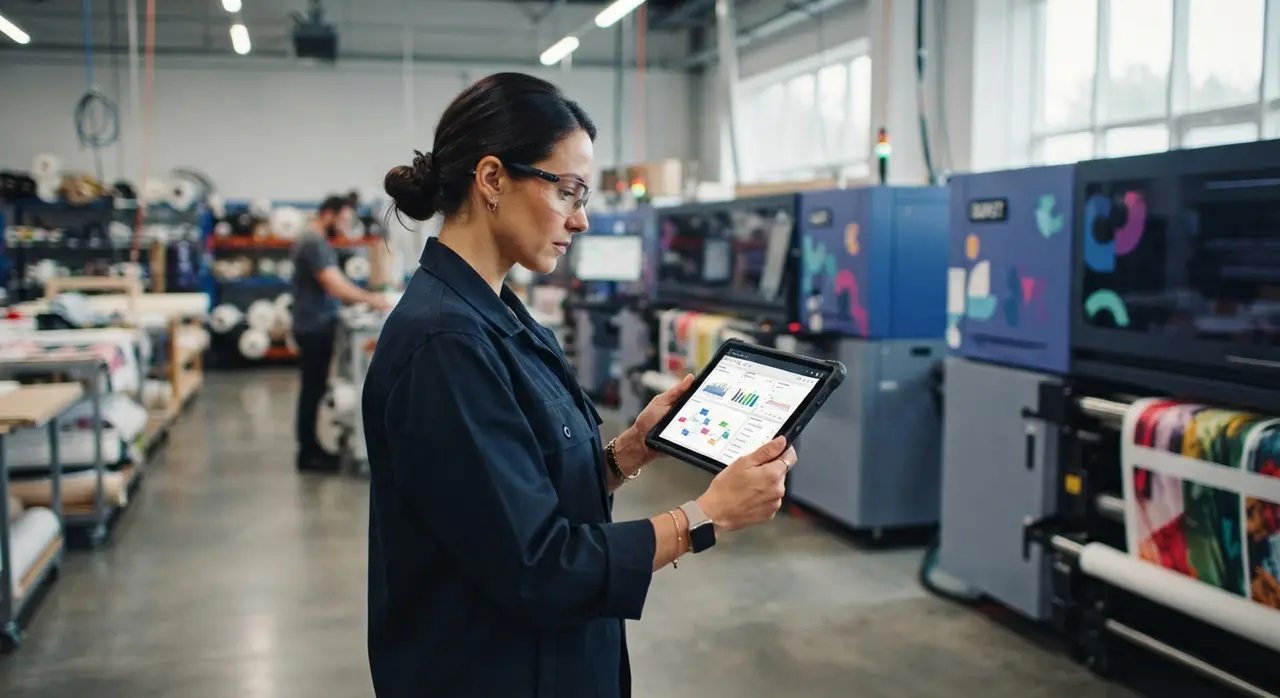
Automated pre-press workflows maintain production integrity by establishing definitive confidence thresholds that automatically route complex design edge-cases to human operators. Automation is not about removing human expertise; it is about protecting highly skilled technicians from repetitive administrative drudgery so they can focus on artistic precision and non-standard custom projects.
Setting up an effective human-in-the-loop (HITL) framework requires defining strict operational boundaries:
- Confidence Scoring: The AI agent assigns a percentage confidence score to every extracted artwork spec. Any order scoring below 95% is automatically diverted to a human review queue.
- Exception Flags: Non-standard requests—such as metallic foil overlays, custom pantone mixing, or complex variable data printing—are highlighted for manual sign-off before ERP commitment.
- Automated Client Feedback Loops: When an artwork fails automated vector compliance checks, the system generates a clear, visual error report sent directly to the client or sales rep, significantly improving overall qualidade de atendimento.
When backend administrative friction disappears, customer service teams can proactively keep clients informed at every stage of production. Automated status alerts sent via WhatsApp or email transform client satisfaction and build lasting commercial loyalty.
Step-by-Step Roadmap to Integrate CorelDRAW with Your ERP
Implementing an automated artwork-to-order pipeline requires a structured four-phase approach covering file standardization, webhook integration, AI agent training, and ERP endpoint mapping. Following a structured roadmap prevents production disruptions and guarantees immediate return on investment.
- Standardize Vector Art Templates: Organize CorelDRAW layout layers into consistent structural naming conventions (e.g., placing printable artwork on 'Design_Layer', cut lines on 'Cut_Path', and specifications on 'Meta_Info').
- Configure the CorelDRAW Export Script: Create a single-click VBA macro or C# plugin inside CorelDRAW that exports high-resolution proof PDFs alongside a JSON file containing job parameters.
- Build the n8n Webhook Listener: Set up an n8n webhook workflow that listens for export triggers, validates security tokens, and passes structural payloads to your AI processing layer.
- Deploy the Agente Autônomo: Train an AI agent to parse design attributes, verify inventory availability via database lookups, and execute ERP API endpoints for sales order creation.
- Test with Production Sandboxes: Run parallel dry-runs on 100 historical orders to fine-tune AI extraction accuracy before pushing the system live on the factory floor.
If you are ready to modernize your manufacturing workflow and cut manual overhead, you can schedule a personalized demonstration with the IAChatbot engineering team today.
Frequently asked questions
How does an n8n webhook receive data from CorelDRAW?
An n8n webhook receives data via an HTTP POST request triggered either by a custom CorelDRAW VBA/C# macro or an automated folder-watcher script whenever an artwork file is approved. The payload contains structured metadata such as client ID, file dimensions, color profiles, and vector paths for instant processing.
Can an agente autônomo handle non-standard vector files or complex print techniques?
Yes, an agente autônomo uses multimodal vision AI to analyze vector structures, text layers, and embedded color swatches across complex print formats. If the AI detects low-resolution bitmap elements or ambiguous print boundaries, it automatically flags the job for human pre-press review.
Will integrating AI automation require replacing our existing ERP software?
No, AI automation layers directly onto your existing cloud or on-premise ERP through REST APIs or database connectors. Platforms like n8n connect seamlessly with popular systems such as Bling, ContaAzul, SAP, or custom SQL databases without changing your core software stack.
How does automating artwork data entry improve commercial qualidade de atendimento?
Automating artwork data entry eliminates delays between design approval and manufacturing, enabling real-time status updates for customers via WhatsApp or email. Faster turnarounds and zero specification errors directly raise customer trust and service satisfaction levels.