
7 AI Ways to Boost Custom Products Output & Cut Errors
Discover 7 actionable ways to use AI in your gift factory. Reduce artwork errors, boost custom products output, and integrate with Bling API or ContaAzul API.
- AI in Manufacturing
- Custom Products
- Business Automation
- Production Management
- ERP Integration
The Hidden Cost of Customization
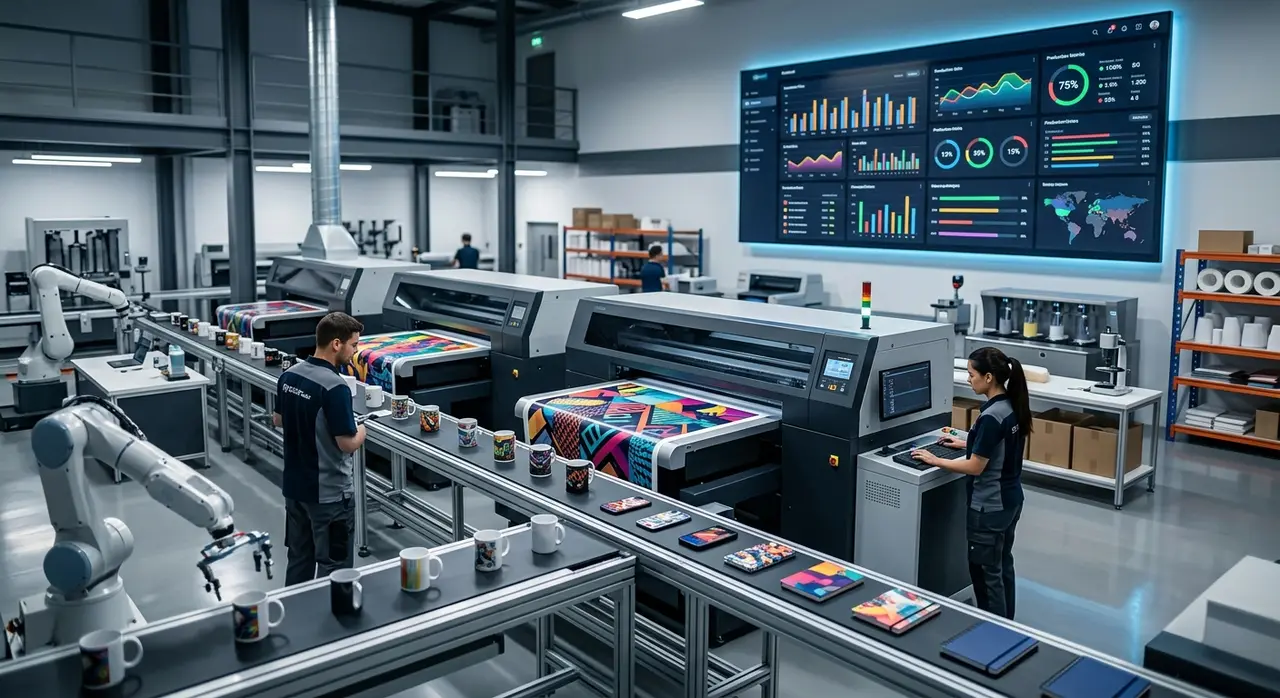
Manufacturing custom products at scale is a daily logistical puzzle. Unlike standard retail, every single order in a gift factory is unique. One wrong logo placement, one misunderstood color code, and you lose your entire profit margin for that batch.
For owners and production managers of small to medium custom factories, growth often feels like a trap. The more orders you get, the more chaotic the factory floor becomes. You end up hiring more people just to handle the endless WhatsApp messages, fix artwork errors, and track down missing information.
But the most profitable factories are changing the game. By adopting artificial intelligence, they are competing with big suppliers, delivering faster, and virtually eliminating rework. In this guide, we will explore 7 practical ways to use AI to produce more and make fewer mistakes in your customization business.
1. Instant and Accurate Quoting by Artwork
The Manual Task: Your sales reps receive a JPEG image on WhatsApp. They have to guess the complexity of the art, count the colors, determine the best printing method (silk-screen, UV, laser), and manually calculate the final price. This takes time and often leads to underpricing due to missed details.
Where AI Comes In: Vision-based AI models can automatically analyze the uploaded artwork. The AI detects the number of colors, identifies gradients, and calculates the exact dimensions needed. It instantly matches these parameters against your pricing matrix.
The Result: Quotes are generated in seconds, not hours. Your sales team stops losing money on complex designs that were accidentally priced as simple one-color prints. You close deals faster while protecting your profit margins.
2. Dynamic and Structured Briefings
The Manual Task: A client says, "I want 500 customized pens with my logo." Your team then has to chase the client for the vector file, the specific Pantone color, the desired placement, and the delivery deadline. This back-and-forth can take days.
Where AI Comes In: An AI-powered chatbot takes over the initial conversation. It knows exactly what information is missing based on the product requested. If the client asks for mugs, the AI asks about the print area. If they ask for t-shirts, it asks for the size breakdown.
The Result: Complete, structured briefs land on your designer's desk. The AI refuses to move the ticket forward until all mandatory fields are filled. This saves hours of wasted communication and gets the order into production faster.
3. Bulletproof Layout Approval
The Manual Task: Sending PDF mockups back and forth via email or messaging apps. The client says "approved" to an older version of the file, and your operator prints the wrong design. When the client complains, finding the exact approval message is a nightmare.
Where AI Comes In: Automated approval workflows use AI to track the exact version of the layout sent. When the client replies, the AI logs the timestamp, the specific file version, and the client's exact words. You can use an AI agent to validate layouts before production automatically.
The Result: Zero production based on the wrong file version. If a dispute arises, you have a crystal-clear, AI-logged audit trail of the approval. Rework due to "I thought we were printing version 3" drops to zero.

4. Intelligent Print Queue Management
The Manual Task: The production manager stands in front of a white board, shuffling paper work orders. They try to group jobs by printing technique or substrate, but rush orders constantly mess up the schedule, causing massive machine downtime during setups.
Where AI Comes In: AI scheduling algorithms analyze your entire order backlog. They look at delivery dates, machine availability, and substrate types. The AI then groups orders intelligently—for example, queuing all dark-colored UV prints together to minimize ink flushing and setup times.
The Result: Your machines run longer and idle less. You squeeze more output from the same equipment without hiring extra shift workers. Rush orders are automatically slotted in without breaking the entire week's schedule.
5. Automated Specification Checking (Pre-flight)
The Manual Task: An operator is rushing to meet a deadline and sends a file to the printer. Nobody noticed that the logo was too close to the bleeding edge or that the resolution was only 72 DPI. 500 notebooks are printed blurred or cropped.
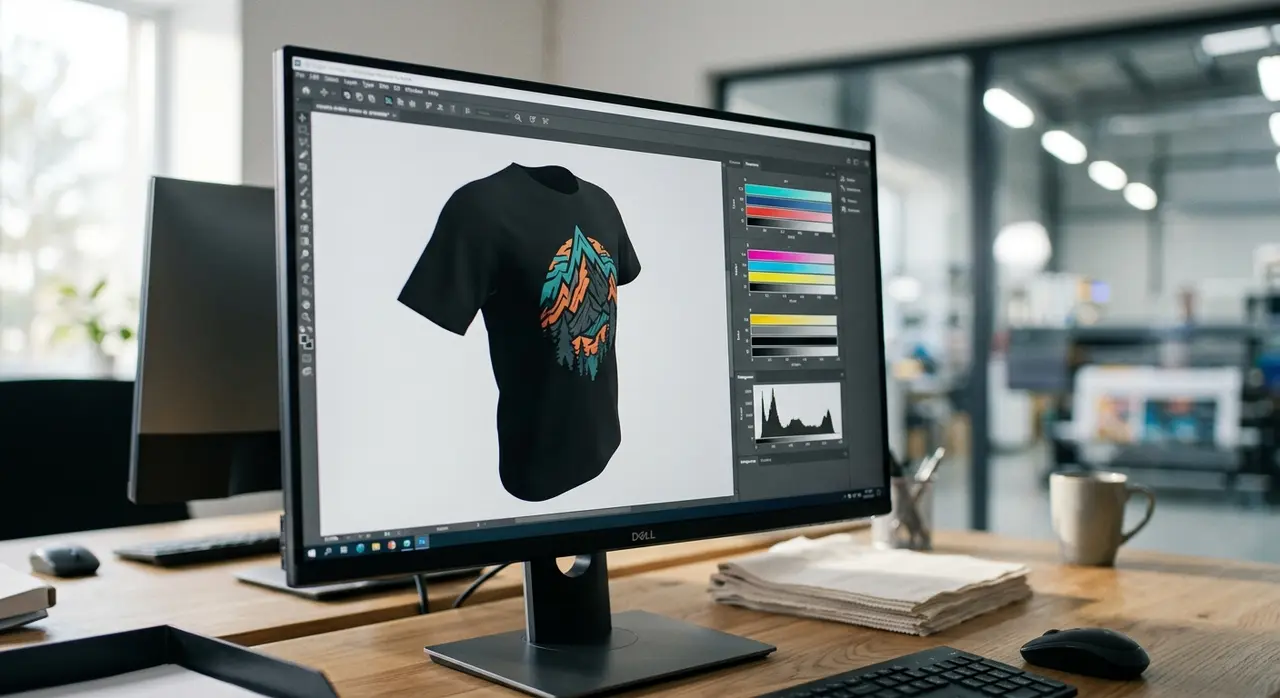
Where AI Comes In: Before any file reaches the RIP software, an AI pre-flight agent scans the document. It checks resolution, CMYK color profiles, safety margins, and minimum line thickness.
| Metric | Manual Checking | AI Pre-flight Checking |
|---|---|---|
| Time per file | 5 to 10 minutes | Under 3 seconds |
| Human Error Rate | High (fatigue, rushing) | Virtually Zero |
| Action on Error | Manual email to client | Auto-alert with required fix |
The Result: A drastic drop in wasted blanks and expensive ink. The AI catches the 72 DPI logo before the machine even warms up, saving your factory thousands of dollars in spoiled goods every month.
6. Predictive Material Forecasting via ERP APIs
The Manual Task: The purchasing manager guesses how many blank white mugs, liters of cyan ink, or rolls of transfer paper to buy based on gut feeling. Often, you run out of best-sellers during peak season or tie up cash in dead stock.
Where AI Comes In: AI connects directly to your management software. By integrating with the Bling API or the ContaAzul API, the AI analyzes historical sales trends, upcoming approved orders, and current inventory levels in real-time.
The Result: The AI automatically generates purchase orders for substrates and inks exactly when you need them. You maintain lean inventory without ever missing a delivery due to a lack of raw materials. Cash flow improves because you aren't hoarding unnecessary supplies.
7. Proactive Order Follow-up
The Manual Task: Your commercial team spends 40% of their day answering the same question on WhatsApp: "Is my order ready yet?" This prevents them from prospecting new B2B clients or upselling.
Where AI Comes In: An AI customer service agent monitors the production status via your ERP or production software. Every time a batch moves from "Printing" to "Quality Control" to "Shipped", the AI automatically sends a friendly WhatsApp update to the client.
The Result: The "Where is my order?" syndrome is cured. Clients feel valued and informed, increasing repeat business. Meanwhile, your sales team gets their time back to actually sell.
Conclusion
Running a factory for custom products doesn't have to mean living with constant chaos and high rework costs. By strategically implementing AI across your workflow—from the first artwork quote to the final delivery notification—you gain absolute control over your production line.
Whether it is structuring briefings, validating layouts, or syncing inventory through the Bling API and ContaAzul API, AI acts as your most reliable manager. It doesn't sleep, it doesn't forget details, and it strictly enforces your quality rules. Start small, automate your biggest bottleneck first, and watch your margins grow as errors disappear.
Frequently Asked Questions
Is AI hard to integrate with my current ERP system?
Not at all. Modern AI agents are built to connect seamlessly with popular Brazilian ERPs through APIs. Whether you use the Bling API, ContaAzul API, or custom software, integration is usually straightforward and handled by AI automation specialists.
Can AI really understand complex client artwork?
Yes. Vision-based AI models have advanced significantly. They can accurately analyze vector files and high-resolution images to detect color counts, gradients, and dimensions, making them highly reliable for automated quoting and pre-flight checks.
How long does it take to see a reduction in rework?
Most custom product factories see a dramatic drop in rework within the first 30 days of implementing AI for structured briefings and layout approvals. By forcing clients to provide complete information upfront, errors are caught before they reach the factory floor.
Will AI replace my sales or production team?
No, AI is a tool to empower them. AI takes over the repetitive, error-prone tasks like chasing clients for vector files or manually answering status updates. This allows your sales team to focus on closing bigger B2B deals and your production team to focus on quality control.