
Measuring WhatsApp Support Performance with CRM
Learn how to measure WhatsApp support performance using your CRM. Track response times, SLA compliance, and conversion rates to optimize team efficiency.
- WhatsApp Business
- CRM Metrics
- Customer Support Efficiency
- Sales Automation
- IAChatbot
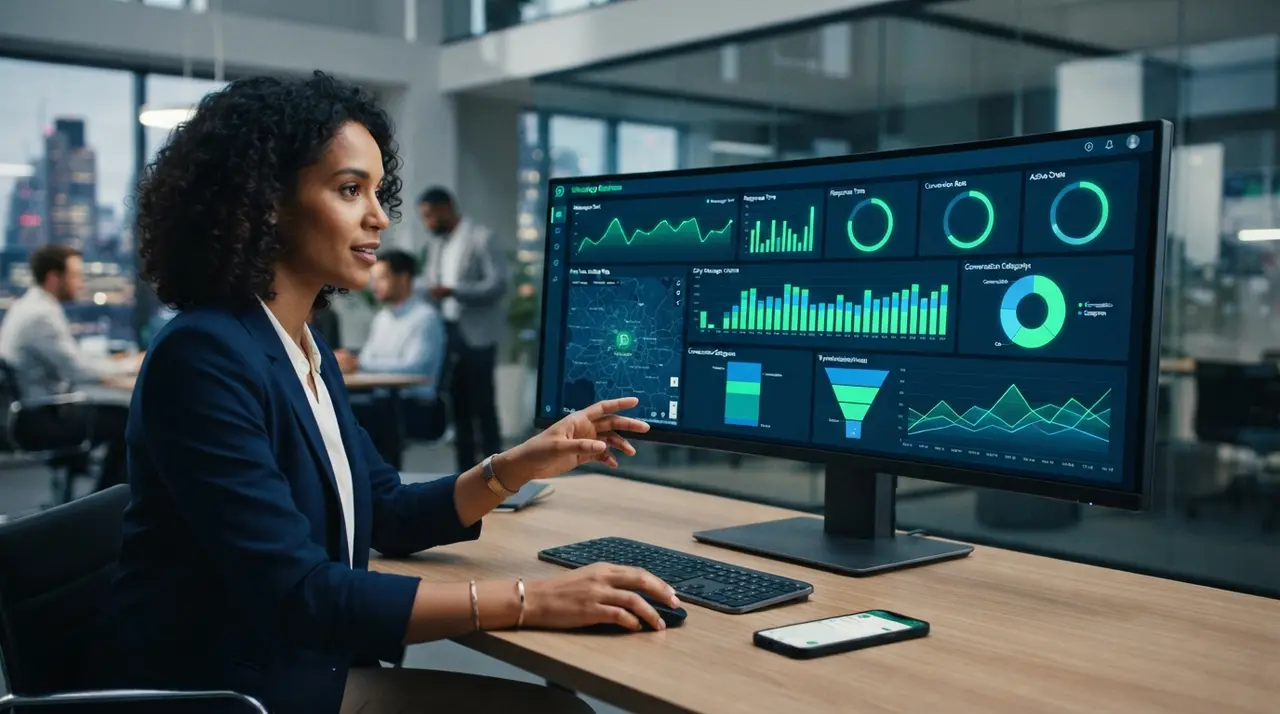
Measuring WhatsApp support performance in a CRM requires tracking key conversational metrics like first response time, average resolution speed, agent volume, and overall conversion rates. By connecting messaging workflows to a centralized customer database, businesses gain immediate visibility into operational efficiency and SLA compliance.
Without automated tracking, companies relying solely on standalone mobile devices or unmonitored whatsapp business web sessions struggle to evaluate individual team productivity. Integrating your messaging channel into a CRM transforms daily chat interactions into structured data, ensuring every lead and support inquiry receives timely, high-quality service.
5 Key WhatsApp Service Metrics to Track in Your CRM
A modern CRM converts unstructured chat logs into measurable operational performance metrics. To build an efficient customer support and sales engine on messaging platforms, management must monitor these core quantitative indicators:
- First Response Time (FRT): The precise elapsed time between a customer's incoming message and an agent's initial reply. Reducing FRT prevents lead drop-off during active buying decisions.
- Average Resolution Time (ART): The total duration required to completely solve a customer inquiry or close a support ticket.
- Interaction Volume per Agent: The aggregate number of concurrent and completed WhatsApp conversations managed by an individual representative.
- Conversion Rate: The percentage of inbound WhatsApp conversations that successfully convert into closed sales, qualified leads, or booked appointments.
- SLA Compliance Rate: The proportion of customer inquiries answered and resolved within pre-established company target timeframes.
How Integrated CRMs Collect and Visualize WhatsApp Analytics
Integrated CRMs extract conversational analytics directly through official API connections to provide real-time performance dashboards. Unlike basic chat applications, an enterprise CRM tags incoming events, registers exact message timestamps, and assigns conversations automatically based on pre-set distribution rules.
Marketing and sales strategies often rely on custom entry points where prospective clients click custom links generated through tools like a gerar link whatsapp service. When leads enter the funnel via these targeted entry points, the integrated CRM captures source attribution parameters, linking sales revenue directly to specific outreach campaigns.
| Performance Metric | Target Standard | Business Impact |
|---|---|---|
| First Response Time | Under 3 Minutes | Maximizes initial customer engagement and lead retention. |
| Average Resolution Time | Under 15 Minutes | Enhances customer satisfaction and agent ticket capacity. |
| SLA Compliance | 95% or Higher | Ensures consistent service quality across all support shifts. |
| Lead Conversion Rate | 15% - 30% | Directly increases monthly recurring revenue from chats. |

Measuring Outbound Broadcast Messaging and Campaign ROI
Combining broadcast messaging with CRM data segmentation prevents spam complaints while maximizing campaign conversions. When running large-scale promotions using a lista de transmissão whatsapp strategy, centralizing chat streams inside a CRM allows managers to track immediate reply volumes and downstream deal progress.
Without centralized tracking, launching a broadcast message sends hundreds of customer replies into disconnected individual phones or separate browser windows. Connecting these outbound triggers to an automated CRM flow allows smart routing engines to distribute incoming responses evenly among active agents.
Mini-Case Study: B2B Service Scaling with AI & CRM Metrics
A growing regional B2B logistics firm struggled with chaotic customer inquiries during peak promotional periods. Inbound response times frequently exceeded 45 minutes because representatives managed unorganized chats independently using separate whatsapp business web windows.
By implementing the IAChatbot platform connected directly to their primary CRM, the logistics provider automated immediate initial response triage and customer routing. Within 60 days, First Response Time decreased to under 20 seconds, agent capacity tripled without hiring additional staff, and sales conversion on marketing campaigns grew by 32%.

Actionable Strategies to Improve Support Teams with Data
Data-driven coaching transforms raw WhatsApp metrics into targeted operational standard operating procedures. Reviewing dashboard reports systematically empowers operational heads to build resilient team structures and boost overall service quality.
- Establish Automated Escalation Protocols: Configure automated notifications in your CRM when a conversation remains unanswered past defined SLA limits.
- Implement Intelligent AI Agents: Use automated AI agents to handle repetitive preliminary questions such as order tracking or business hours. Review the main benefits of AI automation to optimize agent workloads.
- Balance Agent Allocation: Utilize automated round-robin routing logic so no individual representative becomes overwhelmed with excess active threads.
- Analyze Conversation Quality: Perform periodic script audits on historical chat transcripts saved within customer timeline cards. Explore real-world customer service examples to refine your team's tone and closing techniques.
Frequently asked questions
How does a CRM track WhatsApp response time automatically?
A CRM calculates response metrics by recording official API timestamps for incoming customer messages and comparing them against agent reply timestamps. These metrics are processed instantly and displayed on visual analytics dashboards without requiring manual log entries from support staff.
Why is standard WhatsApp Business Web insufficient for performance analytics?
Standard WhatsApp Business Web lacks centralized reporting dashboards, multi-agent queue distribution tracking, automated SLA monitoring, and sales pipeline integration. It does not provide management with granular data on individual agent resolution speeds or conversation volume trends.
Can a CRM measure conversions originating from WhatsApp broadcast lists?
Yes, when broadcast messages are dispatched through a CRM connected to the WhatsApp API, the system tracks campaign open rates, customer reply percentages, and downstream pipeline movements generated by each segment list.
What is considered a healthy WhatsApp SLA response benchmark?
A healthy customer support benchmark is maintaining an SLA compliance rate above 95%, with initial response times under 3 minutes during business hours. Deploying AI chatbots allows companies to offer immediate response times 24 hours a day.