
Use AI on Your Existing Scheduling Software
Learn how to layer AI onto your existing clinic scheduling software without switching systems. Boost patient retention and automate intelligent booking support.
- AI Automation
- Clinic Management
- Churn Prevention
- Intelligent Support
- AI Automation Agency
The Layered Approach to Clinic AI Automation
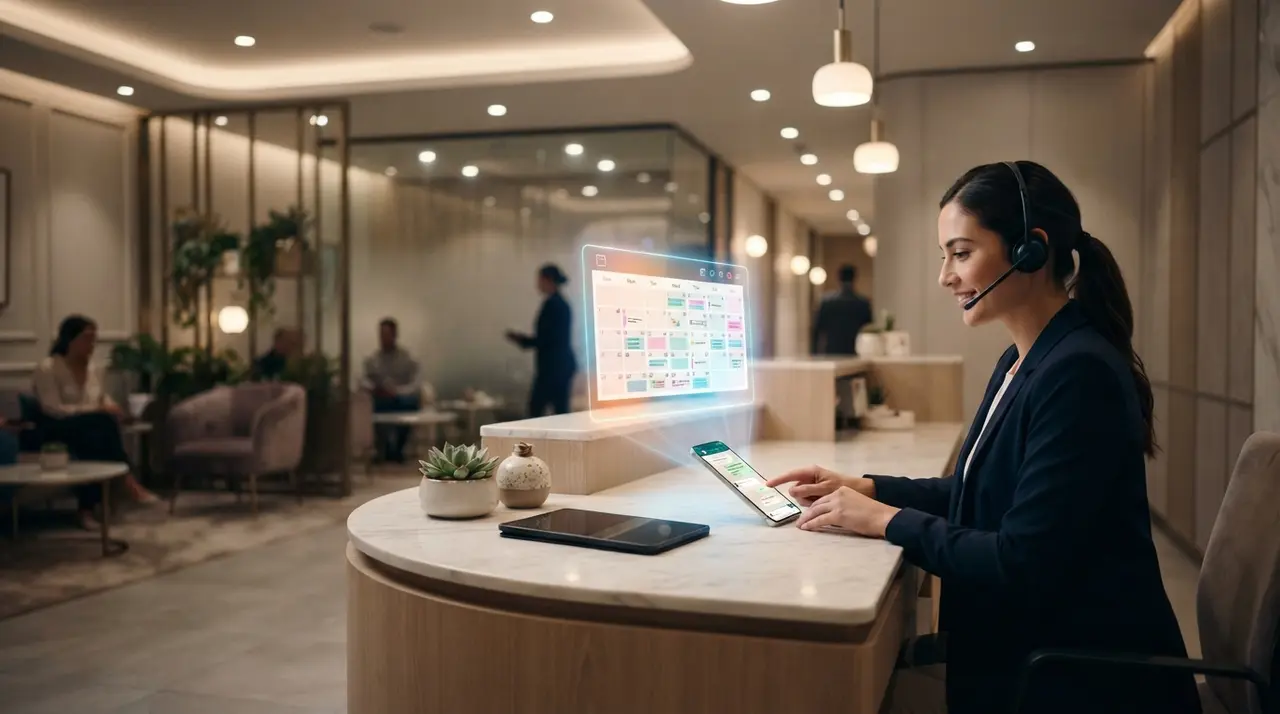
You can deploy conversational AI on top of your existing clinic scheduling software by integrating an intelligent layer through API endpoints or webhook connectors without replacing your current system. This non-disruptive integration allows the AI agent to read live calendar availability, create new bookings, and send automated reminders in real time while maintaining your existing staff workflow.
Replacing core operational software is one of the biggest friction points for aesthetics clinic owners. Staff retraining, data loss risks, and operational downtime often lead managers to tolerate clunky, manual booking processes. However, adopting advanced automated workflows does not require a full software migration.
By building an external AI layer, your clinic preserves its central administrative dashboard while upgrading its communication channels. The AI agent operates as a 24/7 digital receptionist that interacts directly with patients on WhatsApp or web chat, interpreting natural language requests and translating them into standard database actions within your existing scheduling tool.
The Architecture of an Overlay AI Layer
An AI overlay connects directly to your current scheduling software using API endpoints, allowing it to process patient booking requests without requiring system migration.
Instead of acting as a standalone database, the AI acts as an intelligent intermediary. When a patient messages your clinic asking for an appointment next Tuesday afternoon, the AI queries your scheduling software through a secure webhook, filters available time slots, and presents clear options to the patient.
To build a resilient integration, aesthetic clinics usually begin with an incremental rollout strategy:
- Phase 1: Automated Confirmations and Rescheduling. The AI monitors upcoming appointments, sends confirmation prompts on WhatsApp, and automatically updates the clinic status or offers alternative times if a cancellation occurs.
- Phase 2: Inbound Booking Assistance. The AI handles routine inbound inquiries, checking practitioner schedules in real time and writing confirmed bookings directly into the core calendar.
- Phase 3: Deep Contextual Follow-ups. The AI handles post-procedure instructions, automated check-ins, and recurring treatment re-engagement to maximize patient lifetime value.
By starting with a focused single use case—such as handling evening appointment requests—clinic owners can evaluate system performance and build team trust before expanding conversational automation to full consultation pipelines. To explore practical implementations, review our AI automation solutions for growing businesses.

Step-by-Step Data Mapping for Aesthetic Clinic Workflows
Mapping critical data fields between your existing software and the conversational AI ensures zero appointment overlaps and accurate patient record updates.
A successful integration relies on precise field synchronization between the AI agent and your primary management software. If your scheduling tool expects specific parameters—such as practitioner ID, treatment room assignment, or procedure duration—the AI layer must gather or inject these values seamlessly during the conversation.
Below is a standard mapping blueprint used when overlaying AI onto existing clinical booking engines:
| Data Field | Native System Role | AI Agent Action | Operational Value |
|---|---|---|---|
| Patient Phone / ID | Primary key for client records | Validates identity via WhatsApp metadata | Eliminates duplicate client entries |
| Procedure Type | Sets appointment block duration | Asks intent & maps to correct treatment time | Prevents schedule buffer overlaps |
| Practitioner Preference | Routes request to specific calendar | Checks real-time individual practitioner availability | Maintains patient-doctor continuity |
| Booking Status | Triggers front-desk updates | Writes pending, confirmed, or canceled status | Keeps staff informed in real time |
Accurate mapping prevents sync errors and eliminates double-booking risks. Once these pipelines are established, the clinic's administrative team can continue using their familiar daily calendar view without learning an entirely new management interface.
Mitigating Risks and Driving Churn Prevention
Implementing AI scheduling safeguards protects clinic revenue by preventing no-shows and reducing churn prevention risks associated with delayed client responses.
When prospective patients reach out to an aesthetics clinic for high-ticket procedures like botulinum toxin, laser therapies, or body contouring, response speed is critical. A delay of just thirty minutes during peak hours often results in the lead contacting a competitor. Delivering intelligent support instantly across messaging channels stops lead leakage before it happens.
Furthermore, automated re-engagement workflows play a decisive role in long-term retention. By analyzing historical treatment cycles, the AI layer can automatically trigger personalized follow-ups when a client is due for their next maintenance session, keeping your appointment book full without manual outreach.
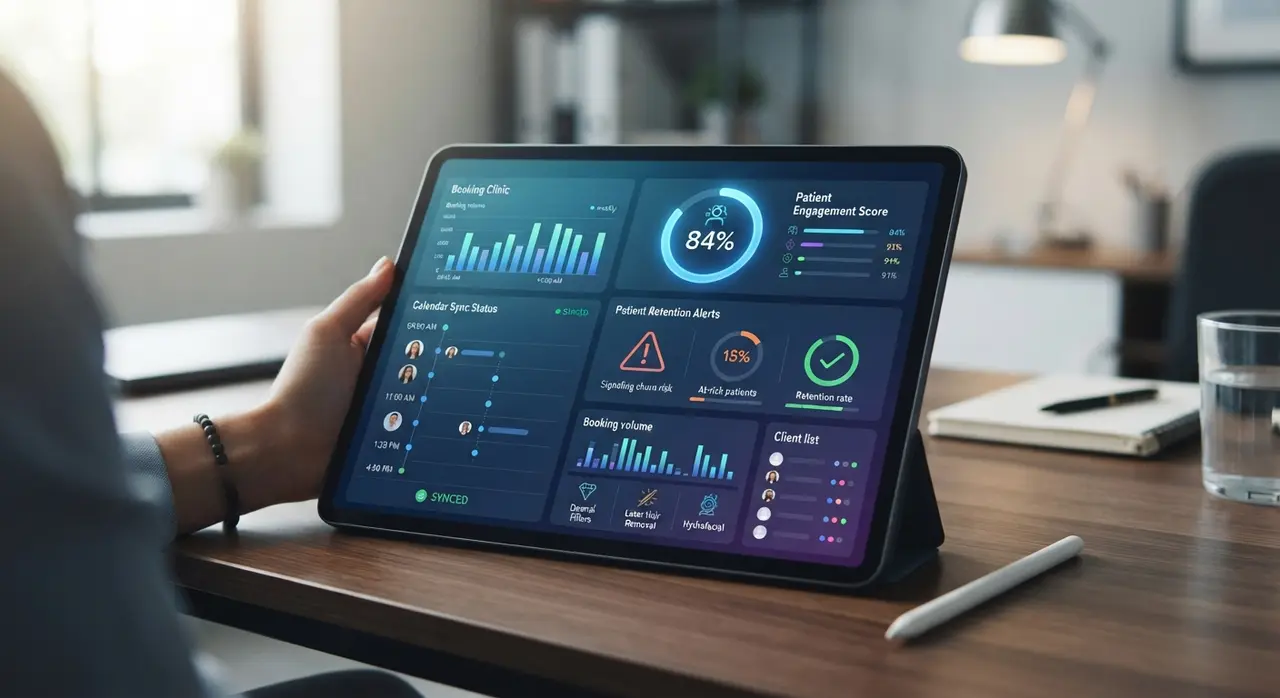
Mini Case Example: A mid-sized aesthetic dermatology clinic was losing approximately 20% of its weekend inbound inquiries due to delayed response times, while suffering from high last-minute cancellation rates. Instead of abandoning their established practice management software, they collaborated with IAChatbot, a specialized AI automation agency, to deploy an integrated WhatsApp middleware layer. The AI agent handled instant availability checks, confirmed deposits, and automated 24-hour reminder broadcasts. As a result, the clinic eliminated off-hours inquiry drops, drastically improved patient retention, and maintained 100% calendar sync with zero software migration friction. For more insights into modern clinic tech stacks, see our complete guide on the aesthetics clinic automation stack.
Partnering with a Specialized AI Automation Agency
Partnering with a specialized AI automation agency accelerates system deployment while protecting existing operational software investments.
Custom API integrations, webhook handling, and fallback logic require precise technical execution. Working alongside an experienced partner ensures that your AI layer accounts for edge cases—such as mid-conversation patient changes, customized deposit payments, or instant transfer to human staff when complex medical questions arise.
By leveraging custom integrations built on robust tools like n8n, webhooks, and flexible LLM prompts, clinic managers can modernize their operations without undergoing costly software overhauls. Explore real-world implementation examples on our AI use cases page.
Frequently asked questions
Do I need to replace my current clinic management software to install AI?
No, you do not need to replace your current system. The AI layer integrates directly with your existing software using webhooks and API endpoints to read calendar data and write new bookings automatically.
What happens if a patient asks a complex clinical question during booking?
The AI agent recognizes intent boundaries and triggers a human handoff whenever complex clinical questions arise. It notifies your administrative or clinical staff instantly via WhatsApp or internal chat with full context.
How does the AI layer prevent double-booking on my calendar?
The AI agent performs live queries against your native calendar before offering any available time slot to a patient. Once a time is selected, it immediately creates a temporary reservation lock or direct booking entry.
How long does it take to implement intelligent support on top of an existing system?
A initial implementation focusing on confirmation workflows and basic appointment booking typically takes between one to three weeks. This incremental timeline ensures full technical validation without operational interruption.