
AI Art Approval Agent: Validate Layouts Before Production
Discover how an AI art approval agent validates layouts, checks colors, and secures client sign-off via WhatsApp Business API to eliminate factory rework.
- AI Customer Service
- Business Automation
- WhatsApp API
- Custom Manufacturing
- n8n Workflows
The Cost of Miscommunication in Custom Production
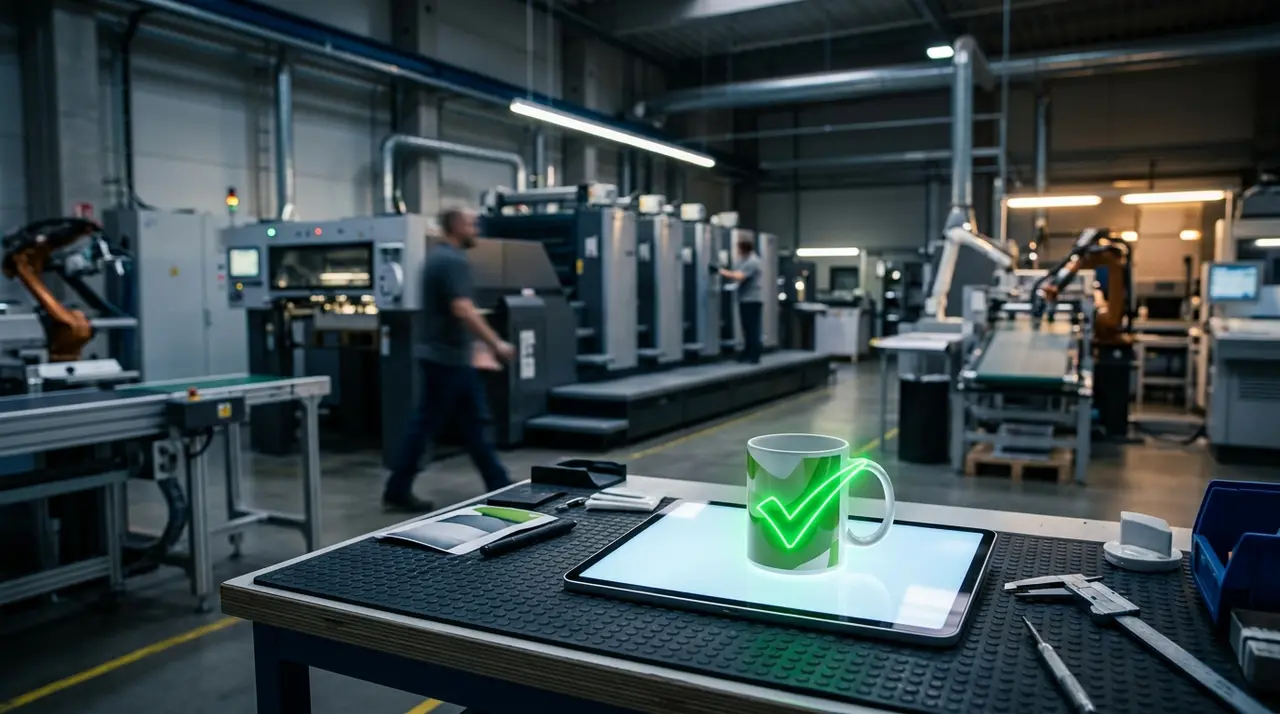
In the custom merchandise and promotional gifts industry, precision is everything. A logo printed slightly off-center or a color mismatch doesn't just result in an unhappy client; it means wasted materials, lost machine time, and severely impacted profit margins. Factory owners and production managers know this pain all too well.
Traditionally, validating a layout before production involves a tedious back-and-forth process. Designers send emails, wait days for a reply, or chase clients through disorganized messages. This manual workflow creates bottlenecks that slow down the entire factory floor.
But what if you could automate this entire validation cycle? Enter the AI art approval agent. By leveraging the WhatsApp Business API, this intelligent assistant handles the heavy lifting of layout validation directly on the client's favorite messaging app.
How the AI Art Approval Agent Works
An AI agent designed for art approval acts as a bridge between your design team and your client. It ensures that every technical detail is reviewed and explicitly accepted before a single drop of ink hits the product.
Here is how the automated workflow operates in a real-world factory setting:
- Order Data Ingestion: The AI pulls the order details from your ERP or CRM, including the requested product, dimensions, and color codes.
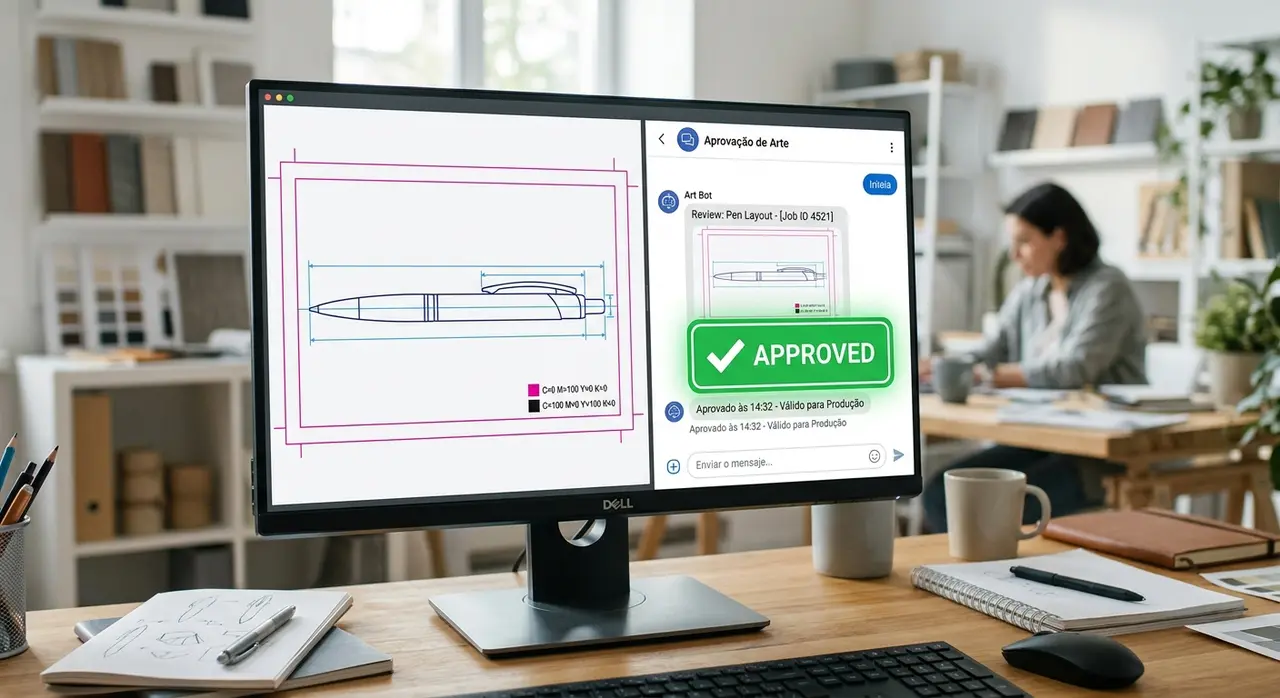
- Mockup Dispatch: Once your designer uploads the final digital mockup, the AI instantly sends it to the client via WhatsApp.
- Technical Checklist: The agent asks the client to confirm specific parameters, such as the print area, spelling of names, and logo placement.
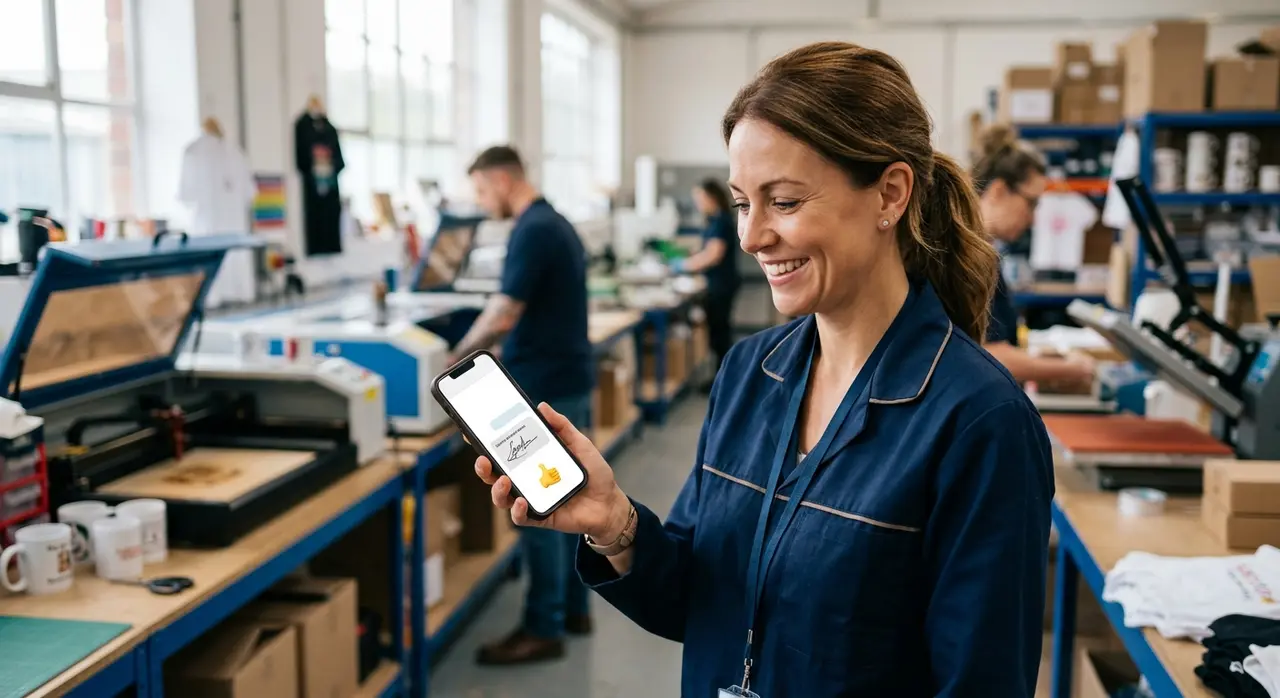
- Formal Acceptance: The AI registers a clear "I agree" or "Approved" from the client, logging the exact timestamp and phone number for your records.
This systematic approach completely eliminates the "I didn't notice that error" excuse. The client is guided through a structured review process that is both fast and legally binding within your system.
Connecting the Dots: What is n8n?
You might be wondering how your design software, your sales CRM, and WhatsApp all talk to each other to make this happen. The secret lies in backend automation, which brings us to an important question: what is n8n?
Simply put, n8n is a powerful workflow automation tool that connects different apps and APIs. In the context of an AI art approval agent, n8n acts as the central brain. It watches your system for a "Mockup Ready" status, triggers the AI to formulate a personalized message, and sends it through the WhatsApp Business API.
If the client approves the art, n8n automatically updates your production board (like Trello, Monday, or your custom ERP) to "Ready for Print". If the client requests changes, n8n routes the feedback directly back to the designer's queue.
Setting Boundaries: The Human in the Loop
While AI is incredibly efficient at handling the routine checks, it is not meant to replace your team entirely. Humanized customer service remains a critical component of high-ticket or complex B2B sales.
The AI agent is programmed with strict boundaries. It can answer basic questions about the mockup, such as "Can we make the logo bigger?" by explaining the standard print area limits. However, if a client requests a complete redesign or becomes frustrated, the AI seamlessly transfers the conversation to a human representative.
This hybrid approach ensures that your clients get instant responses for simple approvals, while your staff is reserved for handling nuanced design changes and building relationships. For more insights on how automation helps custom manufacturers, check out our guide on AI for gift factories.
The Anatomy of a Perfect Approval Flow
To truly prevent rework due to artwork errors, the AI agent's message must be clear, visual, and require an explicit action. Let's look at a mini-case of a custom tumbler factory.
When a client orders 500 laser-engraved tumblers, the AI sends the following sequence:
- The Greeting: "Hi Sarah! Your custom tumbler mockup is ready. Please review the attached image."
- The Image: A high-resolution image of the mockup is sent directly in the chat.
- The Checklist: "Please confirm: 1. The logo is correct. 2. The engraving area (5x5cm) is acceptable. 3. The spelling of the event name is accurate."
- The Call to Action: "Reply with 'YES' to approve for production, or 'NO' to request changes."
If Sarah replies "YES", the AI records this exact message. This logged "I agree" becomes your safety net. If Sarah later complains about the spelling, you have a registered validation prior to production.
Comparing Workflows: Manual vs. AI-Driven
To illustrate the massive impact of this technology on your daily operations, let's compare the traditional manual approval process with an AI-driven workflow.
| Feature | Manual Process | AI Art Approval Agent |
|---|---|---|
| Delivery Speed | Hours or days (waiting on emails) | Instant delivery via WhatsApp |
| Follow-ups | Manual chasing by sales reps | Automated, polite reminders |
| Record Keeping | Scattered across emails and chats | Centralized and logged in the ERP |
| Error Rate | High (human oversight) | Near zero (structured checklists) |
| Staff Focus | Admin work and chasing clients | Creative design and complex sales |
As the table shows, automating this step not only protects your materials but also frees up your team to focus on revenue-generating tasks. If you want to explore more ways this technology can transform your business, take a look at our AI use cases in customer service and sales.
Avoiding Production Disasters with Smart Logic
One of the biggest advantages of using an AI agent is its ability to understand context. It doesn't just blindly accept any response. If a client replies, "Looks good, but can we change the blue to red?", a simple rule-based bot might accidentally trigger an approval because it saw the word "good".
An advanced AI agent understands the nuance. It recognizes that a change was requested and will reply: "I understand you want to change the color to red. I will send this back to our design team and notify you when the new mockup is ready."
This intelligent parsing prevents premature production greenlights and ensures that only 100% validated layouts make it to the factory floor.
Scaling Your Custom Production Seamlessly
For small to medium-sized factories, growth often brings chaos. More orders mean more mockups, more approvals, and a higher chance of a costly mistake slipping through the cracks. By implementing an AI art approval agent, you build a scalable foundation.
Whether you are processing 10 orders a day or 1,000, the AI handles the validation with the exact same level of precision. Your designers can focus on creating stunning artwork, your production team can trust that every layout in the queue is fully authorized, and your clients enjoy a seamless, professional experience.
To see how we can tailor this exact workflow for your factory's unique needs, explore the full range of IAChatbot AI solutions.
Frequently Asked Questions
Can the AI agent handle multiple revisions from a picky client?
Yes. The AI agent can manage the back-and-forth of revisions by routing the client's feedback to the design team and sending updated mockups. However, you can set limits (e.g., after 3 revisions, it hands the chat over to a human representative) to ensure complex issues are handled personally.
Does this workflow integrate with my existing ERP or order management system?
Absolutely. Using automation platforms like n8n, the AI agent can seamlessly connect with most modern ERPs, CRMs, and project management tools. It pulls order data directly from your system and pushes the final approval status back without manual data entry.
Is the WhatsApp approval legally binding for production?
Yes, when set up correctly. The AI logs the exact timestamp, the client's registered phone number, and their explicit affirmative response (like "YES" or "I approve") to your technical checklist. This creates a clear digital trail that serves as formal authorization to begin production.
What happens if the client asks a technical question the AI doesn't know?
The AI is trained on your specific product catalogs and printing limitations. If a client asks a highly specific question outside its training data, the AI will politely inform the client that it is transferring the chat to a human specialist, maintaining a high standard of humanized customer service.