
How to Automate Your ISP Support with Botpress & n8n
Learn how to build an automated customer service for your ISP using a Botpress chatbot and n8n automation. Connect your ERP and scale support today.
- ISP Automation
- Botpress
- n8n
- AI Customer Service
- ERP Integration
If you run a regional Internet Service Provider (ISP), you already know the drill. Whenever a local network issue occurs or billing day approaches, your support queue blows up. Delivering fast, 24/7 support is no longer a luxury; it is a baseline requirement to prevent churn.
This is where automated customer service steps in. But we are not talking about those frustrating, rigid "press 1 for finance" menus. We are talking about building a smart, conversational system using a Botpress chatbot connected to an n8n automation pipeline.
In this practical guide, you will learn exactly how to combine these two powerful tools. We will show you how to create a chatbot that talks like a human and uses systems integration to fetch real-time data from your ERP—solving customer issues without any human intervention.
The Perfect Match: Dividing Roles Between Botpress and n8n
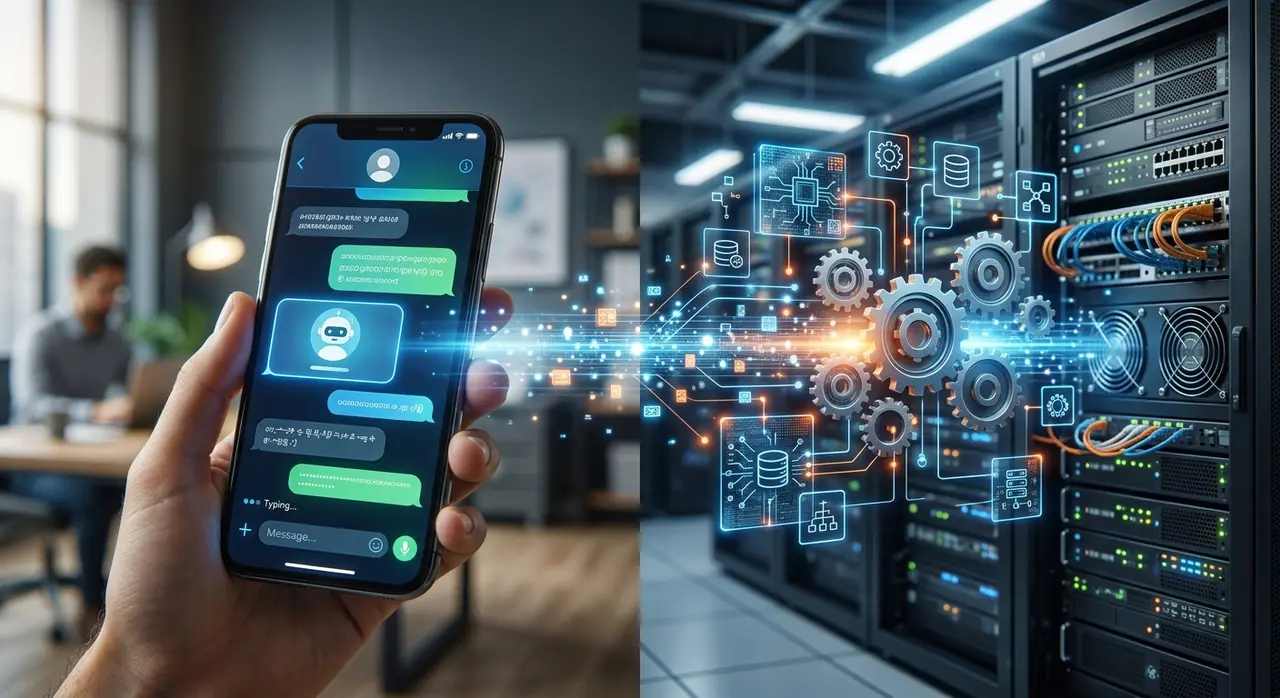
To build a functional n8n workflow combined with AI, you must understand the division of labor. Think of Botpress as the brain and mouth, while n8n acts as the hands and nervous system.
- Botpress (The Conversational Agent): This platform handles the Natural Language Processing (NLP). It understands typos, context, and user intent. It asks for the customer's CPF or CNPJ and validates the input smoothly.
- n8n (The Middleware): This is your automation engine. Once Botpress knows what the user wants, it sends a signal to n8n. n8n then talks to your ERP (like IXC, SGP, or TOPSAPP), fetches the invoice link, and sends it back to the bot.
By separating the conversation from the logic, you keep your system clean, highly scalable, and secure against data leaks.
Step 1: How to Create a Chatbot in Botpress
Building your first flow in Botpress requires mapping out the most common ISP requests. Typically, over 80% of your tickets revolve around duplicate bills, trust unlocks, and connection status inquiries.
Here is how you start structuring the bot:
- Set up the Knowledge Base: Upload your ISP's FAQ documents, business hours, and basic troubleshooting steps directly into Botpress. The AI will use this to answer general questions instantly.
- Capture User Data: Create a node in your flow specifically to ask for the customer's CPF or CNPJ. Use regex (regular expressions) to ensure the format is correct before moving forward.
- Define Intents: Train the bot to recognize phrases like "send my boleto" or "my internet is blocked." Once the intent is clear, trigger an API call to n8n.
Step 2: Structuring Your First n8n Workflow
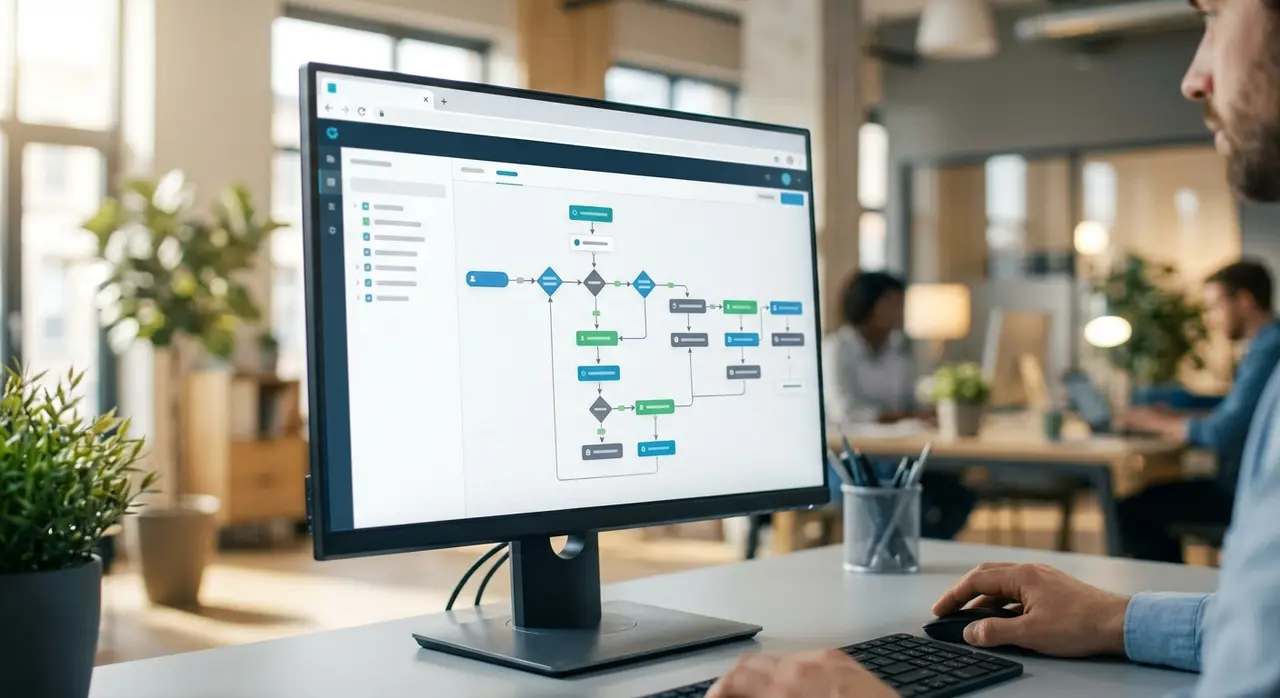
Now that your bot can talk, it needs to act. An n8n workflow is built using nodes that trigger events, process data, and connect to external APIs securely.
For an ISP, the workflow usually follows this specific path:
- Webhook Node: n8n listens for a secure HTTP request coming from Botpress containing the customer's CPF and the identified intent.
- HTTP Request Node (ERP API): n8n takes that CPF and queries your billing software. If you use SGP, for example, you can Automate SGP Provedor to pull the latest open invoice directly from the database.
- Data Processing: n8n formats the JSON response from the ERP, isolating just the PDF link or the PIX copy-paste code.
- Webhook Response: n8n sends this formatted data back to Botpress, which then displays it nicely to the customer on WhatsApp.
Practical Mini-Case: The "Trust Unlock" Automation
Let’s look at a concrete example that drains support time: the trust unlock (desbloqueio de confiança). A customer pays their late bill on a Friday night, but the bank won't clear the payment until Monday. Their internet is blocked, and they are understandably angry.
Here is how the automated flow resolves this issue in seconds:
- The customer texts your WhatsApp: "I paid my bill yesterday, please unblock my internet!"
- The Botpress chatbot identifies the "Trust Unlock" intent and asks for the CPF.
- Botpress sends the CPF to n8n via a webhook.
- n8n queries the ERP API to check if the customer is eligible for a trust unlock (e.g., ensuring they have no other pending bills older than 60 days).
- If eligible, n8n sends a POST request to the ERP to unlock the connection. For instance, you can easily automate IXC trust unlock this way without any human touching the system.
- n8n replies to Botpress with a "Success" message.
- Botpress tells the customer: "Your connection has been restored! It might take up to 5 minutes for your router to reconnect."
The result? Zero human intervention, a happy customer, and a relieved support team that can focus on real technical issues.
Why This Duo Beats Native ERP Bots
Many ISPs rely on the basic chatbots provided natively by their ERPs. While functional, they are often rigid, rely heavily on numbered menus, and offer terrible user experiences.
Combining Botpress and n8n gives you total control over your systems integration.
- No Vendor Lock-in: If you decide to change your ERP tomorrow, your conversational AI remains exactly the same. You just update a few nodes in your n8n automation pipeline.
- Omnichannel Capabilities: The exact same Botpress agent can answer WhatsApp, Telegram, Instagram, and your website's live chat seamlessly.
- Advanced Logic: You can add conditions in n8n. For example, if a customer requests a technician, n8n can first check your network monitoring tool (like Zabbix) to see if there is a massive regional outage, and inform the user before opening a useless ticket.
Best Practices for Deployment
When launching your new AI-driven support, do not try to automate 100% of tasks on day one. Start small, gather data, and scale up gradually.
First, implement duplicate bills. Monitor the conversations in Botpress to see how users naturally ask for their boletos. Use that data to improve the NLP training. Next, roll out technical support triage and trust unlocks.
Always leave an escape hatch. If the bot fails to understand the user twice, or if the user explicitly asks for a human, route the ticket to your live agents. You can learn how AI reads your ERP to provide full context to the human agent when the transfer happens, so the customer never has to repeat themselves.
Conclusion
Automating your ISP is no longer just about cutting operational costs; it is about delivering a frictionless, modern experience. By leveraging a Botpress chatbot for natural conversations and n8n automation for backend heavy lifting, you build a highly scalable support machine.
Your team stops acting like robots resetting passwords and sending PDFs, and starts focusing on complex retention strategies, upselling, and network improvements.
Frequently Asked Questions
Do I need advanced coding skills to use n8n and Botpress?
Not necessarily. Both platforms offer visual, drag-and-drop interfaces. However, to build robust systems integration with your ERP, you will need a solid understanding of APIs, JSON formats, and basic logic loops. If you lack an in-house developer, partnering with specialized AI agencies is highly recommended to avoid security flaws.
Which ISP software can I connect to this automated workflow?
Because n8n acts as an open API connector, you can integrate virtually any modern ERP that has a well-documented API. This includes popular ISP systems like IXC Provedor, SGP, TOPSAPP, Mk-Auth, HubSoft, and Voalle.
Is a Botpress AI agent really better than a standard menu-based bot?
Absolutely. Menu-based bots force users into rigid paths (e.g., "Type 1 for Finance"), which frustrates customers. A Botpress AI agent uses Natural Language Processing (NLP) to understand free text. A user can simply type "I need my invoice for this month" or even send an audio message, and the bot will instantly comprehend the intent and fetch the right document.