
Botpress WhatsApp & Dify: AI Booking & FAQ Guide
Integrate Botpress WhatsApp and Dify to automate aesthetic clinic booking and procedure FAQs accurately. Scale your MedSpa patient acquisition today.
- Botpress WhatsApp
- Dify AI
- Aesthetic Clinics
- Generative AI
- n8n Integration
- Chatbot Automation

Combining Botpress WhatsApp automation with Dify's advanced generative AI creates a dual-engine system that manages strict appointment scheduling alongside nuanced procedure inquiries for aesthetic clinics. This hybrid setup ensures patient questions about treatments like Botox, laser therapy, or dermal fillers are answered accurately using ia generativa while maintaining rigid, error-free calendar booking logic.
For aesthetic clinic owners and practice managers, managing incoming WhatsApp traffic is a constant balancing act. Front-desk teams are frequently overwhelmed by repetitive pre-treatment questions and complex scheduling demands, which leads to slow responses and lost consultations.
The Dual Bottleneck in Aesthetic Clinic Communications
Aesthetic clinics face two distinct communication hurdles on messaging channels: precise technical information delivery and strict schedule management. Prospective patients require detailed answers regarding recovery times, contraindications, and pricing packages before committing to a consultation.
Traditional linear chatbots excel at step-by-step logic like booking calendars, but struggle with open-ended medical inquiries. Conversely, standalone large language models (LLMs) provide natural answers but often hallucinate or fail when attempting to execute deterministic database transactions like calendar holds.
Deploying a single tool to handle both conversational depth and administrative precision often leads to operational breakdowns. By separating conversational reasoning from structural execution, clinics build a reliable automated pipeline that converts cold inquiries into paid treatments.
Botpress WhatsApp: Managing Flow and Scheduling Logic
Botpress serves as the master dialog controller for WhatsApp patient interactions. It excels at maintaining state control, enforcing structured data collection, and interfacing with clinic management APIs.
When a prospective patient contacts the clinic via a botpress whatsapp channel, Botpress initiates the conversation. It handles greeting protocols, captures patient consent, collects essential contact details, and presents interactive menus or clear decision paths.
- Deterministic State Control: Keeps patient tracking intact from initial inquiry to final booking confirmation.
- Calendar API Integration: Directly queries Google Calendar, EHR platforms, or clinic management software for real-time slot availability.
- Fallback Management: Routes complex patient requests directly to human clinic staff when specific rules are triggered.
By delegating structured flow control to Botpress, the system eliminates booking conflicts, missing intake fields, and calendar overlaps. To see how structured conversational flows fit into a broader practice infrastructure, explore our guide on the 2026 AI automation stack for aesthetics clinics.
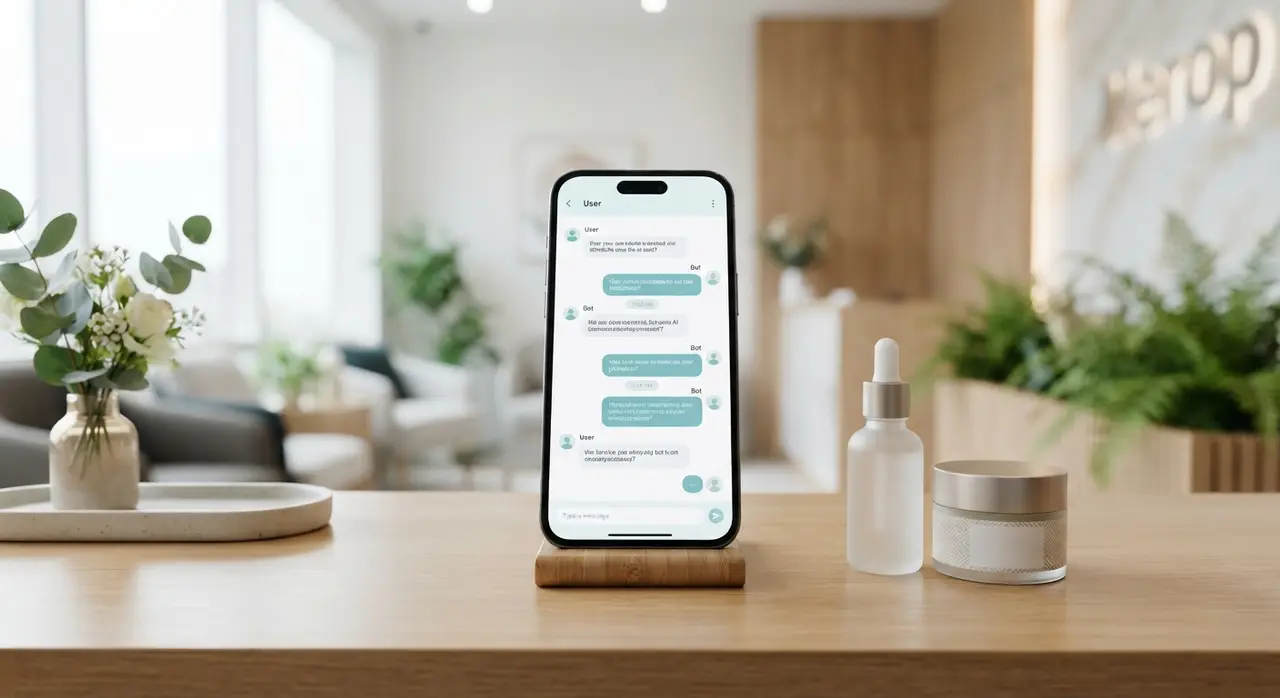
Dify: The Specialized Knowledge Engine for Procedures
Dify acts as the central Retrieval-Augmented Generation (RAG) engine that provides instant, grounded answers to patient questions. It ingests the clinic's specific clinical protocols, post-care guides, procedure brochures, and pricing sheets.
When a patient asks detailed questions such as "What is the downtime after a chemical peel?" or "Can I combine microneedling with hyaluronic acid fillers?", Botpress routes the text snippet to Dify. Dify searches the vectorized knowledge base and generates an authoritative, context-aware answer.
Using ia generativa through Dify prevents AI hallucinations by constraining the language model strictly to verified clinic documentation. Patients receive warm, conversational responses that accurately mirror the clinic director's medical standards.
Connecting the Stack: What is n8n and How Does It Middleware?
Understanding n8n o que é (what n8n is) is essential for linking front-end conversational interfaces with back-end database layers. n8n is an open-source workflow automation platform that acts as the connective tissue between Botpress, Dify, WhatsApp Webhooks, and practice management CRMs.
Rather than writing custom hardcoded integrations, n8n orchestrates data payloads between services in real time. It receives events from Botpress, sends requests to Dify for procedure knowledge retrieval, updates clinic databases, and returns formatted responses back to WhatsApp.
- Webhook Trigger: Botpress sends an incoming patient question payload to an n8n workflow.
- Context Query: n8n queries Dify with the patient query and retrieves validated clinical advice.
- Data Enrichment: n8n appends active patient record data from the clinic CRM.
- Response Delivery: n8n feeds the combined answer back to Botpress for natural WhatsApp output.
This modular setup allows clinics to upgrade individual components, such as changing an LLM model in Dify or switching CRM providers, without rebuilding their entire WhatsApp conversation system.
Architecture Comparison: Division of Roles
Dividing responsibilities across specialized platforms prevents systemic errors and maintains speed. The comparison table below highlights how each platform functions within an integrated clinic automation stack.
| Platform | Primary Role | Key Function in Stack | Strengths |
|---|---|---|---|
| Botpress | Dialog Controller | WhatsApp interface, step-by-step state tracking, calendar scheduling | Strict workflow enforcement, native WhatsApp integration |
| Dify | Knowledge Engine | RAG retrieval, procedure FAQ responses, treatment pre-care advice | Grounded generative AI responses, vector search precision |
| n8n | Workflow Middleware | Data routing between Botpress, Dify, CRM, and appointment APIs | Flexible webhook orchestration, deep database integration |
Designing the Integrated Patient Journey
An optimized patient journey bridges natural discovery questions with direct conversion triggers seamlessly. The system dynamically switches between informational Q&A mode and administrative booking mode based on user intent.
When a customer asks about treatment packages, Dify explains the package components, recovery windows, and ideal candidacy criteria. Once the patient demonstrates booking intent (e.g., "Do you have availability this Friday?"), Botpress takes over the conversation flow.
Botpress prompts the patient for their preferred timeframe, validates their identity against the CRM via n8n, displays available time slots, and books the consultation directly into the practice management software. Discover more practical setups across industries in our list of real-world chatbot use cases.

Case Study: Modern MedSpa Scales Consultations with IAChatbot
A mid-sized aesthetic clinic specializing in laser treatments and facial harmonization struggled with high lead drop-off rates on WhatsApp. Front-desk staff took up to three hours to respond to complex procedural inquiries during peak clinic hours.
By partnering with IAChatbot to implement a hybrid Botpress and Dify system powered by n8n middleware, the clinic transformed its digital front desk. Dify immediately handled complex inquiries regarding laser wavelengths, skin prep, and package pricing using verified clinic guidelines.
As a direct result, consultation bookings increased significantly while receptionist workload dropped dramatically. Patient satisfaction scores improved because inquiries were answered in under 15 seconds, 24 hours a day, without sacrifice to medical information precision. Practices seeking similar operational transformations can evaluate tailored options via our tailored AI solutions page.
Best Practices for Clinical Knowledge Base Setup in Dify
Setting up an accurate knowledge base inside Dify requires structuring documentation clearly before vectorization. Raw unstructured PDFs often yield fragmented answers when queried by generative models.
Divide your clinic documents into clear, single-topic Markdown or text files. Create dedicated documents for each treatment covering indications, contraindications, procedure length, expected results, post-procedure care, and pricing structures.
Regularly audit Dify query logs to identify common unhandled patient questions. Updating the vector document repository monthly ensures your WhatsApp assistant remains fully aligned with updated medical protocols and active promotional campaigns.
Frequently asked questions
Why use both Botpress and Dify instead of just one platform?
Botpress provides deterministic control for scheduling and API transactions, while Dify delivers natural, hallucination-free procedural answers using specialized RAG knowledge retrieval. Using them together prevents scheduling glitches while delivering rich, human-like answers to patient treatment questions.
How does WhatsApp connect to this dual Botpress and Dify setup?
WhatsApp Business API connects directly to Botpress as the front-end messaging interface. When a patient message requires knowledge retrieval, Botpress passes the query payload to Dify through an n8n webhook middleware, returning the generated response back to the patient's WhatsApp screen seamlessly.
What is n8n and why is it needed in this architecture?
n8n is an open-source workflow automation platform that connects different software applications via webhooks and APIs. In this architecture, it routes data between Botpress, Dify, CRM databases, and calendar management platforms without requiring complex custom coding.
Can Dify handle sensitive medical information safely?
Dify can be configured using private vector stores and self-hosted open-source language models or enterprise API endpoints. This ensures patient inquiries and practice guidelines remain encrypted and compliant with regional data protection standards.