
Automate Event Check-in with n8n & WhatsApp
Discover how to automate event accreditation and check-in using n8n and WhatsApp. Reduce lines, speed up entry, and improve attendee experience effortlessly.
- Event Automation
- n8n
- WhatsApp API
- Process Automation
- Check-in System
The Secret to Zero Lines at Your Next Event
Nothing kills the excitement of a highly anticipated event faster than a massive, slow-moving line at the door. For event producers and managers, the check-in process is the ultimate test of operational efficiency. If you are still relying on printed lists, manual spreadsheet searches, or disconnected ticketing apps, you are risking your event's reputation before attendees even walk in.
This is where process automation changes the game. By connecting your ticketing platform, your database, and your communication channels, you can create a seamless, frictionless entry experience. The secret weapon for this? A powerful workflow automation tool called n8n.
If you are wondering what is n8n and how it applies to your production company, you are in the right place. In this guide, we will break down the exact step-by-step method to automate event accreditation and check-in. We will cover everything from instant registration validation to sending tickets via n8n WhatsApp integrations, ensuring your staff can scan and approve attendees in milliseconds.
What is n8n? A Quick Primer for Event Producers
Before diving into the technical flow, let us answer the big question: what is n8n? Simply put, n8n is a visual, node-based automation tool that allows different software applications to talk to each other. Unlike rigid, pre-packaged event software, n8n gives you the freedom to build exactly what your operation needs.
Think of n8n as the digital stage manager of your event. It works behind the scenes, listening for a ticket purchase, generating a unique access code, updating your guest list, and messaging the attendee—all in a fraction of a second.
Because it integrates flawlessly with custom APIs, you can easily connect your favorite ticketing platform (like Eventbrite, Sympla, or WooCommerce) directly to your ERP or CRM using robust n8n automation. This means no more manual data entry and no more lost ticket emails.
The Nightmare of Manual Accreditation
Let us paint a familiar picture. It is opening night. You have 1,000 attendees arriving within a one-hour window. Your staff is armed with tablets running a clunky app, or worse, clipboards with printed spreadsheets.
- Internet drops: The tablet app freezes, and the line stops moving.
- Lost tickets: Attendees cannot find their confirmation emails in their cluttered inboxes.
- Fraud: Someone forwards a static PDF ticket to three friends, and your staff has no quick way to verify who entered first.
- Staff burnout: Your team is stressed, apologizing constantly, and dealing with angry guests instead of welcoming them.
These bottlenecks happen because the systems are disconnected. When you implement true process automation, the system handles the heavy lifting, allowing your team to focus solely on hospitality and crowd flow.
The Automated n8n Check-in Flow: Step-by-Step
To eliminate lines and accelerate entry with minimal manual operation, we need a bulletproof workflow. Here is the exact architecture you can build using n8n to automate your accreditation process.
Step 1: Registration Validation via Webhook
The journey begins the moment a customer buys a ticket. Instead of waiting to export a CSV file at the end of the day, n8n catches the data in real-time. You set up a Webhook Node in n8n that listens to your ticketing platform.
As soon as the payment is approved, the ticketing platform sends a payload of data (name, email, phone number, ticket type) to your n8n webhook. Instantly, n8n validates this information against your central database—whether that is Airtable, Google Sheets, or a robust PostgreSQL server.
Step 2: Generating the Unique Access Code
Once the registration is validated, the system needs to generate a secure, scannable ticket. Within the n8n workflow, you can use a crypto node or a custom script to generate a unique hash for that specific attendee.
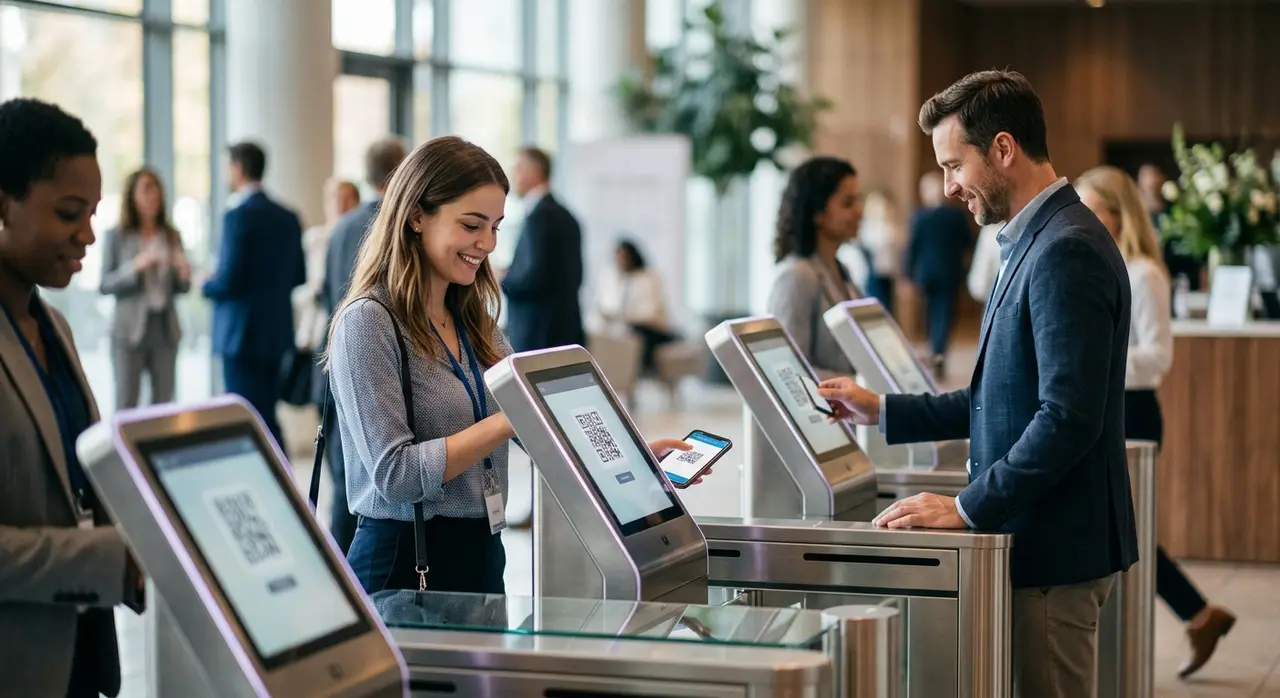
This hash is then transformed into a QR code. Because n8n handles data dynamically, you can append specific rules to this QR code. For example, a VIP ticket QR code can trigger a different alert at the door than a standard admission ticket.
Step 3: The n8n WhatsApp Integration for Ticket Delivery
Email delivery is notoriously unreliable for live events. Attendees forget their passwords, emails go to spam, or the venue has poor cellular reception, preventing them from loading their inbox at the door.
The solution? Deliver the ticket directly to their most used app. Using an n8n WhatsApp integration, your workflow instantly sends a personalized message to the attendee the moment they buy the ticket.
The message includes their QR code, event details, and a quick greeting. You can even set up an automated reminder 24 hours before the event. If the attendee has questions (e.g., "Is there parking?"), you can route them to smart AI and automation solutions to answer them instantly.
Step 4: The Day of the Event – Scanning and Real-Time Entry
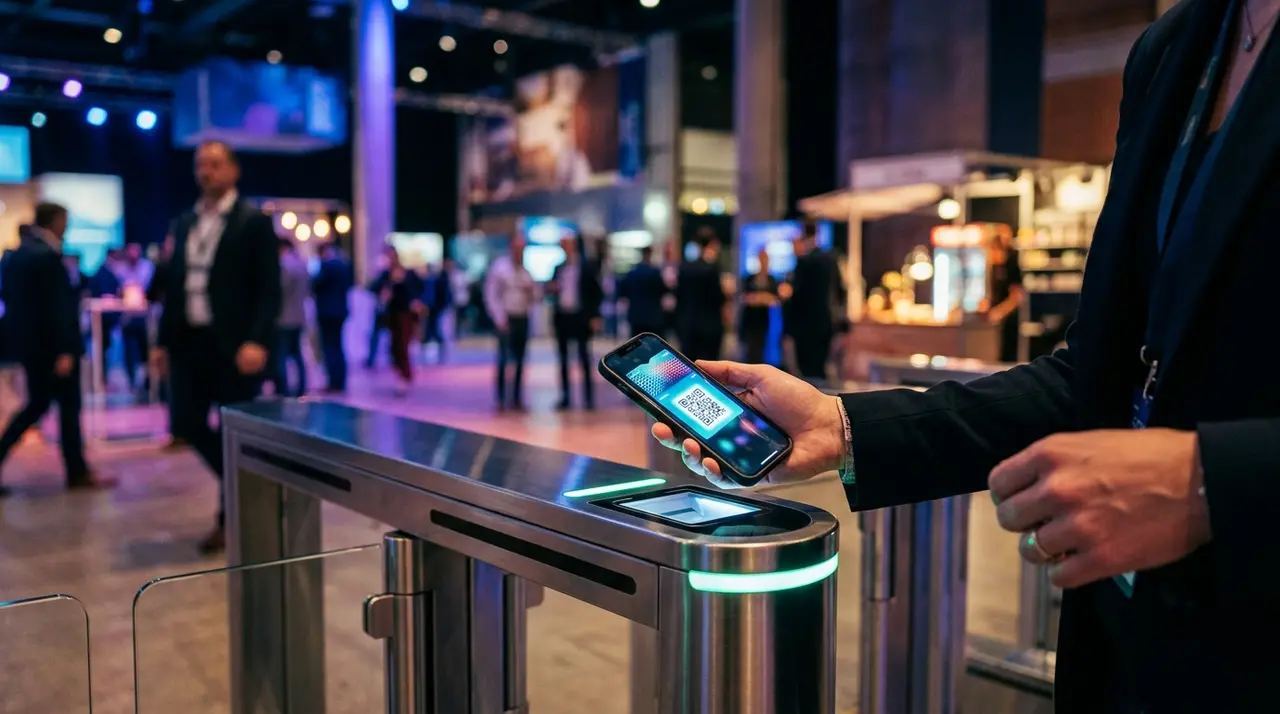
Now comes the crucial part: the actual check-in. Your staff at the door uses a simple smartphone camera or a laser scanner connected to a mobile app. When they scan the attendee's WhatsApp QR code, the app sends a lightning-fast HTTP request back to another n8n webhook.
Here is what the n8n workflow does in less than a second:
- Receives the unique QR code hash.
- Checks the database to ensure the ticket is valid and has not been used.
- If valid, it marks the ticket as "Checked-in" with a timestamp and returns a "Success" message to the staff's screen (often triggering a green light or a happy beep).
- If already used, it returns a "Duplicate" warning instantly.
No scrolling. No searching by name. Just point, scan, and walk in.
Detailing the n8n Nodes for the Ultimate Check-in
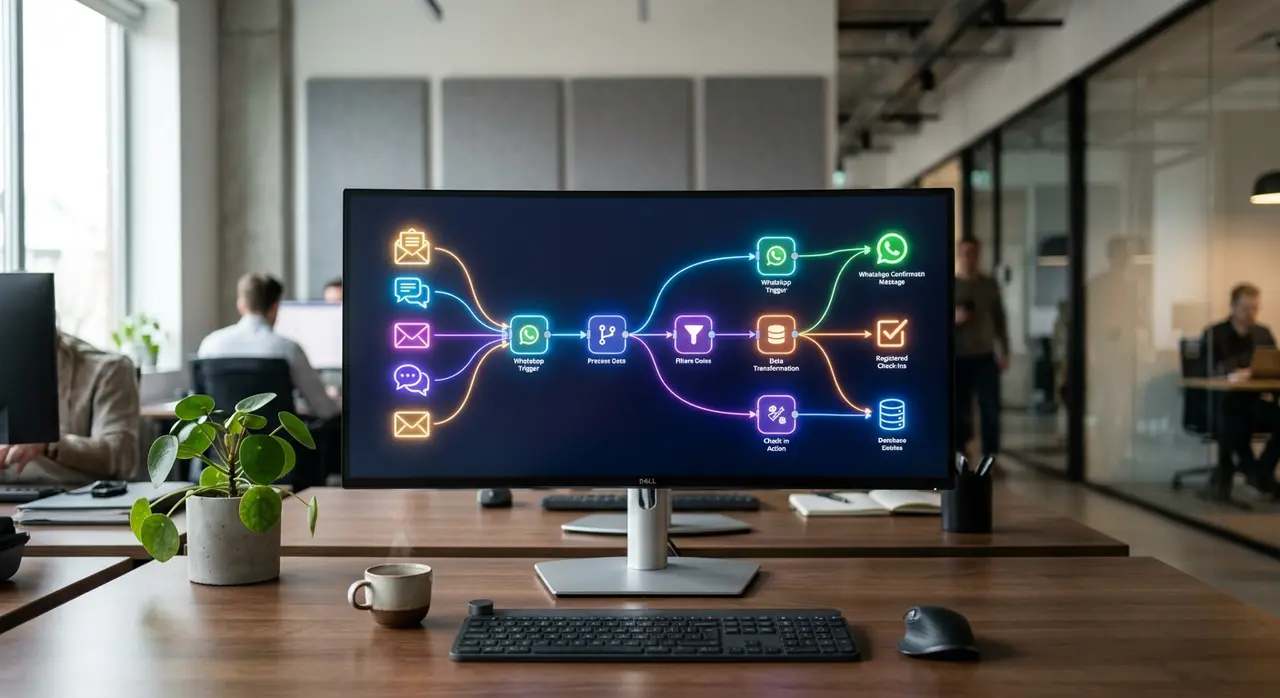
For the technical decision-makers and operations managers, let us look under the hood. A typical accreditation automation workflow in n8n utilizes the following core nodes:
- Webhook Node: The entry point. It acts as the receiver for both ticket purchases and door scans.
- Switch Node: The traffic controller. It routes the data based on conditions. For example, if Ticket_Type = "VIP", route to the VIP onboarding sequence.
- HTTP Request Node: The communicator. This is essential for the n8n WhatsApp integration, sending API calls to the WhatsApp Business API to dispatch messages.
- PostgreSQL / Airtable Node: The brain. This reads and writes the check-in status in real-time, ensuring your dashboard is always up to date.
Manual vs. Automated Check-in: A Quick Comparison
Still on the fence about investing in process automation for your events? Let us look at a direct comparison to see the concrete value.
| Feature | Manual Check-in (Spreadsheets/Basic Apps) | Automated n8n Check-in |
|---|---|---|
| Entry Speed | 15 to 30 seconds per person | Under 2 seconds per person |
| Ticket Delivery | Email (High risk of spam/loss) | WhatsApp API (Instant, always accessible) |
| Staff Required | High (Multiple lines to handle delays) | Low (One person can scan hundreds quickly) |
| Data Accuracy | Prone to human error and accidental skips | 100% accurate real-time database syncing |
By shifting to an automated model, you are not just saving time; you are radically reducing your staffing costs and completely eliminating the friction that ruins the attendee experience.
A Practical Mini-Case: 1,500 Attendees in 30 Minutes
Consider a mid-sized corporate summit we recently analyzed. The organizers historically struggled with morning bottlenecks. Attendees arrived simultaneously, and the manual badge-printing process caused lines that spilled out into the street.
By implementing a pre-event n8n workflow, they shifted the paradigm. Badges were pre-printed based on the real-time database. Attendees received their QR codes via WhatsApp the night before. At the door, staff simply scanned the QR code.
The n8n workflow instantly validated the entry, updated the live dashboard, and triggered a welcome message on the attendee's WhatsApp with a link to the event schedule. The result? 1,500 attendees checked in smoothly within 30 minutes, requiring only four staff members at the door.
Taking Event Operations to the Next Level
Process automation is no longer a luxury reserved for massive global festivals. With tools like n8n, small and medium-sized production companies can build enterprise-grade check-in systems at a fraction of the cost.
By automating registration validation, ticket generation, and WhatsApp delivery, you remove the human error from data entry. Your staff becomes more efficient, your data becomes perfectly accurate, and most importantly, your attendees start enjoying your event the second they arrive.
If you want to explore more ways to streamline your operations, check out our AI customer service use cases to see how smart chatbots can handle attendee FAQs, sell tickets, and manage post-event feedback automatically.
Frequently Asked Questions
Can n8n handle thousands of simultaneous check-ins?
Yes. n8n is highly scalable, especially if you are self-hosting it on a robust server or using their cloud infrastructure. When paired with a fast database like PostgreSQL, it can easily process hundreds of webhook requests per second, making it perfect for high-volume event entrances.
Do I need a developer to set up the n8n WhatsApp integration?
While n8n is a visual, low-code platform, setting up the official WhatsApp Business API and configuring the exact JSON payloads requires some technical knowledge. Partnering with an automation agency ensures the flow is secure, stable, and correctly integrated with your ticketing platform.
What happens to the check-in process if the internet drops at the venue?
This is a critical consideration for event producers. While n8n operates in the cloud, you can build offline-first scanning apps that cache the attendee database locally on the scanning devices. The app validates the QR code locally to keep the line moving, and then syncs the check-in timestamps back to n8n once the internet connection is restored.
Is it safe to send tickets via WhatsApp?
Absolutely. In fact, it is often more secure than email. The QR code generated by your n8n workflow can be uniquely hashed and tied to the attendee's specific phone number. Once scanned at the door, the database instantly marks it as used, preventing anyone else from entering with a forwarded screenshot of that same QR code.