
Automate Event Check-In & Messaging with n8n
Learn how to automate event registration, accreditation, and WhatsApp attendee updates using n8n, generative AI, and real-time workflow triggers.
- n8n Automation
- Event Management
- WhatsApp Chatbot
- Generative AI
- Check-in Automation
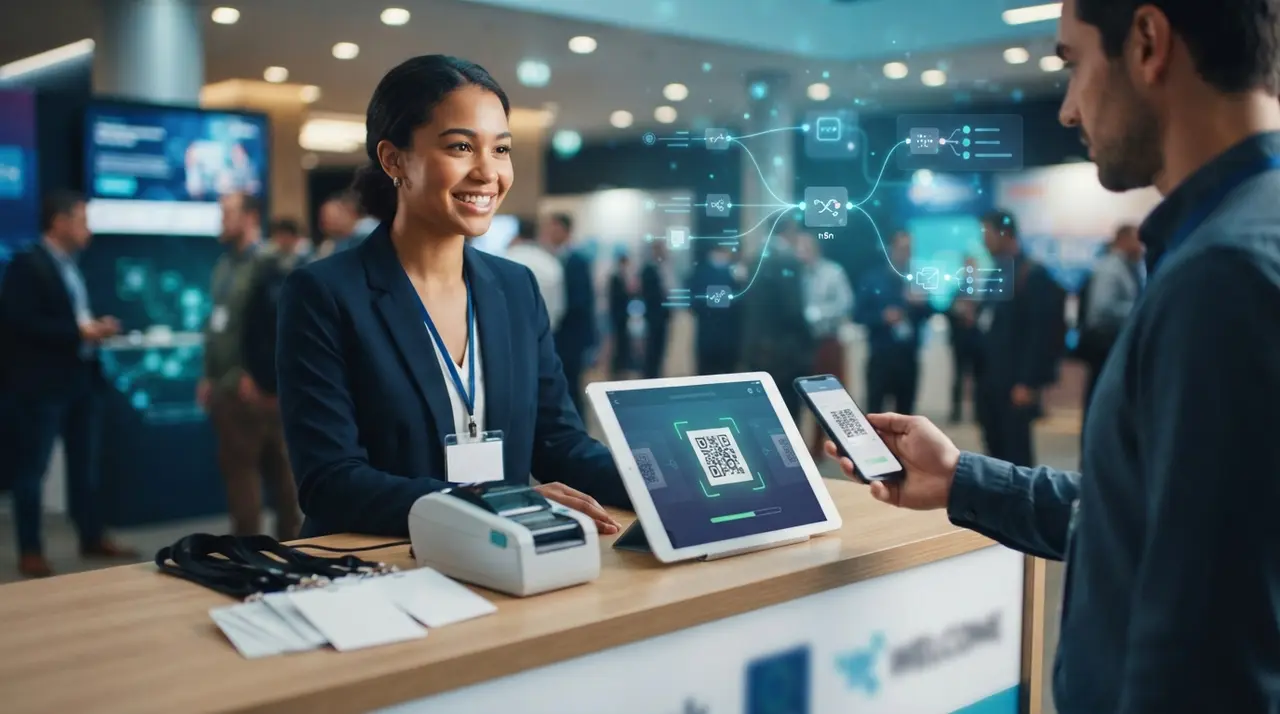
Automating event registration, accreditation, and participant communication with n8n eliminates manual check-in bottlenecks by orchestrating data between ticketing platforms, messaging APIs, and AI engines. This self-hostable workflow automation platform enables event producers to build scalable pipelines that update databases, issue digital credentials, and dispatch instant updates without operational overhead.
Event producers regularly deal with fragmented software systems. Registrations land in one platform, payments process in another, and messaging teams scramble to send manual confirmation emails or event updates. Implementing an automated pipeline transforms these disconnected manual steps into a synchronized operational machine.
Understanding n8n for Modern Event Workflow Automation
n8n is an open-source node-based workflow automation tool that connects disparate web services, databases, and APIs through visual pipelines. Unlike rigid legacy automation tools, n8n offers granular control over data transformation, custom webhook endpoints, and hosting control for privacy compliance.
Understanding what n8n offers begins with its architecture. The platform operates on nodes, which represent individual actions, software triggers, or data processing functions. For instance, when a ticket platform receives a booking, a webhook node captures the payload instantly and passes the attendee information down the workflow pipeline.
By deploying n8n, event management teams eliminate duplicate data entry across spreadsheets and gain real-time visibility into registration states. This continuous operational flow sets the foundation for introducing scalable artificial intelligence capabilities directly into your event operations.
Designing the End-to-End Registration and Accreditation Architecture
Building an automated event system requires mapping out every touchpoint from the initial registration click to the physical entrance check-in on event day. The core objective is capturing data instantly, validating credentials, and delivering digital access badges without manual staff review.
The automated architecture relies on three distinct layers that process participant data seamlessly:
- Trigger Layer: Webhooks from registration providers (e.g., Eventbrite, Sympla, or custom web forms) that send instant JSON payloads whenever a registration completes.
- Logic & Data Processing Layer: n8n HTTP Request, Code, and Function nodes that generate unique hash identifiers, format QR codes, and log attendee records in a centralized database or CRM.
- Delivery & Communication Layer: Messaging endpoints that instantly deliver personalized digital tickets, event schedules, and access links directly to the attendee's preferred platform.
When selecting your tools, evaluating your company's digital maturity helps determine the optimal stack. Discover if your business is an event company ready for AI adoption to streamline these operational upgrades efficiently.

Integrating Generative AI and WhatsApp Chatbots for Instant Attendee Support
Combining custom conversational artificial intelligence with direct messaging platforms converts passive event notifications into interactive attendee assistants. Utilizing ia generativa allows the event pipeline to analyze incoming queries and provide accurate responses regarding venue directions, schedule updates, or badge locations.
Deploying an automated chatbot whatsapp integration ensures that every registered attendee receives their credentials directly in the app they use daily. Rather than hunting through clogged email inboxes, attendees receive an interactive WhatsApp message containing their personal QR code credential and event summary instantly upon registering.
If an attendee asks, "Where do I pick up my physical badge?" or "What time is the key panel?", the generative AI engine interprets the intent, queries your event database inside the n8n flow, and responds within seconds. This drastically reduces the burden on your on-site support crew before and during the event.
Step-by-Step Workflow Setup inside n8n
Configuring a robust event pipeline in n8n involves linking specific nodes to execute tasks sequentially without data drops. Here is the operational blueprint for configuring your registration, accreditation, and communication workflow.
Step 1: The Registration Webhook Node
Start by adding a Webhook node set to listening mode (`POST` method). Point your ticketing site's webhook settings to this n8n endpoint URL. As soon as a user completes registration, n8n captures details like name, email, phone number, ticket type, and payment status.
Step 2: Data Validation and QR Code Generation
Pass the webhook output into an IF node to verify successful payment. Once validated, route the payload to a Code node (JavaScript/Python) that generates a unique security token and calls an external QR code generation API. This produces a secure image link representing the attendee's credential.
Step 3: Database Synchronization
Use an integration node (such as PostgreSQL, Airtable, or your internal CRM) to create or update the attendee's master profile. Store the unique token, generated QR code link, and check-in status (marked initially as `Unchecked`).
Step 4: AI Personalization and Messaging Dispatch
Connect an OpenAI or LangChain node within n8n to draft personalized welcome instructions based on the purchased ticket tier (e.g., VIP lounge instructions vs. standard entry notes). Send this crafted message along with the digital QR code using an API-integrated WhatsApp provider.
Comparison of Event Workflow Automation Layers
Comparing how manual processes contrast with an automated n8n pipeline highlights the operational time savings across key event management phases.
| Workflow Phase | Manual Execution | n8n Automated Pipeline | Key n8n Nodes Used |
|---|---|---|---|
| Registration Capture | Manual spreadsheet exports and CSV uploads. | Instant real-time webhook payload processing. | Webhook Trigger Node |
| Credential Issuance | Manual badge printing and generic bulk emails. | Dynamic QR code generation & instant storage. | Code Node, Crypto Node |
| Attendee Support | Support staff answering repetitive emails manually. | Generative AI answering inquiries 24/7 on WhatsApp. | OpenAI Node, Chatbot Node |
| On-Site Check-In | Paper list cross-referencing causing long lines. | Instant barcode scan updating database status. | HTTP Request, Database Node |
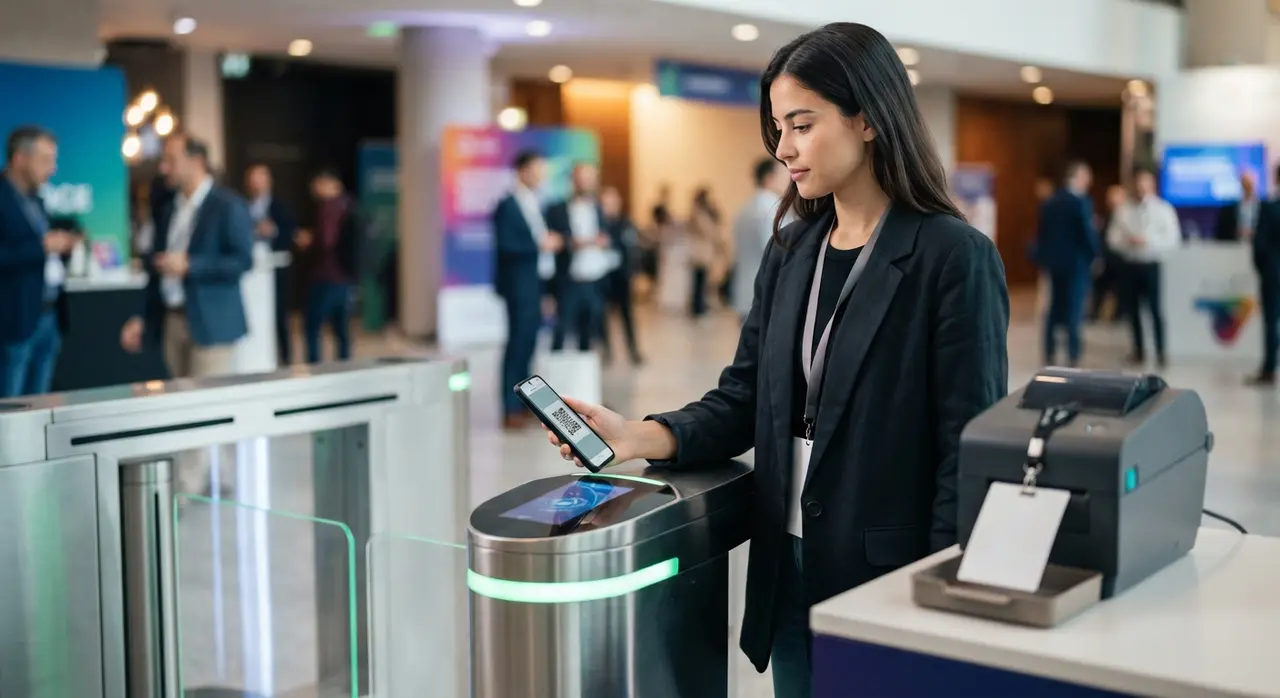
On-Site Accreditation: Fast QR Code Check-In Workflows
On-site check-in speed dictates the first physical impression your attendees have of your event. An automated accreditation system transforms long registration desk lines into a frictionless scan-and-enter experience.
When an attendee arrives at the venue entrance, staff scan the digital QR code directly from the attendee's smartphone screen using a web scanner or mobile app. The scanner sends an API request directly to an n8n endpoint containing the scanned token payload.
The receiving n8n workflow executes the following actions in milliseconds:
- Token Validation: Verifies that the scanned code exists in the master registration database.
- Duplicate Entry Prevention: Checks if the user is already marked as checked in, preventing credential sharing.
- Status Update: Updates the database record timestamp for exact attendance analytics.
- Badge Print Signal (Optional): Sends an instant webhook to on-site smart printers to produce a physical name badge automatically.
Case Study: Streamlining Regional Summit Operations with IAChatbot and n8n
A regional business conference hosting over 1,800 participants faced severe operational congestion at entry desks, averaging 3 to 5 minutes of check-in wait time per attendee. Attendees frequently misplaced their PDF email tickets, causing support staff to manually search registrations in disconnected spreadsheets.
By implementing targeted custom AI automation solutions provided by IAChatbot alongside an n8n orchestration engine, the organizers linked their ticketing system directly with an automated WhatsApp conversational agent. Upon purchasing a ticket, participants automatically received an interactive WhatsApp notification with their personalized check-in QR code and automated event FAQs.
On event day, door staff used mobile scanners synced to the n8n endpoint. Check-in processing time plummeted from several minutes down to under 10 seconds per person. The event completely eliminated entrance queues, reduced administrative support calls by 75%, and logged accurate real-time attendance figures seamlessly.
Best Practices for Monitoring and Error Handling in n8n
Even the most engineered automation systems encounter network glitches, invalid phone numbers, or third-party API downtimes. Establishing defensive workflow designs ensures uninterrupted operations during high-traffic registration surges.
Incorporate dedicated error-handling sub-workflows inside n8n using Error Trigger nodes. If a WhatsApp messaging API call fails due to an invalid phone number, the error workflow catches the event instantly, logging the record for manual review and routing a fallback notification via standard email.
Additionally, monitor n8n execution data regularly during peak ticketing releases. Utilizing self-hosted n8n instances on scalable infrastructure allows your system to scale server resources dynamically when handling thousands of concurrent webhooks without losing registration data.
Frequently asked questions
What is n8n and why is it used for event automation?
n8n is an open-source workflow automation platform that connects web apps, databases, and APIs via visual node pipelines. Event producers use it because it offers full data ownership, self-hosting flexibility, custom webhook handling, and cost-effective scalability compared to proprietary automation alternatives.
How does WhatsApp integration work with n8n for event check-in?
n8n connects to WhatsApp using official WhatsApp Business API endpoints or integration providers via HTTP Request nodes. When a participant registers, n8n triggers an automated WhatsApp message containing a unique digital QR code credential that staff can scan at the event entrance for fast accreditation.
Can AI answer custom attendee questions automatically?
Yes, integrating generative AI nodes like OpenAI into your n8n workflow allows the system to process incoming messages dynamically. The AI accesses your event documentation or schedule database inside the workflow to answer attendee questions regarding venue location, agendas, and access rules accurately.
What happens if a check-in code is scanned multiple times?
The n8n workflow validates the database status of the code upon every scan. If the system detects that a QR code token has already been marked as scanned, it flags the ticket as dynamic red in the check-in interface, preventing badge reuse and credential fraud.