
Automate Quotes & Follow-Ups with n8n in Your Store
Learn how to automate quotes and sales follow-ups in your construction store using n8n. Recover lost sales, integrate your ERP, and boost conversions.
- n8n
- Sales Automation
- ERP Integration
- WhatsApp Bot
- Retail Automation
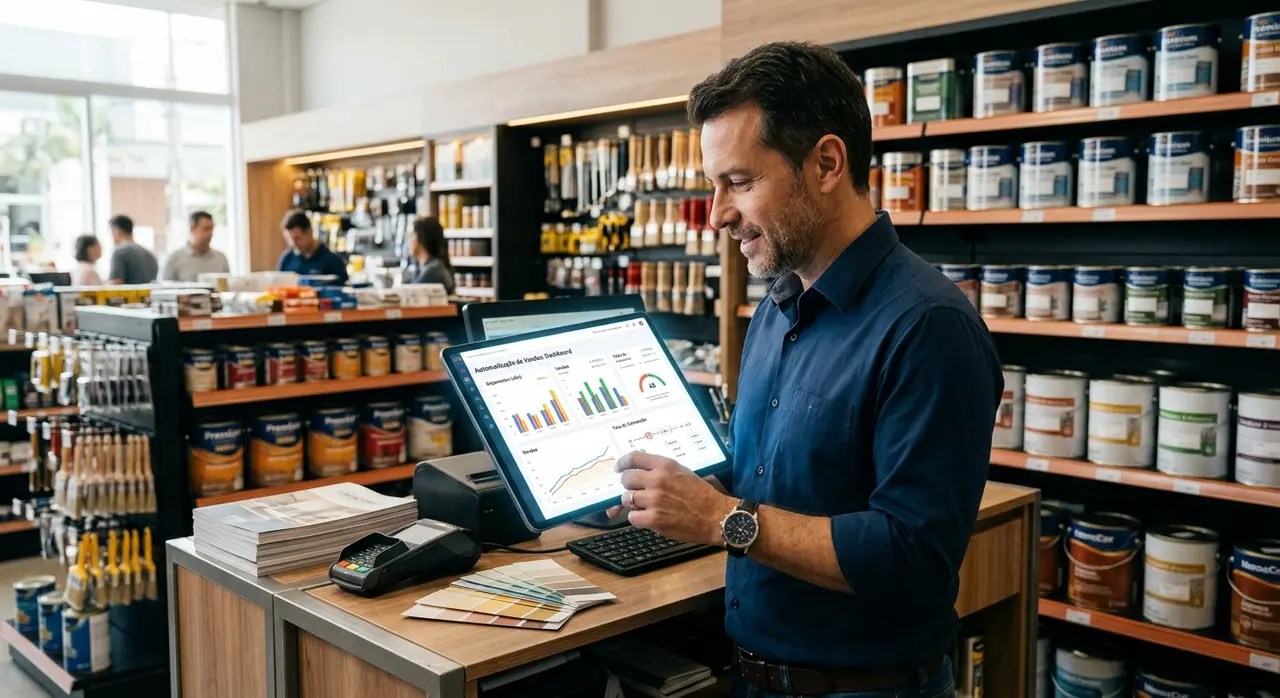
The Silent Leak in Your Construction Material Store
Every day, contractors and homeowners reach out to your store via WhatsApp or walk up to the counter. They ask complex questions, like how to choose paint for a damp exterior wall, or request a massive list of materials for a renovation. Your sales team works hard to generate a detailed quote.
Then, the customer says, "I'll think about it." And they vanish.
Your salespeople are too busy assisting the next customer to follow up. Days pass, and that hot lead goes cold. Money is left on the table simply because of a lack of follow-up. But what if your store could automatically track every quote and chase every lead until the sale is closed?
In this guide, we will explore exactly what is n8n and how you can use it to build a relentless, automated sales machine. You will learn how to connect your inventory, send automatic reminders, and recover abandoned quotes without any manual effort.
What is n8n? The Brain Behind Your Automation
If you are wondering what is n8n, think of it as a highly efficient digital manager that never sleeps. It is a powerful workflow automation tool that connects different systems together.
Instead of your staff manually copying data from your sales system to WhatsApp, n8n does it instantly. It uses visual "nodes"—drag-and-drop building blocks—to pass information between your apps.
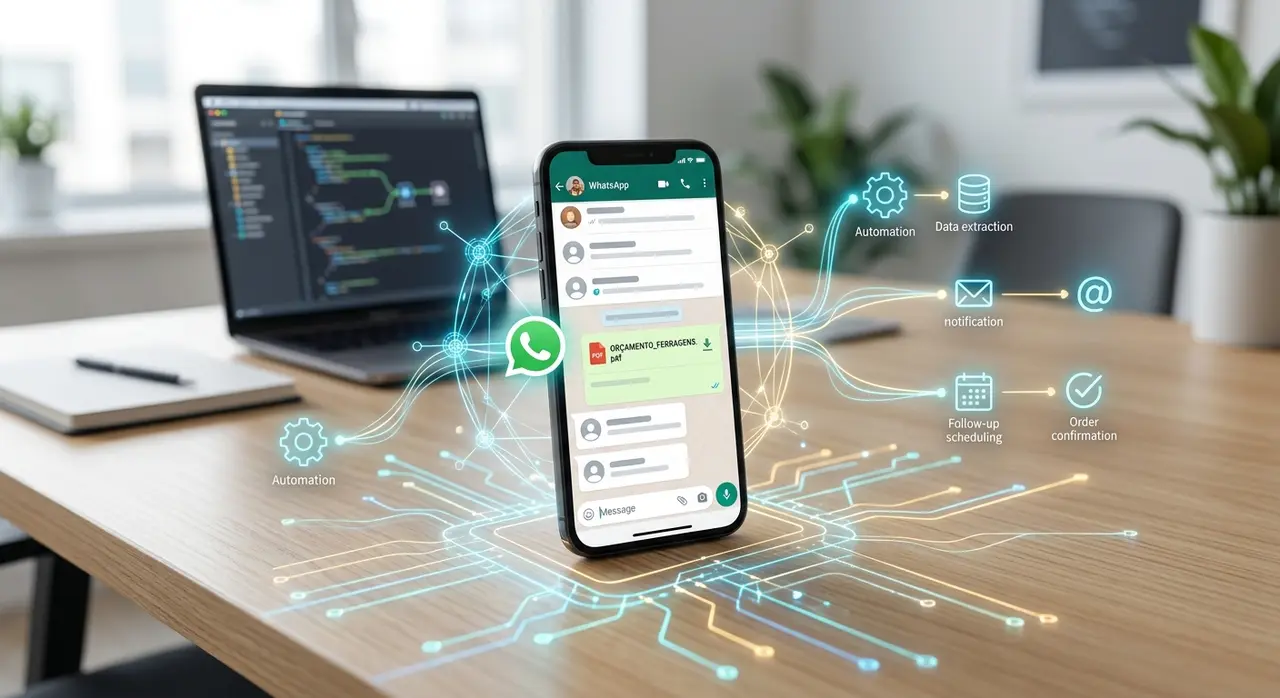
For a paint or hardware store, this means n8n can watch your system for newly created quotes, wait a specific amount of time, and automatically message the customer on WhatsApp. It bridges the gap between your back-office software and your customer's smartphone.
By setting up these flows, you eliminate human error. No more forgotten leads. No more lost spreadsheets. Just a seamless pipeline that drives conversions.
Step-by-Step: Automating the Quoting Process
Building an automated quoting system might sound complex, but n8n breaks it down into simple, logical steps. Here is how you structure the workflow to generate and send quotes effortlessly.
1. The Trigger Node: Capturing the Request
The automation starts when a customer requests a quote. This can be triggered by a message on WhatsApp or a form submitted on your website. n8n captures this initial data, including the customer's name, phone number, and the list of requested materials.
2. The ERP Integration Node: Fetching Prices
Next, n8n needs to know how much the items cost. It connects to your store's management software. A proper ERP integration allows n8n to instantly check real-time inventory and current pricing for the requested items.
- Stock check: Ensures you actually have the products in store.
- Price calculation: Applies any bulk discounts or special contractor rates.
- Data retrieval: Pulls product descriptions and images.
3. Document Generation Node: Creating the PDF
Nobody likes reading a messy text message full of numbers. n8n can pass the pricing data to a document generator (like Google Docs or a PDF creator API) to instantly build a professional, branded quote.
4. The WhatsApp Node: Delivering the Quote
Finally, n8n connects to the WhatsApp Business API. It sends a friendly, personalized message to the customer, attaching the beautiful PDF quote. All of this happens in seconds, while your human salesperson is busy serving the next person in line.
The Magic of Automated Sales Follow-Up
Generating the quote is only half the battle. The real money is made in the follow-up. This is where n8n truly shines for small and medium-sized independent stores.
Instead of relying on sticky notes, you can program n8n to execute a perfectly timed sequence of messages. If the customer does not buy immediately, the system takes over.
Using Time Triggers (Wait Nodes)
In n8n, you can use "Wait" nodes to pause the workflow. For example, after sending the quote, the system waits exactly 24 hours. Once the time is up, it checks your ERP again.
Did the customer approve the quote and pay? If yes, the workflow stops, and a "Thank You" message is sent. If no, n8n moves to the next step: sending a gentle reminder.
Integrating Payments with a TEF API
To make buying as frictionless as possible, your follow-up message should include a way to pay instantly. By integrating a TEF API (Electronic Funds Transfer API) or a modern payment gateway directly into your n8n flow, you can generate a unique Pix or credit card link.
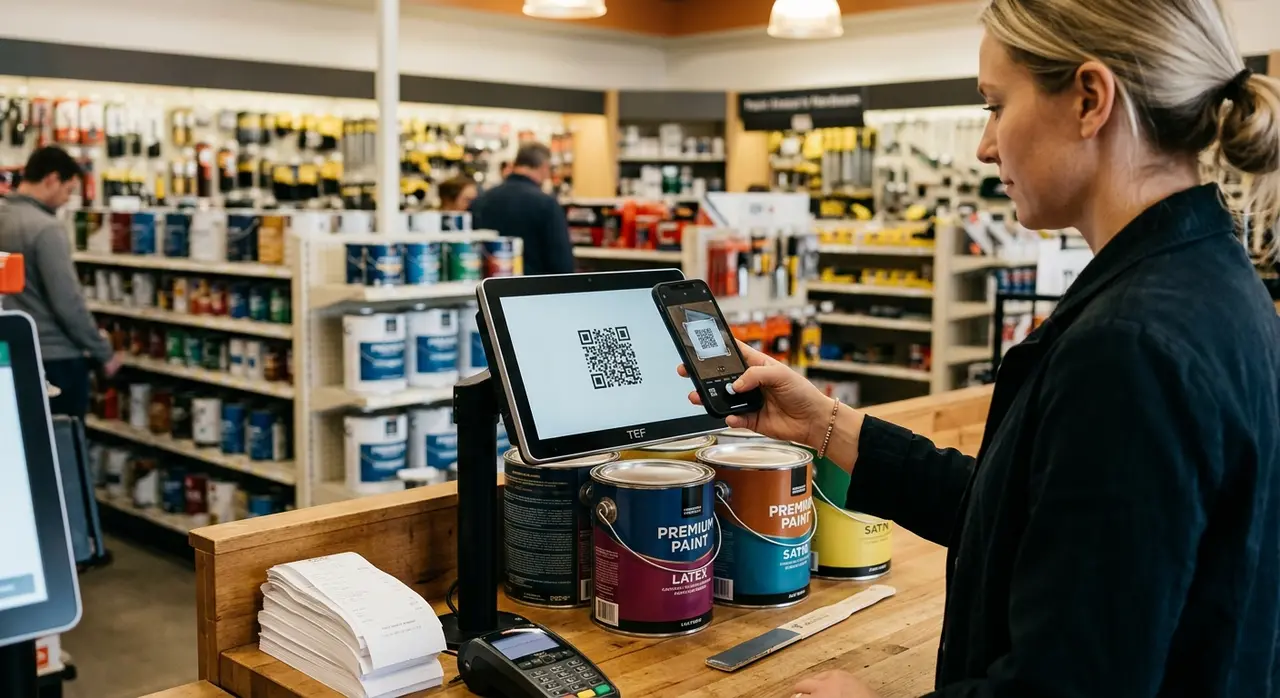
When the customer receives the 24-hour reminder, they also get a secure link. They can pay directly from their smartphone without ever having to drive back to your store.
A Typical Follow-Up Schedule
Here is a highly effective, automated schedule you can easily build in n8n to maximize conversions without being annoying:
| Timeline | Automated Action via n8n | Purpose |
|---|---|---|
| Immediately | Send PDF quote + Payment Link | Capitalize on high buying intent. |
| Day 1 (24h) | "Hi [Name], any questions about the materials?" | Clear doubts and remind them. |
| Day 3 (72h) | Send a helpful tip (e.g., painting prep guide) | Build trust and authority. |
| Day 5 (120h) | Offer a 5% discount or free delivery | Push for the final close. |
Mini-Case: The Independent Paint Store Turnaround
Let’s look at a practical scenario. "ColorMax Paints," a medium-sized independent store, was generating around 200 quotes a week. However, they were only closing about 30% of them.
The store owner noticed that contractors were requesting quotes, but buying from competitors who responded faster or followed up better. The owner decided to explore examples of AI use cases and implemented an n8n workflow.
Now, when a painter asks for a massive quote for a residential project, n8n handles it. If the quote sits idle for 48 hours, n8n automatically sends a WhatsApp message: "Hi João, did you get a chance to review the quote? Let me know if we can adjust anything to close this deal today."
Within two months of launching this simple automation, ColorMax Paints saw their closing rate jump from 30% to 48%. They recovered thousands of dollars in "dead" quotes without hiring a single extra salesperson.
Why Your Store Needs This Now
The retail landscape for construction materials is highly competitive. Customers are impatient, and margins can be tight. Relying on manual human effort to track hundreds of floating quotes is a recipe for lost revenue.
By leveraging n8n, you turn your WhatsApp into a proactive sales machine. You provide faster service, you never forget a lead, and you offer seamless checkout experiences through modern payment integrations.
Automation is no longer just for massive corporations. With the right setup, any local hardware or paint store can operate with the efficiency of a giant. If you are ready to stop losing money on forgotten quotes, it is time to upgrade your AI solutions and embrace workflow automation.
Frequently Asked Questions
Do I need to be a programmer to use n8n in my store?
No, you do not need to be a programmer. n8n uses a visual, drag-and-drop interface. While understanding basic logic helps, you can easily hire automation experts or agencies to build and maintain the initial flows for your specific business needs.
Can n8n connect to my current store ERP?
In most cases, yes. As long as your ERP or management software has an API or allows webhooks, n8n can communicate with it. This allows the system to pull real-time inventory, pricing, and customer records directly into your automated workflows.
Will my customers know they are talking to a bot?
You can choose how to position it. Many businesses use a hybrid approach. The bot introduces itself as a digital assistant to deliver quotes instantly, but clearly offers the option to transfer the chat to a human salesperson if the customer has complex technical questions.
Is it safe to generate payment links automatically?
Yes. By integrating a secure TEF API or a recognized payment gateway into your workflow, the system simply generates a unique, encrypted checkout link or Pix code. n8n never stores the customer's actual credit card details, ensuring total security.