
Botpress WhatsApp: Build an Event Chatbot from Scratch
Learn how to build a Botpress WhatsApp chatbot for events from scratch. Turn your AI into a commercial agent that handles FAQs and boosts ticket sales.
- Botpress
- WhatsApp Business
- Event Management
- Commercial Automation
- AI Agents
The Chaos of Event Customer Service
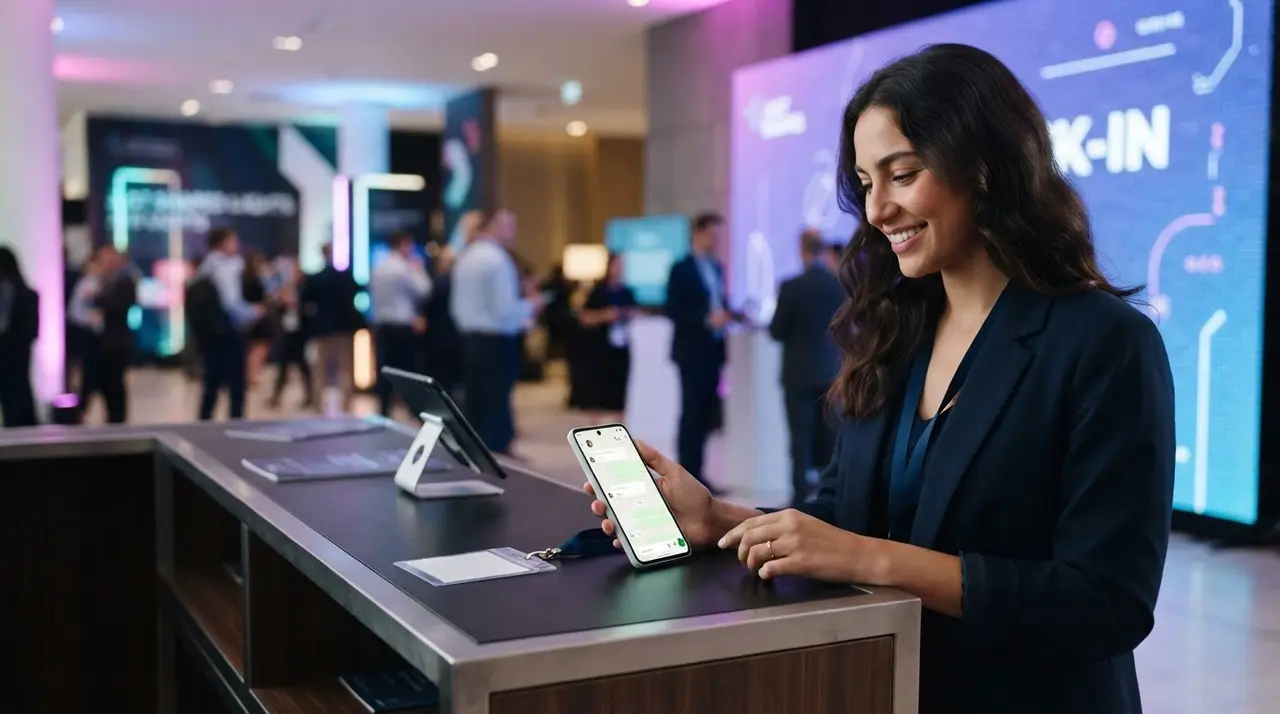
Organizing an event is a massive logistical challenge. As the date approaches, the production team's phones usually explode with repetitive questions. "Where is the entrance?", "Are there still VIP tickets?", and "What time does the main speaker start?".
If your team is manually answering these messages on WhatsApp, you are losing money and burning out your staff. Slow responses lead to frustrated attendees and abandoned ticket purchases.
This is where a Botpress WhatsApp integration changes everything. By building an intelligent AI assistant, you can move from absolute chaos to a streamlined, 24/7 automated operation.
In this guide, we will show you how to build a smart assistant from scratch, turning a simple FAQ bot into a powerful commercial agent that not only informs but actually converts inquiries into confirmed registrations.
Why Choose Botpress for Your Event?
Botpress is one of the most robust platforms for creating AI-driven chatbots. Unlike older, rigid menu-based bots, Botpress uses natural language processing (NLP) to understand what the user actually wants.
When an attendee types "I wanna buy a pass for Saturday", the bot does not get confused by the lack of exact keywords. It understands the intent and guides the user to the checkout page.
- Instant scalability: Whether you have 50 or 5,000 attendees messaging you at once, the bot handles the load seamlessly.
- Seamless integration: Botpress connects natively with the WhatsApp Business API, the preferred channel for attendees.
- Cost reduction: You reduce the need for a large temporary support staff, saving significant budget for the actual event production.
By implementing true commercial automation, your team can focus on what really matters: delivering an unforgettable experience.
Step 1: Modeling the Conversation Flow
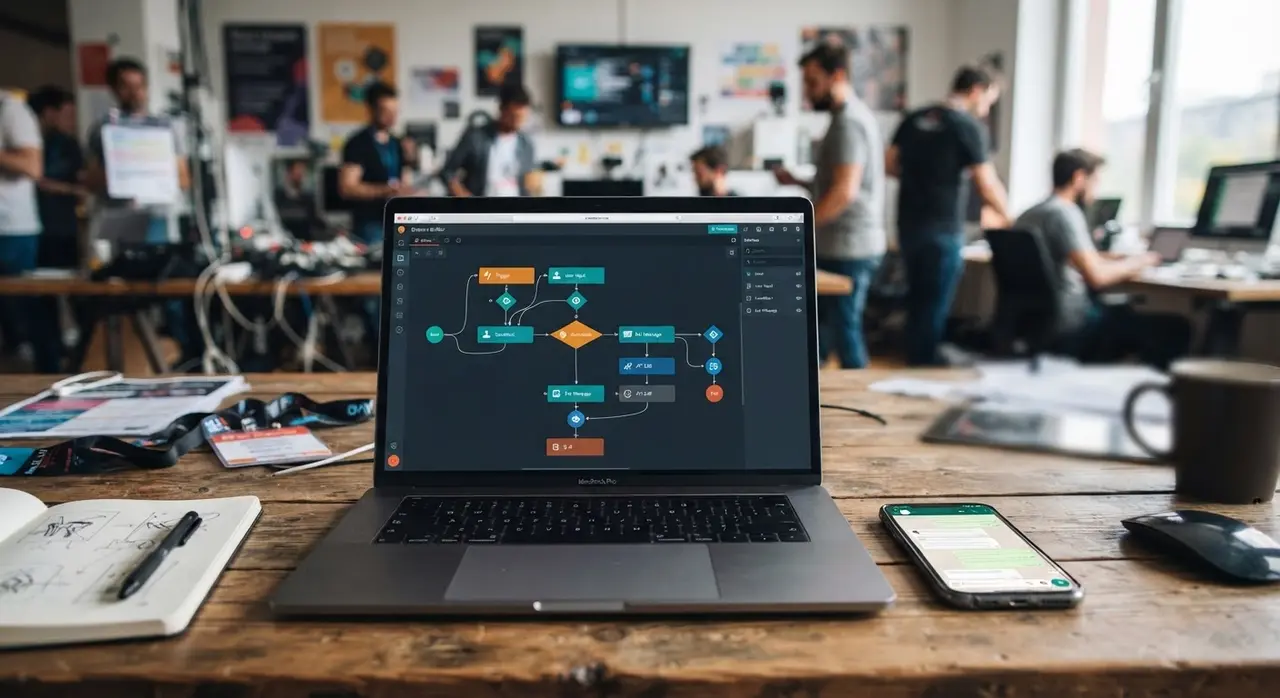
Before touching any software, you need to map out the attendee's journey. A successful AI assistant needs a clear blueprint. Grab a whiteboard or a digital mapping tool and list the core reasons people contact your event.
For most small to medium-sized events, the flow breaks down into four main categories:
- Registrations and Tickets: Pricing, availability, VIP upgrades, and payment methods.
- Schedule and Programming: Speaker times, stage locations, and breaks.
- Venue Information: Address, parking, accessibility, and prohibited items.
- General Support: Lost tickets, refund policies, and human handoff.
Do not try to make the bot answer everything under the sun. Focus on the 80% of questions that take up most of your team's time. A focused bot is a successful bot.
Step 2: Defining Intents and Knowledge Bases
Once your map is ready, it is time to open Botpress. The secret to a smart Botpress WhatsApp agent is how you set up its brain. You have two main tools here: Intents and Knowledge Bases.
Setting up Intents
An intent is the goal behind the user's message. You will create intents like "Buy_Ticket" or "Check_Schedule". For each intent, provide Botpress with 5 to 10 examples of how a user might ask for it.
For example, for the "Location" intent, add phrases like: "Where is the event?", "Send me the address", and "How do I get to the venue?". The AI will learn to recognize variations automatically.
Uploading the Knowledge Base
Botpress allows you to upload documents or link website pages directly into its Knowledge Base. Instead of manually typing out every single speaker's biography and time slot, simply upload your event's PDF schedule.
When an attendee asks, "What time is the marketing panel?", the AI scans the uploaded document, extracts the exact time, and formulates a natural, conversational reply. This is a game-changer for event producers.
Step 3: Transforming the Bot into a Commercial Agent
Answering FAQs is great, but your chatbot should also generate revenue. You must design your flow to act as a proactive commercial agent.
If someone asks about the event date, the bot should reply with the date and immediately ask: "Would you like me to send you the link to secure your early-bird ticket before they sell out?"
You can also program the bot to handle upselling. If a user selects a standard ticket, the bot can highlight the benefits of the VIP pass, such as backstage access or exclusive networking areas. This strategy is highly effective for boosting event registrations and conversions without spending extra on ads.
Step 4: Integrating with WhatsApp Business API
To get your bot talking to attendees on their phones, you need to connect Botpress to the WhatsApp Business API. This requires a Meta Business account and a registered phone number.
Inside Botpress, navigate to the integrations tab and select WhatsApp. You will need to input your API credentials provided by Meta. Once configured, you set up a webhook—a digital bridge that allows WhatsApp to forward incoming messages to Botpress, and Botpress to send replies back.
While the technical setup can seem daunting, working with official partners like Botpress ensures you have the right documentation and support to make the connection seamless and compliant with Meta's policies.
Step 5: The Pre-Launch Testing Checklist
Never launch an AI assistant to your entire audience without rigorous testing. A broken bot during a ticket launch can cause a massive PR headache for your production company.
Before going live, invite your internal team to try and "break" the bot. Ask strange questions, use slang, and simulate the behavior of a stressed attendee.
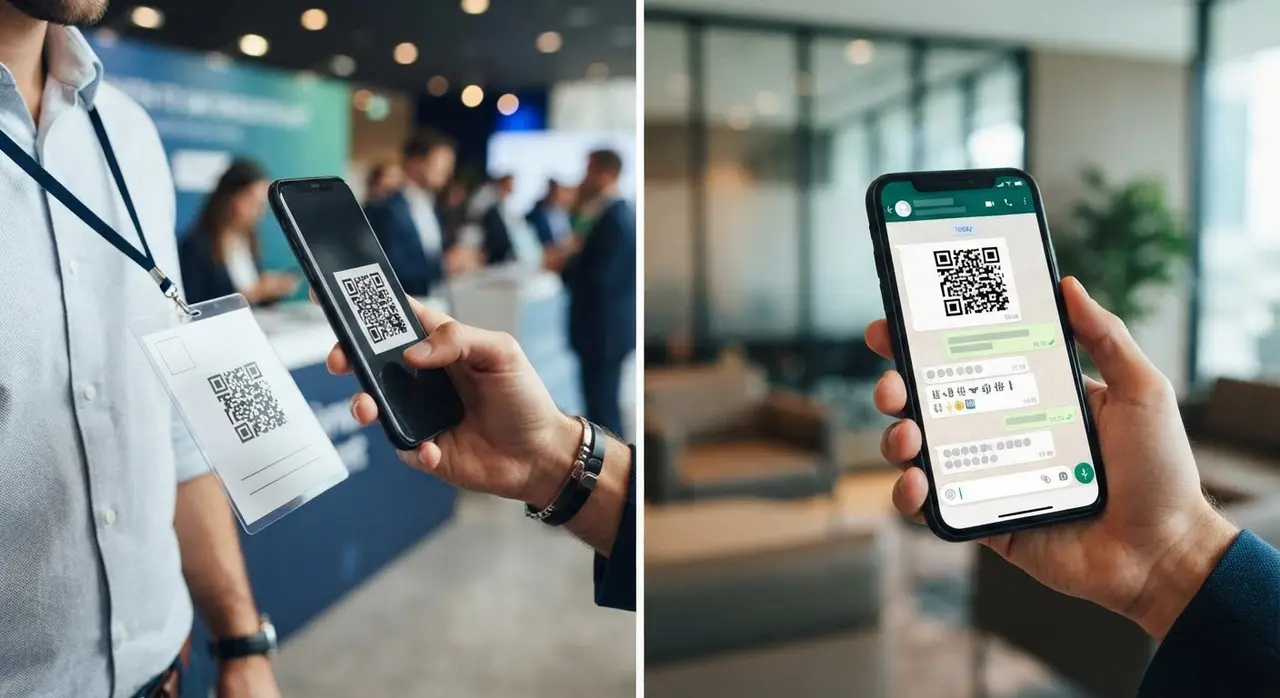
Use the following checklist to ensure your commercial automation setup is bulletproof:
| Test Category | What to check | Expected Result |
|---|---|---|
| Flow Logic | Test all main menu options and ticket links. | Links open correctly; flow does not get stuck. |
| NLP Accuracy | Ask about the schedule using misspellings. | The AI understands the intent and replies correctly. |
| Human Handoff | Type "I need to speak to a human". | Bot pauses AI and alerts a human operator. |
| Edge Cases | Ask a completely unrelated question (e.g., recipe). | Bot politely steers the conversation back to the event. |
Real Results: From Zero to Automated Sales
Consider the case of a mid-sized tech conference. Previously, their two-person support team spent over 40 hours a week just answering "Where do I park?" and "Send me the payment link" on a standard WhatsApp line.
By implementing a Botpress WhatsApp solution, they automated 85% of their incoming messages. The AI instantly sent parking maps and dynamically offered ticket links based on the user's intent.
The result? The support team reclaimed their time to focus on VIP sponsors, and the event saw a 15% increase in last-minute ticket sales because attendees received instant checkout links at 2 AM. If you want to see more scenarios like this, explore other use cases of AI in customer service.
Conclusion
Building a chatbot for your event is no longer a luxury reserved for massive festivals; it is a necessity for any production company that wants to scale. By modeling your flow, defining clear intents, and focusing on conversion, you turn a simple WhatsApp number into your best employee.
A well-configured AI assistant eliminates the pre-event chaos, provides a stellar experience for your attendees, and actively drives revenue. Start small, test thoroughly, and watch your event management become smoother than ever before.
Frequently Asked Questions
Do I need coding skills to use Botpress for events?
No, you do not need to be a developer. Botpress offers a visual, drag-and-drop interface for building conversation flows. However, integrating it with the WhatsApp Business API and fine-tuning the AI prompts requires some technical understanding of webhooks and API credentials.
Can the bot transfer complex questions to a human agent?
Absolutely. A crucial part of any commercial automation is the "human handoff". You can program the bot to recognize when a user is frustrated or asking highly specific questions (like a complex refund dispute) and automatically transfer the chat to a live support agent on your team.
How much does a Botpress WhatsApp setup cost?
The cost varies based on your usage. Botpress offers a generous free tier for building and testing. When live, you will pay Botpress for AI interactions and Meta (WhatsApp) for conversation fees. For small to medium events, the monthly operational cost is usually a fraction of what you would pay a single human support staff member.
Will attendees know they are talking to an AI?
Yes, and it is best practice to be transparent. You should name your bot (e.g., "EventBot") and have it introduce itself as the virtual assistant. Attendees actually prefer knowing they are talking to an AI because it sets the expectation for instant, precise answers rather than waiting for human pleasantries.