
Building a 24/7 Event Assistant with Dify: A Practical Guide
Learn how to build a 24/7 AI event assistant using Dify and WhatsApp Business API. Streamline customer support and elevate the attendee experience today.
- AI Event Assistant
- Dify
- WhatsApp Business API
- Customer Experience
- Event Management
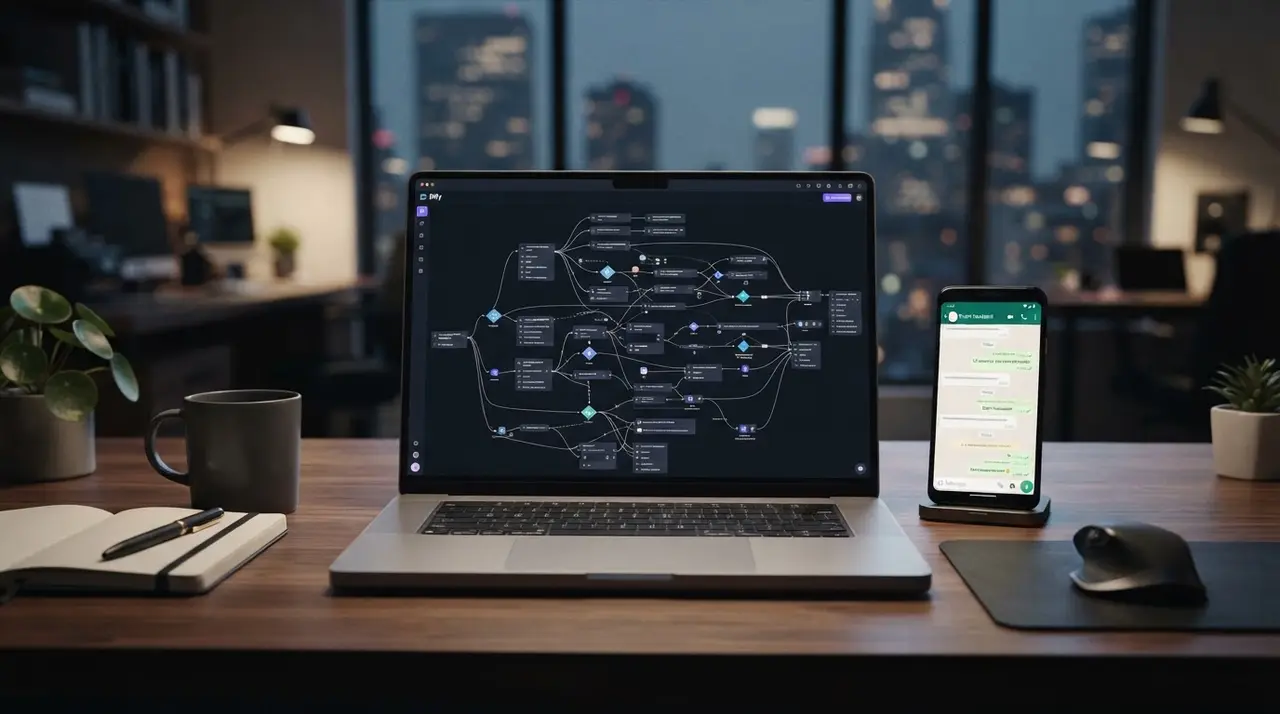
The Challenge of 24/7 Event Support
Managing an event is a race against time. Between coordinating vendors, managing registrations, and answering the same repetitive questions, your team is likely stretched thin. For event companies, the customer experience is often defined by how quickly you resolve an attendee's doubt about parking, schedules, or ticket validation.
Using the WhatsApp Business API integrated with an intelligent agent is no longer a luxury; it is a necessity. By leveraging platforms like Dify, you can build a 24/7 assistant that handles the bulk of inquiries without needing a human to be awake at 3 AM. This isn't about replacing your team; it's about empowering them to focus on high-value tasks while the AI handles the routine.
Phase 1: Building the Knowledge Base
The secret to a successful AI agent is the quality of its "brain." You need to feed your Dify agent structured data that it can parse to provide accurate answers. Don't just dump a disorganized PDF into the system.
- Event Logistics: Clearly list the venue address, parking info, and public transport directions.
- Schedule and Agenda: Break down times, speaker bios, and session topics into easy-to-read segments.
- FAQ Rules: Define clear answers for common questions like refund policies, dress codes, and age restrictions.
By organizing this content into a well-structured knowledge base, your agent becomes a reliable source of truth, drastically improving customer support consistency.

Phase 2: Setting up Your Agent in Dify
Dify allows you to define the "personality" and "logic" of your assistant. Start by writing a clear system prompt. For example: "You are a helpful event assistant for [Event Name]. Your tone is professional, welcoming, and concise. You provide information about the event agenda, location, and registration process."
Next, define the boundaries. What should the agent do if it doesn't know the answer? It should never hallucinate. Program it to provide a helpful fallback message and, if necessary, gather the user's contact information for a human team member to follow up later. You can explore more examples of use to see how this logic applies to different sectors.
Phase 3: Governance and Human Handoff
Automation requires rules. A common mistake is letting the AI handle sensitive financial or complex logistical disputes. Establish clear protocols:
- Tier 1 (AI): General info, agendas, location, registration status.
- Tier 2 (Human): Refunds, VIP complaints, specific vendor requests, or emergency assistance.
When the AI detects a Tier 2 request, it should trigger a handoff. This hybrid approach ensures you maintain high standards of customer experience while keeping your team's workload manageable.
Phase 4: Integrating with WhatsApp Business API
Now, connect your Dify agent to the real world. Using the WhatsApp Business API, you can deploy your agent directly to the channel your customers use most. This makes the interaction feel native and immediate.

Whether it's sending an automated confirmation after a purchase or providing a digital ticket, the integration ensures that your event assistant is always available exactly where your attendees are. If you are looking to boost conversions specifically during the registration phase, check out our guide on AI Agents for Event Registrations.
Frequently asked questions
Does the AI agent replace human support entirely?
No. The AI agent acts as a first line of defense to answer repetitive queries. Human agents remain crucial for complex, high-emotion, or sensitive interactions, ensuring the best possible balance between efficiency and empathy.
How difficult is it to update the event information in Dify?
It is very simple. Dify's interface allows you to update your knowledge base in real-time. If an event schedule changes, you update the document, and the AI agent updates its responses instantly.
Can the AI agent handle bookings directly on WhatsApp?
Yes. Through API integrations, the AI can guide users through the registration process, collect necessary data, and provide direct links for payment or ticket generation, streamlining the entire conversion funnel.
Conclusion
Building a 24/7 event assistant with Dify is a strategic move that pays off in both efficiency and customer satisfaction. By offloading routine support to an AI, you free your team to focus on the "human" moments that make an event truly special. Start small, refine your knowledge base, and watch your operational capacity grow.