
Centralize WhatsApp, Instagram & Chat in One Place
Centralize WhatsApp Business, Instagram Direct, and web chat in one inbox. Learn how to complete Meta business verification and set up API workflows.
- WhatsApp Business
- Meta Business Verification
- Omnichannel Support
- WhatsApp Business API
- Customer Service Automation
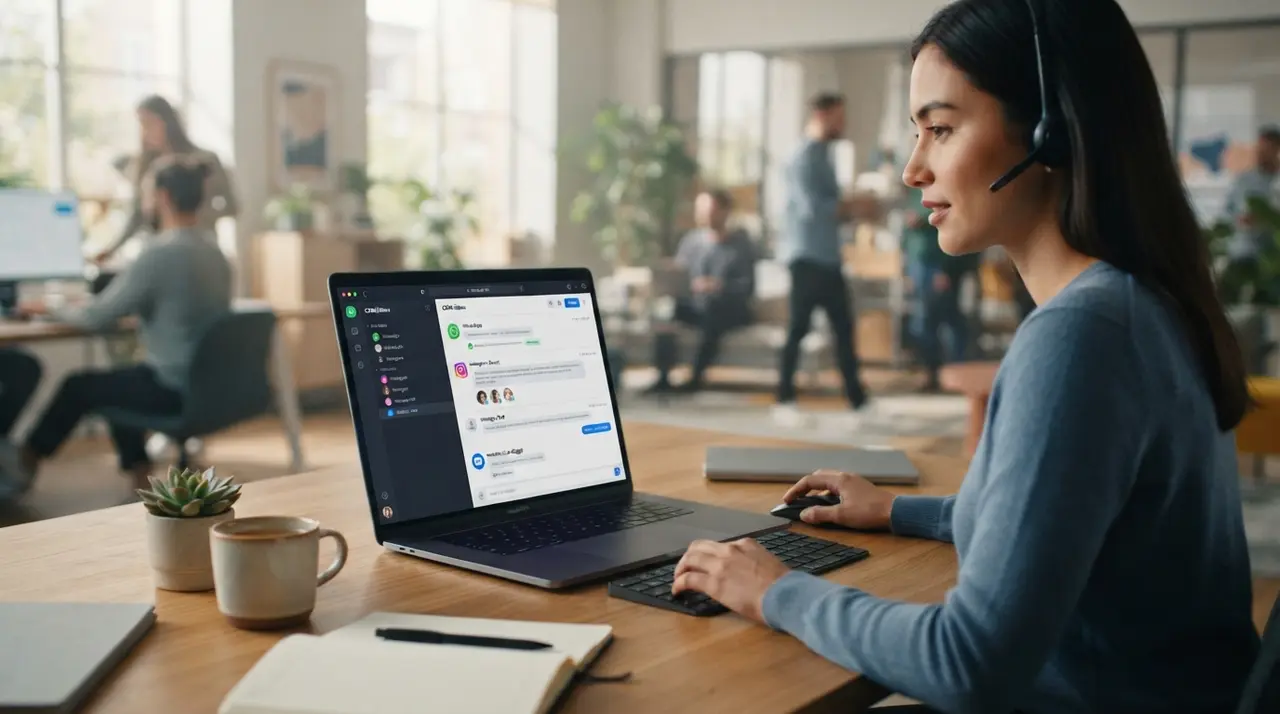
Centralizing WhatsApp Business, Instagram Direct, and website live chat into a single unified inbox allows businesses to manage all customer conversations from a shared interface with a complete interaction history. By leveraging the WhatsApp Business API and completing Meta business verification, companies eliminate fragmented support channels and significantly boost operational efficiency.
When prospective buyers contact your business across multiple digital touchpoints, managing individual browser tabs or mobile devices quickly creates operational bottlenecks. Fragmented communication leads to missed leads, delayed responses, and frustrated agents who lack access to past customer context. By adopting a unified omnichannel inbox, companies establish full visibility over every customer conversation while streamlining daily operations.
The Hidden Costs of Fragmented Customer Communication
Operating customer communication across disconnected apps creates response delays, lost leads, and inconsistent service records. When sales representatives work in isolation on separate handheld devices or isolated web sessions, managers lose control over message quality and pipeline tracking.
The primary issue with non-integrated messaging platforms is the loss of conversation history. When a customer starts an inquiry on Instagram Direct and later follows up via WhatsApp Business, support teams without a centralized interface treat the user as a new lead. This forces customers to repeat information, degrading their satisfaction and lengthening the sales cycle.
- Context Switching Overhead: Support agents spend up to 20% of their workday jumping between separate apps and copying customer data manually.
- Response Conflicts: Multiple reps frequently answer the same inquiry on different platforms, sending conflicting messages or duplicate offers.
- Unmonitored Business Data: Using basic mobile applications prevents management from tracking response times, message resolution rates, and representative efficiency.
What Is an Omnichannel Shared Inbox for WhatsApp Business and Socials?
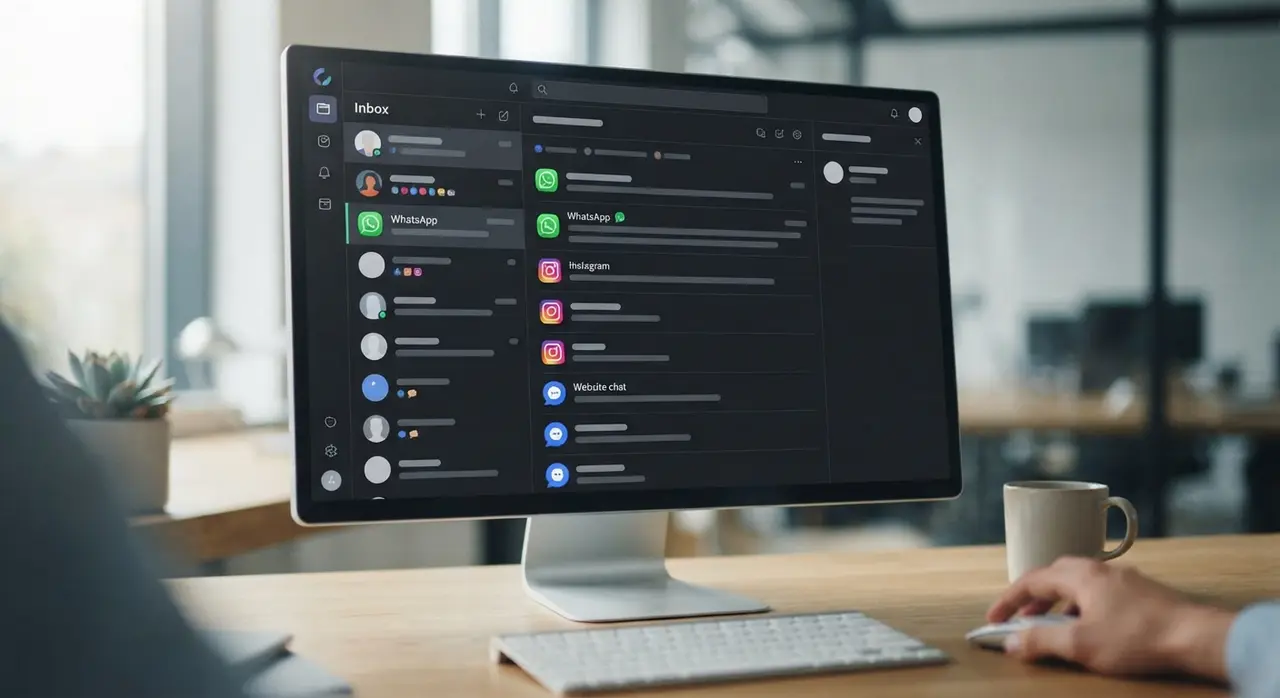
An omnichannel shared inbox consolidates incoming messages from WhatsApp Business, Instagram Direct, Facebook Messenger, and web chat into a single queue. This architecture ensures that regardless of where an inquiry originates, it reaches an available agent within a single dashboard.
Centralization relies on robust application programming interfaces (APIs) that sync incoming webhooks instantly. When a visitor writes on your website's live chat widget, their details link directly to their phone number or social profile. As a result, your team gains access to an enterprise-grade workspace with unified contact timelines, lead tagging, and multi-agent routing.
To explore how automated routing and artificial intelligence elevate omnichannel messaging, review our comprehensive AI customer service solutions built for modern growth teams.
How to Hire and Setup the WhatsApp Business API
Acquiring access to the WhatsApp Business API requires choosing an official Business Solution Provider or Meta Cloud API integration to unlock multi-agent concurrency and automated scaling. Unlike the basic mobile app, the official API allows dozens of team members to operate simultaneously under a single phone number.
To evaluate your transition to enterprise messaging, compare the structural differences between standard mobile accounts and API infrastructure:
| Feature / Capability | Standard WhatsApp Business App | WhatsApp Business API Stack |
|---|---|---|
| Concurrent Support Agents | Limited to 4 linked web devices | Unlimited agents on a single number |
| Unified Inbox Integration | Not natively supported | Full integration with CRM & multi-channel platforms |
| Chatbot & AI Automation | Basic quick replies & away messages | Advanced AI workflows & enterprise routing |
| Message Broadcasting | Restricted broadcast lists (250 contacts) | Scalable message templates to opt-in databases |
| Official Meta Verification | Green badge unavailable | Eligible for official Meta Green Badge verification |
When planning how to hire WhatsApp Business API services, follow these core technical prerequisites:
- Select Your Provider or Direct Cloud API: Choose between an official Meta Business Solution Provider (BSP) or a custom Cloud API workspace managed through an automation partner like IAChatbot.
- Prepare a Clean Phone Number: Provide a dedicated landline or mobile number capable of receiving SMS or voice verification calls that is not currently linked to an active WhatsApp account.
- Configure Meta Business Suite: Connect your phone number to an active Meta Business Manager profile where administrative rights are fully assigned.
Step-by-Step Guide to Meta Business Verification
Completing Meta business verification validates your organization's legal registration and grants full messaging tier limits on the WhatsApp Business API. Unverified accounts face strict daily messaging limits and risk account restriction during volume spikes.

Follow these step-by-step procedures to complete Meta business verification without unnecessary processing delays:
- Navigate to Security Center: Log into Meta Business Suite, access Business Settings, and select Security Center from the left menu.
- Start Business Verification: Click Start Verification. If the button is greyed out, trigger it by creating a developer app or registering a WhatsApp Business API account draft.
- Submit Official Legal Details: Enter your exact legal entity name, official corporate address, tax identification number, and business phone number.
- Upload Supporting Legal Documentation: Upload official government registration certificates, tax filings, or utility bills displaying your exact legal name and physical address.
- Verify Domain and Contact Method: Confirm ownership by entering a verification code sent to your official corporate domain email address (e.g., info@yourdomain.com) or via domain DNS TXT record verification.
Once submitted, Meta typically reviews verification requests within 24 to 72 hours. Ensuring that document details match your Meta profile text exactly prevents common rejection causes.
Integrating Instagram Direct and Website Chat into the Unified Workspace
Unifying Instagram Direct and live website chat with WhatsApp relies on webhooks and centralized CRM platforms to maintain a single contact timeline. Integrating all three entry points prevents lead leakage and speeds up buyer conversion.
For Instagram Direct, authenticating your Instagram Professional Account inside Meta Business Suite grants external software access to inbox streams. Website live chat integration involves embedding a lightweight JavaScript snippet that synchronizes website visitor sessions with your central inbox.
Consider how a mid-sized commercial distributor modernized their customer engagement using IAChatbot. Previously, their sales team lost valuable inquiries between Instagram DMs and separate WhatsApp phones. By deploying an omnichannel inbox powered by IAChatbot, the company unified all incoming channels, reduced initial response times from 45 minutes to under 2 minutes, and increased overall lead conversion by 34% within the first 60 days.
To explore similar practical transformations, review our collection of real-world automation examples across commercial industries.
Maximizing Conversion Rates with AI Agents and Workflow Automation
Automated AI agents operating inside a centralized inbox handle initial qualification and instant answers, routing complex deals directly to human agents. Modern conversational engines analyze incoming text intent, recognize language nuance, and automatically update CRM records in real time.
By combining multi-channel centralization with intelligent automation, your organization secures distinct operational advantages:
- 24/7 Instant Engagement: AI agents answer incoming product questions on web chat or Instagram instantly outside normal business hours.
- Unified Customer Records: Interactions across WhatsApp and web chat enrich the same CRM profile, giving sales reps instant context.
- Automated Pre-Qualification: Chatbots filter unqualified inquiries before handing off high-value opportunities to human account executives.
For more detailed insights on maximizing team productivity across channels, explore the key benefits of unified chat infrastructure.
Building a Scalable Multi-Channel Support Stack
A unified communication channel transforms reactive customer service into an active growth driver for modern enterprise teams. Consolidating WhatsApp Business, Instagram Direct, and web chat under a single platform eliminates operational silos and guarantees consistent brand service.
By acquiring official API infrastructure, executing your Meta business verification, and activating intelligent routing software, your business prepares for scalable long-term expansion. Stop juggling multiple application windows and give your sales and support teams the context-rich environment they need to drive measurable revenue growth.
Frequently asked questions
What is the main difference between WhatsApp Business app and WhatsApp Business API?
The standard WhatsApp Business app is designed for small single-device usage, whereas the WhatsApp Business API enables unlimited simultaneous agents, automated workflows, and CRM integration. To access the API, businesses connect via Meta Cloud API or official solution providers.
How long does Meta business verification take for WhatsApp API access?
Meta business verification typically takes between 24 hours to 5 business days depending on document clarity and organization details. Submitting exact legal entity documentation matching official records ensures faster approval.
Can multiple customer support agents use one WhatsApp number?
Yes, multiple customer support agents can manage conversations on a single WhatsApp phone number when connected through the WhatsApp Business API and a centralized management platform. This allows team members to respond simultaneously without account conflicts.
How does a shared inbox handle customer context across different channels?
A shared inbox merges conversations based on user identity indicators such as phone number, email address, or social media handle. This provides agents with complete historical context whether a customer messages on WhatsApp, Instagram Direct, or website live chat.