
How to Connect Your Ticketing Platform to an AI Agent
Learn how an AI agent can connect to your ticketing platform to sync attendees, recover sales, and deliver automated WhatsApp support in real-time.
- Event Management
- AI Integration
- WhatsApp Automation
- Ticketing Platform
- Event Tech

The New Standard for Event Support
Running a successful event means managing a thousand moving parts at once. From booking venues to marketing, your team’s plate is already full. Yet, when ticket sales launch, a massive wave of repetitive questions inevitably floods your inbox.
Attendees want to know about VIP upgrades, parking, and refund policies. More importantly, many start the checkout process only to abandon their carts. Without real-time intervention, those potential sales are lost forever.
This is where partnering with a specialized empresa de inteligencia artificial (AI company) changes the game. By connecting your ticketing platform to an AI agent, you transform static software into a proactive sales machine.
Instead of manually tracking who bought what, you can deploy atendimento whatsapp automatizado (automated WhatsApp service) to handle inquiries instantly. Let's dive into exactly how you can set up this seamless connection.
Why Connect Your Ticketing Platform to an AI Agent?
Most event producers treat their ticketing platform and their customer service as two separate silos. A customer emails a question, the support agent checks the ticketing dashboard, and eventually replies. This delay kills conversions.
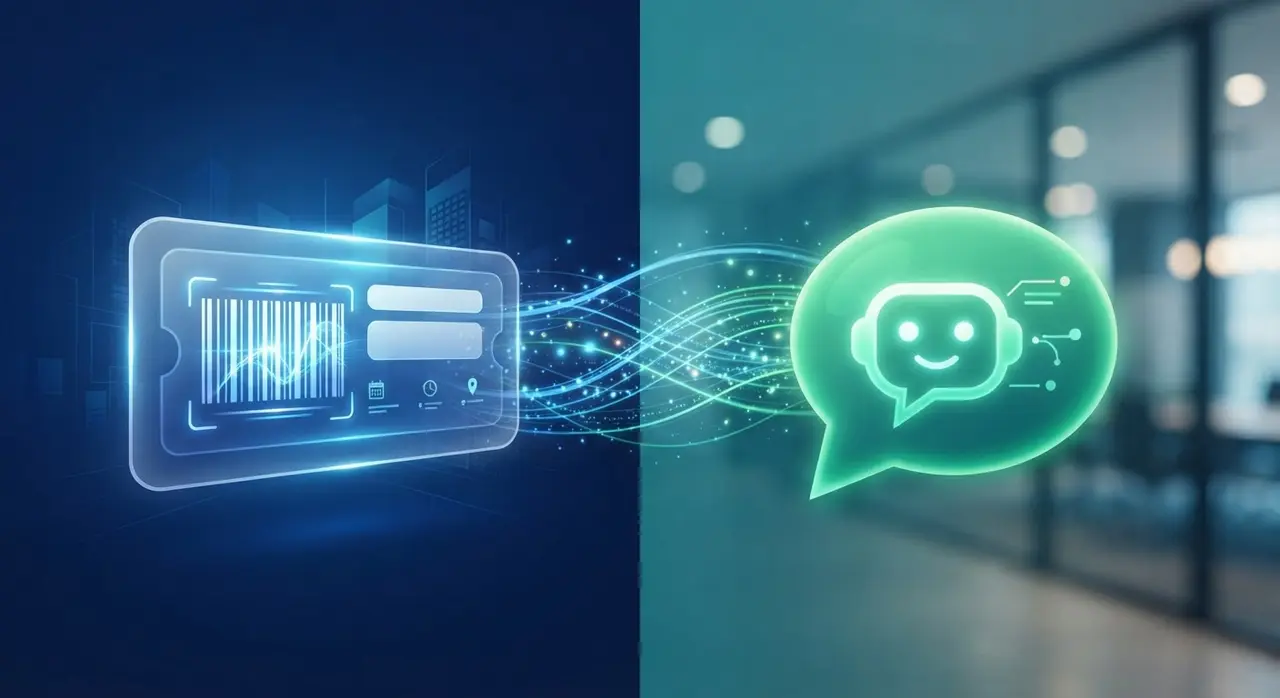
When you integrate the two, the AI agent has instant access to real-time data. It knows exactly who the user is, what ticket tier they are looking at, and whether their payment failed.
- Instant Cart Recovery: Reach out via WhatsApp within minutes of an abandoned checkout.
- Real-Time Status Updates: Automatically inform attendees if their payment is pending or confirmed.
- Smart Ticket Allocation: Ensure true automação de estoque (inventory automation) by blocking AI from selling sold-out batches.
If you want to scale your operations, you need to add AI to your event system without switching platforms. It is about enhancing what you already use.
Step-by-Step: Integrating AI with Your Event System
Connecting a ticketing platform like Eventbrite, Sympla, or Ticketmaster to an AI agent might sound highly technical. However, modern APIs and webhooks make this process straightforward for any modern event business.
1. Establish the Webhook Connection
Webhooks are the nervous system of this integration. They act as automated messengers that tell your AI agent when something happens on the ticketing platform.
For example, when a user enters their phone number on the checkout page, a webhook fires a "checkout_started" event. The AI receives this data instantly, preparing to act if the purchase isn't completed.
2. Map Your Ticket Inventory and Statuses
An AI is only as smart as the data it accesses. You must map your ticket batches, pricing, and availability directly to the agent's knowledge base.
This step creates reliable automação de estoque. If the "Early Bird" batch sells out, the ticketing API updates the AI instantly. When a customer asks for a discount, the AI knows exactly which tiers are still available, preventing embarrassing overselling.
3. Deploy Automated WhatsApp Support
Email is too slow for event ticketing. If a customer's credit card fails, they will leave the page in seconds. WhatsApp is where the modern consumer lives.
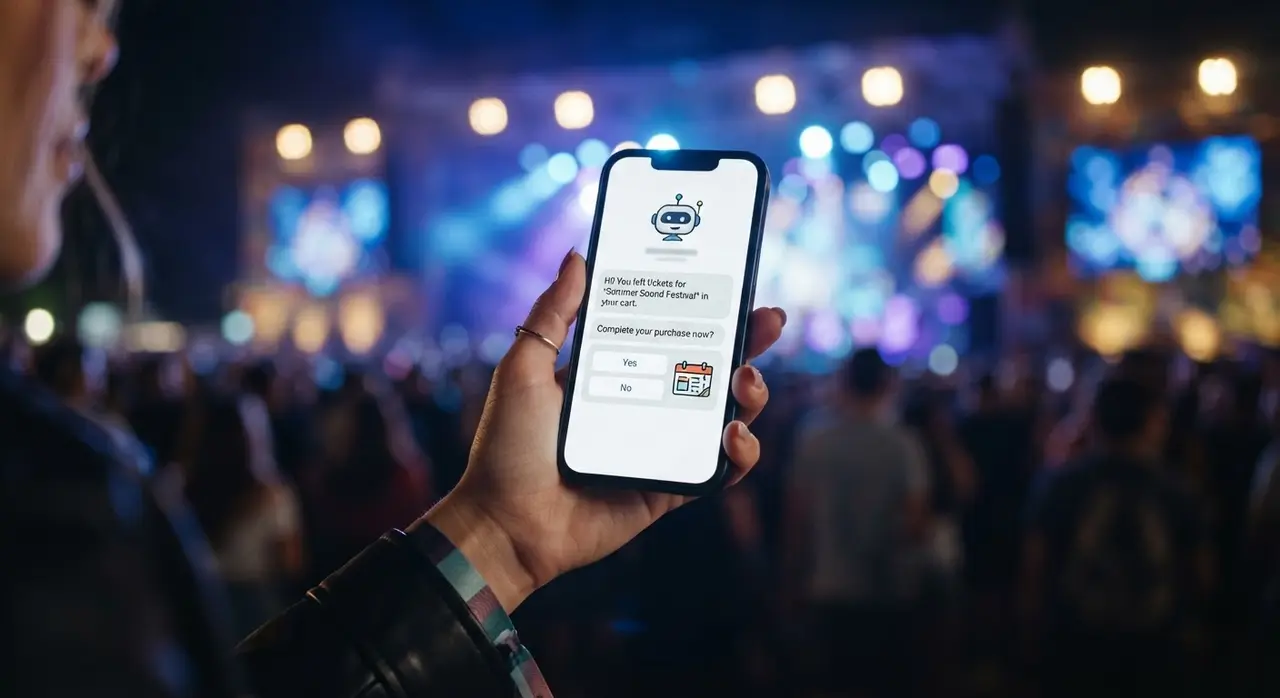
By implementing atendimento whatsapp automatizado, your AI agent can trigger a proactive message: "Hi John! I noticed your payment for the Summer Festival didn't go through. Do you need help with another payment method?"
This proactive approach is proven to boost event registrations conversions by up to 30%.
Handling Data, Limits, and Privacy
When connecting AI to your event's database, handling customer information securely is your top priority. You must comply with privacy laws like GDPR or LGPD.
Limit the data payload: The AI agent does not need to see credit card numbers or sensitive financial data. Configure your webhooks to send only essential fields: Name, Phone Number, Email, Ticket Type, and Order Status.
Watch out for rate limits: During high-demand ticket drops, your API might receive thousands of requests per minute. Ensure your chosen AI solutions are built on robust cloud infrastructure capable of queuing messages without crashing.
AI Agent vs. Traditional Chatbots
Many event producers mistakenly believe that a basic chatbot is enough. A standard bot only answers pre-written FAQs. An AI agent, connected to your platform, actually resolves complex issues.
| Feature | Traditional Chatbot | Integrated AI Agent |
|---|---|---|
| Context Awareness | None. Treats every user as a stranger. | Knows the user's name, ticket tier, and cart status. |
| Cart Recovery | Cannot initiate conversations. | Proactively messages abandoned carts via WhatsApp. |
| Inventory Updates | Static. Needs manual updates. | Real-time sync. Knows exactly what is sold out. |
Real-World Example: Recovering Abandoned Registrations
Let’s look at a practical scenario. A mid-sized music festival was struggling with a 45% cart abandonment rate. Customers would select VIP tickets, reach the payment page, and leave.
The organizers connected their ticketing API to a smart AI agent. They set a rule: if a cart remained unpaid for 15 minutes, the AI would trigger a personalized WhatsApp message offering assistance.
The results were immediate. The AI answered questions about the VIP area layout and provided a secure direct payment link. Within the first month, they recovered 30% of their abandoned carts automatically, requiring zero human intervention.
Conclusion
Connecting your ticketing platform to an AI agent is no longer just a futuristic concept; it is a necessity for competitive event producers. By synchronizing real-time data, you eliminate the friction between sales and support.
With automated WhatsApp conversations and smart inventory tracking, your team can focus on producing an unforgettable event, while the AI secures your revenue behind the scenes. Start small, map your essential webhooks, and watch your conversion rates climb.
Frequently Asked Questions
What do I need to connect my ticketing platform to an AI agent?
You primarily need a ticketing platform that offers API access or webhooks. Most modern platforms (like Eventbrite, Sympla, or Ticketmaster) support this. You also need a specialized AI automation platform to receive this data and trigger WhatsApp messages.
Will the AI agent sell tickets that are already sold out?
No. When properly integrated, the AI agent checks your real-time inventory through API endpoints. If a ticket batch sells out, the system updates instantly, ensuring perfect inventory automation.
Is it safe to share customer data with an AI?
Yes, provided you configure the integration correctly. You should only send necessary data (name, contact info, cart status) to the AI. Financial details like credit card numbers are processed securely by the payment gateway and are never seen by the AI agent.