
CRM WhatsApp: Kommo CRM vs Native Labels
Discover when to use native WhatsApp labels and when to upgrade to a CRM WhatsApp like Kommo CRM to automate sales and scale your customer service team.
- whatsapp business
- kommo crm
- crm whatsapp
- sales automation
- customer service
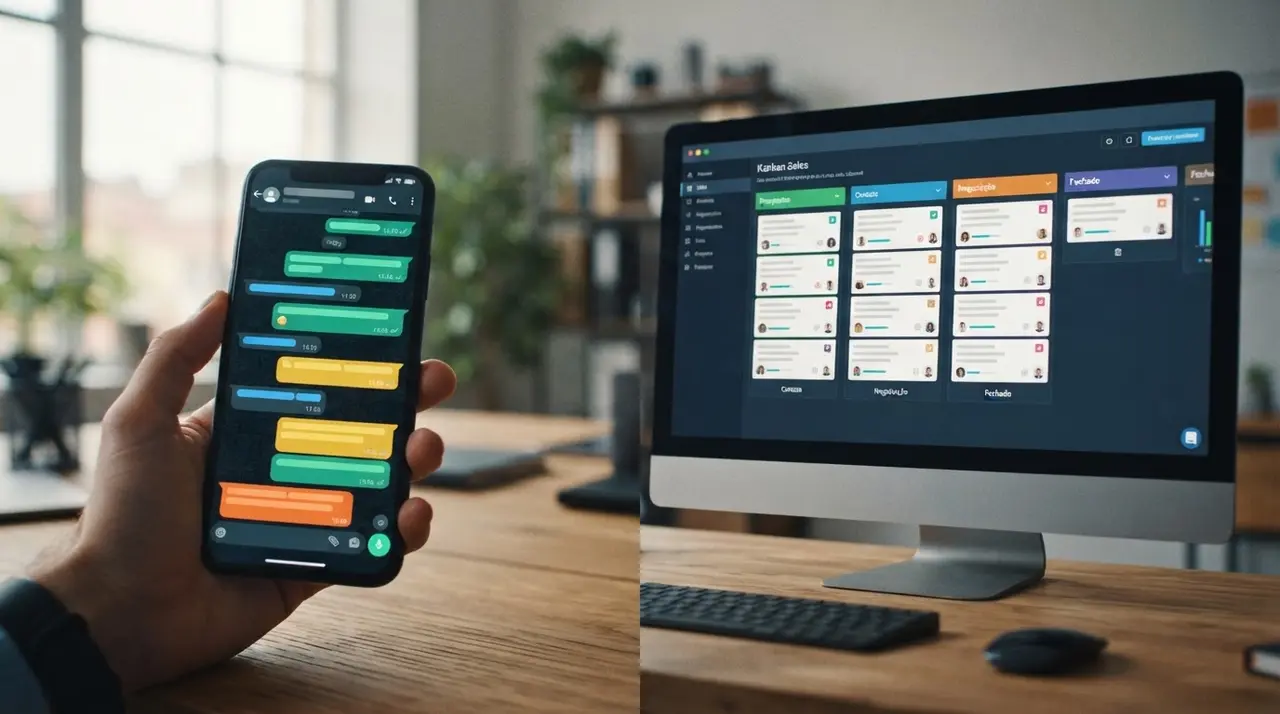
The Core Difference Between Labels and CRM Systems
Choosing between native WhatsApp Business labels and a dedicated CRM WhatsApp solution depends entirely on your company's sales volume and team size. While labels organize basic chats for solo entrepreneurs, a robust system like Kommo CRM automates workflows, provides detailed analytics, and supports multiple users simultaneously. Many growing businesses start with the native tools provided by WhatsApp, but they quickly realize that manual tagging cannot scale alongside their customer base.
Understanding exactly when to make the leap from a free, built-in feature to a professional CRM system is crucial for your bottom line. If you delay the transition, you risk losing valuable leads to a chaotic inbox. Conversely, if you migrate too early, you might overcomplicate a simple process.
This comprehensive guide explores the strengths and limitations of both approaches. By evaluating your current message volume, team structure, and automation needs, you can make an informed decision about the future of your customer communications.
Native WhatsApp Labels: Perfect for Early-Stage Micro-Businesses
Native WhatsApp Business labels provide a free, color-coded tagging system that works flawlessly for single-user operations handling low message volumes. By allowing you to mark chats with colors corresponding to categories like "New Customer" or "Pending Payment," this built-in feature helps solo entrepreneurs keep their inboxes visually organized.
For a business owner who personally handles every customer inquiry, this system acts like digital sticky notes. You can quickly filter your chat list to see everyone who needs a follow-up today or identify which clients have outstanding invoices. The primary advantages include:
- Zero financial cost: It is completely free and built directly into the WhatsApp Business app.
- No learning curve: Anyone familiar with standard WhatsApp can start using labels in seconds.
- Immediate visual cues: The color blocks make it easy to scan your chat list at a glance.
However, the simplicity of labels is also their biggest weakness. Because they rely entirely on human memory and manual input, they are highly prone to error. If you forget to update a label after a conversation, that customer might fall through the cracks forever.
The Breaking Point: When Labels Stop Working
Relying solely on native labels becomes a critical bottleneck when your daily message volume exceeds the capacity of a single agent. As soon as you add a second or third person to your customer service team, the lack of centralized control leads to duplicated efforts and missed messages.
Imagine a scenario where three employees share access to a single WhatsApp Business account via linked devices. Agent A talks to a prospect and forgets to add the "Qualified Lead" label. Agent B logs in, sees an untagged conversation, and restarts the qualification process, frustrating the customer.

You have definitively outgrown native labels if your operation experiences any of the following symptoms:
- Lost opportunities: Leads are frequently forgotten because no one followed up on a manually tagged chat.
- Collision between agents: Multiple team members attempt to answer the same customer simultaneously.
- Lack of metrics: You have absolutely no data on average response times, conversion rates, or individual agent performance.
- Manual fatigue: Your team spends more time organizing and color-coding chats than actually closing sales.
Enter the CRM para WhatsApp: Scaling Your Operations
A specialized CRM para WhatsApp transforms a simple chat app into a centralized, automated sales pipeline for your entire team. Instead of relying on manual color-coding, a customer relationship management system automatically captures leads, assigns them to specific agents, and tracks every single interaction in a visual dashboard.
Platforms like Kommo CRM are specifically designed for messenger-based sales. When a prospect sends a message, the CRM instantly creates a digital profile, logs the conversation, and places the lead into the first stage of your sales funnel. From there, automated rules take over.
This transition shifts your team's focus from administrative organization to active selling. Managers gain a bird's-eye view of the entire operation, allowing them to monitor conversations in real-time, intervene when necessary, and analyze performance data to optimize the sales process.
Feature Comparison: WhatsApp Labels vs. Kommo CRM
Comparing WhatsApp labels with a robust CRM reveals stark differences in automation, analytics, and multi-user capabilities. To make an informed decision, business owners must evaluate how each tool handles data, team collaboration, and workflow automation.
| Feature / Capability | Native WhatsApp Labels | Kommo CRM (or similar) |
|---|---|---|
| Ideal Team Size | 1 to 2 users maximum | Unlimited users |
| Workflow Automation | None (100% manual) | Advanced (routing, auto-replies, triggers) |
| Analytics & Reporting | None | Detailed (response time, conversion, agent stats) |
| Pipeline Visualization | Basic color filters | Kanban-style drag-and-drop boards |
| Integration Options | Limited to Meta suite | Connects with ERPs, AI bots, and marketing tools |
| Lead Assignment | Manual communication required | Automatic round-robin or skill-based routing |
As the table illustrates, the native app is fundamentally a communication tool, whereas a CRM is a comprehensive business management platform. The investment in a CRM pays for itself by recovering the revenue lost to slow response times and disorganized follow-ups.
Key Features to Look for in a WhatsApp CRM
Selecting the right CRM WhatsApp integration requires prioritizing features that directly impact your team's response time and conversion rates. Not all platforms are created equal, and finding one that aligns with your specific sales methodology is crucial for long-term success.
When evaluating options, prioritize systems that offer seamless API connections. You want a platform that allows you to easily plug in external tools, such as advanced AI solutions, to handle repetitive inquiries before they even reach a human agent.
- Unified Inbox: Ensure the CRM can consolidate messages from WhatsApp, Instagram, and Facebook into a single view.
- Automated Routing: The system must be able to assign leads to the right salesperson based on predefined rules.
- Chatbot Compatibility: Look for platforms that allow you to build or integrate conversational AI for initial triage.
- Broadcast Capabilities: The ability to send approved template messages to segmented lists safely and efficiently.
Mini-Case Study: How iachatbot Transformed a Retailer's Pipeline
Implementing iachatbot alongside a CRM eliminates manual tagging errors and instantly routes qualified leads to the right sales representatives. Consider the case of a mid-sized online electronics retailer that was losing nearly 30% of its daily leads due to chaotic WhatsApp label management.
The retailer had three agents sharing one physical smartphone. They relied entirely on native labels to mark which agent was handling which customer. Unsurprisingly, this led to massive confusion, delayed responses of up to 12 hours, and frustrated customers abandoning their purchases.

To solve this, they integrated their WhatsApp Business API with a CRM and deployed iachatbot as their frontline responder. The AI instantly greeted customers, qualified their needs, and automatically placed them into the correct CRM pipeline stage while assigning the right human agent.
The qualitative results were immediate and transformative. The sales team stopped arguing over who should answer which message, response times dropped to under two minutes, and the business completely eliminated dropped leads. You can explore more use cases of AI in customer service and sales to see similar transformations.
Steps to Migrate from Labels to a CRM System
Migrating from WhatsApp labels to a CRM requires exporting your contacts, defining pipeline stages, and training your team on the new automated workflows. A structured transition prevents data loss and ensures your sales team adopts the new system without friction.
Do not rush the migration process. Taking the time to map out your ideal customer journey before configuring the software will save you countless hours of troubleshooting later.
- Audit your current labels: Write down every label you currently use and translate them into distinct stages of a sales funnel (e.g., "Pending Payment" becomes the "Negotiation" stage).
- Select the right platform: Choose a reliable system. We strongly recommend working with our official partners (Kommo, ManyChat, Botpress) for seamless integration.
- Configure the pipeline: Set up your visual boards, define the automated rules, and create template messages for common inquiries.
- Connect the API: Link your WhatsApp Business number to the CRM through an official API provider to ensure stability and compliance with Meta's policies.
- Train your team: Conduct hands-on training sessions so your agents understand how to navigate the unified inbox and manage their tasks.
Common Mistakes When Scaling WhatsApp Operations
Failing to standardize communication protocols before implementing a CRM leads to messy data and confused customer service agents. Even the best technology cannot fix a fundamentally broken sales process. If your team does not know how to handle a lead manually, automating the process will only scale the chaos.
Another frequent mistake is trying to automate every single interaction from day one. Start by automating only the most repetitive tasks, such as initial greetings and lead routing. Allow your human agents to handle complex negotiations, and gradually introduce more advanced AI assistance as you gather data on customer behavior.
Frequently asked questions
What is the main difference between WhatsApp labels and a CRM?
The main difference is that WhatsApp labels are manual, visual tags for a single user, while a CRM is an automated, multi-user database. A CRM tracks the entire customer journey, provides analytics, and integrates with other business tools.
When should a small business upgrade to a CRM WhatsApp?
A small business should upgrade to a CRM WhatsApp when daily message volume causes delayed responses or when multiple agents need access to the same inbox. If you are losing track of leads or cannot measure your team's performance, it is time to migrate.
Does Kommo CRM replace the WhatsApp Business app?
Kommo CRM does not replace the WhatsApp network, but it replaces the need for agents to use the standard WhatsApp Business app interface. Your team will send and receive all WhatsApp messages directly within the CRM's unified dashboard.
Can I use a CRM para WhatsApp with multiple phone numbers?
Yes, a professional CRM para WhatsApp allows you to connect multiple phone numbers into a single, centralized inbox. This feature ensures that managers can oversee all company communications regardless of which number the customer contacted.