
Dify for Events: Build Custom AI Agents for Rules & Schedule
Deploy a custom Dify AI agent trained on your event schedule, venue rules, and FAQs. Automate attendee support seamlessly using the WhatsApp Business API.
- Dify AI
- Event Management
- WhatsApp Business API
- AI Agent
- Customer Service
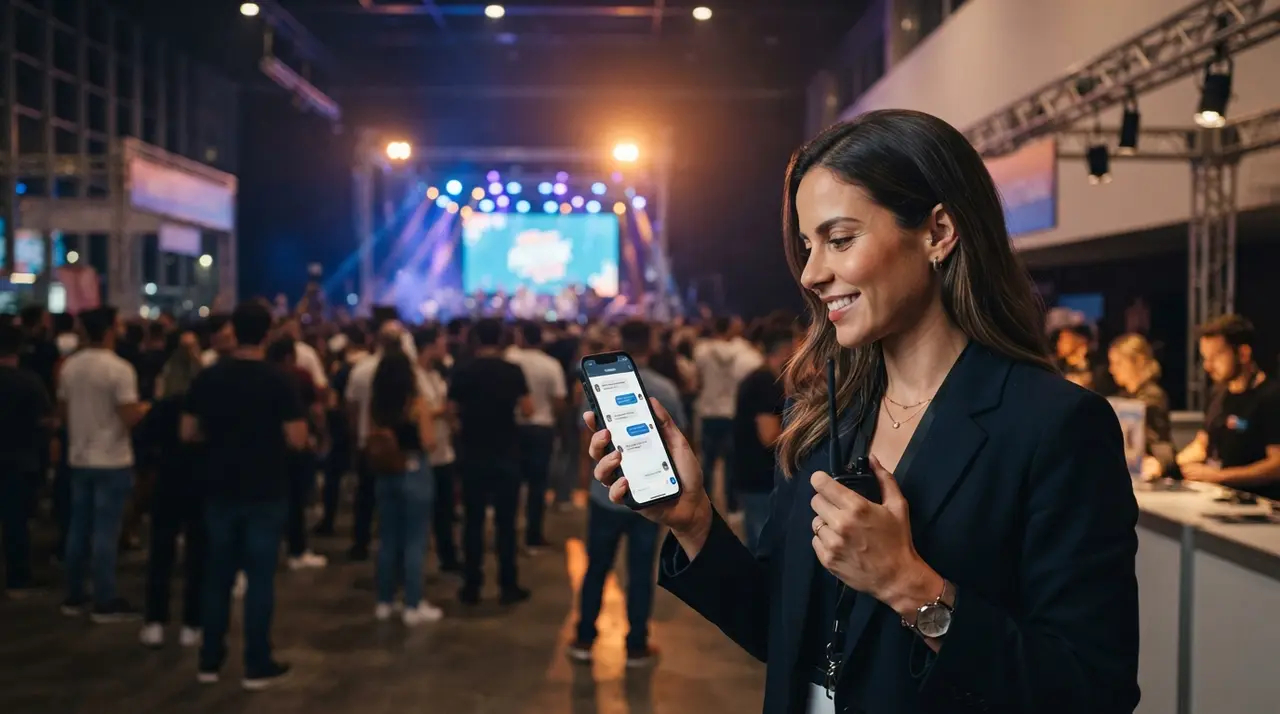
A custom Dify event AI agent is an intelligent knowledge retrieval system that delivers real-time information regarding event schedules, venue guidelines, and operational policies to attendees. By connecting this tool to the api do whatsapp business, event managers can automate customer support and resolve thousands of inquiry tickets instantly.
Managing attendee communications for conferences, festivals, and corporate summits is notoriously demanding. Before an event, support channels flood with repetitive questions: "Where do I pick up my badge?", "What time does key speaker John Doe start?", or "Are outside drinks allowed?". Answering these queries manually drains staff resources and leads to delayed responses.
Deploying a dedicated agente de atendimento powered by Dify solves this bottleneck by combining retrieval-augmented generation (RAG) with precise orchestration. In this comprehensive guide, you will learn how to structure your event data, train your assistente de ia, set guardrails, and execute seamless updates during live operations.
Dify provides unmatched precision for event knowledge management
Dify stands out as an open-source development framework that allows event organizers to construct deterministic, RAG-powered workflows without writing complex code. Standard generic chatbots often hallucinate or invent policies when asked complex questions, whereas Dify anchors every response strictly to your curated event documentation.
Organizers gain full ownership over data vectorization, context chunking, and LLM model selection. This means your event assistant will never guess ticket pricing or misquote entry policies. Furthermore, if you are analyzing if your team is ready for advanced tech, review our guide on 5 signs your event company is ready for AI adoption.
- Deterministic RAG Retrieval: Guarantees that answers come directly from your official schedule and PDF rules.
- Multi-Channel Connectivity: Easily connects to messaging platforms, native apps, and web embeds.
- Custom Behavior Workflows: Allows exact fallback logic when an inquiry falls outside your guidelines.
Curating and structuring your event knowledge base
Structuring your raw event information into clear logical categories is the most critical step before uploading data into Dify. Preparing organized documents prevents data overlap and eliminates ambiguous retrieval results during peak attendee activity.
Divide your knowledge repository into four primary document sets:
- The Official Schedule & Agenda: Track names, room numbers, session start/end times, speaker bios, and audience capacity limits.
- Venue & Logistics Guide: Parking details, public transport routes, accessibility options, food court locations, and Wi-Fi credentials.
- Ticketing & Access Policies: Badge retrieval rules, refund terms, minor age limits, bag size limits, and prohibited items.
- Exhibitor & Sponsor Directory: Booth positions, map coordinates, and sponsor networking hours.
Format your files in clean Markdown or structured CSVs rather than scanned image PDFs. Clean formatting allows Dify's indexing engine to chunk paragraphs cleanly, ensuring higher precision when the vector database searches for context.

Configuring prompt instructions and system guardrails
Setting precise system instructions within Dify ensures your conversational bot maintains a professional tone and stays strictly within its operational limits. System prompts dictate how the AI handles unexpected queries or conflicting schedule requests.
Here is an example prompt structure you can adapt for your event configuration:
"You are the official digital assistant for [Event Name]. Your sole duty is to provide accurate, helpful, and concise information regarding the event schedule, venue rules, and logistics based EXCLUSIVELY on the provided context documents. If an answer cannot be found in the knowledge base, politely inform the attendee that you do not have that detail and direct them to the human helpdesk at Hall A."
Always enable Dify's strict confidence threshold settings. By setting context similarity scores appropriately, you force the system to fall back to human staff whenever context match confidence drops below your established threshold.
Connecting Dify to attendees via the WhatsApp Business API
Connecting your trained Dify engine to WhatsApp gives attendees immediate access to help on the messaging platform they use daily. Utilizing the official api do whatsapp business ensures reliable delivery, verified corporate branding, and high throughput during rush hours.
By integrating Dify workflows with enterprise middleware tools provided by IAChatbot solutions, you can trigger proactive WhatsApp notifications alongside reactive Q&A. For example, if a mainstage keynote speaker is delayed by 15 minutes, your system can push a blast update to registered attendees while immediately updating the internal Dify knowledge base.
This integration ensures that whether an attendee asks a question directly on WhatsApp or checks a web link, they receive synchronized, up-to-second accurate information.
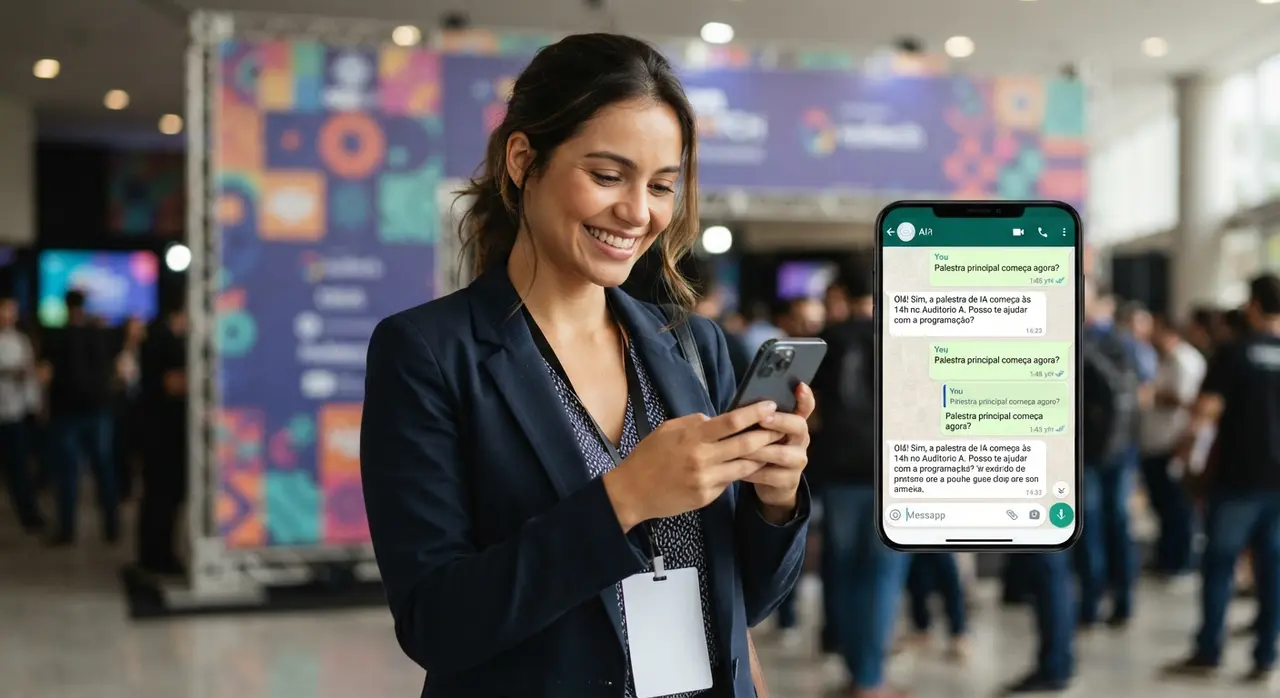
Comparing event communication solutions
Selecting the right technical architecture depends on your operational scale and attendee volume expectations. The table below compares traditional support models against simple chatbots and a trained Dify AI infrastructure.
| Criteria | Manual Helpdesk Team | Rule-Based Chatbot | Dify Trained AI Agent |
|---|---|---|---|
| Response Time | 5 to 30 minutes | Instant (Rigid menu) | Instant (Natural dialogue) |
| Schedule Flexibility | Low (Requires constant briefing) | Very Low (Hardcoded buttons) | High (Instant document re-index) |
| Query Handling | Complex, human-handled | Basic predefined paths | Complex contextual understanding |
| Scalability | High human labor cost | Scalable but frustrating | Scalable with zero added overhead |
| Integration Capabilities | Limited manual updates | Basic API webhooks | Deep API & Workflow capabilities |
Real-World Mini Case Study: Tech Summit Automation
A mid-sized tech conference hosting 4,500 attendees experienced massive helpdesk bottlenecks during its 2023 edition, resulting in long queues at the information booth and over 1,200 unanswered WhatsApp messages regarding room locations and speaker times.
Prior to their 2024 summit, the organizers partnered with IAChatbot to deploy a Dify-powered assistente de ia integrated directly with their ticketing platform and official WhatsApp channel. All session schedules, speaker bios, dietary rules, and map coordinates were converted into indexed vector stores within Dify.
During the two-day event, the intelligent agente de atendimento successfully resolved 93% of all inbound attendee inquiries without human intervention, maintaining an average response time of under 3 seconds. The physical helpdesk queue was reduced by over 80%, allowing live staff to focus entirely on VIP guest management and technical emergencies.
Managing live schedule changes and knowledge updates
Events are fluid environments where speaker presentation times change unexpectedly due to delays or travel disruptions. Dify simplifies live updates by allowing producers to edit or replace specific context chunks without rebuilding the entire agent logic.
To manage last-minute updates effectively during live event days, follow these best practices:
- Use Modular Document Indexing: Keep dynamic elements like "Day 1 Schedule" in separate knowledge documents from permanent rules like "Venue Safety Policies".
- Enable Auto-Reindexing: Connect your Dify knowledge base to a live Google Sheet or Notion database via webhooks so schedule updates automatically re-index instantly.
- Test Key Queries Before Broadcast: Whenever a change occurs, test sample queries in the Dify debug panel to verify that the retrieval engine prioritizes the newly added information.
If you want to enhance your overall platform setup without starting from scratch, explore our full guide on how to add AI to your event system without switching platforms.
Conclusion: Elevating attendee experience with intelligent automation
Implementing a custom Dify agent trained specifically on your event rules transforms chaotic customer support into a streamlined, automated asset. By combining RAG technology with the direct reach of WhatsApp, event producers eliminate support queues, deliver instant answers, and protect their staff from repetitive work burden.
Explore our operational use cases and examples to see how artificial intelligence can elevate your next event from start to finish.
Frequently asked questions
What is Dify and how does it work for event support?
Dify is an open-source AI application development platform that allows users to create customized conversational agents using Retrieval-Augmented Generation (RAG). For events, Dify indexes your specific schedule documents, venue rules, and FAQs into a vector database, enabling the AI to answer attendee questions with extreme accuracy and zero guesswork.
Can a Dify event agent connect directly to WhatsApp?
Yes, a Dify agent can connect to WhatsApp by combining its API endpoints with enterprise messaging integrations using the official WhatsApp Business API. This allows attendees to chat naturally with your event assistant directly inside their preferred messaging app.
How long does it take to train an AI agent on my event data?
Training an agent in Dify takes only a few minutes once your event documentation, schedules, and policies are properly formatted in clear text, Markdown, or CSV format. Uploading the documents triggers instant vector indexing, making your agent ready for testing immediately.
What happens if an attendee asks a question not covered in the schedule or rules?
When configured with strict fallback guidelines and confidence score thresholds, the Dify agent will recognize that it lacks the necessary context. Instead of inventing an answer, it will politely inform the attendee and escalate the inquiry to your human support team.