
How n8n Automation Connects ERP, WhatsApp & AI
Discover how n8n automation links your ERP, WhatsApp, and AI in a single flow. Streamline ISP operations, resolve tickets faster, and boost support.
- n8n automation
- ISP automation
- API integration
- n8n flow
- AI customer service
The Bottleneck in Modern ISP Operations
As an ISP owner or manager, you know the daily struggle. A customer sends a message on WhatsApp complaining about their connection. Your support agent reads it, opens the billing software, searches for the CPF, checks the payment status, copies a barcode, and pastes it back into the chat.
It takes minutes. Multiply this by hundreds of tickets, and you have a massive operational bottleneck. This manual transit of data between disconnected platforms kills your team's productivity and frustrates your subscribers.
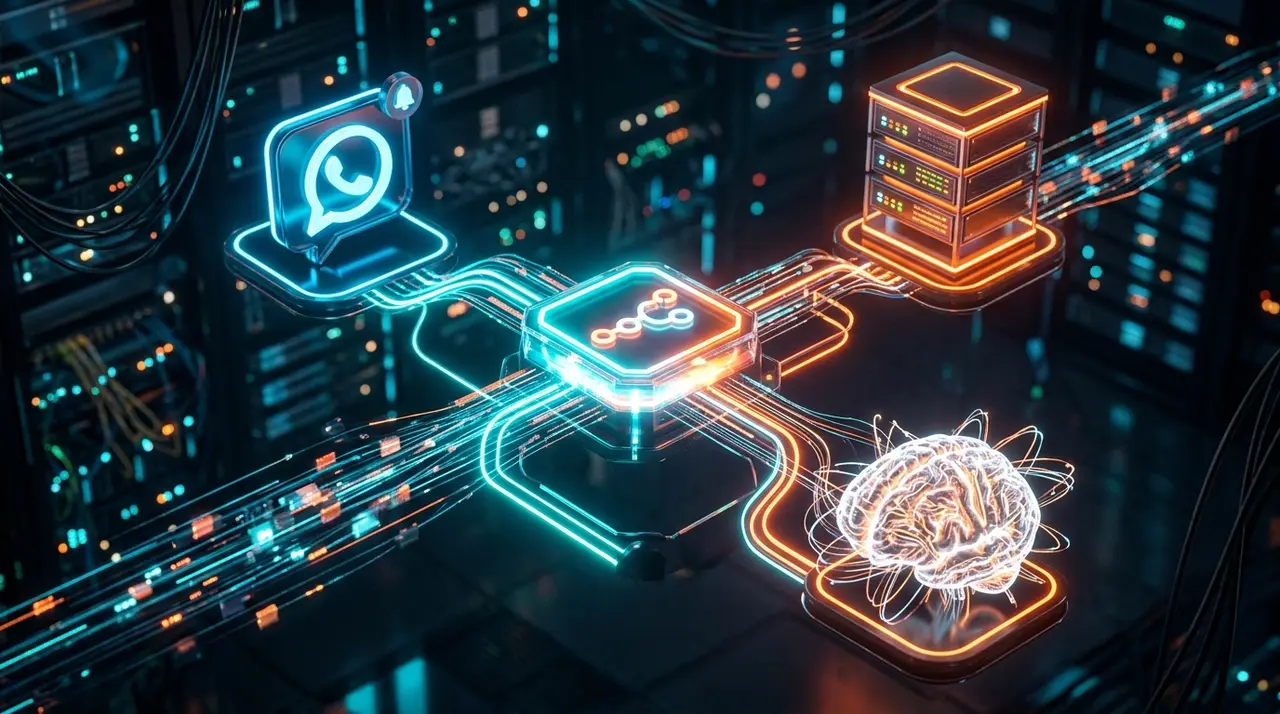
This is where n8n automation changes the game. By creating an intelligent bridge, n8n connects your ERP, WhatsApp, and Artificial Intelligence (AI) into a single, seamless pipeline. Let's explore how this architecture works and how you can use it to scale your regional ISP.
The Core Architecture: Understanding the n8n Flow
To stop losing time, your business needs robust system integration. An n8n flow acts like a digital traffic controller. It listens for events, processes rules, talks to other software, and returns a result—all in milliseconds.
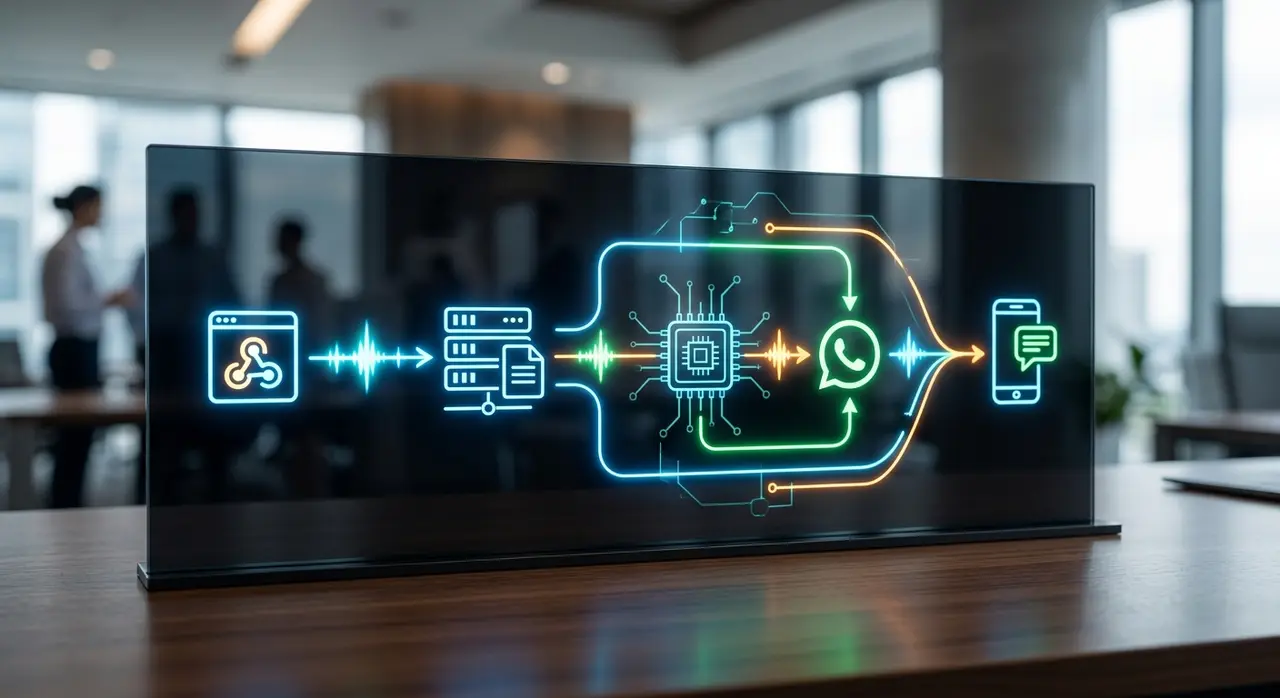
When we combine AI into this mix, the chatbot stops being a "dumb menu" (Press 1 for Finance, 2 for Support) and becomes a true digital agent. Here is the four-step architecture of a perfect integration:
1. The Entry Point: n8n Webhook
Everything starts when the customer says "Hello" on WhatsApp. The messaging API sends a payload of data (the user's number, message text, and timestamp) directly to an n8n webhook. This node is the open door that receives real-time information and triggers the rest of the flow.
2. The Brain: AI Intent Recognition
Instead of relying on rigid keywords, the n8n flow forwards the customer's message to an AI model (like OpenAI or Claude). The AI acts as the brain. It reads "My internet is red and not working" and instantly classifies the intent as a Technical Support / Connection Issue.
3. The Database: n8n ERP Integration
Once the AI knows what the customer wants, the flow needs context. n8n executes an API integration call to your management software (SGP, IXC, TOPSAPP, etc.). It searches the customer by their WhatsApp number or asks the AI to request their CPF.
This n8n ERP connection pulls vital data: Is the bill paid? Is there a mass outage in their neighborhood? Is their router online?
4. The Delivery: n8n WhatsApp Response
Armed with the ERP data, the AI crafts a polite, personalized response. Finally, the n8n flow sends this exact text back through the n8n WhatsApp node, delivering the solution directly to the customer's phone.
How Data Transits Between Systems
Understanding the transit of data is crucial for any ISP decision-maker. You don't need to write code, but you must understand the logic. In an n8n canvas, data moves as JSON objects from left to right.
- Node A (Trigger): Outputs the raw WhatsApp message.
- Node B (Processing): Modifies that data, formatting the phone number to match your ERP's standard (e.g., adding or removing country codes).
- Node C (HTTP Request): Securely sends credentials to your ERP API and receives a JSON response containing the client's financial status.
- Node D (AI Agent): Merges the ERP data with the customer's question to generate a human-like reply.
Because n8n is visual, debugging is incredibly fast. If a step fails, the node turns red, showing exactly where the data stopped. This visual approach makes automating the IXC trust unlock or checking connection status highly reliable.
Manual vs. Automated: A Practical Comparison
To truly grasp the ROI of an API integration powered by n8n, let's compare the traditional manual workflow with an automated AI flow.
| Task | Manual Agent Workflow | n8n + AI Workflow |
|---|---|---|
| Receiving the message | Agent reads the chat queue (1-5 min wait). | n8n webhook catches the message instantly. |
| Identifying the customer | Agent asks for CPF, switches tabs, searches ERP. | n8n queries the ERP via API in milliseconds. |
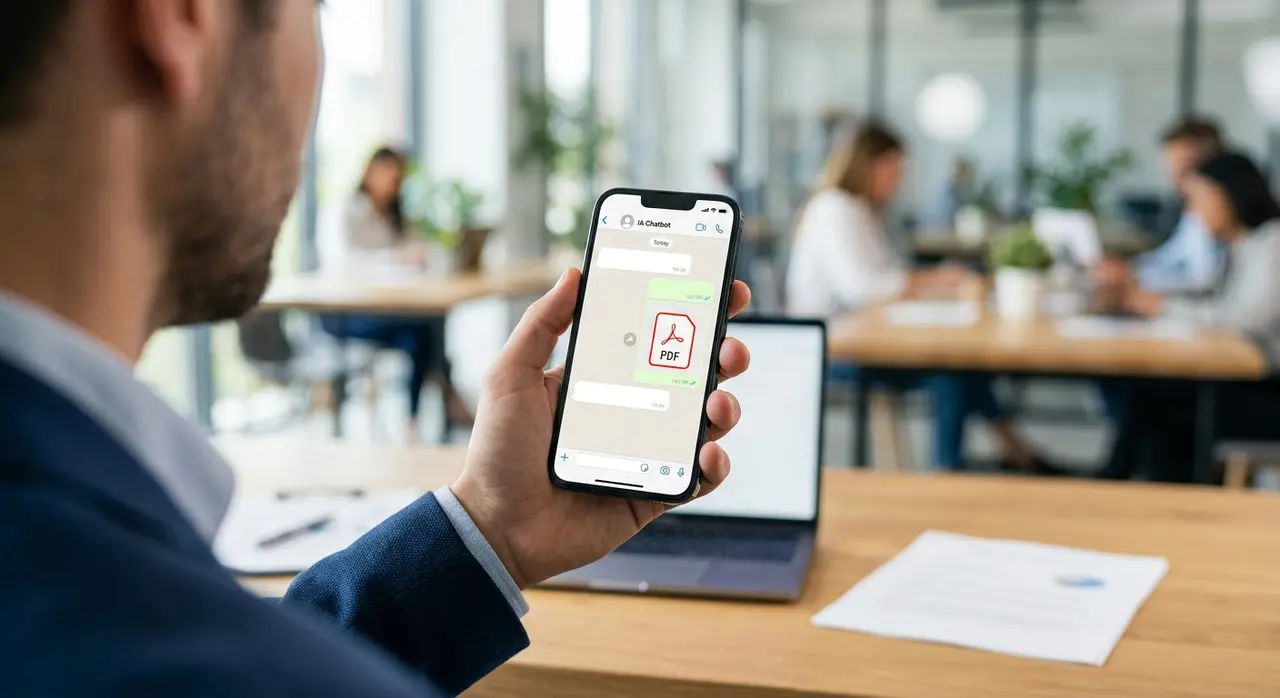
| Solving the issue | Agent generates a PDF, copies barcode, pastes in chat. | AI formats the barcode and sends it via WhatsApp. |
| Total Time | ~4 to 8 minutes per ticket. | Under 5 seconds. |
This speed isn't just about cutting costs; it's about providing a premium experience that prevents churn.
Real-World ISP Scenarios for n8n
When you master system integration, the possibilities are endless. Here are two massive operational wins for regional ISPs:
1. Zero-Touch Duplicate Bills
Over 40% of ISP support tickets are just customers asking for their monthly boleto or Pix code. An n8n flow can recognize this request, ping your billing software, and instantly return the Pix "Copia e Cola" code. You can easily automate SGP for duplicate bills without a human ever touching the ticket.
2. Proactive Outage Alerts
If a fiber node goes down, your WhatsApp will flood with angry messages. With an n8n flow, the system can check the ERP for mass outages based on the customer's address. The AI then replies: "Hi John! We identified a fiber cut in your neighborhood. Our technicians are already on-site, and the connection will return by 3 PM."
Conclusion: The Future of ISP Management
Implementing an n8n automation isn't just a technical upgrade; it's a strategic business move. By connecting your ERP, WhatsApp, and AI in a single, well-orchestrated flow, you eliminate human error, drastically reduce response times, and free your staff to handle complex network issues.
Stop letting your team act as manual data-copiers. Embrace the power of APIs, webhooks, and visual programming to build an ISP that operates intelligently 24 hours a day, 7 days a week.
Frequently Asked Questions
What is an n8n webhook?
A webhook is a digital entry point that allows n8n to receive real-time data from other applications. When a customer sends a WhatsApp message, the messaging platform sends that data to the webhook, instantly triggering your automation flow.
Do I need to be a developer to use n8n?
While n8n is a low-code platform with a visual drag-and-drop interface, integrating complex ERP APIs and designing AI prompts requires a solid understanding of data structures (like JSON). Partnering with AI automation specialists ensures a secure and optimized setup.
Is my customer data safe during the n8n flow?
Yes. When properly configured, n8n acts as a secure conduit. API calls are encrypted (HTTPS), and you can host n8n on secure servers. Data is processed in real-time and doesn't need to be permanently stored outside your ERP.
Can n8n handle multiple WhatsApp numbers at once?
Absolutely. You can route multiple WhatsApp numbers (e.g., one for Support, one for Sales) into the same n8n instance. The flow simply identifies which number received the message and applies the correct AI logic and ERP queries.