
How to Approve a WhatsApp OTP Authentication Template
Learn how to format, submit, and approve WhatsApp authentication templates for OTPs. Boost security with button messages and master the 24-hour window.
- WhatsApp API
- Authentication
- OTP Templates
- Business Automation
- Customer Security
The Critical Role of Secure Logins in Modern Business
Securing user accounts is non-negotiable for modern businesses. Whether your customers are logging into a client portal, resetting a password, or confirming a high-value transaction, they expect a seamless and highly secure verification process. This is exactly where the WhatsApp authentication template comes into play.
Unlike standard WhatsApp canned responses used for general customer inquiries, an OTP (One-Time Password) message must follow strict guidelines set by Meta to get approved. The authentication category is heavily regulated to protect end-users from spam and fraud.
In this comprehensive guide, you will learn exactly how to format, submit, and successfully approve your OTP codes. We will also explore how these specific templates operate outside the standard WhatsApp 24-hour window to deliver critical security codes instantly, ensuring your customers never abandon a login screen again.
What is a WhatsApp Authentication Template?
Authentication templates are a highly specific, restricted category of WhatsApp Business messages. They are designed exclusively for verifying users by delivering OTPs, account recovery codes, or essential security alerts. Because these messages handle sensitive access data, Meta enforces a rigid structural format.
You cannot include promotional text, friendly greetings, or unrelated website links in an authentication template. The message must strictly contain the verification code and, optionally, a brief security disclaimer warning the user not to share the code with anyone.
When a user receives this type of message, it often features a highly effective WhatsApp button message. This interactive element allows the user to copy the code with a single tap, drastically reducing friction and typos during the login process.
Why Choose WhatsApp over SMS for OTP Delivery?
For years, SMS has been the default standard for delivering OTPs. However, SMS suffers from significant delivery delays, network carrier filtering, and severe security vulnerabilities like SIM swapping. WhatsApp offers end-to-end encryption, ensuring the sensitive code reaches only the intended user safely.
Furthermore, WhatsApp boasts incredible open rates, often exceeding 90%. When a customer requests a login code, they receive it almost instantly via Wi-Fi or mobile data. This unprecedented speed reduces login abandonment rates and boosts overall customer satisfaction.
Integrating this secure flow into your broader AI solutions ensures your business provides a top-tier, trustworthy experience right where your customers already spend their time.
SMS vs. WhatsApp OTP Comparison
| Feature | Traditional SMS | WhatsApp Authentication |
|---|---|---|
| Delivery Speed | Variable, prone to carrier delays | Near-instant via internet connection |
| Security | Vulnerable to interception (SIM swap) | End-to-end encryption |
| User Experience | Manual copying required | One-tap copy via interactive buttons |
| Brand Trust | Often arrives from unknown shortcodes | Arrives from a verified business profile |
The Strict Format: What Meta Requires for Approval
To get your authentication template approved without frustrating delays, you must adhere strictly to Meta's predefined structural rules. Deviating from these rules—even slightly—is the number one reason for template rejection.
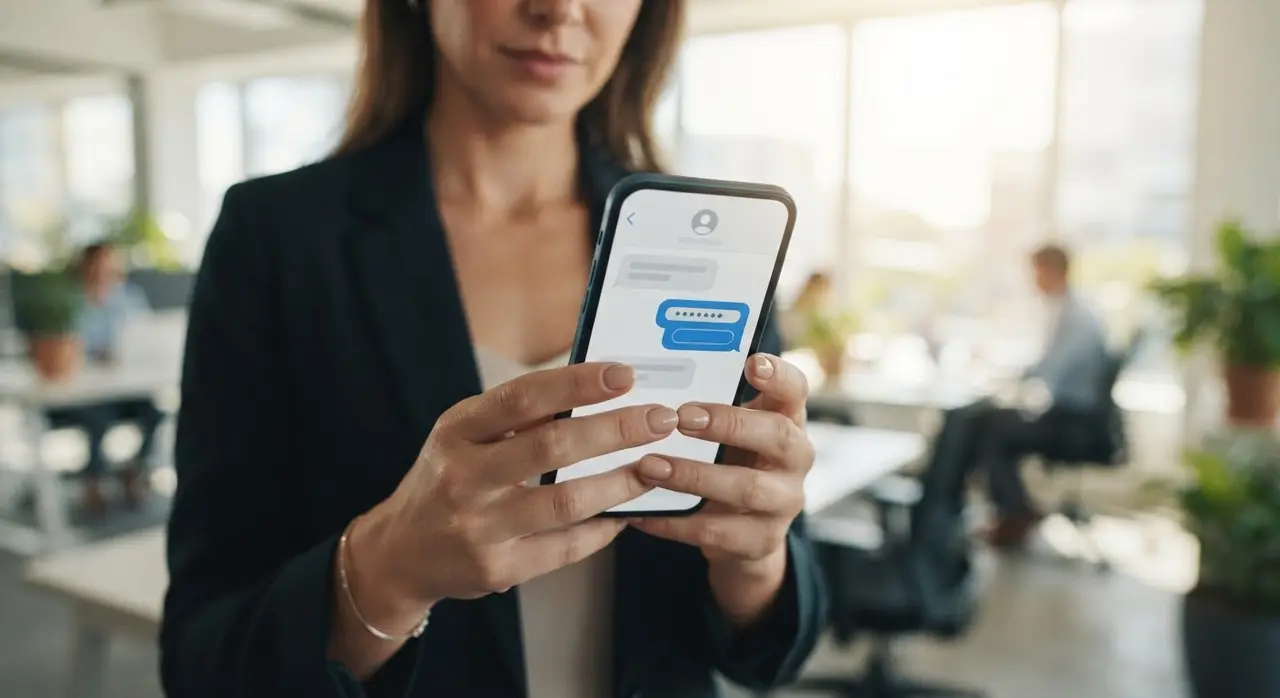
Here is what a compliant, perfectly formatted OTP template looks like:
- No promotional content: Do not include upsells, marketing language, or branding slogans.
- No media attachments: Images, videos, and PDF documents are strictly prohibited in this category.
- No URLs: Do not include links to your website or app. The goal is solely to deliver the code.
- Clear interactive buttons: Use the native copy-code button feature for maximum efficiency.
A standard, pre-approved format usually reads simply: "Your verification code is {{1}}. For your security, do not share this code with anyone." The variable `{{1}}` is where your system will dynamically insert the generated numeric code.
Step-by-Step: How to Get Your OTP Template Approved Fast
Approving an authentication template is a straightforward process if you follow the correct path within your WhatsApp Business Manager. Here is the actionable, step-by-step process to ensure immediate approval.
Step 1: Select the correct category. When creating a new template in the manager, always choose "Authentication". Choosing "Utility" or "Marketing" for an OTP payload will result in an immediate automated rejection by Meta.
Step 2: Use the predefined layout. Meta provides a standard, non-editable layout for OTPs in many regions. Fill in your variable (the code itself) and select the optional security warning. Do not attempt to add custom text outside the allowed parameter boxes.
Step 3: Configure the copy button. Add the "Copy Code" button to your template. This specific WhatsApp button message is crucial for a smooth user experience, as it saves the customer from memorizing a 6-digit number while switching between apps.
Step 4: Submit for review. Because the format is highly standardized and restricted, authentication templates are often approved in minutes by Meta's automated AI review system.
Common Rejection Reasons (And How to Fix Them)
Even with strict guidelines laid out, businesses often make small, seemingly harmless mistakes that lead to rejected templates. Understanding these common pitfalls saves your development team hours of frustration.
Adding unnecessary greetings: A message like "Hi John, welcome back! Your code is 123456" will likely get rejected. Stick strictly to the code and the security warning. Let your standard WhatsApp canned responses handle the friendly greetings and onboarding in normal, two-way chats.
Including external URLs: Authentication templates should never contain links to your website. If you need to guide users on what to do next, provide those instructions on the login screen of your app or site, not within the OTP message itself.
Misusing the variable: Ensure the variable `{{1}}` is only used for the numeric or alphanumeric code. Do not try to pass full sentences or names through the variable parameter in an authentication template.
Security Best Practices and API Limits
Sending OTPs via WhatsApp is highly secure, but you must implement rate limits on your server side. You must prevent malicious actors or bots from triggering hundreds of OTP requests to a single phone number, which could drain your budget and annoy users.
Limit code requests to a reasonable number—such as three attempts per hour per user. If a user exceeds this limit, block further requests temporarily. This practice protects your WhatsApp Business API quality rating and prevents your number from being flagged for spam.
Additionally, always set a short expiration time for the code on your backend (e.g., 5 to 10 minutes). If the code is not used within that timeframe, it should automatically invalidate, forcing the user to request a new, secure token.
Understanding the 24-Hour Session Window
It is vital to understand how authentication messages interact with WhatsApp's pricing and session rules. Sending an authentication template initiates an "Authentication conversation" which is priced differently from marketing or utility conversations.
More importantly, delivering an OTP does not automatically open the WhatsApp 24-hour window for free-form customer service. The free-form service window only opens if the customer actively replies to your message.
Since OTPs are usually a one-way communication (the user copies the code and logs in without replying to the chat), you cannot follow up an hour later with a promotional message or a custom support text unless you use another paid template. Plan your use cases and communication flows with this strict session rule in mind.
Connecting Authentication to the Broader Customer Journey
An OTP is often the very first step in a larger, more complex customer journey. Whether they are accessing a new purchase portal or confirming a consultation appointment, the verification process sets the tone for your brand's reliability and technological competence.
Once the user is securely logged in, you can seamlessly transition them into other automated flows within your platform. For instance, post-login actions on your website can trigger utility updates, order confirmations, or personalized support options via WhatsApp.
If your goal is to maximize retention and engagement after secure transactions, exploring advanced post-sales automation strategies can turn a simple login event into a long-term, profitable customer relationship.
Frequently asked questions
How long does it take to approve an authentication template?
Because Meta uses a highly standardized format for OTPs, approval is usually completely automated and takes just a few minutes. However, in rare cases, it can take up to 24 hours if a manual review is unexpectedly triggered by the system.
Can I add my company logo or an image to the OTP message?
No. Authentication templates are strictly text-based and cannot include media like images, PDFs, or videos. You are limited to text, the variable for the verification code, and a native copy-code button.
Does sending an OTP open the WhatsApp 24-hour window?
No. Sending a business-initiated template does not open the free-form 24-hour customer service window. The open communication window only activates if the customer actively replies to your WhatsApp message.
Why was my authentication template rejected by Meta?
The most common reasons for rejection include adding promotional text, using URLs, including conversational greetings (like "Hi there"), or mistakenly selecting the "Utility" or "Marketing" category during the submission process.
Is it more expensive to send OTPs via WhatsApp than SMS?
Costs vary by country and region, but WhatsApp authentication conversations are generally priced very competitively. When factoring in the drastically higher delivery rates and the elimination of SMS fraud, WhatsApp often provides a much higher return on investment for businesses.