
How to Create a WhatsApp Business Sales Script
Learn how to build a flexible WhatsApp Business sales script to convert leads into customers. Discover frameworks, examples, and tips to sell more efficiently.
- WhatsApp Sales
- Sales Script
- Business Automation
- Conversational Commerce
- Customer Service
The Secret to High-Converting WhatsApp Conversations
Selling on WhatsApp is entirely different from selling over email or a cold phone call. It is fast, intimate, and highly conversational. If you try to paste a formal, three-paragraph email into a WhatsApp chat, your prospect will likely ignore it. To truly vender mais pelo whatsapp (sell more on WhatsApp), you need a strategy that respects the platform's dynamic nature.
Many businesses struggle because they either rely on entirely improvised conversations—leading to inconsistent results—or they use rigid, robotic scripts that alienate potential buyers. The sweet spot lies in building a flexible sales script.
A well-crafted script acts as a guardrail. It guides your sales team through the necessary steps of a deal while allowing them to adapt to the customer's unique tone and needs. In this guide, we will break down the exact framework you need to build an effective estrategia de vendas whatsapp (WhatsApp sales strategy) that scales your revenue without losing the human touch.
Why Traditional Sales Scripts Fail on WhatsApp
Before we build a new script, we must understand why old ones fail. WhatsApp is a channel built for quick back-and-forth exchanges. When a business sends a massive "wall of text" detailing every feature of their product, it disrupts the natural flow of the app.
Here are the three main reasons traditional scripts kill conversions on WhatsApp:
- They are too formal: Using overly corporate jargon makes the customer feel like they are talking to an automated system, not a person.
- They monologue: Good chat sales require dialogue. If your script doesn't ask questions, you are lecturing, not selling.
- They ignore pacing: Sending five messages in a row before the customer can reply causes anxiety and leads to ghosting.
To fix this, you must shift your mindset. Your script should not be a monologue to memorize, but a series of strategic checkpoints. Let's dive into the five-step framework.
The 5-Step Flexible WhatsApp Sales Script Framework
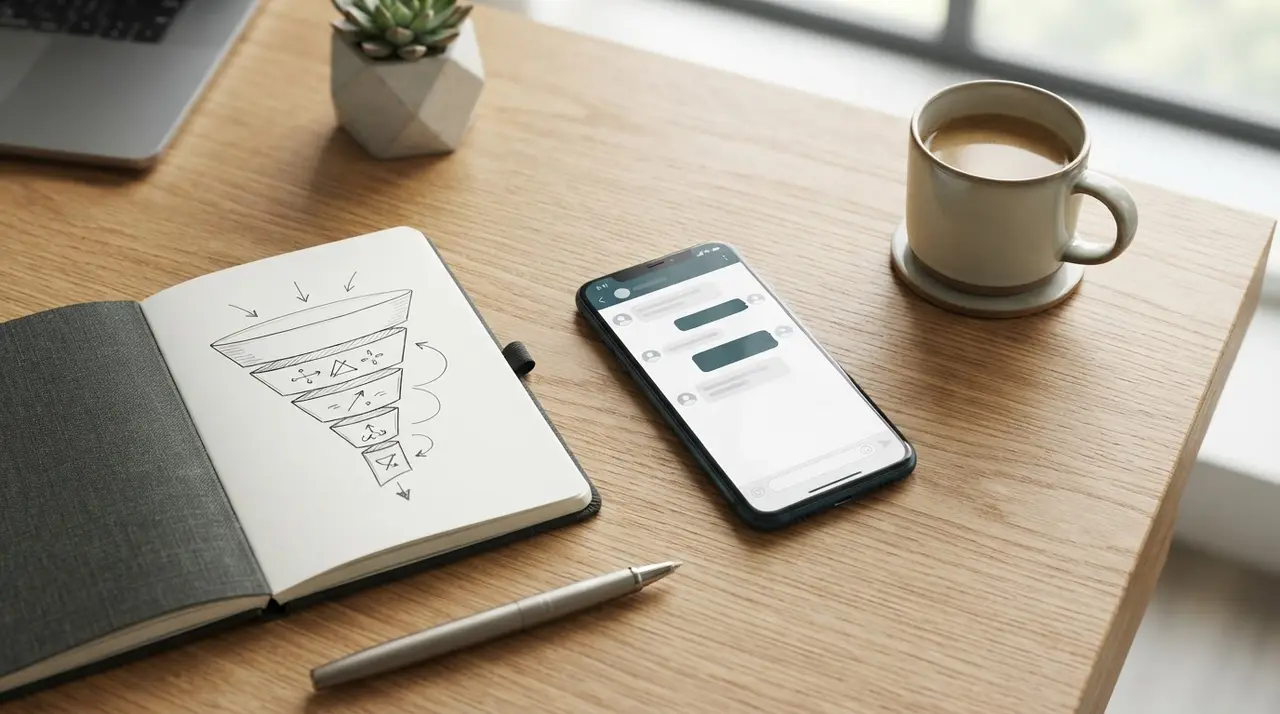
A high-converting WhatsApp script is divided into five adaptable stages: Opening, Discovery, Value Presentation, Objection Handling, and Closing. Let's explore how to execute each one effectively.
1. The Opening: Casual, Direct, and Relevant
The first rule of WhatsApp openings is to avoid the generic "Hi, how can I help you?". If a lead came through a specific ad, a website form, or an Instagram story, use that context immediately.
Your opening should achieve two things: acknowledge why they are there and ask a low-friction question to start the conversation.
- Bad Opening: "Hello! Welcome to our company. We offer the best services in the market. How can I assist you today?"
- Good Opening: "Hi [Name]! 👋 I saw you clicked on our ad for the new consulting package. Are you looking to scale your current team, or just starting out?"
By giving them a multiple-choice question at the end, you drastically increase the chances of a reply.
2. The Discovery: Ask, Don't Pitch
Once the customer replies, resist the urge to immediately pitch your product. This is where most salespeople fail. The discovery phase is about diagnosing the problem so you can position your product as the undeniable solution.
Ask open-ended but guided questions. Keep them short. Wait for the answer before asking the next one.
Examples of Discovery Questions:
- "Got it! What is the biggest challenge you are facing with [Topic] right now?"
- "Just so I can recommend the best option, how soon do you need this implemented?"
- "Are you currently using any other tool for this, or would this be your first time?"
When you understand their pain points, you can tailor the next step perfectly.

3. Value Presentation: Bite-Sized and Visual
Now that you know what the customer needs, it is time to present your offer. On WhatsApp, less is more. Do not send a giant PDF or a long text block unless they ask for it.
Instead, use bullet points, bold text, and media to make your value proposition easily scannable.
Example of a Value Presentation:
"Based on what you told me, our Pro Package is the perfect fit. Here is how it solves [Customer's Problem]:
- ✅ Feature 1: Eliminates manual work.
- ✅ Feature 2: Integrates directly with your current setup.
- ✅ Feature 3: Includes 24/7 support.
I can send you a quick 1-minute video showing how it works. Want to take a look?"
Notice how the presentation ends with a question to maintain the conversational loop.
4. Objection Handling: Empathy First
Objections are natural. The customer might say it is too expensive, they need time to think, or they need to consult a partner. The worst thing you can do is argue or push too hard.
Use the "Felt, Found" method tailored for chat. Acknowledge their concern, validate it, and pivot to a solution.
Handling a Price Objection:
Customer: "It looks great, but it's a bit out of my budget right now."
Sales Rep: "I totally understand, [Name]. It is an investment. Many of our current clients felt the same way initially. What they found was that the time saved paid for the tool in the first month. If we could split this into two payments, would that make it easier for you?"
5. The Closing: Clear Next Steps
Never leave a WhatsApp conversation hanging. If you just send the price and wait, you will lose the sale. You must confidently guide the prospect to the next logical step.
Provide clear instructions and a slight sense of urgency if applicable.
Closing Example:
"Great! To get you started today and lock in this month's discount, I just need your email to send the payment link. Should I send it here or directly to your inbox?"
Standardizing Without Sounding Like a Bot
One of the biggest challenges for growing teams is figuring out exactly como usar o whatsapp para vender (how to use WhatsApp to sell) at scale without the team sounding like mindless robots. Standardization is crucial for quality control, but personalization is what actually closes deals.
Here is a quick comparison of how to transform a robotic script into a human, high-converting message:
| Robotic Script (Avoid) | Humanized Script (Use This) |
|---|---|
| "Dear Sir/Madam, your inquiry has been received. Please state your requirements." | "Hi there! 👋 Thanks for reaching out. To get started, what exactly are you looking for today?" |
| "Our product has 15 features including X, Y, and Z. The price is $100. Do you want to buy?" | "Based on your needs, our Pro plan is the best fit. It includes X and Y to solve [Problem]. It's $100/mo. Sound fair?" |
| "If you have any further questions, please do not hesitate to contact us." | "I'm here if you need anything else! Just drop a message. Have a great day! 🚀" |
To maintain this balance, provide your team with a repository of "building blocks" rather than rigid paragraphs. Encourage them to use emojis naturally, send short voice notes (under 30 seconds) for complex explanations, and match the customer's pacing.
Supercharging Your Script with AI Automation
Even with the best script in the world, human capacity is limited. A single salesperson can only handle a few dozen active chats a day before response times drop and leads go cold.
This is where intelligent automation comes in. By integrating AI solutions into your WhatsApp Business API, you can automate the Opening and Discovery phases entirely. An AI agent can instantly greet the lead, ask the qualifying questions, gather the necessary data, and only transfer the chat to a human agent when the prospect is warmed up and ready for the Value Presentation.
Implementing sales automation ensures that no lead is ever left waiting, and your human team spends 100% of their time closing qualified deals rather than asking basic qualifying questions.
Measuring Your WhatsApp Sales Success
You cannot improve what you do not measure. Once your new script is in place, you need to track specific metrics to ensure it is actually working.

Keep a close eye on these three key performance indicators (KPIs):
- Average Response Time: In chat sales, speed is everything. Aim to respond to new inquiries within 5 minutes. If this is impossible for your human team, you need AI assistance.
- Conversion Rate from Chat to Sale: Out of 100 conversations started, how many result in a closed deal? This tells you if your Value Presentation and Closing stages are effective.
- Drop-off Rate per Stage: Are people ghosting you after you state the price? Or are they leaving during the Discovery phase? Identifying where the conversation stops helps you tweak specific parts of your script.
By constantly analyzing these metrics and reviewing use cases of AI in sales, you can continuously refine your approach, ensuring your WhatsApp channel becomes a predictable, scalable revenue engine.
Conclusion
Creating a successful WhatsApp Business sales script is not about writing the perfect essay; it is about engineering the perfect conversation. By structuring your approach into Opening, Discovery, Value Presentation, Objection Handling, and Closing, you give your team the tools they need to navigate any chat confidently.
Remember to keep it conversational, use media wisely, and never leave the customer guessing what the next step is. When you combine this flexible human approach with the speed and scale of AI automation, your WhatsApp channel will transform from a simple support tool into your company's most powerful sales asset.
Frequently asked questions
Can I use the exact same script for all my products?
No. While the 5-step framework remains the same, the specific questions in the Discovery phase and the bullet points in the Value Presentation must be tailored to the specific product or service the customer is inquiring about. A "one-size-fits-all" message rarely converts.
How long should a WhatsApp sales message be?
Keep individual messages under 3 to 4 short sentences. If you have a lot of information to share, break it up into multiple smaller messages or use a bulleted list. The goal is to make the text easy to scan on a mobile screen.
Is it professional to use emojis in a B2B sales script?
Yes, but in moderation. Emojis help convey tone and make the text more readable (e.g., using checkmarks for lists or a simple greeting emoji). Even in B2B, you are selling to a human being who uses WhatsApp daily. Just ensure the emojis align with your brand's voice.
What should I do if a lead stops replying?
Follow up, but don't be annoying. Wait 24 hours and send a low-pressure message focusing on value, not the sale. For example: "Hi [Name], just checking in! I found this quick case study about [Their Problem] and thought of you. Let me know if you're still looking into this!"