
Official API: Prevent WhatsApp Business Bans Effectively
Learn how to use the official WhatsApp API to prevent a WhatsApp Business ban. Discover opt-in rules, costs, and how to avoid user reports securely.
- WhatsApp API
- Business Ban
- WhatsApp Opt-in
- Account Security
- Customer Service

Using the official WhatsApp API is the most effective method to prevent a WhatsApp Business ban because it connects your company directly to Meta's authorized infrastructure. By relying on approved message templates and strict WhatsApp opt-in rules, businesses eliminate the risks associated with unauthorized software and drastically reduce the likelihood of a WhatsApp report. While many small businesses start with the standard app, scaling customer service requires the robust security that only the official API provides.
Why Unofficial WhatsApp Apps Lead to Bans
Unofficial WhatsApp tools violate Meta's terms of service, triggering automated systems that lead to immediate account blockades. These third-party apps often rely on screen scraping or reverse engineering to send bulk messages. When you use them, Meta's algorithms quickly detect abnormal behavior, such as sending hundreds of messages in seconds from an unverified source.
Furthermore, unofficial apps completely bypass the official spam filters and quality checks. This means that if a customer files a WhatsApp report against your number, Meta has no context of an authorized integration to defend your account. The result is almost always a permanent WhatsApp Business ban, cutting off your main communication and sales channel instantly.
How the Official API Secures Your Account
The official WhatsApp API, accessed through a Business Solution Provider (BSP), provides a regulated environment that drastically reduces ban risks. Instead of simulating a mobile phone, the API connects directly to Meta's servers. This official connection tells WhatsApp that you are a verified, legitimate business following their strict communication guidelines.
To maintain this high level of security, the official structure relies on a few core pillars that protect your operation:
- Message Templates: Any business-initiated conversation must use a pre-approved template. This stops companies from sending aggressive spam.
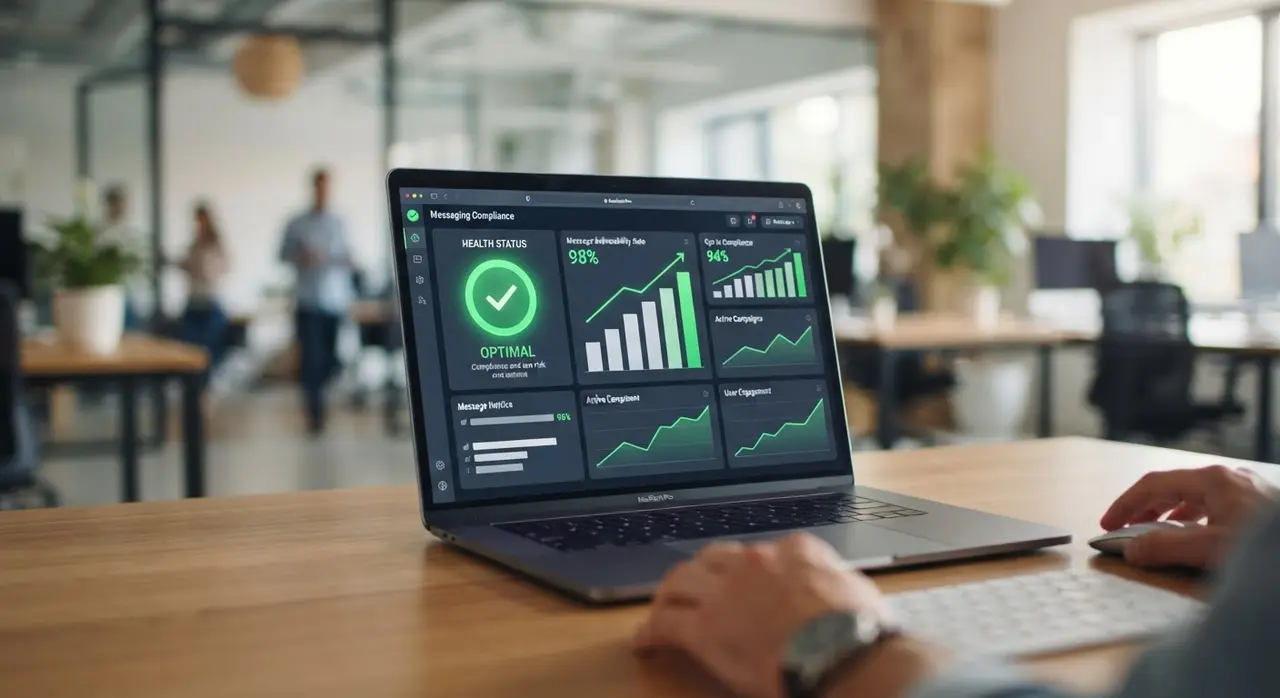
- Quality Rating: The API continuously monitors your account health (Green, Yellow, Red) based on user feedback, giving you warnings before any serious action is taken.
- Messaging Tiers: You start by sending up to 1,000 messages a day. As your quality remains high, WhatsApp automatically upgrades your tier, allowing you to scale safely.
By following these built-in rules, you actively protect your number. Even if a user occasionally flags a message, your verified status and healthy history prevent an immediate ban.
The Role of WhatsApp Opt-in in Preventing Reports
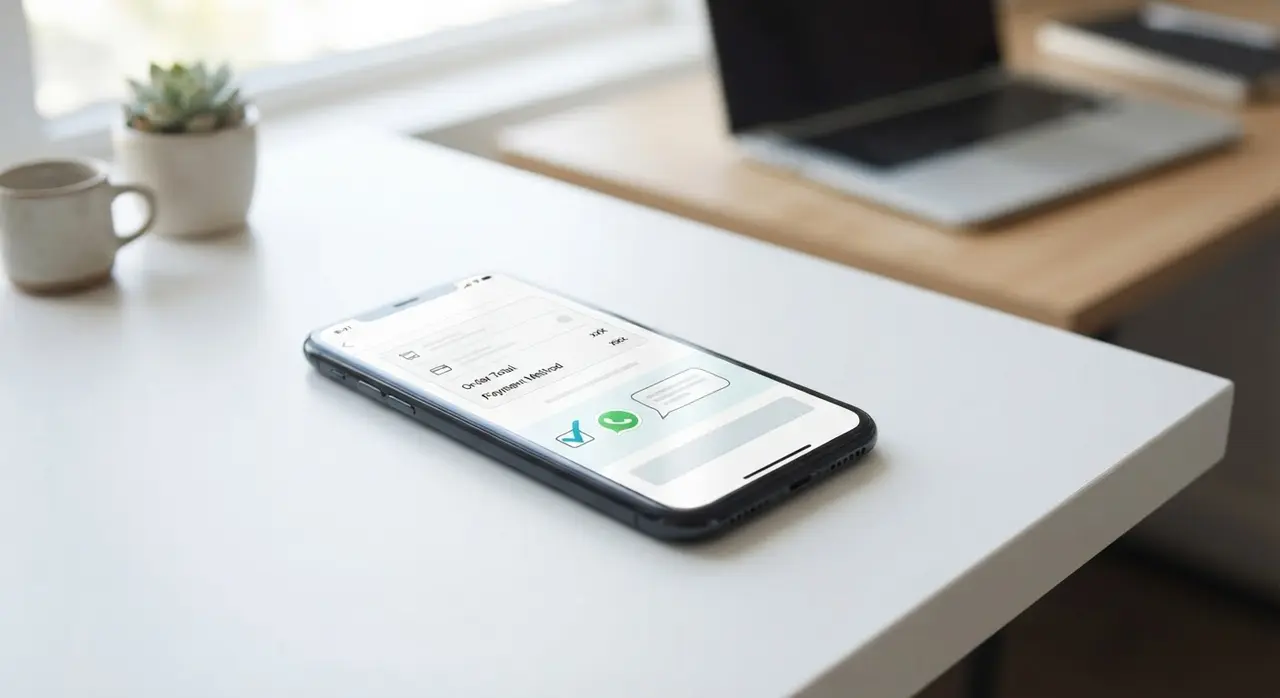
Collecting a clear WhatsApp opt-in prevents user reports and protects your account's quality rating. Before you send any proactive message, the user must explicitly agree to receive communications from your business on WhatsApp. This simple step is the ultimate shield against being marked as spam.
When customers expect your messages, they engage positively instead of hitting the block button. A WhatsApp report usually happens when users feel invaded or receive irrelevant, unrequested promotions. By implementing forms on your website or checkboxes during checkout, you ensure that every contact in your database actually wants to hear from you.
Best practices for collecting opt-ins include:
- Clearly state what type of messages the user will receive (e.g., order updates, special offers, newsletters).
- Provide an easy way to opt-out, such as a "Stop" button in your automated flows.
- Keep accurate records of when and where the user gave their consent to maintain full compliance with Meta's policies.
What Changes in Your Operation When Migrating
Migrating to the official API transforms your operation from a risky, manual process into a structured, scalable communication channel. You will no longer need to keep a smartphone turned on 24/7 just to keep WhatsApp Web connected. The API operates entirely in the cloud, allowing multiple agents to log in from different devices simultaneously without disconnections.
However, this shift also means you must adapt to Meta's 24-hour customer service window. When a customer sends a message, you have exactly 24 hours to reply with free-form text. Outside this window, you can only re-engage the customer using paid, pre-approved message templates.
| Feature | Unofficial Apps | Official WhatsApp API |
|---|---|---|
| Ban Risk | Very High (Immediate blocks) | Very Low (Regulated environment) |
| Multi-agent Support | Unstable (Frequent disconnections) | Native, stable, and unlimited |
| Automation | Basic and prone to errors | Advanced AI and CRM integration |
| Account Verification | None | Eligible for the official Green Tick |
This structured approach is exactly why mid-sized businesses and enterprises prefer the API. You trade the wild west of bulk sending for a professional, metric-driven environment. For a deeper look into how this looks in practice, check out our use cases.
Costs, Requirements, and When to Migrate
Moving to the official API requires a verified Meta Business Manager and an operational budget based on per-conversation pricing. Unlike the standard free WhatsApp Business app, the API is not entirely free. You pay for conversations, which are 24-hour message threads between your business and your customer.
The cost per conversation varies depending on who initiates the chat and the category of the message (Marketing, Utility, Authentication, or Service). For example, user-initiated service conversations are generally cheaper, and the first 1,000 service conversations each month are often free. You also need to factor in the monthly platform fee charged by the software provider connecting you to the API.
You should strongly consider migrating when:
- Your team has more than three agents answering the same WhatsApp number.
- You have suffered a WhatsApp Business ban in the past and cannot risk another disruption.
- You need to integrate WhatsApp deeply with your CRM and automated AI chatbots for scale.
Success Story: Scaling Safely with iachatbot
Implementing the official API alongside a smart automation platform like iachatbot guarantees both safety and high conversion rates. A mid-sized retail client came to us after suffering three consecutive blocks during Black Friday due to using unauthorized bulk senders. They were losing thousands of dollars every time their number went offline and customers were left without answers.
By migrating their operation to iachatbot, they successfully connected to the official API and implemented strict WhatsApp opt-in flows. The result was a completely stable operation with zero bans over the next year. Furthermore, by using our intelligent routing and AI chatbots, they increased their sales conversion rate by 40% without needing to hire extra staff.
If you want to achieve similar results and protect your most valuable sales channel, exploring the solutions of iachatbot is the ideal next step to future-proof your business.
Frequently asked questions
What triggers a WhatsApp Business ban?
A WhatsApp Business ban is usually triggered by using unofficial third-party apps, sending bulk spam messages, or receiving a high volume of user reports in a short period. Meta's automated systems detect abnormal behavior and instantly block the account to protect users from spam.
How does the official API prevent a WhatsApp report?
The official API requires you to use pre-approved message templates and collect a valid WhatsApp opt-in before messaging users proactively. Because customers expect your messages and the content is strictly regulated, the chances of them filing a WhatsApp report drop significantly.
Do I pay for every message sent on the official API?
No, you pay per 24-hour conversation, not per individual message. Once a conversation is opened, you can send unlimited messages within that 24-hour window under the specific category rate, making it highly cost-effective for active customer support.
Can I recover a banned WhatsApp Business account?
You can appeal a ban through the WhatsApp Business app or Meta Business Support, but recovery is not guaranteed if you clearly violated the terms of service. Migrating to the official API is the best preventative measure to avoid this stressful and costly situation altogether.