
AI in WhatsApp Business: Step-by-Step Billing Automation
Reduce default rates with a step-by-step WhatsApp billing automation rule. Learn how to use AI to collect payments without friction and boost cash flow.
- WhatsApp Automation
- Billing Automation
- AI Chatbot
- Financial Operations
- Customer Retention
The Hidden Cost of Late Payments
Late payments are the silent killers of cash flow. For small and medium-sized businesses, spending hours chasing down unpaid invoices is not just frustrating; it drains resources. Traditional emails get lost in spam folders, and phone calls are often ignored or considered intrusive.
WhatsApp is where your customers actually spend their time. By moving your financial communications to the messaging app they use daily, you drastically increase open rates. In fact, many modern managers specifically search for ia no whatsapp business to find smarter ways to handle this operational bottleneck.
Automating your billing process doesn't mean becoming a robot. With the right strategy, you can collect payments efficiently while preserving a great customer relationship. Let's break down how to build a highly effective, humanized billing timeline.
What is a WhatsApp Billing Automation Rule?
A billing automation rule—often called a "régua de cobrança" in Latin American markets—is a predetermined sequence of messages sent to a customer based on their invoice due date. It acts as a timeline of touchpoints.
Instead of manually checking spreadsheets and texting clients one by one, an automated system does the heavy lifting. It sends the right message, at the right time, with the exact payment link needed. This proactive approach prevents accidental defaults caused by simple forgetfulness.
When combined with artificial intelligence, this timeline adapts to the customer's responses. Explore the benefits of using AI to see how conversational agents can negotiate terms or answer questions about the invoice instantly.
Step-by-Step: The Perfect Automated Billing Timeline
To reduce default rates without wearing down your customer base, timing and tone are everything. Below is a proven four-stage framework you can implement immediately.
| Stage | Timing | Tone | Goal |
|---|---|---|---|
| Stage 1 | 3 Days Before Due Date | Helpful & Friendly | Prevent accidental late payments |
| Stage 2 | On the Due Date | Direct & Polite | Create urgency and facilitate payment |
| Stage 3 | 3 Days Late | Inquisitive & Empathetic | Identify issues (forgot, financial trouble) |
| Stage 4 | 7+ Days Late | Firm & Solution-Oriented | Negotiate or escalate to a human agent |
Stage 1: The Friendly Pre-Due Reminder
Three days before the invoice is due, send a gentle nudge. The goal here is customer service, not collection. Assume the customer wants to pay but might have misplaced the invoice.
Example message: "Hi [Name], just a quick heads-up that your monthly plan renews in 3 days! For your convenience, here is your Pix code/payment link. Let me know if you need any help."
This simple message catches the 80% of people who just needed a reminder. It feels helpful rather than aggressive.
Stage 2: The Due Date Notice
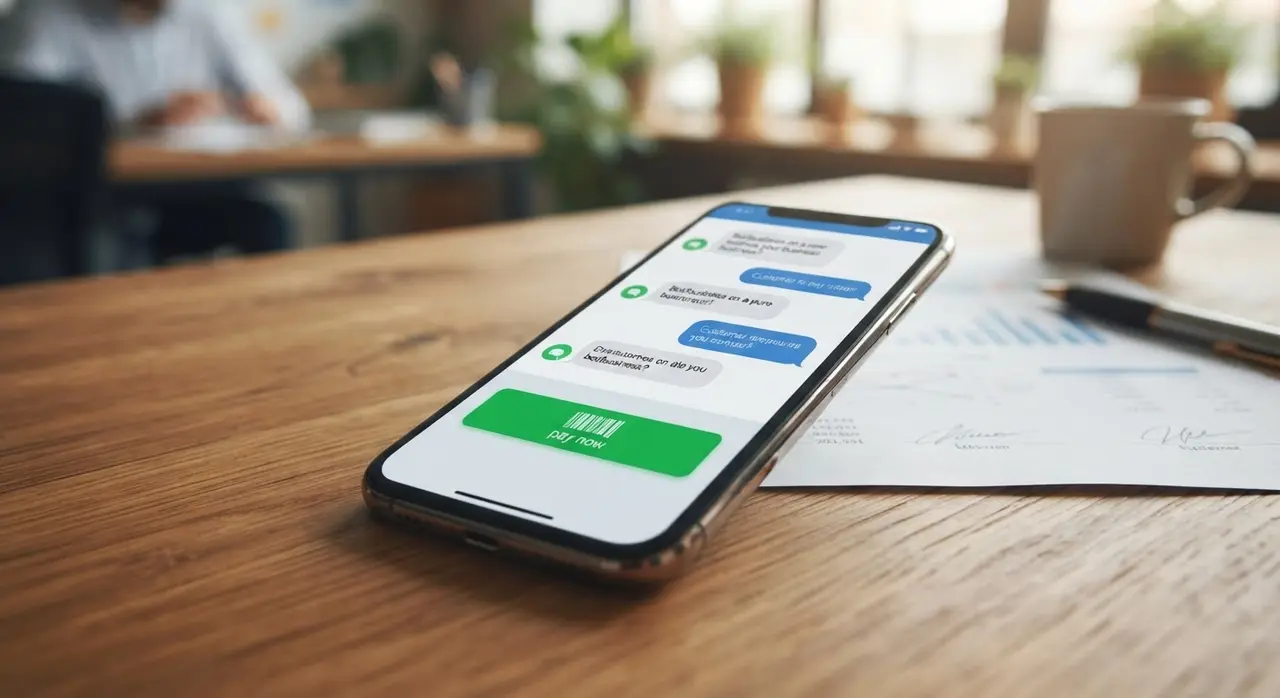
On the exact day the payment is due, the tone shifts slightly to be more direct. By configuring a webhook whatsapp setup, your ERP or CRM can automatically trigger this message the moment the day begins.
Example message: "Hello [Name], today is the due date for your invoice of $X. You can easily complete the payment using the link below. Have a great day!"
Always include dynamic payment options directly in the chat. Whether it's a barcode, a Pix copy-paste code, or a credit card link, reduce the friction to zero.
Stage 3: The Gentle Follow-Up
If the invoice is three days overdue, it's time to check in. Avoid accusatory language. Instead, frame it as an inquiry to see if they encountered a technical issue.
Example message: "Hi [Name], we noticed your payment hasn't cleared yet. Did you have any trouble accessing the link? Let me know if you need a new one!"
This empathetic approach maintains a positive relationship. Often, customers simply forgot or had a busy week. Giving them the benefit of the doubt increases the chances of immediate payment.
Stage 4: Escalation and Negotiation
After seven days, the situation requires a firmer approach. Here, AI shines. Instead of just demanding payment, the AI can offer predefined installment plans or late-payment discounts if authorized.
If the customer is facing genuine financial hardship, the AI can seamlessly transfer the chat to a human financial analyst. This ensures complex cases get the empathy and customized solutions they require.
How AI Transforms Standard Chatbots
If you are researching como criar chatbot whatsapp for financial collections, it is crucial to move beyond rigid, numbered menus. Old-school bots force users to type "1 for 2nd copy of invoice" or "2 to speak to an attendant."
Modern AI agents understand natural language. If a customer replies to a billing reminder with "Can I pay half today and half next week?", an AI can process that intent. It can check your business rules and either approve the split or politely decline and offer alternatives.
This level of intelligence makes the automation feel invisible. Customers feel heard and respected, which is vital for long-term retention. You can integrate these capabilities using advanced AI solutions tailored for WhatsApp.
Technical Setup: Opt-ins and Meta Policies
WhatsApp has strict rules against spam. To send proactive billing messages, you must use approved "Utility" templates. Meta categorizes billing reminders, transaction receipts, and account updates under this category.
Before sending anything, you must secure an opt-in from the customer. The best time to do this is during the initial contract signing or checkout process. Simply add a checkbox stating: "I agree to receive account updates and billing reminders via WhatsApp."
Failing to collect opt-ins or sending aggressive collection messages can result in users reporting your number. Too many reports will lead to your WhatsApp Business API being blocked. Always provide a clear way for users to opt-out of notifications.

Syncing Payments: The Golden Rule of Billing
The fastest way to anger a customer is to send a late payment warning for an invoice they already paid. Your automation is only as good as its integration with your financial system.
When a payment clears in your bank or payment gateway, it must instantly fire a webhook to your AI system. This webhook updates the customer's status and halts any further collection messages in the timeline.
Furthermore, logging these returns automatically in your CRM saves your team hours of manual data entry. It creates a single source of truth for the entire company.
Escalation: Knowing When to Involve a Human
Automation should handle the repetitive 80% of your billing, but the remaining 20% requires a human touch. A hybrid approach is the most effective strategy for debt recovery.
Set up triggers for your AI to escalate the conversation. For example, if a customer mentions words like "unemployed," "bankrupt," or "angry," the bot should immediately route the ticket to your financial team.
This seamless handover is just as important in billing as it is in post-sales automation. It ensures that sensitive situations are handled with emotional intelligence, protecting your brand's reputation.
Conclusion
Implementing a WhatsApp billing automation rule is one of the highest-ROI operational upgrades a business can make. It recovers revenue faster, reduces manual labor, and provides a frictionless experience for your clients.
By combining strategic timelines with natural language AI and solid ERP integrations, you turn collections from a headache into a smooth, automated machine. Start small, test your messaging templates, and gradually introduce AI negotiation to see your default rates plummet.
Frequently Asked Questions
Is it legal to send billing messages on WhatsApp?
Yes, it is entirely legal as long as you have the customer's explicit consent (opt-in) to contact them via WhatsApp. You must also adhere to Meta's commerce and messaging policies, using approved Utility templates for transactional notifications.
Will my WhatsApp number get blocked for billing?
If you spam customers, send aggressive messages, or fail to secure opt-ins, users will report you, which can lead to a block. However, if you use polite, helpful reminders and respect opt-out requests, your quality rating will remain safe.
Can the AI negotiate payment terms automatically?
Yes. Advanced AI agents can be programmed with your specific business rules. If a customer asks for a discount or an extension, the AI can evaluate the request against your predefined parameters and offer an approved alternative instantly.
Do I need a complex ERP to start automating?
No. While integrating with a robust ERP provides the best experience, you can start with simpler tools. Many businesses begin by connecting their payment gateways (like Stripe or local providers) directly to their WhatsApp API via automation platforms like n8n or Zapier.