
WhatsApp Business Automated Scheduling Guide
Discover how WhatsApp Business automated scheduling reduces no-shows, syncs calendar CRMs, and boosts conversions effortlessly for growing businesses.
- WhatsApp Automation
- Appointment Scheduling
- Sales Automation
- CRM Integration
- Customer Service AI
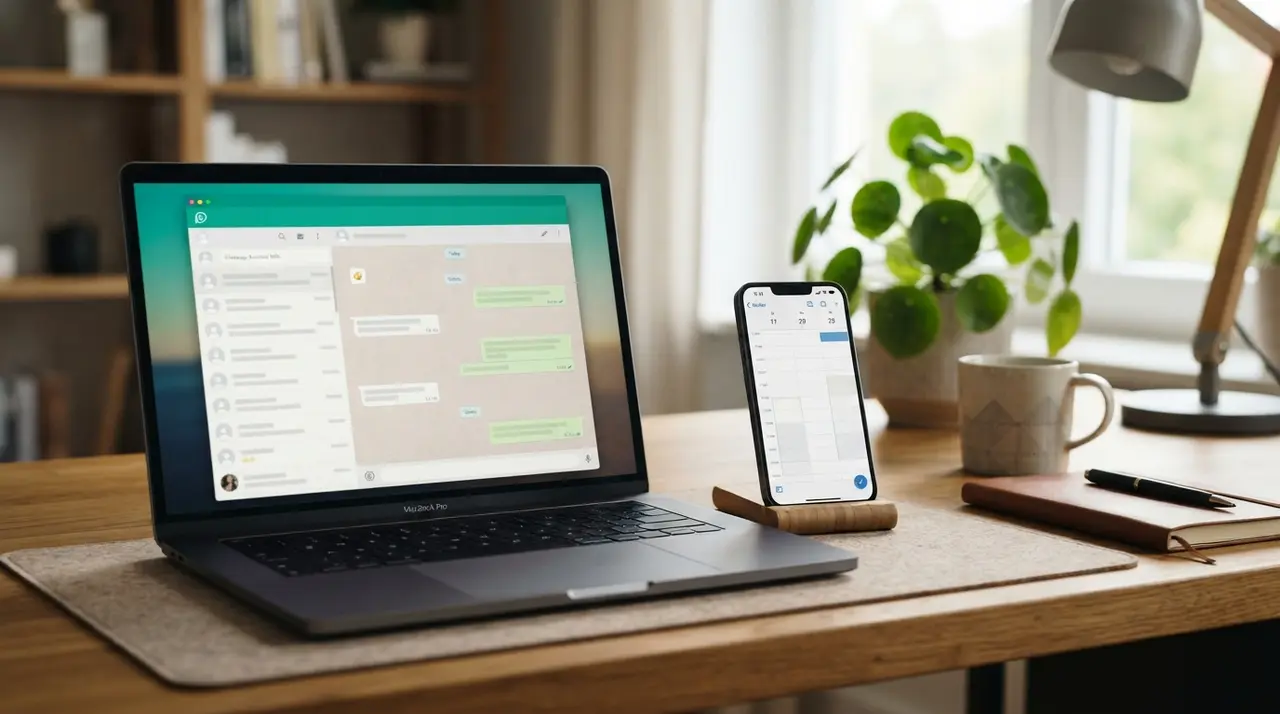
WhatsApp Business automated scheduling enables companies to offer real-time calendar availability, process instant bookings, and deliver automated reminders directly inside customer chat threads. By leveraging intelligent conversational AI and CRM integrations, businesses streamline sales automation, eliminate back-and-forth messaging, and minimize manual front-desk friction.
In today's fast-paced service market, prospective clients expect immediate responses. Forcing a potential customer to wait hours for a receptionist to check an open time slot frequently results in lost deals and abandoned inquiries. Implementing automated appointment workflows transforms your primary communication channel into an efficient 24/7 booking engine.
How Automated Calendar Scheduling Works on WhatsApp
Automated calendar scheduling on WhatsApp operates by connecting intelligent conversational workflows directly to your company calendar or management software. When a prospect requests an appointment, the system evaluates live availability, presents open time slots within the chat, and reserves the chosen slot instantly.
Instead of requiring customers to download third-party applications or navigate complex external booking forms, the entire transaction occurs naturally within the conversation. The typical interaction follows a seamless multi-step sequence:
- Initial Inquiry: The customer sends a message requesting a service, consultation, or evaluation.
- Real-Time Availability Check: The AI agent queries integrated calendars (such as Google Calendar, Outlook, or specialized CRMs) to fetch up-to-the-minute available hours.
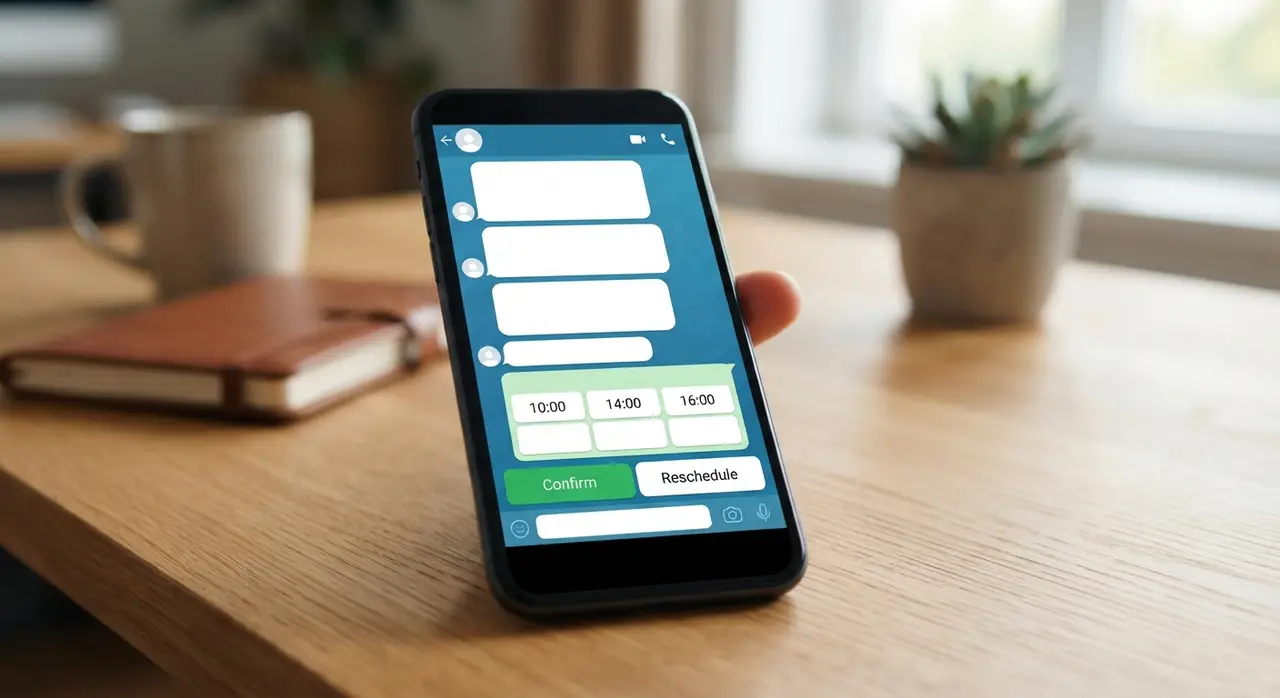
- Interactive Selection: The user receives dynamic list options or buttons to choose their preferred date and time.
- Instant Confirmation & Sync: Once selected, the system immediately writes the appointment into your primary agenda and sends a structured confirmation message to the client.
By keeping the interaction inside the chat, conversion rates increase significantly because buyers experience zero friction during their decision-making process.
Integrating WhatsApp Business Web with Calendar and CRM Systems
Integrating your primary messaging environment with external tools ensures all appointment data flows seamlessly across your operational stack. Connecting whatsapp business web systems with CRMs like HubSpot, Kommo, or Salesforce eliminates manual data entry and maintains single-source-of-truth accuracy.
When an automated booking occurs, the system should not merely block a calendar slot; it must update or create a lead record inside your sales pipeline. This level of synchronization empowers your sales team with full context during future follow-ups.
Key technical components of a fully integrated scheduling architecture include:
- API Integration Layer: Webhooks and API endpoints bridge messaging platforms with core management platforms (e.g., n8n, Make, or native integrations).
- Two-Way Synchronicity: Changes made manually on the administrative calendar immediately update the chatbot's available inventory, preventing double bookings.
- Automated Contact Profiling: Essential details such as name, phone number, service interest, and preferred time are stored directly in your CRM contact card.
Explore how advanced architectures streamline operations in our detailed guide on the AI automation stack for aesthetics clinics, or review other conversational AI use cases to see practical workflow designs.
Direct Benefits: Reducing No-Shows and Front-Desk Bottlenecks
Implementing structured appointment workflows dramatically cuts high no-show rates while freeing administrative staff from repetitive booking calls. Automated reminder notifications dispatched 24 hours and 2 hours prior to an appointment keep clients accountable and punctual.
No-shows remain one of the largest revenue leaks for service-oriented organizations, including clinics, law firms, consultancies, and repair centers. Automated confirmation loops mitigate this problem by offering intuitive quick-reply buttons directly inside the chat interface.
- Interactive Confirmation: Clients can confirm attendance with a single click, automatically updating staff schedules.
- Instant Rescheduling: If a client cannot make it, the workflow allows them to reschedule immediately, freeing up the newly vacant slot for another customer.
- Pre-Appointment Guidance: Automated triggers send preparation instructions, arrival location pins, or pre-procedure protocols without human intervention.
By automating routine calendar management, your front-desk personnel can redirect their energy toward delivering high-value, in-person client hospitality.

Comparing Manual Booking vs. WhatsApp Business Automated Scheduling
Comparing traditional administrative booking practices against automated AI workflows highlights clear operational efficiencies across critical performance metrics. The structural differences clearly favor interactive digital solutions.
| Evaluation Metric | Traditional Manual Booking | Automated WhatsApp Scheduling |
|---|---|---|
| Response Time | 10 minutes to several hours | Instantaneous (< 3 seconds) |
| Availability | Restricted to business operating hours | 24/7 continuous operation |
| Human Error Rate | High (double bookings, wrong times recorded) | Zero (automated calendar synchronization) |
| No-Show Rate | Typically 20% - 35% without manual calls | Significantly reduced with auto-reminders |
| Administrative Cost | High manual labor and labor hours | Low scalable software investment |
Real-World Case Study: How a Multi-Specialty Clinic Transformed Booking
A regional multi-specialty health center faced severe reception phone queues, leading to abandoned prospect calls and an estimated 25% no-show rate. Administrative staff spent over four hours daily manually sending appointment reminders and responding to simple scheduling inquiries on WhatsApp.
By deploying automação de vendas whatsapp solution provided by IAChatbot, the clinic connected its central electronic medical record system (EMR) and Google Calendar directly to their official account. The intelligent assistant began handling incoming scheduling requests autonomously around the clock.
Within 60 days of deployment, the clinic achieved remarkable operational improvements:
- 70% Reduction in Front-Desk Workload: Administrative staff reclaimed dozens of hours weekly to focus on patient care.
- No-Show Rate Dropped Below 8%: Automated interactive 24-hour reminders allowed patients to confirm or reschedule instantly.
- 35% Increase in After-Hours Bookings: Prospective patients successfully booked evening and weekend appointments when competitors were closed.
Implementing tailored AI solutions for WhatsApp allows businesses across healthcare, legal, and commercial industries to replicate these efficiency gains seamlessly.
Step-by-Step Implementation Roadmap for Sales and Service Teams
Executing a successful appointment automation strategy requires systematic planning, proper technical architecture, and clear conversational design. Following a structured roadmap ensures maximum adoption and minimal operational friction.
- Define Business Rules & Buffer Times: Establish precise service durations, buffer intervals between appointments, operating schedules, and cancellation policies before technical configuration.
- Choose the Official WhatsApp Business API: Upgrade from basic applications to the API framework to allow multi-user access, webhooks, and advanced chatbot integrations.
- Integrate Calendar & CRM Infrastructure: Connect your central calendar or customer database using direct webhooks or integration platforms to guarantee real-time availability sync.
- Design Intuitive Chat Flows: Craft clear, concise bot dialogues that guide users naturally to select dates and times without confusing technical jargon.
- Set Up Automated Confirmation & Reminder Sequences: Configure outbound notification triggers for immediate confirmation, 24-hour pre-appointment reminders, and post-visit follow-ups.
- Test, Monitor, and Refine: Run internal test scenarios across mobile and desktop interfaces to refine conversational pathways before public rollout.
Frequently asked questions
Can WhatsApp Business automate appointment scheduling natively?
The standard free app offers basic auto-responders, but full automated calendar scheduling requires using the WhatsApp Business API integrated with an AI platform or calendar system. This setup allows real-time availability checks, instant calendar blocking, and two-way CRM sync inside the chat.
How does automated scheduling prevent double bookings?
Automated scheduling systems check calendar APIs in real time before presenting open time slots to a customer. The instant a user selects a slot, the system locks that time on the master calendar, preventing concurrent bookings across all channels.
What happens if a customer needs to reschedule or cancel an appointment?
The automated chatbot provides dynamic action buttons or recognized text prompts allowing customers to reschedule or cancel directly within WhatsApp. The system instantly frees the original calendar slot and updates your connected CRM automatically.
Can automated scheduling integrate with existing calendar and CRM software?
Yes, modern AI conversational platforms easily connect to popular software including Google Calendar, Outlook, HubSpot, Kommo, Salesforce, and custom ERP systems. Integration is typically achieved via native connectors or secure API webhooks.