
WhatsApp Business FAQ: Web, Links & Broadcasts
Got questions about WhatsApp Business? Learn how to use WhatsApp Business Web, generate links, master broadcast lists, and avoid bans in this complete FAQ.
- WhatsApp Business
- Business Automation
- Customer Service
- WhatsApp API
- SME Growth
The Shift from Personal to Professional Messaging
If you are running a business today, you already know that your customers expect immediate answers. Millions of companies rely on messaging apps to close deals, provide support, and build relationships.
However, using a standard personal account for your company is a recipe for disorganized chats, missed opportunities, and zero scalability. That is where WhatsApp Business comes in.
Despite its popularity, many business owners and managers still have questions before making the switch. Will you lose your chat history? Can you use multiple computers? How do you reach hundreds of clients without getting banned?
In this comprehensive guide, we will answer the most common questions, explore how to maximize WhatsApp Business Web, show you how to generate a WhatsApp link, and explain the rules of the WhatsApp broadcast list.
1. The Basics: Migration, Numbers, and Costs
The first hurdle most businesses face is the fear of transition. Let's clear up the most common beginner doubts so you can upgrade your account with confidence.
Can I use my existing personal number?
Yes, you can easily convert your personal number into a Business account. However, you cannot use the exact same number on the standard app and the Business app simultaneously. You must choose one.
Pro Tip: Many businesses prefer to register a landline number. Yes, WhatsApp Business allows you to use a fixed landline! During the verification process, simply select the "Call Me" option to receive your activation code via an automated voice call.
Will I lose my conversations if I migrate?
No, provided you follow the right steps. Before downloading the new app, open your standard app, go to Settings > Chats > Chat Backup, and force a manual backup to Google Drive or iCloud.
Once you download the Business version and verify your number, the system will automatically prompt you to restore your backup. All your chats, media, and contacts will transfer seamlessly.
Is WhatsApp Business really free?
The standard WhatsApp Business app—designed for small businesses—is 100% free to download and use. You get access to a business profile, product catalogs, quick replies, and automated away messages at no cost.
Costs only come into play when your company grows and you need to upgrade to the WhatsApp Business API (which charges per conversation) to connect advanced AI solutions and CRM systems.
2. Daily Operations: WhatsApp Business Web and Link Generation
Once your account is set up, the real work begins. Managing dozens of customer inquiries on a small smartphone screen is inefficient. You need desktop access and a frictionless way for clients to reach you.
How does WhatsApp Business Web work?
Typing long proposals or copying tracking links from a phone is slow. WhatsApp Business Web is your best friend for daily operations. It mirrors your phone's conversations onto your computer browser or desktop app.
Better yet, thanks to the multi-device feature, you can link up to four companion devices (like desktop computers or tablets) to your primary phone. These linked devices will keep working even if your main phone loses internet connection or runs out of battery.
- Step 1: Open web.whatsapp.com on your computer.
- Step 2: Open WhatsApp Business on your phone.
- Step 3: Tap the menu (three dots) or Settings, and select "Linked Devices".
- Step 4: Scan the QR code on your computer screen.
Now, your sales or support team can type faster, drag and drop files easily, and manage chats like a pro.

How do I generate a WhatsApp link?
If you want customers to contact you, you have to make it effortless. Asking them to manually type and save your phone number creates friction. The solution is to generate a WhatsApp link (also known as a wa.me link).
When a customer clicks this link on your Instagram bio, website, or Facebook ad, it instantly opens a chat with your business, without them needing to save your number.
Here is how to create one directly in the app:
- Go to Settings > Business Tools.
- Scroll down and tap "Short Link".
- Here, you can copy the link or share it directly.
- You can also set a default message (e.g., "Hi, I want to know more about your services!") so the customer just has to hit send.
Placing this link strategically across your digital touchpoints is one of the fastest ways to increase your inbound lead volume.
3. Mass Messaging: Mastering the WhatsApp Broadcast List
Sending individual messages to hundreds of clients about a new promotion is exhausting. The app offers a built-in solution, but it comes with strict rules that you must understand to avoid penalties.
What is a WhatsApp Broadcast List?
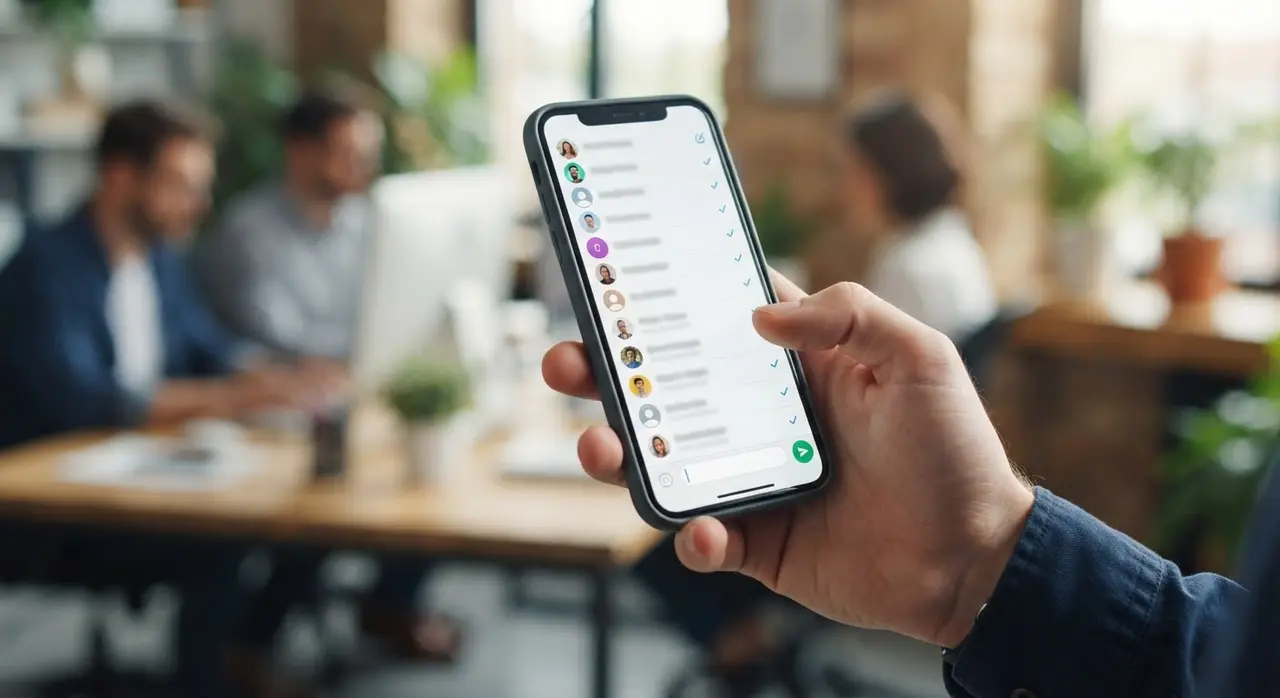
A WhatsApp broadcast list allows you to send a single message to multiple contacts at once. To you, it looks like a group chat where you are the only one talking. To the recipient, it looks like a standard, private 1-on-1 message from your business.
However, there are two major limitations you must keep in mind:
- The 256 Limit: A single broadcast list can only contain up to 256 contacts. If you have 1,000 customers, you will need to create four separate lists.
- The Golden Rule of Delivery: Your message will ONLY be delivered to contacts who have your business number saved in their phone's address book. If they haven't saved your number, the message goes into the void.
This rule exists to protect users from spam. It forces businesses to build genuine relationships and encourage clients to save their contact details.
4. Account Safety: Why Do Accounts Get Banned?
Nothing strikes fear into the heart of a business owner quite like the message: "This account is not allowed to use WhatsApp." Bans happen frequently, but they are entirely preventable if you play by the rules.
Here are the top reasons businesses get banned:
- Spamming: Sending too many promotional messages to people who did not ask to receive them. If multiple users hit the "Report Spam" or "Block" button in a short period, the algorithm will automatically flag and ban your account.
- Using Unofficial Apps: Using modified versions of the app (like WhatsApp Plus or GBWhatsApp) is a direct violation of the terms of service and results in permanent bans.
- Automating the Standard App: Using unauthorized third-party chrome extensions or scripts to send bulk messages through WhatsApp Business Web will eventually get you caught.
If you need to send bulk messages to thousands of people, or if you need to integrate complex chatbots, you must graduate from the free app and use the official API.
5. Scaling Up: When to Move to the API and AI
The free Business app is fantastic for small teams, but as your company grows, its limitations become obvious. You can't have 10 customer service agents fighting over 4 linked devices. You can't send automated payment reminders easily. You can't integrate deeply with your CRM.
This is when you upgrade to the API. Let's look at a quick comparison:
| Feature | Free Business App | Official API + AI |
|---|---|---|
| Users | Max 4 linked devices | Unlimited agents |
| Mass Messaging | Max 256 per list (must be saved) | Thousands per day (opt-in based) |
| Automation | Basic Away/Greeting messages | Full AI chatbots & workflows |
| Integration | None | Connects to CRMs, ERPs, and Calendars |
By connecting the official API to an intelligent platform, you can explore powerful AI use cases in customer service. Imagine a virtual assistant that books appointments, qualifies leads, and answers technical questions at 3 AM while you sleep.
Conclusion
Moving your company to a professional messaging setup is no longer optional; it is a necessity. By mastering tools like WhatsApp Business Web, knowing how to generate a WhatsApp link to capture leads, and using the WhatsApp broadcast list responsibly, you lay a strong foundation for digital growth.
Start with the basics, organize your labels, set up your catalog, and engage with your customers. And when the volume of messages becomes too much to handle manually, remember that AI automation is just a click away. If you want to see this technology in action, you can always schedule a free demonstration to understand how it fits your specific industry.
Frequently Asked Questions
Can I use WhatsApp Business on two different phones?
Historically, no. But recently, WhatsApp introduced "Companion Mode" which allows you to link a second smartphone to your primary account, just like linking a computer. Both phones will sync chats in real time.
Do customers know I am using a Business account?
Yes. When a customer opens a chat with you for the first time, a small system message appears in their chat window stating: "You are chatting with a business account." This actually increases trust and professionalism.
How do I stop getting banned when sending promotions?
Stop using the free app for mass cold outreach. Only message people who have opted in. To send promotions safely at scale, you must use the official API, which requires message templates to be pre-approved by Meta to ensure they are not spam.
Can I schedule messages on the free app?
The free app only allows you to set automated "Away" messages outside of business hours. You cannot schedule a specific message to be sent next Tuesday at 2 PM. For advanced scheduling, you need an API integration with an automation platform.