
WhatsApp Business Step by Step: Freelancer Guide
Learn how to set up WhatsApp Business step by step for freelancers. Master catalogs, quick replies, and organize contacts to boost your solo business.
- WhatsApp Business
- Freelancers
- Small Business
- Customer Service
- Automation
The Solopreneur's Communication Struggle
Being a freelancer or a sole proprietor means wearing many hats. Marketing, sales, execution, and customer support all fall entirely on your shoulders. If you are using your personal number to handle client requests, you are likely overwhelmed.
Mixing weekend family chats with late-night client demands is a fast track to burnout. You need clear boundaries and a professional storefront. It is time to upgrade your operation with WhatsApp Business.
WhatsApp Business vs WhatsApp: Why You Must Switch
The biggest mistake solo entrepreneurs make is sticking to the standard messaging app. When comparing WhatsApp Business vs WhatsApp, the differences go far beyond a simple logo change. The business version acts as a lightweight CRM designed to help you sell more and stress less.
While the standard app is built for casual chatting, the business version provides tools to showcase your work, automate responses, and organize your clients. Here is a quick breakdown of what you gain by making the switch:
| Feature | Regular WhatsApp | WhatsApp Business |
|---|---|---|
| Profile | Basic Name & Status | Address, Website, Business Hours |
| Products | None | Built-in Catalog |
| Messaging | Manual only | Auto-replies & Quick Replies |
| Organization | Chronological list | Color-coded Labels |
WhatsApp Business Step by Step: Your First 48 Hours
Transitioning to a professional account is easier than you think. Follow this WhatsApp Business step by step guide to upgrade your communication without losing your existing contacts or chat history.
1. Backup and Download
First, open your standard app and back up your chat history to the cloud. Once the backup is complete, download the business version from your app store. When you open it, the app will ask if you want to transfer your current number. Confirm, and your chats will migrate seamlessly.
2. Craft a Professional Profile
Your profile is your digital storefront, so do not leave it blank. Add a high-quality logo or a professional headshot. Fill in your business hours precisely so clients know exactly when to expect a reply from you.
Make sure to include your website, portfolio link, or social media pages. A complete profile builds immediate trust with new leads who find your number online.
3. Build Your Digital Catalog
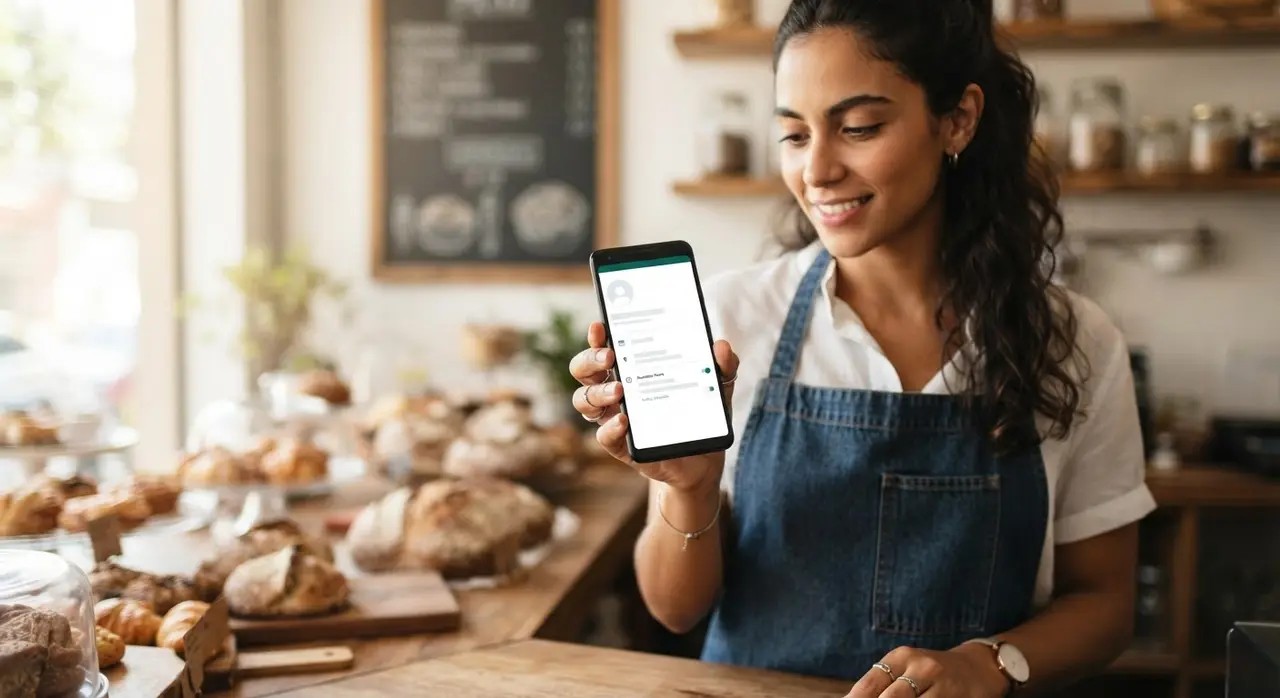
Stop sending heavy PDF files or messy photo galleries every time someone asks for your prices. The catalog feature allows you to showcase your services and products directly inside the chat interface.
Add clear titles, detailed descriptions, and transparent pricing. You can share specific catalog items in a chat with a single tap, making the purchasing decision much easier for your client.
Stop Typing the Same Answers: Quick Replies
"How much do you charge?" "What is your delivery time?" If you are typing these answers manually every single day, you are wasting precious time. Quick replies allow you to save standardized text blocks for your most frequently asked questions.
You can trigger these saved messages with a simple keyboard shortcut, like typing "/price" or "/delivery". This ensures your answers are always polite, accurate, and instant.
Additionally, you can set up a greeting message for new numbers and an away message for outside business hours. This instantly sets professional boundaries. Your clients feel acknowledged immediately, and you get to enjoy your evening in peace.
Organizing Chaos: The Power of Labels
When you manage dozens of clients entirely on your own, important details can easily slip through the cracks. Labels are color-coded tags you can apply to entire chats or specific messages. They transform your chaotic inbox into a visual sales funnel.
For example, a freelance graphic designer might use labels like "Awaiting Briefing", "In Progress", and "Invoice Sent". A solo baker might use "Order Confirmed", "Pending Payment", and "Delivered".

With just one tap, you can filter your inbox to see exactly who owes you money or who needs a project update today. It is a simple feature that dramatically reduces the mental load of running a solo business.
Scaling Up: When Solo Becomes a Team
The standard business app is the perfect starting point for freelancers and small business owners. But what happens when your solo venture grows? Eventually, manual quick replies and labels will not be enough to handle a massive influx of leads.
That is when you should transition to the official API. By integrating AI solutions, you can automate your entire lead qualification process. Imagine waking up to pre-qualified clients who have already booked a meeting directly on your calendar.
You can even implement post-sales automation to gather reviews and drive referrals without lifting a finger. Check out our real-world use cases of AI in customer service to see how modern businesses are scaling efficiently with artificial intelligence.
Frequently Asked Questions
Can I use WhatsApp Business and regular WhatsApp on the same phone?
Yes, you can have both apps installed on the same smartphone. However, each app must be linked to a different phone number. You cannot use the exact same number for both the personal and business applications simultaneously.
Is the business version free for freelancers?
Yes, the standard business application is completely free to download and use. It is designed specifically for small business owners, freelancers, and sole proprietors to manage their communication at no extra cost.
Will I lose my personal chats if I switch?
No, you will not lose your conversations. As long as you perform a cloud backup on your standard app before downloading the business version, the new app will prompt you to restore your chat history during the setup process.
How many products can I add to my catalog?
You can add up to 500 items to your digital catalog. Each item can include a title, price, description, link, and product code, making it an incredibly robust tool for showcasing your full range of services or products.