
WhatsApp Business vs Normal: Which One to Use for Business?
Compare WhatsApp Business vs normal WhatsApp for your company. Discover key features, how to migrate, and when to upgrade to WhatsApp Business API.
- WhatsApp Business
- Customer Support
- Sales Automation
- WhatsApp API
- Business Communication
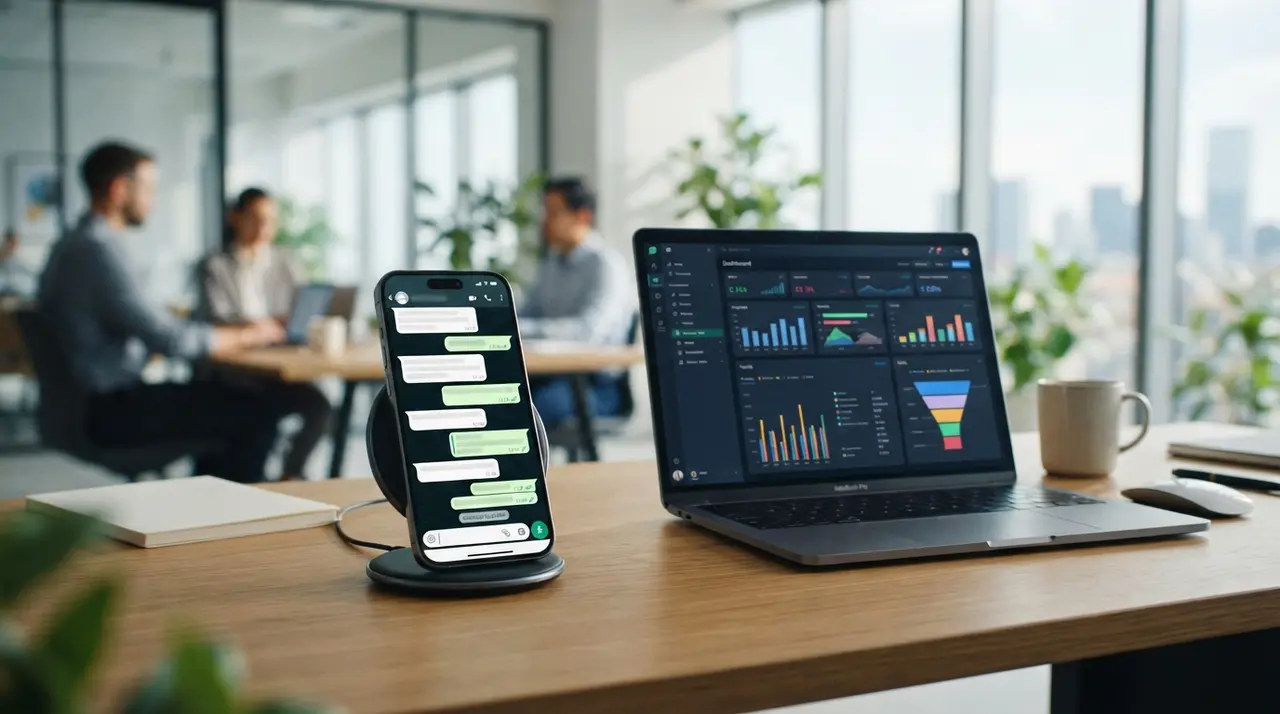
Choosing between standard WhatsApp and WhatsApp Business determines whether your company can scale customer support, capture leads, and maintain brand credibility. While personal WhatsApp handles basic peer-to-peer messaging, WhatsApp Business provides essential commercial tools including professional profiles, catalog management, interactive automated responses, and multi-user management.
As customer inquiries surge across digital channels, relying on standard messaging tools often creates operational bottlenecks. Choosing the right account type allows small businesses and growing enterprises alike to streamline support, increase conversion rates, and build trust across every conversation.
WhatsApp Personal vs. WhatsApp Business: Core Operational Differences
WhatsApp Business provides structural features designed for commercial communication that standard WhatsApp completely lacks. Designed specifically for companies, micro-entrepreneurs, and customer support teams, the commercial app turns a simple chat interface into a localized digital storefront.
Standard WhatsApp limits users to personal profile pictures, status updates, and basic group chats. In contrast, WhatsApp Business equips your organization with essential tools to showcase products, tag customer conversations, and respond automatically during off-hours.
| Feature | Standard WhatsApp | WhatsApp Business App | WhatsApp Business API |
|---|---|---|---|
| Commercial Profile | Personal name & photo only | Address, website, email & hours | Verified branded profile |
| Product Catalog | Not available | Up to 500 items with links | Unlimited dynamic store integration |
| Automated Messaging | None | Greeting, away & quick replies | Advanced AI agents & chatbots |
| Multi-User Access | Linked web devices (1 phone) | Up to 4 linked devices | Unlimited simultaneous agents |
| Account Verification | Not available | Not available | Official green badge potential |
Understanding these fundamental differences helps business leaders establish clear channels for sales and service. Upgrading from a personal account ensures that every customer touchpoint reflects professional standards.
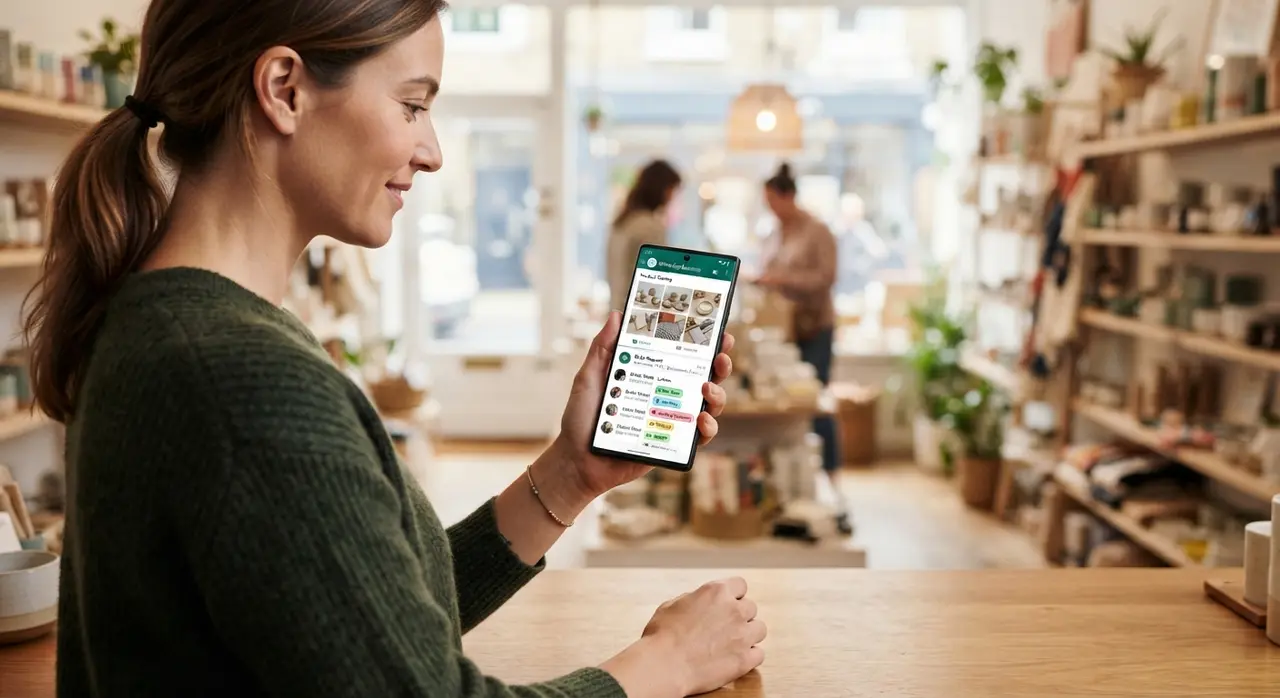
Why Using Personal WhatsApp Hurts Brand Credibility and Growth
Operating customer conversations through a personal WhatsApp account exposes businesses to security risks and operational bottlenecks. When team members conduct commercial activities using personal numbers, company data remains unmanaged and difficult to audit.
Customers expect quick, structured information when reaching out to a company. If your business account displays only an unnamed profile picture without trading hours or official links, potential buyers may hesitate to share payment details or place direct orders.
- Lack of clear branding: Personal profiles miss key business details like catalog items, physical addresses, and business categories.
- Zero chat organization: Without conversation labels, high-priority sales leads get lost under casual personal chats.
- Data loss risk: When an employee leaves, customer conversation histories and contact lists tied to personal accounts are lost.
- Device bottlenecks: Personal accounts restrict concurrent team access, forcing single operators to manually copy and paste responses.
Transitioning to commercial solutions eliminates these friction points. Businesses can explore tailored AI solutions to convert informal chats into structured sales pipelines.
Streamlining WhatsApp Orders with Product Catalogs and Quick Replies
Managing WhatsApp orders through built-in catalog tools drastically reduces transaction friction and speeds up checkout. Customers can browse services, review prices, and submit items directly within the messaging window.
Instead of manually typing pricing details or sending separate PDF brochures, support staff can share individual catalog items or entire collections with a single click. This structural efficiency keeps buyers engaged inside the conversation without sending them away to external sites.
Quick replies further accelerate customer interactions. By saving shortcut commands for standard answers—such as shipping rates, payment methods, or business locations—agents save valuable minutes on every interaction while maintaining consistent brand messaging.
How to Migrate to WhatsApp Business Step-by-Step
Migrating your existing personal account to WhatsApp Business preserves your message history and contact list when executed properly. The conversion process takes only a few minutes and requires minimal downtime.
- Back up your personal chat history: Open standard WhatsApp, navigate to Settings > Chats > Chat Backup, and complete a full cloud backup to Google Drive or iCloud.
- Download WhatsApp Business: Install the official WhatsApp Business app from the Google Play Store or Apple App Store.
- Verify your phone number: Open the Business app and enter the same phone number used on your personal account. Confirm the transfer prompt.
- Restore your chat history: When prompted, select the option to restore your backup to transfer all past conversations seamlessly.
- Complete your business profile: Add your company logo, category, working hours, physical address, website URL, and welcome message.
Completing these steps prepares your organization to handle inbound demand efficiently. For broader examples of how companies optimize their workflows post-migration, review our practical use cases.

Upgrading to WhatsApp Business API and Securing a Verified WhatsApp Account
Scaling high-volume customer support requires moving beyond the free smartphone app to the enterprise-grade WhatsApp Business API. While the standard app works well for small teams, medium and large enterprises eventually hit limits on messaging volumes and multi-agent management.
The API connects messaging infrastructure directly to enterprise CRMs, ERPs, and artificial intelligence models. This integration empowers companies to obtain an official green checkmark—a verified WhatsApp account that reassures customers they are communicating with an authentic brand.
Consider this practical application case: A growing online retail business struggling with slow customer response times upgraded from personal devices to an enterprise setup supported by IAChatbot. By deploying custom AI agents integrated with their inventory database, response times dropped from 4 hours to under 30 seconds. The brand processed 70% of routine inquiries automatically while increasing completed orders by 35% within 90 days.
Upgrading to the API unlocks capabilities including:
- Unlimited agent logins: Centralize customer support across multiple departments under one single phone number.
- Advanced AI automation: Train smart assistants to handle qualification, booking, and FAQ resolution 24/7.
- Official verification badge: Apply for green badge status to boost message open rates and brand authorization.
- System integration: Sync order statuses, appointment calendars, and customer profiles in real time.
If your team handles hundreds of messages daily, moving to an enterprise automated structure ensures zero dropped leads. You can schedule a personalized demo to evaluate your current setup.
Frequently asked questions
Can I use WhatsApp Business and normal WhatsApp on the same phone?
Yes, you can run both apps on a single dual-SIM smartphone or by using a landline number for the WhatsApp Business app. However, each app must be registered to a different phone number.
Is WhatsApp Business free to use for small companies?
Yes, the standard WhatsApp Business smartphone application is completely free to download and use. Advanced features such as API integrations and official green checkmark verification involve service provider infrastructure fees.
Will I lose my chats when I migrate to WhatsApp Business?
No, you will not lose your chats if you create a local or cloud backup before starting the transfer process. Accepting the migration prompt in WhatsApp Business will automatically restore your chat logs and media files.
How do I get a verified green badge on my WhatsApp Business profile?
Verification requires using the enterprise WhatsApp Business API and submitting your business profile for official meta approval. Meta grants the green checkmark badge to notable, authentic, and well-known business accounts after identity verification.