
WhatsApp Message Templates for Proposal Follow-Ups
Discover the best WhatsApp message templates for proposal follow-ups. Learn the perfect cadence to close more deals without sounding pushy or desperate.
- WhatsApp Business
- Sales Automation
- Follow-up Strategies
- Message Templates
- B2B Sales

The Silent Killer of Sales: Ghosting After a Proposal
You had a fantastic meeting. The client was nodding, the budget seemed right, and the energy was high. You sent the proposal via WhatsApp Business, expecting a quick "let's do this!" And then... absolute silence.
It happens to the best sales teams. However, the problem usually isn't your pricing or your product. The problem is often your follow-up strategy. Most decision-makers are drowning in daily tasks and notifications. They read your message, get distracted by an urgent issue, and simply forget to reply.
If you want to close more deals, you need a structured, predictable cadence. Using the right WhatsApp message templates (or as some global teams search for, modelos de mensagem whatsapp) can revive dead leads without making you sound desperate, annoying, or pushy.
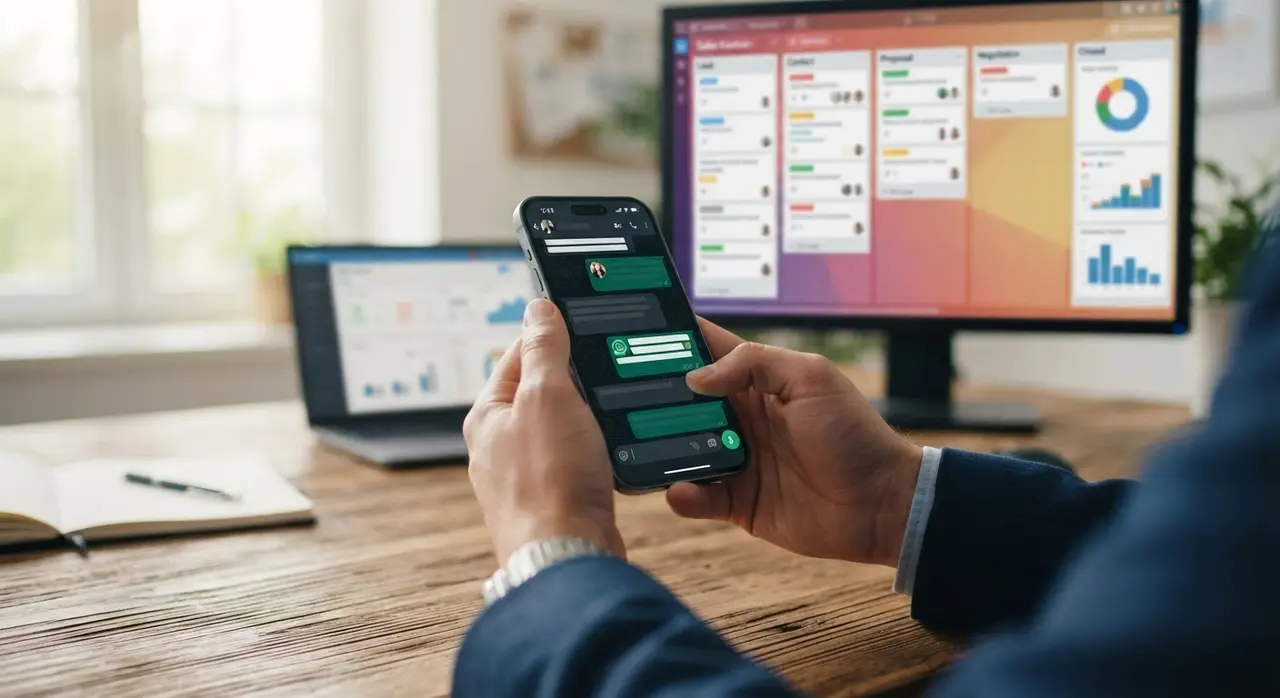
Why WhatsApp is the Ultimate Follow-Up Tool
Email open rates hover around a depressing 20%. WhatsApp open rates? Often well above 90%. When you use WhatsApp for B2B or high-ticket B2C sales, you are entering your client's most personal and immediate communication channel.
However, this high visibility comes with high responsibility. Send too many messages, and you get blocked. Send generic "just checking in" texts, and you look like spam. The secret lies in adding value with every single interaction.
Mastering the Tone and Cadence
A successful follow-up sequence feels entirely natural. It should read like a helpful consultant checking in to remove friction, not a debt collector demanding an answer. Here is the golden rule: always give them an easy way out.
- Be brief: Keep it under 50 words. Nobody wants to read a novel on their phone.
- Be specific: Reference a specific pain point or goal from your initial meeting.
- Be professional yet casual: Use proper formatting, break up text, but keep the tone conversational.
The Ideal Post-Proposal Follow-Up Cadence
Timing is everything in sales. If you follow up too soon, you look anxious. If you wait too long, the lead goes completely cold. You need a rhythm that keeps you top-of-mind without causing fatigue.
| Day | Objective | Tone |
|---|---|---|
| Day 2 | Gentle Reminder | Friendly, helpful, assuming they are just busy. |
| Day 4 | Value Add | Consultative, sharing a resource or answering an unspoken objection. |
| Day 7 | Urgency / Deadline | Direct, highlighting what they lose by waiting. |
| Day 14 | The Break-Up | Professional, closing the loop, leaving the door open for the future. |
4 WhatsApp Message Templates to Close the Deal
Stop staring at a blank screen wondering what to type. Here are four battle-tested templates you can copy, paste, and adapt right now for your business.
1. The Gentle Reminder (Day 2)
This message assumes the best: they are simply busy. It is light, friendly, and requires minimal mental effort from the client to answer.
"Hi [Name], hope you're having a great week! Just floating this to the top of your chat. Did you get a chance to review the proposal I sent on [Day]? Let me know if you have any quick questions. Cheers!"
2. The Value-Add & Objection Breaker (Day 4)
If they ignored the first reminder, they might have an unspoken objection. Usually, it is about implementation, time, or price. Address it indirectly by sharing a quick win or a relevant case study.
"Hi [Name], while you are reviewing the proposal, I thought you might find this interesting. Here is a quick 2-minute read on how a company in your industry solved [Pain Point] using our approach. Happy to jump on a quick 5-min call if you want to discuss it!"

3. The Deadline or FOMO (Day 7)
Fear Of Missing Out (FOMO) is a powerful psychological trigger. If your proposal has a real expiration date, a limited discount, or a starting cohort, this is the time to use it.
"Hi [Name], just a quick heads-up! The special conditions in your proposal are valid until [Date]. I want to make sure you don't miss out. Should we move forward, or do you need more time to decide?"
4. The Professional Break-Up (Day 14)
Sometimes, no answer is an answer. The break-up message takes away all the pressure. Surprisingly, this often triggers an immediate response from clients who genuinely wanted to buy but just kept forgetting.
"Hi [Name], I haven't heard back, so I assume this isn't a priority for your team right now. I'll close your file on my end so I don't keep bothering you. If things change in the future, just let me know. Wishing you the best!"
Optimizing Your Workflow with WhatsApp Business Web
Typing these messages out manually on a mobile phone all day will destroy your thumbs and your productivity. This is exactly where WhatsApp Business Web becomes your sales team's best friend.
By connecting your business account to your desktop monitor, your sales team can use keyboard shortcuts, easily copy-paste templates from a CRM, and manage multiple complex conversations simultaneously. It bridges the gap between mobile convenience and desktop efficiency.
- Use Quick Replies: Save these exact templates in your app using the "/" command so reps can send them in two clicks.
- Tag your chats: Use the "Labels" feature to color-code leads based on their stage (e.g., "Proposal Sent", "Follow-Up 1", "Cold").
- Link to your CRM: Ensure every interaction is logged so management has full visibility.
If you want to dive deeper into structuring your sales operations, check out these AI use cases in sales to see how top-performing companies manage their follow-up pipelines.
Scaling Up: When to Automate Your Follow-Ups
Manual follow-ups work wonderfully when you have 10 proposals out. But what happens when your marketing team scales and you suddenly have 100? Things slip through the cracks. Sales reps get busy with new leads and forget the old ones. Deals die silently.
This is the perfect time to implement advanced AI solutions. An intelligent AI agent can read your CRM, detect that a proposal was sent 3 days ago, and automatically trigger a personalized, human-like WhatsApp message to the client at the exact right time.
Automation ensures 100% compliance with your follow-up cadence. It handles the repetitive, mundane tracking, allowing your human closers to step in only when the client replies and is ready to buy. This same logic powerfully applies to post-sales automation, ensuring a seamless, automated customer journey from the first hello to the final referral.
Frequently Asked Questions
How long should I wait before sending a follow-up message?
Generally, wait 24 to 48 hours after sending the proposal for your first follow-up. This gives the client enough time to digest the document, discuss it with their team, and formulate questions without feeling rushed by a salesperson.
Can I use WhatsApp Business for automated follow-ups?
Yes. While the standard free app allows for basic quick replies, you can use the official WhatsApp API combined with AI platforms (like IAChatbot) to fully automate your follow-up sequences based on specific CRM triggers and timers.
What if the client reads my follow-up but still doesn't reply?
Do not panic, and do not double-text immediately. Wait a few days and send a value-add message, like a relevant case study or a helpful industry tip. If they still ignore you after 3 or 4 attempts over two weeks, send a polite break-up message and move your focus to warmer leads.
Is it unprofessional to follow up on WhatsApp?
Not at all, especially if the initial conversation, discovery call scheduling, or proposal delivery happened there. Just ensure you maintain a professional tone, respect their working hours, and avoid sending long voice notes unless you already have a highly established relationship with the buyer.