
AI ERP Integration: Automate Order Status & Deadlines
Discover how AI reads your ERP to instantly answer customer order statuses and deadlines. Reduce operational messages and boost financial automation today.
- ERP Integration
- Customer Service AI
- Financial Automation
- Manufacturing AI
- Order Tracking
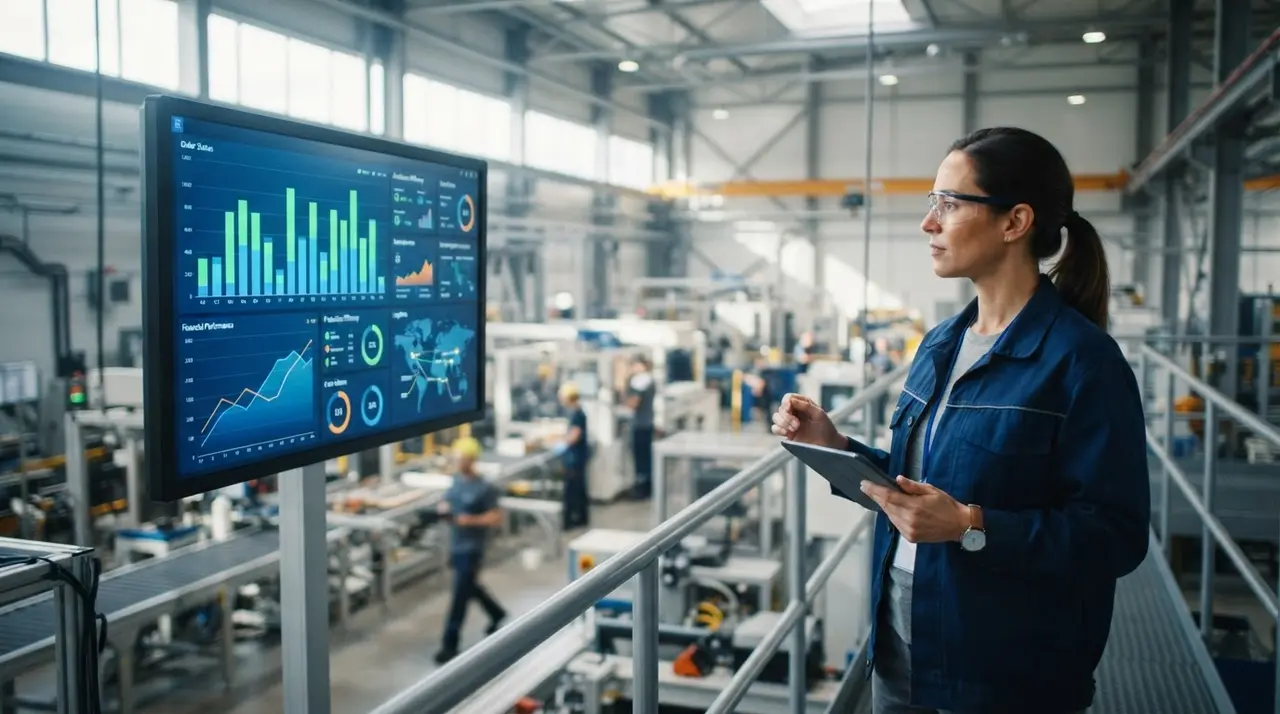
The Daily Grind: Drowning in Order Inquiries
Every custom product factory owner knows the drill. A customer sends a social media request asking, "Is my order ready yet?" Your sales team stops what they are doing. They log into the ERP, check the production queue, and type out a manual reply.
Multiply this by fifty or a hundred orders a day. It is an enormous waste of time. But what if an AI could read your ERP and answer deadlines autonomously?
Today, AI does more than just chat. It interprets the question, queries your production line, and formulates a precise response in seconds. Let's explore how this technology frees up your team and scales your business.
The Heavy Cost of Manual Status Updates
Promotional gift factories thrive on volume. However, high volume means high customer anxiety. Clients constantly demand updates on their custom batches, especially when event deadlines are looming.
When your team acts as a human bridge between the client and the ERP, bottlenecks happen. Sales representatives turn into order trackers. Production managers get interrupted constantly to verify if a batch of custom pens has left the printing stage.
This manual process hurts your bottom line. It delays responses, frustrates buyers, and wastes expensive labor on simple operational messages. By automating this, you boost custom products output and reduce human error significantly.
How AI Acts as Your Data Interpreter: The Cycle
How exactly does an AI chatbot read your ERP? It is not magic; it is a seamless cycle of API integrations. Here is how the AI handles an inquiry from start to finish without any human intervention.
1. Interpreting the Customer's Prompt
The AI receives a message via WhatsApp or a direct social media request. Using Natural Language Processing (NLP), it understands the intent behind the words. Even if the customer uses slang or typos like "whens my stuff arriving?", the AI knows they want an order status.
It extracts key entities from the conversation, such as the customer's registered phone number, email, or a specific order ID provided in the chat.

2. Querying the ERP Queue
Once the intent is clear, the AI acts as a digital bridge. It uses the extracted data to ping your ERP system via a secure API. It scans the database to find the exact current status of the order.
Whether the status is "In Art Approval," "Printing," "Awaiting Payment," or "Shipped," the AI retrieves this raw data instantly. It can also pull the estimated delivery date directly from your logistics module.
3. Formulating the Human-Like Answer
The AI does not just spit out a robotic code or a confusing internal status. It translates the raw ERP data into a friendly, conversational response.
For example, it replies: "Hi John! Your custom mugs are currently in the printing phase. Everything is on schedule, and they will be shipped by this Friday." This keeps the customer informed effortlessly.
Beyond Status: The AI Billing Agent and Financial Automation
Order tracking is just the beginning. A truly smart AI also acts as a tireless billing agent for your factory. When integrated with your financial software, it brings powerful financial automation to your daily operations.
If a custom order is paused in the ERP due to a pending deposit or an unpaid invoice, the AI informs the client immediately upon their inquiry. It can say, "Your order is ready for production, but we are waiting for the 50% deposit to begin."
Furthermore, the AI can automatically generate and send a payment link directly in the chat. Using an AI agent for billing reduces default rates and keeps your production lines moving without the finance team chasing late payments.
Why Accuracy Matters: Training Your AI for Factory Nuances
Every factory has its own unique language. In a promotional gifts company, "Silk Screen" might mean something different than "Sublimation" regarding timelines. Can the AI understand these nuances?
Yes, but it requires initial configuration. When setting up your AI, you provide it with a knowledge base that defines your specific manufacturing terms. This ensures that when a client asks about a specific printing technique, the AI responds with accurate deadlines based on that exact process.
Furthermore, the AI learns to handle multi-item orders. If a client orders custom lanyards and engraved pens in the same batch, the AI can read the ERP and explain that the pens are finished, but the lanyards are still in production.
Comparing the Old Way vs. The AI Way
To truly understand the impact of this technology, let's look at a direct comparison of how daily tasks are handled before and after implementing AI integration.
| Operational Task | Manual Process | AI ERP Integration |
|---|---|---|
| Order Status | Team checks ERP, types manual reply (5-10 mins) | AI queries API, replies instantly (2 seconds) |
| Payment Reminders | Finance team emails client and waits for reply | AI acts as a billing agent, sends instant WhatsApp link |
| Social Media Inquiries | Ignored until business hours, causing frustration | Answered 24/7 autonomously, keeping clients happy |
Real-Time Updates vs. AI Limitations
To get the absolute best results from your AI deployment, you must understand how it interacts with your factory's data. The AI is incredibly fast, but it is only as smart as the information inside your ERP.
- The Power of Real-Time: If a production manager marks a batch of custom corporate gifts as "Finished" on the floor, the AI knows instantly. The very next customer inquiry gets the completely updated status.
- The Core Limitation: AI cannot invent answers or magically speed up production. If your floor staff forgets to update the ERP, the AI will relay outdated information. Good data hygiene is mandatory.
- Handling Exceptions: When an order is severely delayed due to raw material shortages, the AI can be programmed to escalate the chat to a human account manager for a personalized apology.
Mini-Case: The Custom Apparel Factory
Imagine a medium-sized factory producing custom t-shirts and uniforms for large corporate events. During their peak season, they receive over two hundred status inquiries daily across WhatsApp and Instagram.
They decided to implement AI solutions connected directly to their production ERP. Now, when a client asks about their delivery deadline, the AI handles the entire process autonomously.
The result was transformative. They experienced an 80% drop in manual support tickets. The commercial team redirected their energy to closing new deals and upselling, increasing overall revenue without hiring a single extra support staff member.
Actionable Steps to Connect Your ERP
Ready to implement this intelligent automation in your promotional gifts business? Follow these practical steps to turn your ERP into an automated customer service machine.
- Map your production statuses: Ensure your ERP has clear, distinct stages that make sense to the customer (e.g., Art Approval, Printing, Quality Control, Shipping).
- Clean your floor data: Train your factory workers to update the system in real-time. Tablets on the production floor work perfectly for this.
- Integrate via robust APIs: Use an advanced AI platform that connects seamlessly to your specific ERP software, ensuring secure data transfer.
- Define the escalation rules: Set boundaries on what the AI can reveal. If a customer is angry or an order is lost, the AI should seamlessly transfer the conversation to a human.
Conclusion: Scaling Without the Operational Headaches
Connecting AI to your ERP is a massive game-changer for custom product and promotional gift factories. It completely eliminates the friction of manual order tracking and elevates your customer experience to a modern standard.
By acting as a 24/7 virtual assistant and an efficient billing agent, AI drives true financial automation and operational efficiency. Your clients stay perfectly informed, and your team stays focused on what really matters: production quality and business growth.
Embrace this AI technology today to scale your factory's output without scaling your operational headaches.
Frequently Asked Questions
Can AI connect to any factory ERP system?
Most modern ERPs have open APIs that allow seamless integration. If your system is cloud-based or supports webhooks, an AI agent can read production data and write updates to it easily.
Is it safe to let AI handle my financial automation?
Yes. The AI only accesses the specific data fields you explicitly allow, such as payment status or invoice links. It follows strict security protocols to ensure your financial data remains completely secure.
What happens if the customer asks a complex production question?
If the AI detects a complex issue, a custom request it cannot parse, or an angry customer, it automatically transfers the chat to a human agent. It passes along the full conversation history and ERP data so your team has full context.
Will integrating AI reduce my customer service staff?
Instead of reducing your staff, it redirects their valuable time. Your team will stop answering repetitive order status questions and start focusing on complex problem-solving, relationship building, and proactive sales.