
AI in Events: WhatsApp Chatbot & Continuous Improvement Guide
Learn how to deploy a WhatsApp chatbot for your event production. Discover what n8n is, automate FAQs, and scale without increasing your core team size.
- Event Automation
- WhatsApp Chatbot
- n8n Workflows
- AI Agents
- Event Management
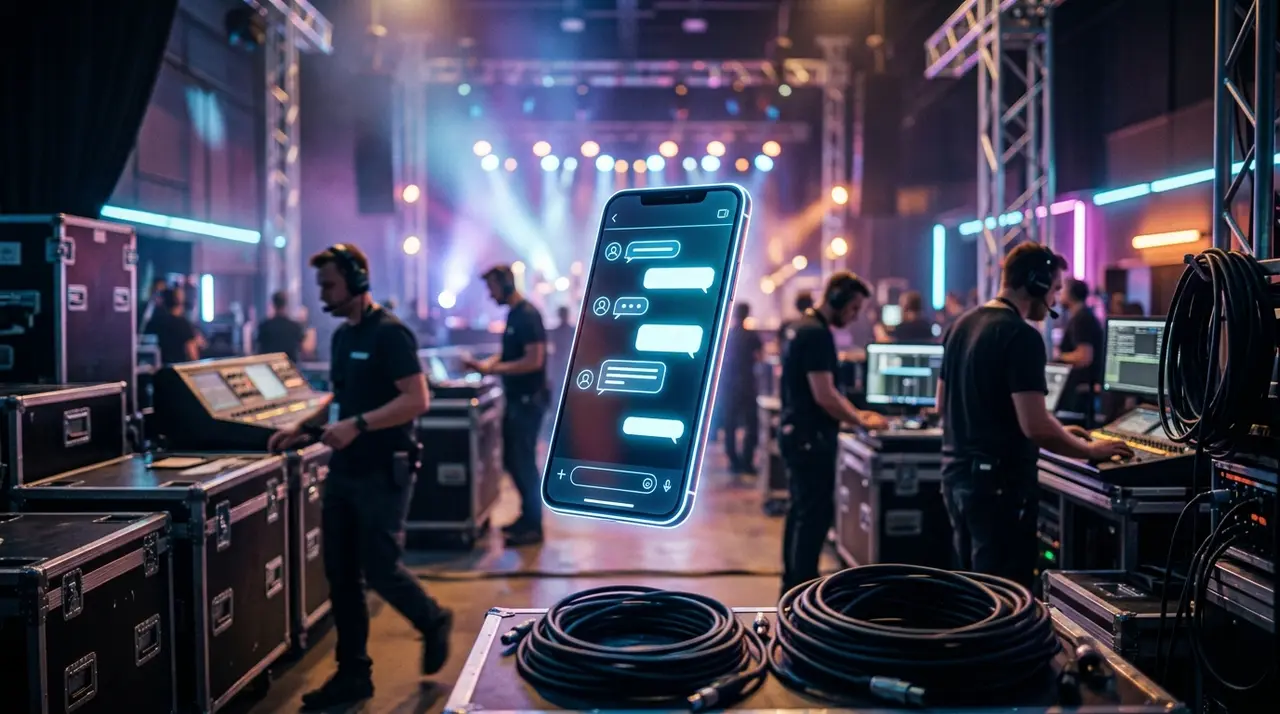
Event production is a high-stakes game. As the big day approaches, your team's workload skyrockets. The biggest culprit? A flooded inbox full of repetitive questions about tickets, schedules, and parking. You might be wondering how to survive this without hiring a massive temporary crew.
The answer lies in leveraging a smart WhatsApp chatbot to handle the heavy lifting. By automating the most common inquiries, your core team can breathe easier and focus on critical logistical tasks.
But where do you begin if you are already stretched thin? The secret is to start small and focus on your biggest bottleneck. By understanding exactly what is n8n and how it connects your tools, you can automate repetitive tasks seamlessly. This creates a cycle of continuous improvement, allowing your agency to deliver an unforgettable event experience without inflating your payroll.
The Pre-Event Chaos: Why Your Team is Drowning
Every event producer knows the drill. In the 48 hours leading up to a festival, corporate seminar, or workshop, attendees panic. They lose their tickets, forget the address, or suddenly need to know if there is vegan food available.
Your small production team is suddenly forced to become a full-time call center. Handling 500+ messages a day manually is not just exhausting; it is highly inefficient. It pulls your best people away from managing vendors and coordinating the actual event.
Hiring temporary staff seems like the logical solution. However, training them on your specific event details takes time you simply do not have. This is where an AI-driven approach changes the entire dynamic of event management.
Step 1: Tackle the Biggest Bottleneck First
The biggest mistake event producers make with AI is trying to automate everything at once. This leads to implementation overload and frustration. Instead, you must pinpoint the single task that consumes the most hours.
For 90% of event companies, that bottleneck is answering repetitive questions and handling basic registrations via WhatsApp. By deploying a smart AI agent here first, you gain immediate relief.
- Identify the top 10 questions: What are attendees asking constantly? (e.g., "Where do I park?", "What time do gates open?").
- Feed the AI: Provide your AI agent with a simple FAQ document.
- Let it run: The AI acts as your frontline defense, instantly answering these queries 24/7.

This simple first step requires minimal setup but delivers massive ROI in terms of saved hours. Your human team now only steps in for complex, unique escalations.
Understanding the Engine: What is n8n?
You might have heard of workflow automation, but what is n8n exactly? Think of n8n as the digital nervous system of your event operations. It is a powerful automation tool that connects different apps without requiring deep coding knowledge.
When an attendee sends a message to your WhatsApp chatbot, n8n is the invisible bridge that makes the magic happen. It takes the message, sends it to the AI for understanding, and then fetches the right data from your systems.
For example, if a guest asks, "Is my VIP ticket confirmed?", the flow looks like this:
- The guest texts your WhatsApp number.
- n8n receives the trigger and asks your database (like Google Sheets or a CRM) to verify the phone number.
- n8n passes the confirmation to the AI.
- The AI crafts a friendly response and sends the ticket barcode back to the guest.
This entire process happens in less than three seconds. No human intervention is required, and the guest feels perfectly taken care of.
Manual vs. AI-Assisted Pre-Event Routine
To truly understand the impact, let's compare a traditional event management setup with an AI-assisted one. The differences in speed and resource allocation are drastic.
| Task | Manual Process (Without AI) | AI-Assisted Process (With n8n) |
|---|---|---|
| Answering FAQs | Staff types out the same answers dozens of times daily. | AI instantly replies 24/7 based on an updated knowledge base. |
| Ticket Resends | Staff manually searches the CRM and emails the PDF. | n8n fetches the ticket and sends it via WhatsApp automatically. |
| Peak Spikes | Team gets overwhelmed, response times drop to hours. | System handles 1,000+ simultaneous chats with zero delay. |
| Lead Capture | Manual data entry from chat to spreadsheet. | AI extracts names and emails, sending them directly to the CRM. |
As you can see, integrating AI solutions into your workflow does not replace your team. It supercharges them, allowing them to handle the creative and strategic parts of event production.
Step 2: Measure, Refine, and Practice Continuous Improvement
Launching your WhatsApp chatbot is just the beginning. The true power of AI in events comes from continuous improvement. Once the bot is live, you must treat it like a new employee that needs occasional feedback.
Review the chat logs weekly. What are attendees asking that the bot couldn't answer? Perhaps they are asking about wheelchair accessibility, and you forgot to include that in the training data.
By simply updating the AI's knowledge base with these new answers, the bot gets smarter every day. This iterative process ensures that by the time your next event rolls around, your AI agent is an absolute expert on your company's operations.
Step 3: Expand to Accreditation and Post-Event
Once your frontline communications are running smoothly, you can safely expand the automation without overwhelming your staff. The next logical step is the actual day of the event.
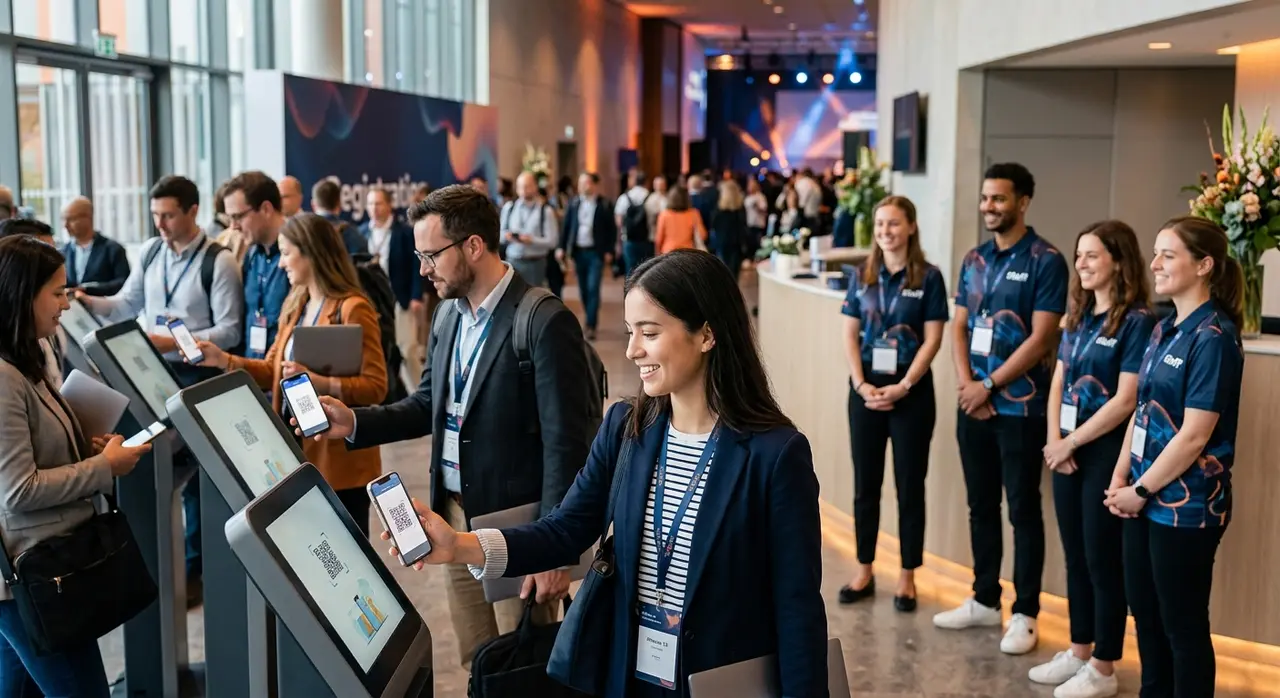
Long lines at the entrance kill the event vibe immediately. You can use your established workflow to automate event check-in. Guests simply show a QR code generated by the bot, n8n validates it instantly, and they walk right in.
After the event, the continuous improvement cycle continues. The AI can automatically send a WhatsApp message thanking the attendee, asking for a quick rating (NPS), and even delivering digital certificates for corporate workshops.
How AI Absorbs Pre-Event Spikes Without Overwhelming Staff
One of the greatest anxieties for event managers is the unpredictable spike in traffic. You might run a targeted ad campaign that suddenly drives hundreds of inquiries in a single hour.
Human teams break under sudden volume spikes. Stress levels rise, mistakes happen, and potential ticket buyers are left waiting—often leading to abandoned sales. A WhatsApp chatbot, however, thrives on volume.
Whether you have 10 people messaging you or 10,000, the AI handles them simultaneously. It absorbs the shock of the spike, categorizes the inquiries, resolves the simple ones, and only routes the high-value, complex issues to your human staff in an orderly queue.
An Incremental Adoption Roadmap for Event Producers
To avoid overwhelming your current team, adoption must be gradual. Here is a proven, step-by-step roadmap tailored for small to medium event producers looking to integrate AI use cases safely:
- Phase 1: The Frontline Triage (Weeks 1-2). Map out your top FAQs. Deploy a basic WhatsApp bot to handle general questions about dates, locations, and ticket prices.
- Phase 2: Database Connection (Weeks 3-4). Introduce n8n to connect your bot to your ticketing platform. Allow the AI to check ticket statuses and resend lost vouchers automatically.
- Phase 3: The Live Event (Weeks 5-6). Implement automated check-ins. Use the bot to broadcast live updates (e.g., "Stage B is starting in 10 minutes!") to attendees.
- Phase 4: Post-Event Automation (Week 7+). Set up automated feedback collection, certificate distribution, and early-bird offers for the next edition.
By following this incremental path, your team adapts naturally. They will quickly realize the AI is a helpful assistant, not a complicated burden.
Conclusion: Scale Your Events, Not Your Payroll
Growing your event production company shouldn't mean proportionately growing your stress levels and headcount. By strategically deploying a WhatsApp chatbot, you tackle the most painful bottlenecks head-on.
Understanding what n8n is and how it connects your systems empowers you to create seamless experiences for your attendees. More importantly, embracing a culture of continuous improvement ensures your automated systems get sharper, faster, and more reliable with every event you host.
Start small, automate the repetitive tasks, and watch your core team thrive as they focus on producing truly spectacular live experiences.
Frequently Asked Questions
Do I need a technical team to maintain the AI?
Not at all. Modern AI agents and platforms like n8n are designed with user-friendly interfaces. Once the initial workflow is set up by a specialist, updating the bot's knowledge is as simple as editing a text document or a spreadsheet. Your event staff can easily manage day-to-day operations.
Will the AI sound too robotic to my attendees?
No. Today's AI models utilize advanced natural language processing. You can customize the bot's tone of voice to match your brand—whether that's formal for a corporate summit or highly energetic and casual for a music festival. It speaks like a real human assistant.
How long does it take to implement a basic event bot?
If you start with Phase 1 (handling basic FAQs and frontline triage), a functional WhatsApp chatbot can be deployed in just a few days. Connecting complex databases via n8n might take an additional week, making it a very fast deployment compared to traditional software.
Can the AI handle ticket sales directly on WhatsApp?
Yes. By integrating the chatbot with your payment gateway and ticketing system via n8n, attendees can complete the entire purchasing journey within WhatsApp. The bot can generate payment links or Pix codes and issue the ticket instantly upon confirmation.
What happens if the AI doesn't know the answer to a question?
The system is built to fail gracefully. If a guest asks a highly specific or complex question that isn't in the knowledge base, the AI politely informs them that it is transferring the chat to a human agent. It then alerts your team, providing the full context of the conversation so your staff can take over seamlessly.