
Automate Event Comms: What is n8n & Omie API Integration
Discover what is n8n and how to boost event operational efficiency. Learn to automate pre-event reminders, post-event surveys, and integrate the Omie API.
- n8n automation
- event management
- Omie API
- operational efficiency
- workflow automation
The Foundation of Event Automation
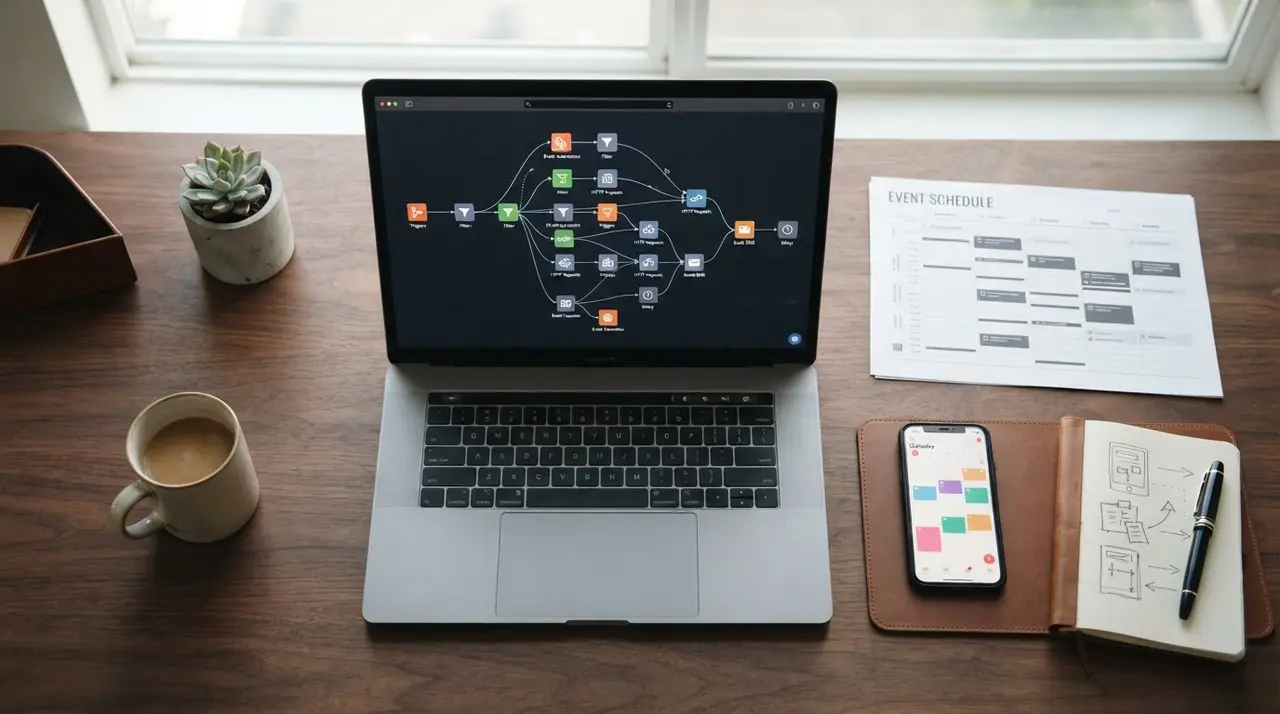
Automating event reminders and post-event communication with n8n involves using a visual workflow builder to connect your CRM, ticketing platform, and messaging apps without writing code. For event producers asking what is n8n, it is a powerful node-based automation tool that transforms manual follow-ups into seamless digital processes, ultimately driving massive operational efficiency.
Running a successful event requires juggling ticket sales, attendee communication, and financial reconciliations. When these tasks are handled manually, producers waste hours on repetitive administration.
By mapping out your attendee journey inside a visual workflow, you can ensure that every guest receives the right message at exactly the right time. This allows your team to focus on the actual event experience rather than sending individual emails.
What is n8n and How It Transforms Event Management
n8n is an open-source workflow automation platform that connects different APIs, apps, and services through a highly visual, node-based interface. Instead of writing complex scripts, event managers simply drag and drop nodes to create automated sequences.
A typical n8n workflow consists of two main components:
- Triggers: The event that starts the automation (e.g., a new ticket sale).
- Nodes: The actions that follow (e.g., waiting 24 hours, sending a WhatsApp message, or updating a database).
Because it offers deep API integrations, n8n is perfect for connecting specialized event tools. If you want to add AI to your event system without switching platforms, n8n acts as the perfect bridge.
Step 1: Setting Up Pre-Event Reminder Workflows
Pre-event reminders reduce no-show rates by delivering timely, automated notifications directly to registered attendees' phones or emails. When a guest buys a ticket, the communication sequence should begin immediately.
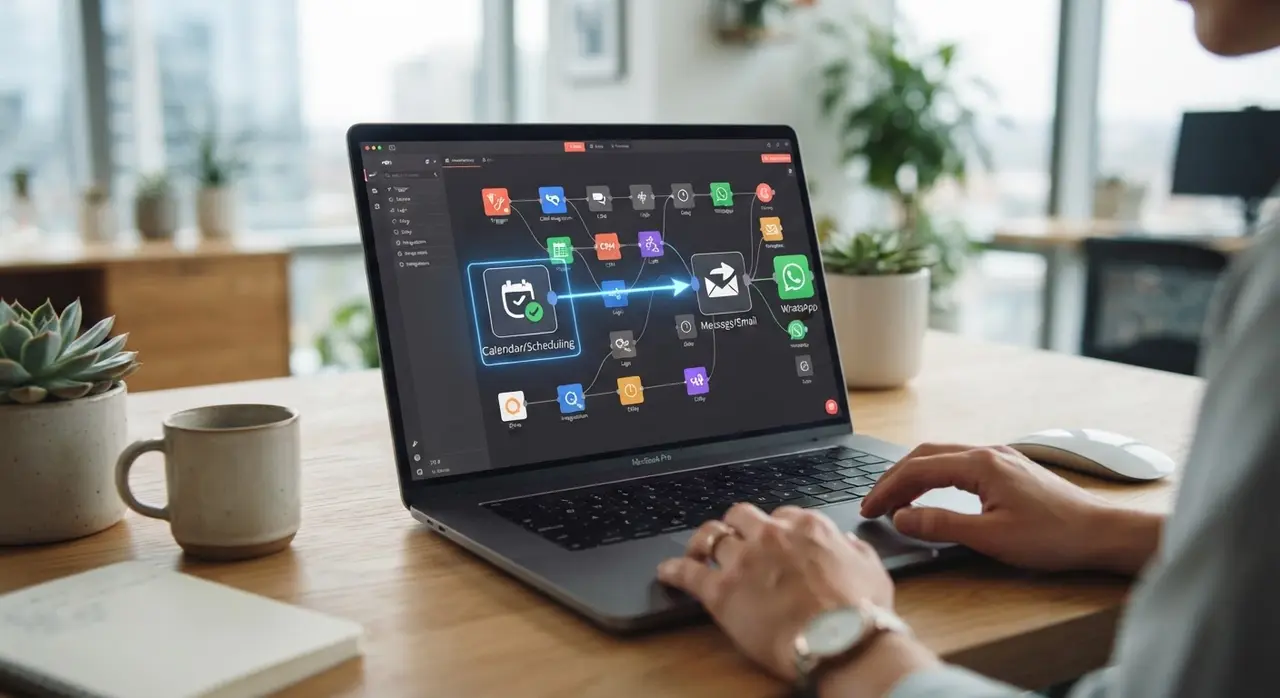
To build this in n8n, you start with a Webhook node that catches the registration data from your ticketing platform. Next, you add a Wait node scheduled to pause the workflow until 48 hours before the event doors open.
Finally, a Messaging node (like WhatsApp Business API or an email provider) fires off the reminder. The tone of this message should be excited, helpful, and clear. Include essential details like parking instructions, QR code tickets, and a schedule summary.
Step 2: Automating Post-Event Communication and Surveys
Post-event communication workflows nurture attendee relationships by instantly sending thank-you notes, event materials, and satisfaction surveys. The moment your event concludes, the window for capturing valuable feedback opens.
Using n8n, you can trigger a workflow exactly two hours after the event ends. You can use an IF node to segment your audience based on attendance data. Those who checked in receive a heartfelt "Thank you for coming" along with a link to presentation slides and a feedback form.
Those who did not attend receive a "We missed you" message, perhaps with a discount code for the next edition. This automated segmentation ensures high engagement and prepares your base for future ticket sales with zero manual effort.
Leveraging the Omie API for Seamless Financial Sync
Integrating the Omie API synchronizes your event's ticketing revenue and attendee data directly with your financial records automatically. Omie is a robust ERP, and connecting it to your event workflow eliminates tedious spreadsheet copying.
Inside n8n, you can configure an HTTP Request node to communicate directly with the Omie API. Every time a ticket is sold or refunded, n8n pushes that exact financial data into Omie in real-time.
This integration ensures your accounting team always has accurate, up-to-date figures. It represents a significant leap in operational efficiency, allowing production companies to scale their event volume without hiring additional administrative staff.
Mini-Case Study: Scaling Event Production with IAChatbot
Implementing automated workflows allows event agencies to scale their operations effortlessly without sacrificing the quality of attendee communication. Consider the case of a mid-sized corporate event agency struggling with manual feedback collection and invoicing.
They partnered with IAChatbot to map their entire attendee journey using n8n and the Omie API. We designed a custom architecture where ticket sales instantly generated invoices in Omie, while triggering a 3-step pre-event WhatsApp reminder sequence.
The result? The agency saw a 40% reduction in administrative hours and doubled their post-event survey response rate. By automating the busywork, their producers had more time to secure sponsorships and improve the actual event experience. To see more transformations, check out our AI solutions.

Comparing Manual vs. Automated Event Operations
Adopting automation tools drastically lowers human error and accelerates response times compared to traditional manual management. Let's look at the concrete differences between the old way of doing things and the modern n8n approach.
| Operational Task | Manual Process | n8n Automated Workflow |
|---|---|---|
| Pre-Event Reminders | Exporting lists and sending bulk emails manually. | Triggered automatically based on event date and time. |
| Financial Sync | Copy-pasting sales data into ERP spreadsheets. | Real-time synchronization via the Omie API. |
| Post-Event Feedback | Sending generic emails days after the event. | Segmented surveys sent exactly 2 hours post-event. |
| No-Show Nurturing | Often ignored due to lack of time. | Automated "We missed you" offers sent instantly. |
As the table shows, relying on human memory for event follow-ups is risky. Automation guarantees consistency, ensuring your brand always looks professional and organized.
Frequently asked questions
What is the best trigger to start an event automation in n8n?
The best trigger is usually a webhook from your ticketing platform when a new purchase is confirmed. This allows n8n to capture attendee details instantly and schedule all future reminders based on the event date.
Can I connect the Omie API to n8n without coding skills?
Yes, you can connect the Omie API to n8n using standard HTTP Request nodes to handle authentication and data transfer. While basic API knowledge helps, the visual interface makes it accessible for operational managers to map fields easily.
How does automation improve operational efficiency for small event agencies?
Automation improves operational efficiency by eliminating manual data entry, automatic ticket syncing, and scheduling communications. This frees up your team to focus on event logistics and sponsor relationships instead of sending emails.
Is it possible to send WhatsApp messages through n8n workflows?
It is entirely possible to send WhatsApp messages through n8n by integrating the official WhatsApp Business API or third-party messaging providers. This ensures your pre-event reminders reach attendees where they are most active.