
WhatsApp Business Ban: First 24 Hours Action Plan
Facing a WhatsApp Business account ban? Follow this step-by-step 24-hour action plan to submit an appeal, protect leads, and prevent future account bans.
- whatsapp comercial
- conta comercial whatsapp
- inteligencia artificial whatsapp
- whatsapp business ban
- customer support automation

A WhatsApp Business account ban occurs when Meta's automated security systems flag violations of its Commerce Policy, anti-spam guidelines, or unauthorized automation on a whatsapp comercial account. Taking immediate, structured action within the first 24 hours is critical to submit a successful appeal, secure existing customer conversations, and safeguard your company revenue.
Losing access to your main messaging channel can paralyze sales and customer support. However, reacting in a panic often leads to permanent mistakes—such as registering a new number on the same device or spamming appeal forms. By following a calm, hour-by-hour operational protocol, you maximize your chances of account recovery while maintaining business continuity.
1. Confirm Your Ban Type and Lock Down Immediate Activity
Determining whether your ban is temporary or permanent dictates the exact recovery protocol you must execute immediately. When you open the WhatsApp Business application, Meta presents an explicit system alert indicating your account status.
A temporary ban usually shows a countdown timer ranging from 24 to 48 hours. This typically results from temporary rate limits or minor policy triggers. A permanent ban displays the message: "Your phone number is banned from using WhatsApp. Contact support for help."
- Do not force re-registration: Repeatedly requesting SMS verification codes during an active ban can permanently freeze your SIM card's registration capability.
- Document the exact error screen: Take full-resolution screenshots of the ban message, including the phone number and timestamp, for your formal appeal submission.
- Halt all outbound tools: Instantly disconnect any third-party extensions, web scrapers, or unofficial broadcast desktop software linked to the account.
2. Submit an Official Review Appeal to Meta Support
Submitting an official review request through the WhatsApp Business application or Meta Support Portal is the primary mechanism to restore account access. Meta processes millions of automated flags daily, and legitimate business accounts are frequently restored when verified by human reviewers.
To initiate the appeal, tap the "Request a Review" button directly on the ban screen inside your app. Alternatively, access the official WhatsApp Business Support page online. When drafting your explanation, keep your communication professional, concise, and objective.
Avoid angry or accusatory language. State clearly that your account is a legitimate business entity using a verified conta comercial whatsapp profile, outline your operational context, and confirm that you adhere strictly to Meta's Commerce and Business Policies.
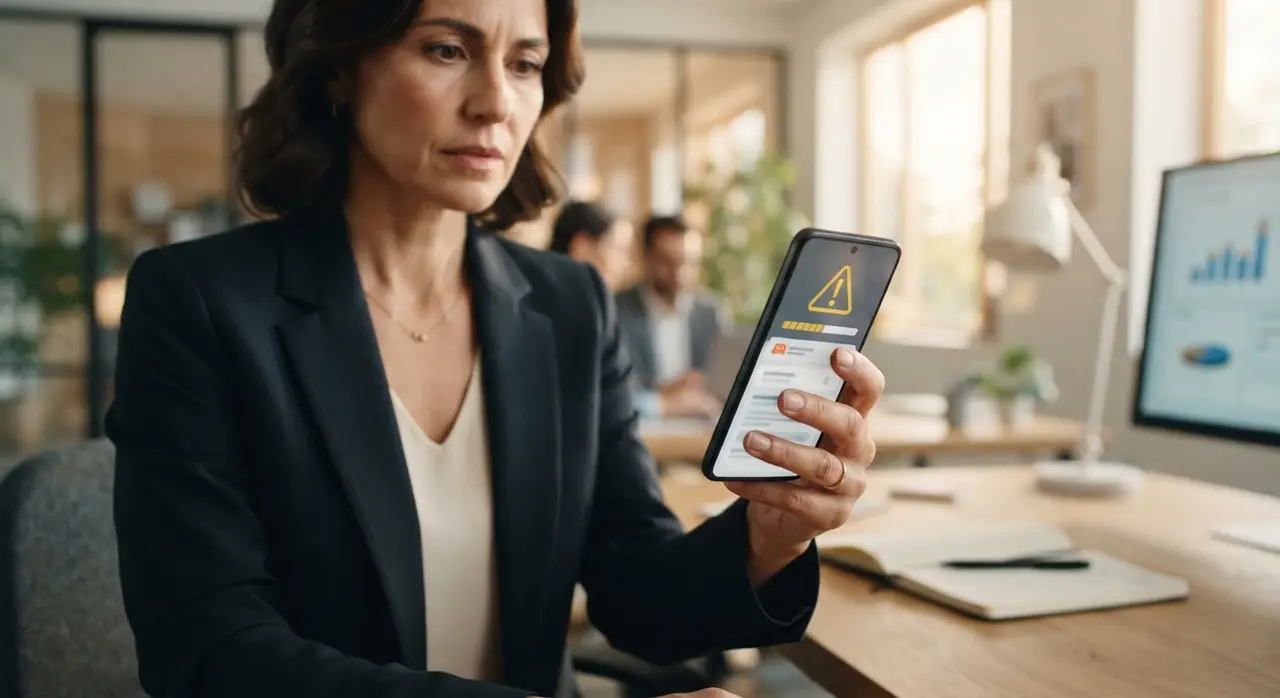
If you suspect an automated system error—such as sending opt-in transactional notifications that were incorrectly flagged as spam—mention this explicitly. Request a manual human review of your recent message activity.
3. Do Not Register a New Account on the Same Device Immediately
Registering a new phone number on a mobile device associated with a newly banned account triggers automated hardware flags that risk instant re-banning. Meta tracks unique hardware identifiers, IP addresses, and app metadata to prevent persistent policy violators from re-entering the network.
If you attempt to activate a secondary number on the exact same app installation without clearing hardware markers, Meta's security algorithms will automatically ban the new number within minutes. This escalates a localized issue into a total lockdown of your mobile hardware infrastructure.
- Isolate your hardware: If an emergency backup line is required, deploy it on an entirely fresh, unlinked mobile device or cloud environment.
- Use isolated networks: Switch to a different Wi-Fi network or cellular data connection to avoid shared IP flag triggers.
- Preserve account data: Do not clear application cache or reinstall the app until you have backed up local database files, as these contain crucial message history logs.
4. Communicate with Your Team and Activate Emergency Redirection
Diverting inbound customer traffic to secondary channels prevents lead loss and maintains operational trust during account downtime. Your leads and existing clients will not know your account is banned; to them, your business simply stopped responding.
Immediately brief your sales, customer service, and marketing teams. Provide clear guidelines on how to handle incoming inquiries across alternative platforms such as web chat, email, Instagram Direct, or emergency voice lines.
Update your public contact points immediately. Change the contact links on your website banner, social media bios, and running ad campaigns to point temporary traffic to an alternative line or web intake form. Exploring official AI communication solutions allows you to maintain multi-channel intake redundancy so that a single channel disruption never halts your revenue pipeline.
5. Audit the Root Cause and Evaluate Policy Compliance
Identifying the exact policy violation that triggered Meta's automated security response prevents recurring account terminations. Most commercial account bans stem from identifiable operational mistakes rather than random system glitches.
Analyze your messaging activity from the 48 hours preceding the ban. The most common triggers include high user block rates, mass cold broadcasting without explicit consent, sending identical links repeatedly, or using unofficial messaging extensions that bypass official APIs.
| Ban Trigger Cause | Risk Severity | Immediate Corrective Action |
|---|---|---|
| Unofficial WhatsApp Web extensions / desktop bots | Critical | Disconnect third-party tools; migrate to official Meta Cloud API. |
| High block/report rate on cold broadcast campaigns | High | Implement strict opt-in verification and personalized messaging. |
| Rapid link or phone number sharing in cold chats | Medium | Warm up new numbers gradually and eliminate generic outbound links. |
| Sending excessive messages in short timeframes | High | Utilize queue delays and official enterprise messaging infrastructure. |
Evaluating these factors honestly enables you to address structural weaknesses in your outreach strategy before Meta reviews your account appeal.

6. Transition to Official AI Automation to Eliminate Future Ban Risks
Migrating to the official Meta Cloud API combined with enterprise AI automation eliminates ban risks associated with unauthorized software. Unofficial scrapers and gray-market automation tools clone WhatsApp Web sessions, making them extremely easy for Meta to detect and terminate.
By leveraging official integrations through platforms like IAChatbot, your company operates with verified Meta authorization. Advanced inteligencia artificial whatsapp workflows adhere strictly to official message rate limits, manage opt-in permissions automatically, and deliver context-aware, personalized responses without triggering spam filters.
Mini Case: How a Multi-Specialty Clinic Recovered from Messaging Outages
A growing health and aesthetic clinic faced a sudden permanent ban on their primary conta comercial whatsapp after using an unofficial web extension to send mass appointment reminders. Over 180 daily patient inquiries were instantly blocked, resulting in missed appointments and severe operational confusion.
Instead of repeatedly trying to register unauthorized backup numbers, the clinic partnered with IAChatbot to restructure their entire communication stack. By implementing official Meta API infrastructure integrated with AI-driven booking agents, the clinic restored its messaging capability within hours. To review similar operational transformations, explore our collection of real-world automation examples.
As a direct result of adopting official compliance protocols and intelligent conversation routing, the clinic achieved a zero-ban record, reduced patient response times from 25 minutes to under 10 seconds, and unlocked the long-term key business benefits of official automation.
Frequently asked questions
How long does WhatsApp take to review an account ban appeal?
Meta typically reviews account appeals within 24 to 48 hours after submission. In some complex cases involving official business verification, reviews may take up to 3 to 5 business days.
Can I recover my chat history if my account is permanently banned?
Your local chat database remains stored on your device's internal memory even during an account ban. However, if you delete the application or clear app data before making a local backup, that message history will be permanently lost.
Why was my new WhatsApp Business account banned right after creation?
New accounts are often banned immediately if registered on a device or Wi-Fi network recently linked to a banned number. Meta's anti-fraud systems flag shared hardware signatures, IP addresses, or rapid bulk messaging on unverified SIM cards.
What is the difference between unofficial bots and official WhatsApp AI?
Unofficial bots emulate browser sessions without Meta's authorization, making them highly susceptible to automatic bans. Official WhatsApp AI solutions use Meta's Cloud API, ensuring guaranteed uptime, enterprise encryption, and full compliance with messaging policies.