
Claude + n8n: Build ISP Automation Flows Without Coding
Discover how to build smart n8n automation flows for your ISP using Claude. Integrate your ERP and automate customer service without writing complex code.
- n8n automation
- AI flow
- ISP automation
- system integration
- automation tools
The Challenge of Scaling ISP Customer Support
Running a regional Internet Service Provider (ISP) means dealing with a constant flood of customer requests. From simple duplicate bill inquiries to complex connection issues, your support team is always busy. You know that AI automation is the key to scaling without ballooning your payroll. However, hiring developers to build custom AI systems from scratch is incredibly expensive and time-consuming.
This is where the magic of Claude + n8n comes in. By combining a visual workflow builder with one of the world's most advanced language models, you can create a powerful n8n automation setup without writing endless lines of code.
In this guide, we will explore how you can orchestrate triggers, connect your ERP, and let Claude handle the natural language processing to build an intelligent AI flow that actually resolves customer problems.
Why Combine Claude and n8n for ISP Support?
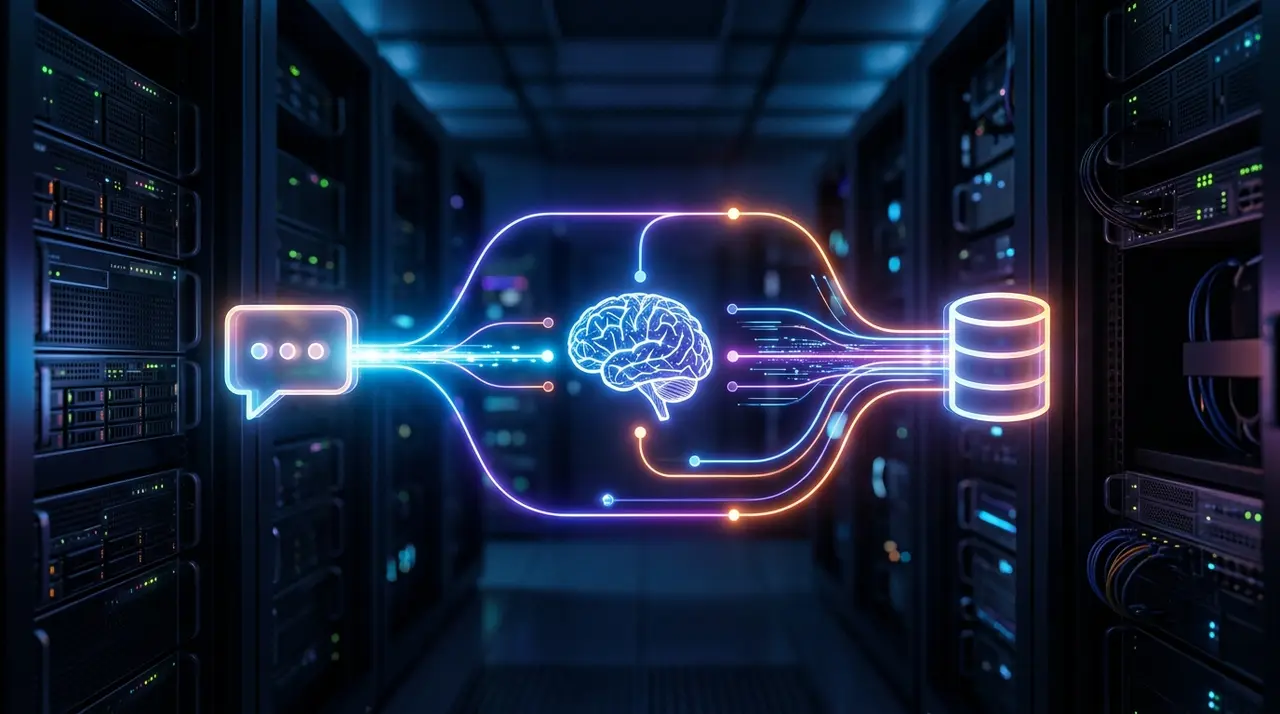
To understand why this combination is so powerful, you need to understand their distinct roles. n8n is a visual workflow automation tool. It acts as the orchestrator. It connects to your WhatsApp API, talks to your billing software, and manages the logical routing of data.
Claude, on the other hand, is the brain. Instead of forcing customers through rigid, frustrating menus (e.g., "Type 1 for Billing"), Claude understands natural language. When a customer says, "My router is blinking red and I already paid my bill yesterday," Claude instantly understands the context.
Together, they eliminate the need to program every possible conversation path. You just need to set up the right system integration, and let the AI dynamically handle the conversation based on the data it receives.
The Core Nodes: Understanding Your n8n Flow
Building an n8n flow is like connecting digital Lego blocks. Each block, called a "node," performs a specific task. You don't need to write code; you just configure the nodes to talk to each other.
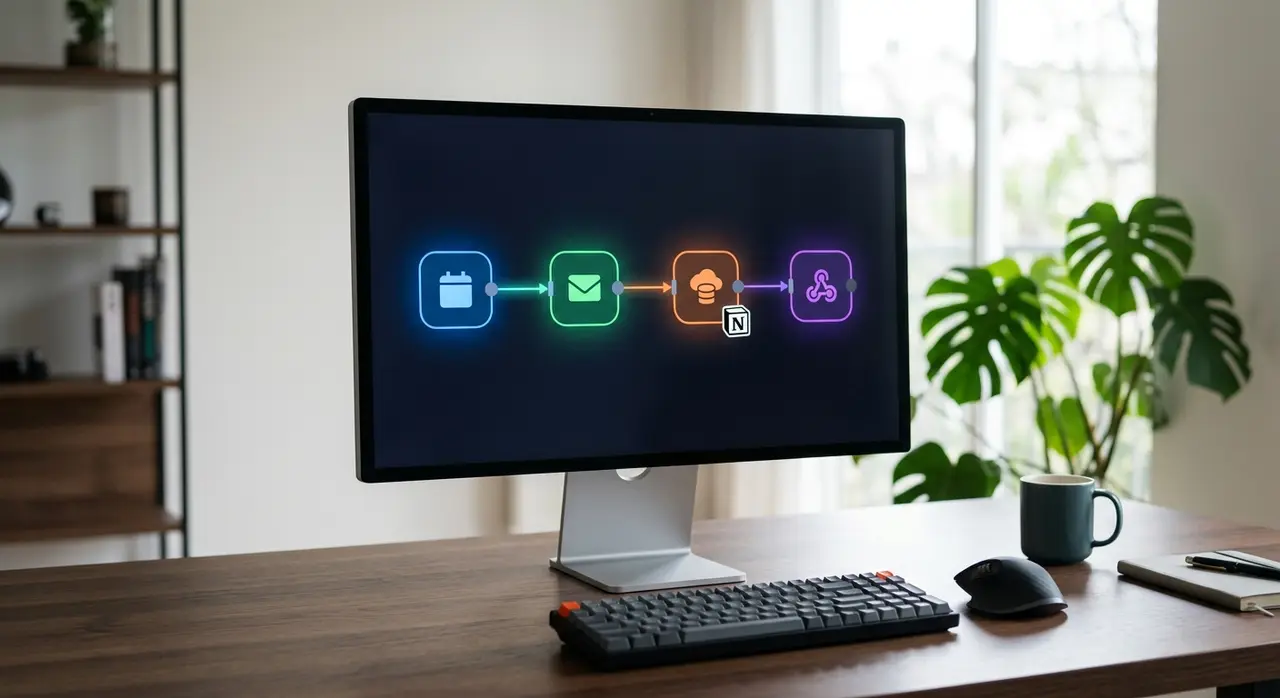
- 1. The Trigger Node: This is where your flow begins. For an ISP, this is usually a Webhook connected to your WhatsApp Business API. It constantly listens for incoming messages from your subscribers.
- 2. The AI Node (Claude): Once a message arrives, it is sent to Claude. You provide Claude with a "system prompt" instructing it to act as a helpful ISP support agent. Claude reads the message and decides what needs to be done.
- 3. The HTTP Request Node: This is your primary system integration powerhouse. If Claude determines the customer needs a financial update, n8n sends an API request to your ERP (like IXC, SGP, or TOPSAPP) to fetch the data.
- 4. The Response Node: Finally, n8n sends the raw ERP data back to Claude. The AI formats this data into a friendly, human-like message and sends it back to the customer via WhatsApp.
Mini-Case Study: Automating Trust Unlocks
Let's look at a highly requested practical example. A customer's internet is blocked due to a late payment, but they claim they just paid the slip and need access immediately. In a traditional setup, a human agent has to verify this claim, open the billing software, and manually unlock the connection.
With modern automation tools, you can automate trust unlocks seamlessly. The customer texts: "Please unlock my internet, I just paid the slip 10 minutes ago."
Claude interprets this intent and triggers a specific tool within n8n. The n8n workflow then queries your ERP to check the customer's payment history and trust unlock eligibility. If they meet the criteria, n8n sends the command to unblock the MAC address.
Claude replies: "All set! I've unlocked your connection for 3 days while the bank processes your payment. You should be back online in a few minutes." This entire process takes seconds and requires zero human intervention.
Step-by-Step: Building Your First AI Flow Without Coding
You don't need to be a senior software engineer to build these automated systems. Here is how you can start structuring your first AI automation today:
- Map Your API Endpoints: Before touching n8n, gather your ERP's API documentation. You need the exact URLs for finding a customer by their phone number and checking their financial status.
- Set Up the Webhook: In n8n, drag and drop a Webhook node to receive incoming WhatsApp messages. Test it by sending a simple text from your phone.
- Design the AI Prompt: Add the Anthropic (Claude) node. Write a crystal-clear prompt in plain English: "You are an ISP assistant. Your goal is to help customers. If they ask for a duplicate bill, use the 'get_bill' function."
- Connect the Tools: Use n8n's advanced AI agent features to connect Claude to HTTP request nodes. This allows Claude to dynamically "click" the buttons in your ERP based on the conversation.
By following these steps, you can effectively automate your ISP support, saving hundreds of hours per month and drastically reducing customer wait times.
Claude + n8n vs. Traditional ISP Chatbots
Why shouldn't you just use a standard, cheap chatbot builder? Because ISPs deal with complex, multi-step problems that frustrate customers when handled by rigid, unintelligent bots.
| Feature | Traditional Rule-Based Bots | Claude + n8n AI Flow |
|---|---|---|
| Customer Experience | Frustrating "Press 1, Press 2" menus. | Natural conversation, like talking to a human. |
| Flexibility | Breaks immediately if the customer makes a typo. | Easily understands slang, typos, and complex sentences. |
| Setup Time | Requires manually mapping hundreds of keywords. | Driven by a single, comprehensive set of instructions. |
| Integration Power | Often limited to basic, pre-built integrations. | Connects to absolutely any system via REST API. |

Expanding the Operation: Mass Outages and Upselling
Once your basic n8n automation is running, the possibilities to scale are endless. For example, you can configure the system to handle mass network outages gracefully.
When a fiber optic cable breaks, your support lines usually explode with calls. With proper ERP integration, n8n can check the complaining customer's exact coordinates against known active outage zones in real-time.
Claude can then proactively inform the user: "I see there is a general outage in your neighborhood due to a broken cable. Our field technicians are already on site, and it should be fixed in about 2 hours. I will notify you when it's back!"
Furthermore, Claude can analyze the customer's data during a routine chat. If they constantly complain about slow speeds but have an outdated 50Mbps plan, the AI can seamlessly offer an upgrade to a 500Mbps plan directly through WhatsApp, turning your support bot into a revenue generator.
Frequently Asked Questions
Do I need to be a developer to use n8n?
No. While n8n involves technical concepts like APIs and JSON data structures, its visual interface allows you to build powerful flows by dragging and dropping nodes. You don't need to write complex code, just understand how your data moves from one system to another.
How does Claude integrate with my ISP's ERP?
Claude does not connect directly to your ERP. Instead, n8n acts as the secure bridge. n8n sends API requests to your ERP (like IXC, SGP, or MK-Auth), retrieves the requested data, and feeds it to Claude. The AI then reads this data and formulates a natural, polite response for the customer.
Is it secure to handle customer data this way?
Yes. You have full control over what data n8n retrieves and what it shares with the AI model. By using secure API keys, HTTPS encryption, and setting strict boundaries in Claude's system prompt, you ensure that customer data remains private and protected at all times.
What is the cost difference compared to hiring more agents?
An AI flow using n8n and Claude costs a fraction of a human attendant's salary. You only pay for your server hosting and the API usage (which is usually pennies per conversation). This allows your ISP to handle thousands of simultaneous tickets during peak hours without constantly increasing your payroll.