
Create a Chatbot for Events: Real-Time Attendee Alerts
Discover how to create a chatbot for events to send automated alerts, handle schedule changes, and run targeted message broadcasts for attendees in real time.
- Event Automation
- Customer Service Bot
- Message Broadcast
- AI Agents
- Event Management
The Nightmare of Last-Minute Event Changes
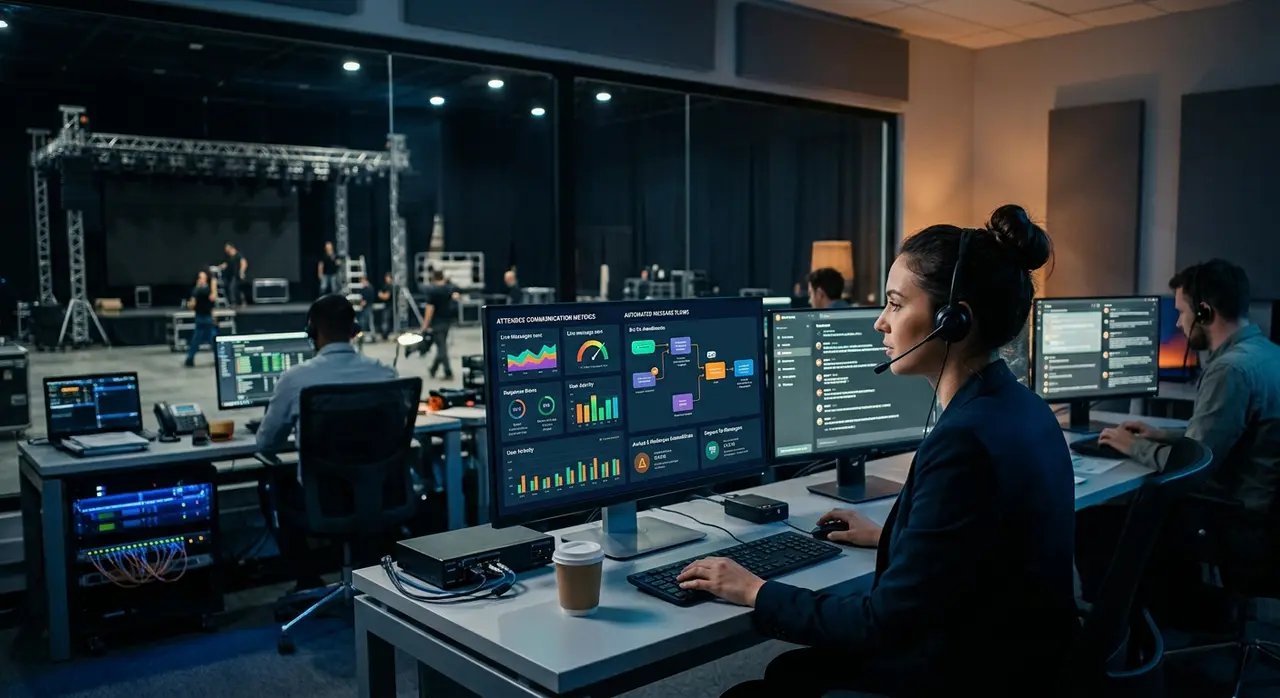
Have you ever felt the cold sweat of a last-minute event change? The main speaker is stuck in traffic, the outdoor stage is getting flooded by unexpected rain, or the VIP entrance needs to be relocated immediately. In these high-pressure moments, how do you inform thousands of attendees before chaos ensues?
If you rely solely on emails, the harsh reality is that most people won't read them in time. If you post on social media, the algorithm might bury your urgent update. This is exactly why modern event producers rely on a dedicated customer service bot.
When you create a chatbot specifically tailored for attendee communication, you gain the power of instant, segmented alerts. Through automated message broadcasts, you can reach your audience directly on their favorite messaging apps, like WhatsApp, ensuring your updates are seen within seconds.
What is an Attendee Communication Agent?
An attendee communication agent is an AI-powered assistant designed to manage the flow of information between event organizers and participants. It goes far beyond a simple FAQ auto-responder. It is a proactive tool that acts as your digital PR manager on the ground.
By integrating with your ticketing platform and CRM, this agent knows exactly who is attending, what ticket type they hold, and what information they need. It transforms chaotic event management into a smooth, guided experience.
- Proactive Outreach: Sends reminders before the event starts.
- Real-Time Updates: Delivers instant alerts about schedule shifts.
- Crowd Control: Directs traffic to less crowded gates or food areas.
Ultimately, a smart communication agent prevents the dreaded bottleneck at the information desk, freeing up your human staff to handle real physical emergencies.
Master the Message Broadcast: Key Triggers for Events
The secret to a successful automated communication strategy lies in setting up the right triggers. A trigger is a specific condition that tells your AI to send a message broadcast to a predefined group of people. Let's look at the most critical triggers every event producer should configure.
1. Sudden Schedule Shifts and Delays
Live events are unpredictable. If a band is running 30 minutes late or a workshop is extending past its allotted time, silence breeds frustration. By triggering an automated alert, you can instantly notify attendees of the new timeline.
Instead of angry crowds waiting in the dark, you create an informed audience that can use that extra 30 minutes to buy food or merchandise—turning a potential disaster into a revenue opportunity.
2. Location and Gate Changes
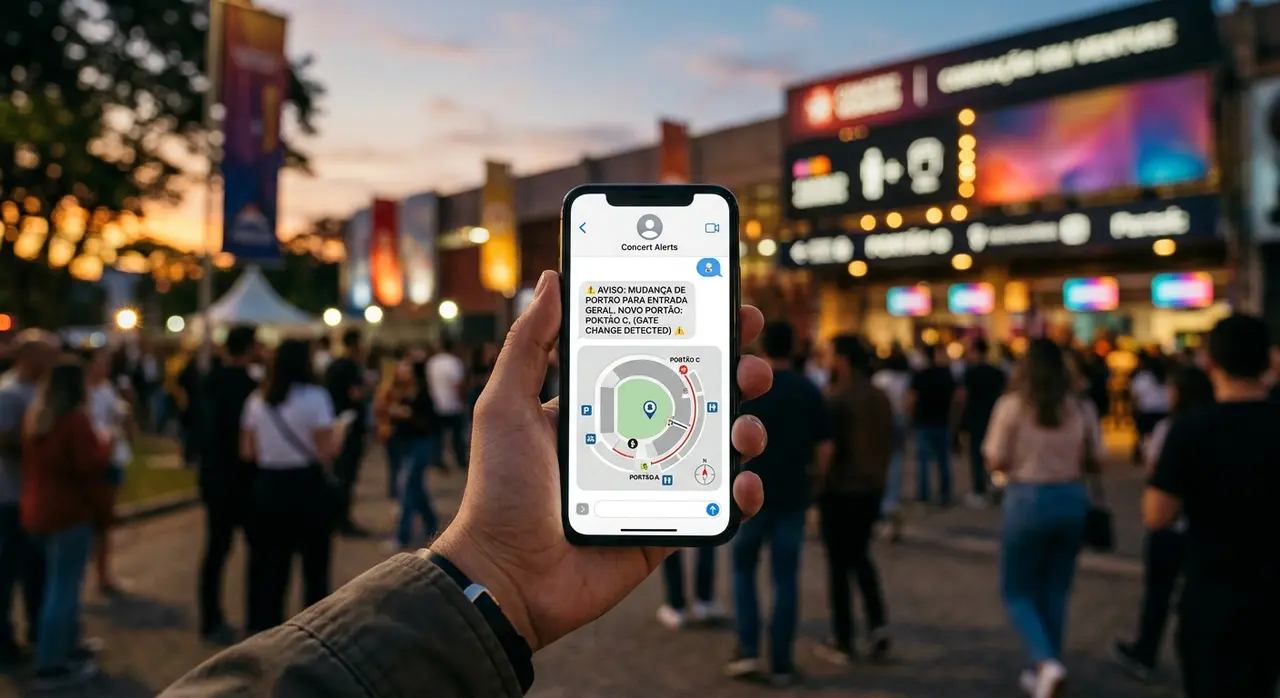
Logistical issues happen. Sometimes a specific entrance becomes compromised, or an activity needs to be moved indoors due to weather. A quick broadcast directing attendees to "Gate B instead of Gate A" saves your security team from dealing with confused and irritated guests.
3. Pre-Event Instructions and Reminders
The attendee experience starts long before the gates open. A smart customer service bot can automatically send tickets, parking instructions, and prohibited item lists 24 hours before the event. This simple step drastically reduces entry times and confiscation arguments at the door.
The Power of Segmentation: Sending the Right Alert to the Right Person
One of the biggest mistakes event producers make is blasting the same message to everyone. If you send a notification about a VIP catering change to General Admission ticket holders, you are only creating confusion and potential resentment. This is where audience segmentation becomes your best friend.
When you create a chatbot integrated with your database, you can tag users based on their ticket tier, interests, or even their physical location if they check in at specific zones. Segmentation ensures relevance.
- VIPs and Sponsors: Receive updates about exclusive lounges, premium parking, and meet-and-greets.
- General Admission: Get essential updates on main stage schedules, map links, and safety instructions.
- Staff and Vendors: Receive logistical updates, load-in times, and internal alerts without mixing with the public.
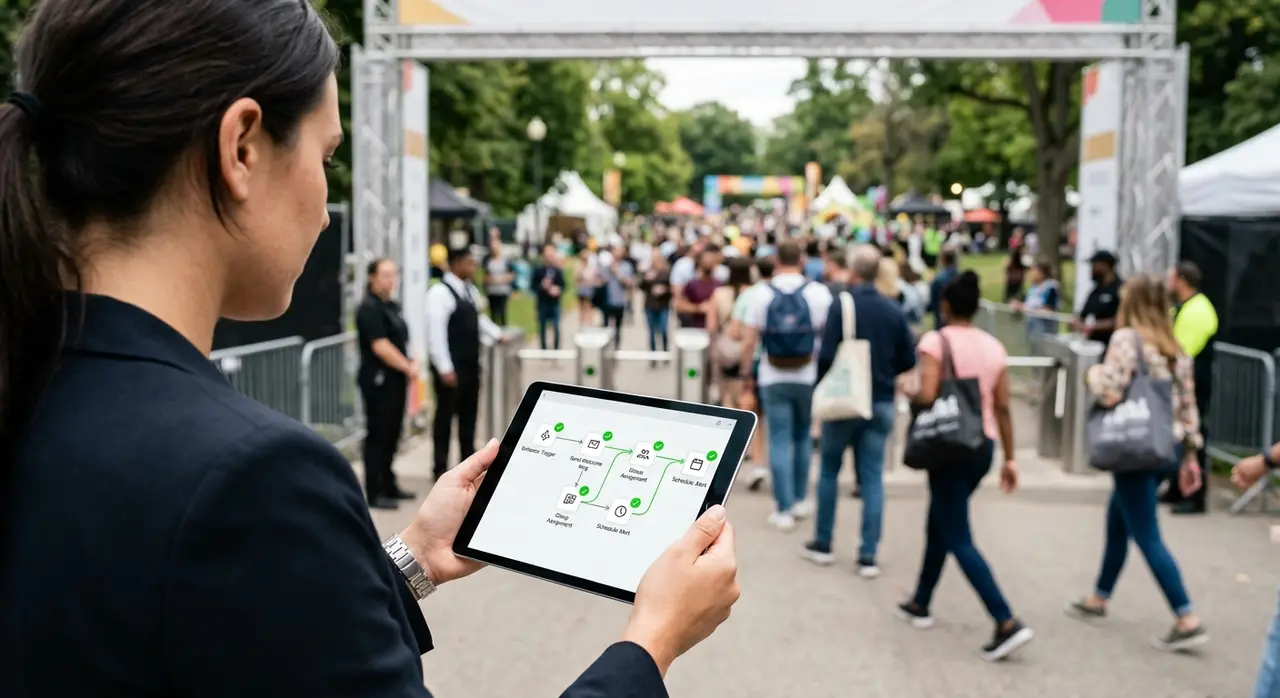
By keeping messages highly relevant, attendees will trust your channel. They won't mute the conversation because they know every message they receive actually matters to their specific experience.
Setting the Tone: Urgent, Clear, and On-Brand
When an unexpected change occurs, the tone of your communication can either calm the crowd or incite panic. Your AI agent must be programmed to speak with clarity and authority, while still maintaining the friendly voice of your event's brand.
Avoid long, corporate-sounding apologies. Keep it short and actionable. Use bullet points, emojis for visual cues (like a 📍 for location or a ⏰ for time), and always tell the attendee exactly what they need to do next.
For example, instead of: "We apologize for the inconvenience, but due to unforeseen meteorological circumstances, the acoustic set has been relocated."
Use: "🌧️ Weather update! To keep everyone dry, John Doe's acoustic set is moving to the Indoor Stage. Music starts in 15 mins. See you there! 🎸"
Real-time Information: Avoiding Noise and Confusion
While having the ability to send instant messages is powerful, with great power comes great responsibility. Over-communicating can be just as damaging as under-communicating. If your bot sends five messages an hour, attendees will quickly block the number.
To avoid noise, establish a strict communication hierarchy. Only broadcast critical updates (safety, major schedule changes, location shifts). For general questions (like "where is the bathroom?" or "what time does the bar close?"), let the AI wait for the user to ask.
This balanced approach ensures that when your bot does initiate contact, the attendee pays immediate attention. If you want to dive deeper into structuring this balance, check out our comprehensive WhatsApp chatbot guide for events.
Micro-Case Study: The Rainy Open-Air Festival
Let's look at a practical example. A mid-sized open-air music festival in the countryside was expecting 8,000 attendees. Just two hours before the headliner was supposed to play, a severe thunderstorm warning was issued.
The production team had to quickly pause the main stage and direct everyone to the covered food pavilions. In the past, this would require security guards shouting through megaphones and a frantic social media post that nobody would see due to poor cellular data connectivity.
Instead, the organizers used their customer service bot. With two clicks, they triggered a segmented message broadcast via WhatsApp. The message was simple: "🚨 Storm warning! Please head calmly to the covered Food Pavilions. We are pausing the main stage for 45 minutes to ensure everyone's safety. Grab a drink and stay dry!"
Because WhatsApp messages require very little data to deliver compared to loading a social media feed, 92% of attendees received and opened the message within 3 minutes. The crowd moved safely, bar sales in the pavilion spiked, and a potential safety hazard was completely neutralized.
Comparing Communication Channels for Events
To truly understand the value of an AI agent, let's compare it against traditional methods of event communication. The difference in speed and engagement is staggering.
| Feature | Social Media | AI Chatbot (WhatsApp) | |
|---|---|---|---|
| Open Rate | Low (~20%) | Algorithm dependent | Extremely High (~98%) |
| Delivery Speed | Delayed (often read hours later) | Instant, but easily missed | Instant, with push notification |
| Segmentation | Possible, but clunky | Very difficult (public posts) | Precise and automated |
| Interactivity | One-way communication | Public comments (hard to manage) | Private, two-way automated support |
As the table shows, when urgency is a factor, messaging apps powered by AI are unmatched. You can explore other use cases of AI in customer service to see how this technology adapts to different business needs beyond events.
Step-by-Step: Implementing Your Customer Service Bot
Ready to revolutionize your event logistics? Here is a simple, actionable blueprint to create a chatbot that handles automated alerts and changes flawlessly.
Step 1: Map the Critical Scenarios
Sit down with your production team and list everything that could possibly change on the day of the event. Weather issues? Delayed speakers? Parking capacity reached? Write down the exact message templates you would need for each scenario.
Step 2: Integrate Your Ticketing and CRM
Your AI agent needs data to be smart. Connect your bot to your ticketing platform so it automatically knows the name, phone number, and ticket type of every attendee. This is the foundation of your segmentation strategy.
Step 3: Pre-Approve Message Templates
If you are using WhatsApp Business API, promotional or proactive messages (templates) need to be pre-approved by Meta. Submit your emergency and update templates weeks before the event so they are ready to be triggered instantly.
Step 4: Educate Your Audience
When attendees buy a ticket, clearly state that they will receive essential updates via WhatsApp. Send a welcome message a few days before the event to establish the channel. A well-informed audience is a happy audience, and this proactive approach can actively boost event registrations for your future editions.
Conclusion: Peace of Mind for Producers and Attendees
Running an event is inherently stressful, but communicating with your audience shouldn't be. By deploying an intelligent attendee communication agent, you eliminate the guesswork, the noise, and the panic of last-minute changes.
You empower your attendees with real-time, segmented information right in the palm of their hands. More importantly, you give yourself and your team the peace of mind to focus on what really matters: delivering an unforgettable event experience. Stop relying on outdated emails and chaotic megaphones. Embrace AI, set up your automated triggers, and take full control of your event's narrative.
Frequently Asked Questions
Can I send a message broadcast to thousands of attendees at once?
Yes. By using official APIs like the WhatsApp Business API integrated with an AI agent, you can send targeted broadcasts to thousands of attendees simultaneously without the risk of having your number blocked, provided you use pre-approved templates and respect opt-in rules.
What if an attendee doesn't have WhatsApp or internet access?
While WhatsApp penetration is incredibly high, it's always smart to have a fallback. AI platforms can often be configured to send an SMS fallback if a WhatsApp message goes undelivered. Additionally, always ensure major physical signage is updated for those completely offline.
Is it hard to integrate a customer service bot with my ticketing platform?
Not at all. Most modern AI chatbot platforms use webhooks and integrations (like n8n or Zapier) to connect seamlessly with popular ticketing systems. The moment a ticket is sold, the attendee's data and tags are automatically synced to the bot's CRM.
Will the bot sound too robotic when sending urgent alerts?
Only if you program it to! You have complete control over the persona and tone of your AI. You can craft the message templates to use your brand's specific voice, slang, and emojis, ensuring it feels like a helpful human assistant rather than a cold machine.