
Landline on WhatsApp Business: How to Use It & Setup
Yes, you can use a landline number on WhatsApp Business. Learn how voice call verification works, step-by-step setup, limitations, and desktop management.
- WhatsApp Business
- Landline WhatsApp
- Customer Service
- Business Automation
- WhatsApp API
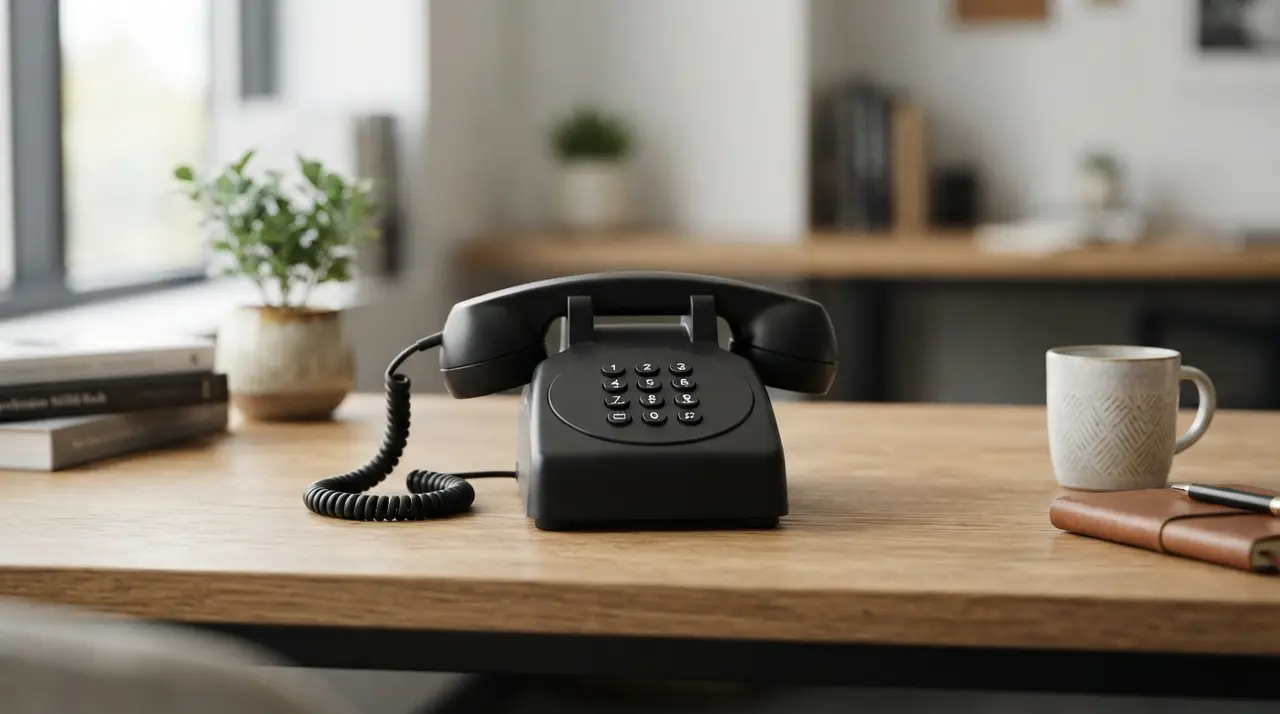
Yes, you can use a landline number on WhatsApp Business by verifying the account through an automated voice call instead of an SMS text message. This setup allows companies to retain their official published phone number for incoming inquiries and pos venda whatsapp (post-sales support on WhatsApp).
Using a fixed landline number provides a unified corporate identity, prevents team members from sharing personal mobile numbers, and establishes instant trust with your audience. Whether you operate a retail store, a medical clinic, or a professional service firm, linking your existing landline to WhatsApp Business is straightforward once you understand the verification steps.
Standard Verification Works via Automated Voice Calls
Registering a landline on WhatsApp Business requires choosing the voice call verification option because standard landlines cannot receive SMS text messages.
When you enter your landline phone number into the WhatsApp Business app, the system initially attempts to send a verification code via text message. Because the landline network cannot receive text messages, you must wait for the SMS timer to run out. Once the timer expires, the "Call Me" option becomes active on your screen.
Tapping "Call Me" triggers an automated phone call from WhatsApp to your landline. An automated voice will read a six-digit verification code aloud. Simply type this code into your app to complete account activation. If your business uses an automated attendant (IVR) or virtual switchboard, make sure to route incoming calls directly to a human or handset during setup so you do not miss the voice code.
Key Benefits of Linking a Landline to WhatsApp
Connecting your published landline to WhatsApp Business unifies your corporate communication channels under a single recognized contact number.
Clients often prefer contacting businesses through established numbers they already recognize from your website, business cards, or outdoor signage. By activating WhatsApp on your landline, you eliminate the need to market a separate mobile number.
- Brand Consistency: Keep one single phone number for voice calls, print marketing, and instant messaging.
- Enhanced Support: Manage pre-sales questions and pos venda whatsapp workflows through an official corporate channel.
- Privacy & Security: Prevent employees from using personal mobile SIM cards for client interactions.
- Multi-Device Access: Manage conversations efficiently by using whatsapp business no computador across multiple desktop screens.
Desktop Access and Multi-User Management
Managing a landline account on whatsapp business no computador (desktop) allows support teams to reply faster and organize client records easily.
Since the landline phone itself does not have a screen or apps, you install the WhatsApp Business app on a mobile device (or tablet) inserted with any active SIM card for data access, or connected to Wi-Fi. Once the landline number is verified on that primary mobile device, you can link WhatsApp Web or the WhatsApp Desktop application on your computer.
The standard free WhatsApp Business application allows up to four linked devices at the same time. This works well for small teams, but growing businesses requiring centralized control, CRM integrations, and advanced chatbot automation often need to transition from the free app to an enterprise solution.

Comparing Standard App vs. Enterprise WhatsApp API
Choosing between the free WhatsApp Business app and the WhatsApp Business API depends on your team size and message volume.
While the standard app allows simple landline verification, larger organizations often require official multi-agent platforms and automated AI agents to handle high conversation volumes without message drops.
| Feature / Criteria | Standard WhatsApp Business App | WhatsApp Business API |
|---|---|---|
| Landline Support | Yes (Voice Call Verification) | Yes (Voice Call or PBX Integration) |
| Verification Method | Automated Phone Call | Automated Phone Call / Meta Business Manager |
| Multi-Agent Access | Up to 4 linked devices | Unlimited agents via shared inbox platforms |
| Pricing Model | Free App | Official API usage fees (whatsapp business pago) |
| Automation Capabilities | Basic greeting & quick replies | Advanced AI chatbots, CRM sync, & custom workflows |
Potential Limitations of Standard Landlines on WhatsApp
Using a landline with the standard mobile app introduces technical constraints that businesses must plan for in advance.
Because a landline handset cannot natively run mobile applications, the account must remain anchored to a dedicated primary smartphone or tablet connected to the internet. If that primary device loses internet connection or powers off for an extended period, linked web sessions may disconnect.
Additionally, if your landline operates behind a complex interactive voice response (IVR) phone tree (e.g., "Press 1 for Sales, Press 2 for Support"), the automated verification call from WhatsApp might get stuck in your menu system. To prevent this, temporarily route incoming calls directly to an extension during the 5-minute setup process.
To explore how tailored business workflows solve these connectivity challenges, review our specialized AI solutions designed for growing support operations.
Hypothetical Application: Medical Clinic Workflow
In a typical business scenario, a multi-specialty medical clinic might use a single published landline number for phone appointments and WhatsApp messaging.
Imagine a clinic facing long hold times during peak morning hours. Patients calling the main landline often hang up before reaching a receptionist. By enabling WhatsApp Business on that exact landline number, the clinic posts a notice on their website: "Call or text us on the same number."
When patients send a WhatsApp message to the landline number, an intelligent system built by IAChatbot automatically handles appointment scheduling, sends pre-consultation reminders, and collects post-consultation feedback for pos venda whatsapp support. This hypothetical setup eliminates phone queue bottlenecks while maintaining a unified brand image.
Upgrading to Official WhatsApp API for Scaling Businesses
Transitioning to an official enterprise API (often referred to as whatsapp business pago) unlocks unrestricted scaling for landline accounts.
When your transaction volume expands, relying on a single smartphone app becomes inefficient. The official WhatsApp Business API connects your landline directly to central customer service platforms and AI chat engines without needing a physical mobile phone online.
With an API architecture, your entire team can log into whatsapp business no computador simultaneously through a unified dashboard. You can integrate custom backend systems, deploy smart AI agents, and access comprehensive real-time response metrics. You can check practical implementations across diverse industries in our use cases catalog.
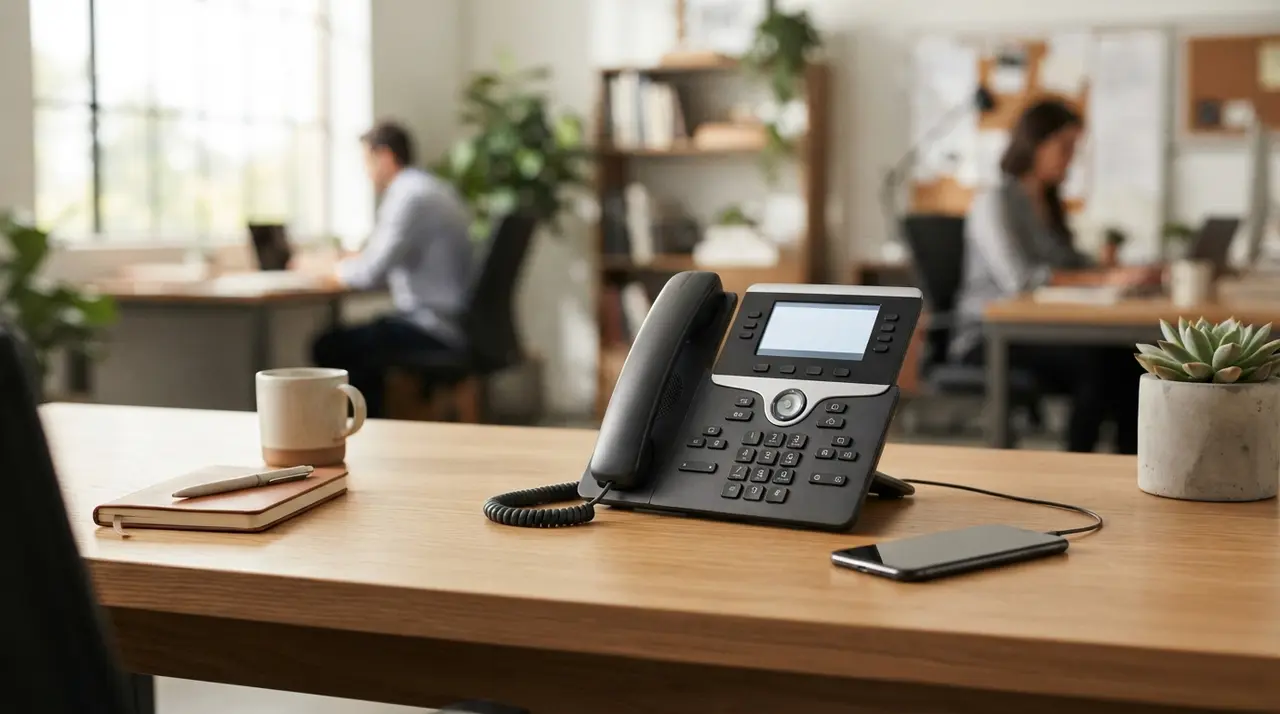
Step-by-Step Guide to Registering Your Landline
Following a structured setup sequence ensures a smooth landline registration without verification delays.
- Prepare a Mobile Device: Download the WhatsApp Business app onto a smartphone connected to Wi-Fi or cellular data.
- Enter the Landline Number: Type your full landline telephone number, including the country code and area code.
- Wait for SMS Timeout: The app will attempt to send an SMS. Wait 1 to 2 minutes until the text option times out.
- Select "Call Me": Tap the Call Me option on the verification screen to request a voice call.
- Answer the Phone: Pick up your landline receiver, listen to the 6-digit voice code, and enter it into the app.
- Configure Business Profile: Add your company name, logo, business hours, and store location to complete setup.
To review implementation options and enterprise tier capabilities, consult our transparent pricing plans page.
Conclusion
Using a landline on WhatsApp Business is fully supported, practical, and highly beneficial for companies aiming to build a centralized contact channel. By leveraging voice call verification, businesses can preserve their established telephone presence while upgrading to modern instant messaging, desktop access, and automated post-sales workflows.
Frequently Asked Questions
Can I use a landline number on WhatsApp Business?
Yes, you can use a landline number on WhatsApp Business by completing the verification step through an automated phone call instead of SMS text message. This feature allows businesses to maintain a single contact number for both traditional voice calls and messaging.
How do I receive the verification code on a landline?
To receive your verification code on a landline, wait for the SMS timer to expire inside the app and tap the "Call Me" button. WhatsApp will place an automated phone call to your landline and dictate the 6-digit verification code aloud.
Can multiple employees use the landline WhatsApp on desktop?
Yes, multiple team members can access the account using WhatsApp Web or the desktop app. The standard free app supports up to 4 linked devices, while enterprise API solutions offer unlimited multi-agent access.
What happens if my landline has an automated IVR phone menu?
If your landline uses an automated IVR menu, temporarily redirect incoming calls directly to an operator extension during setup. This ensures someone can answer the automated verification call from WhatsApp without the call getting lost in menu prompts.