
Tiny + AI: Automate Custom Production & Lead Conversion
Connect Tiny ERP to your custom production line using AI. Boost lead conversion, automate order logging, and orchestrate inventory seamlessly with n8n.
- Tiny ERP
- AI Automation
- Custom Production
- Lead Conversion
- n8n
- Manufacturing
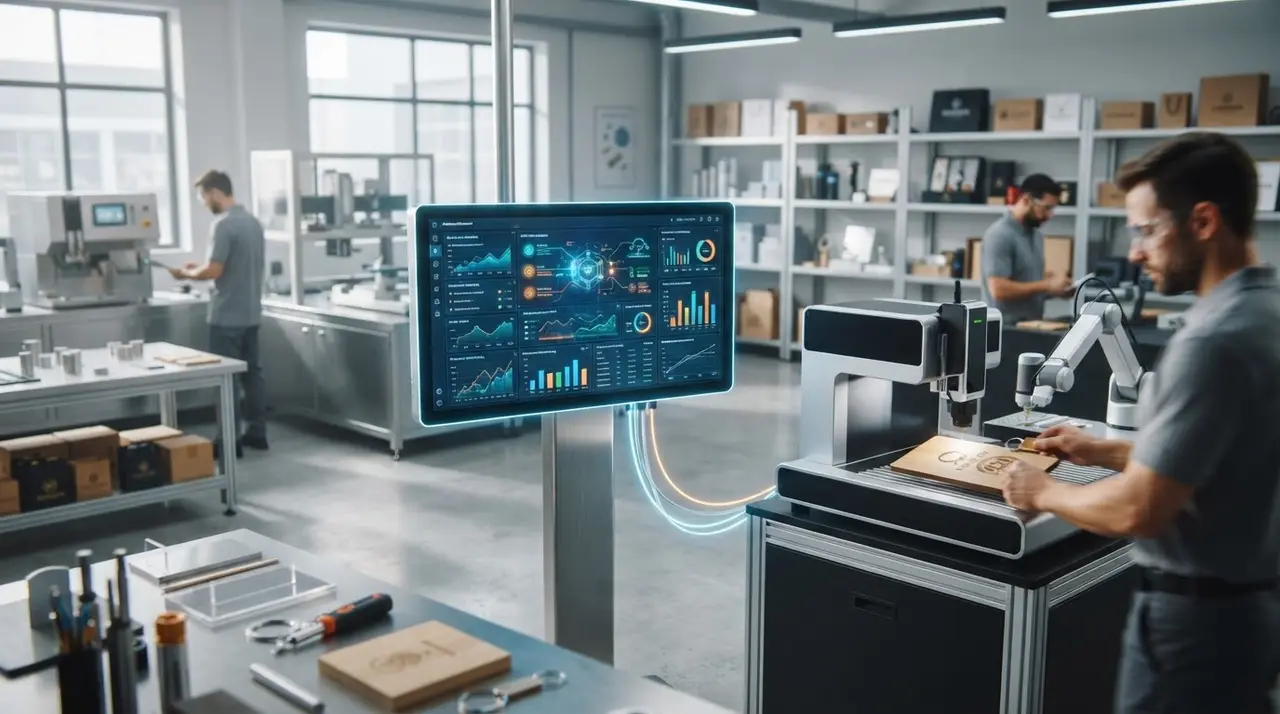
The Chaos of Custom Orders in Manufacturing
Running a factory that produces custom promotional gifts is uniquely challenging. Every single order is different. Clients demand specific colors, distinct logos, and hard deadlines.
When your sales team and your factory floor are out of sync, chaos ensues. Quotes take too long, inventory counts are inaccurate, and production queues become a messy pile of printed spreadsheets.
This is where connecting Tiny ERP to an Artificial Intelligence agent changes the game. By turning your ERP into an active, intelligent orchestrator, you eliminate manual data entry and drastically improve your lead conversion rates.
Instead of merely storing data, your ERP can now talk to clients, quote prices, check stock, and push jobs directly to the production line.
The Custom Production Bottleneck
In most small to medium-sized custom factories, the workflow is highly manual. A B2B client asks for a quote on 500 customized thermal bottles via WhatsApp.
Your sales rep has to open the ERP, check the raw material stock, calculate the customization margin, generate a PDF quote, and send it back. If the client approves, the rep manually types the order back into the system.
This delay kills deals. In the corporate gifts market, the first vendor to provide a clear, accurate quote usually wins the contract.
Furthermore, once the order is placed, the production manager has to manually extract that data to organize the daily factory queue. Errors happen, colors get mixed up, and deadlines are missed.
What is n8n Used For in This Ecosystem?
To fix this broken workflow, you need a bridge between your messaging apps, your AI, and your ERP. Many business owners ask exactly what n8n is used for in this scenario.
Think of n8n as the digital nervous system of your factory. It is a powerful workflow automation tool that connects different softwares without needing heavy custom coding.
- Webhook Reception: It catches incoming WhatsApp messages from your clients.
- AI Routing: It sends the client's request to an AI model (like OpenAI) to understand the intent.
- API Calls: It triggers a search inside your ERP to check live inventory and pricing.
- Action Execution: It pushes the finalized order into your production queue seamlessly.
By using n8n, you avoid expensive custom software development while maintaining complete control over how data flows through your business.
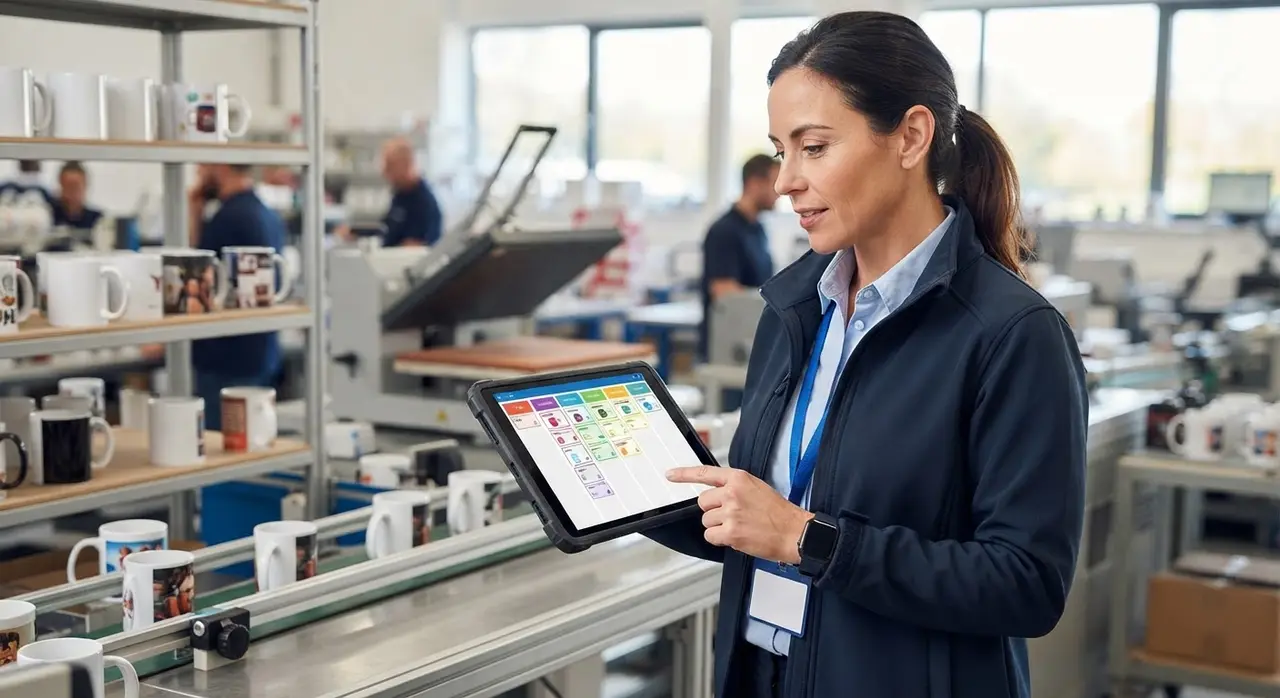
Connecting Tiny ERP to Your Factory Floor
Integrating an AI agent with your ERP is not just about answering FAQs. It is about deep operational automation. Here is how you can orchestrate the entire production cycle.
1. Pulling Products and Inventory Instantly
Your ERP is the single source of truth for your business. When a client asks your AI chatbot for "1,000 blue branded notebooks," the AI does not guess.
Through API integration, the AI queries the ERP in real-time. It checks if you have 1,000 blue notebooks in stock. If you only have 800, the AI can immediately offer a solution: "We have 800 blue ones available right now, or we can complete the order with 200 black ones. Does that work for you?"
This instant, accurate response is a massive driver for lead conversion. Clients feel like they are talking to a highly efficient, knowledgeable sales director.
2. Automated Order Logging
Once the client approves the quote, the manual work usually begins. Not anymore. The AI collects the billing details, shipping address, and artwork files directly in the chat.
It then sends a structured payload through n8n straight into the ERP, creating a formal Sales Order (Pedido de Venda). No copying, no pasting, and zero typos.
3. Organizing the Production Queue
Generating the order is only half the battle. The factory floor needs to know what to produce and when. By leveraging the data logged in the ERP, you can automate your production queue.
When the order hits the system, an automation workflow can tag it based on the delivery date and complexity. It can send a digital ticket to a Kanban board (like Trello or Monday.com) used by your production manager.
The ticket includes the ERP order number, the client's approved artwork link, and the exact SKU of the raw materials needed. This is one of the most effective ways of boosting custom products output without hiring more staff.
Mini-Case: How a Promotional Gifts Factory Increased Conversions
Let's look at a concrete example. A medium-sized factory producing custom corporate gifts was struggling with a 48-hour turnaround time just for sending quotes.
They implemented an AI agent connected to their ERP via n8n. Here is how their workflow transformed:
| Task | Traditional Method | Tiny + AI Integration |
|---|---|---|
| Inventory Check | Manual search in ERP (10 mins) | AI queries API instantly (2 seconds) |
| Quoting | Rep calculates margin & sends PDF (30 mins) | AI applies ERP pricing rules instantly |
| Order Entry | Manual typing, prone to errors | Automated Sales Order creation |
| Production Handoff | Printed sheets handed to factory floor | Digital ticket sent to Kanban board |
By simply reducing the quote time from 48 hours to 2 minutes, their B2B closing rate jumped by 35%. The sales team stopped doing data entry and focused on relationship building.
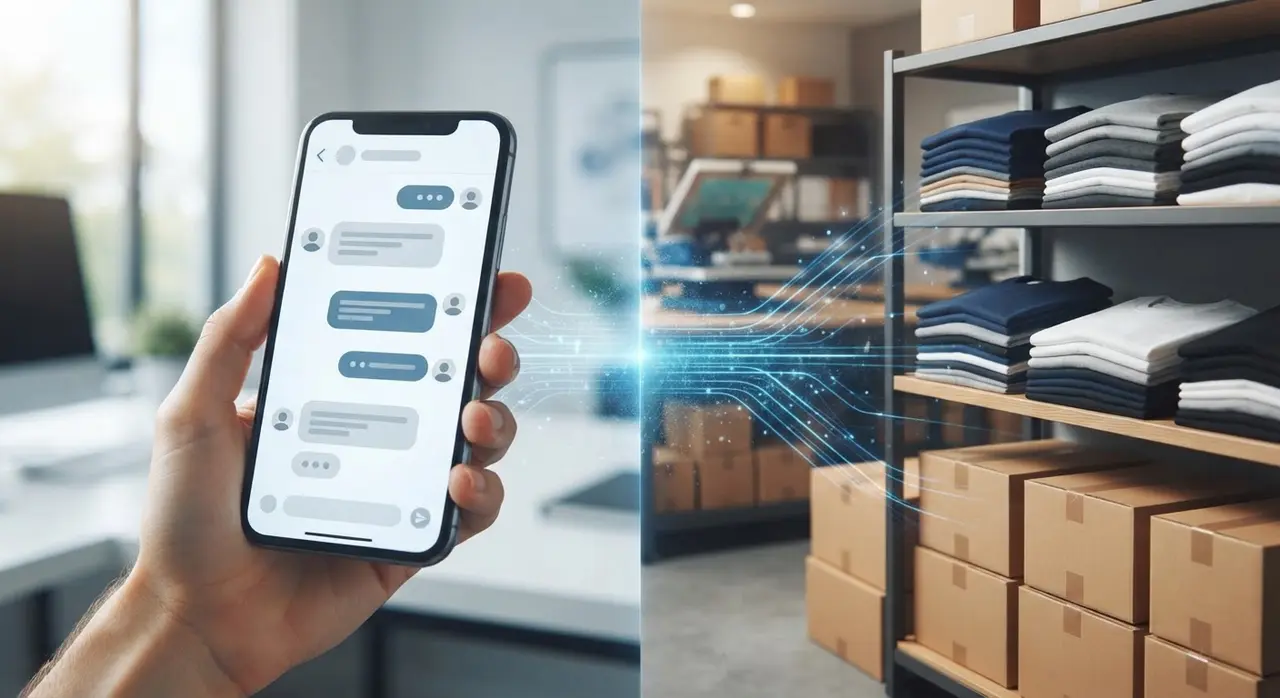
Automatic Status Updates: Keeping Clients in the Loop
Custom manufacturing takes time. Clients get anxious and constantly message your team asking, "Is my order ready? Has it been shipped?"
Handling these follow-ups drains your support team's energy. But since your ERP tracks the production stages (e.g., "In Printing", "Drying", "Packaged", "Invoiced"), you can automate this completely.
Whenever a production manager updates the status in the ERP, n8n detects the change. It triggers the AI to send a friendly, proactive WhatsApp message to the client.
Example: "Hi Sarah! Great news, your 500 custom mugs just finished printing and are heading to packaging. They will be shipped tomorrow!"
This level of proactive communication builds immense trust and guarantees repeat business, which is a core pillar of AI use cases in customer service.
Conclusion: The Future of Custom Manufacturing
Relying on manual processes to connect your sales to your factory floor is no longer sustainable. The modern B2B buyer expects instant quotes, seamless communication, and zero errors.
By connecting Tiny to an AI agent, you stop using your ERP as a mere filing cabinet. It becomes an active participant in your business—closing deals, organizing the factory, and updating clients.
If you want to see exactly how this works in practice, you can schedule a free demonstration with our team. We will show you how AI can transform your specific production line.
Frequently Asked Questions
Can AI really read my inventory in Tiny ERP?
Yes. Through API integrations facilitated by tools like n8n, the AI can make secure, real-time requests to your ERP. It reads exactly what is available in your stock before making any promises to the client.
Does this setup actually help with lead conversion?
Absolutely. In the custom goods industry, speed is a massive competitive advantage. Providing an accurate quote and confirming stock in seconds prevents the prospect from reaching out to your competitors.
What is n8n used for if I already have an ERP?
Your ERP stores data, but it doesn't naturally "talk" to WhatsApp or AI models. n8n acts as the middleware. It listens to WhatsApp, sends the text to the AI, takes the AI's decision, and translates it into a command your ERP understands (like creating a new order).
Is it hard to train the AI on my custom products?
Not at all. The AI is trained on your specific business rules, pricing tables, and customization limits. If a product requires a minimum order quantity of 100 units, the AI will strictly enforce that rule during the conversation.