
WhatsApp API Pricing: How Conversation Billing Works
Discover how WhatsApp Business API conversation-based pricing works. Learn about conversation categories, 24-hour windows, costs, and optimization tips.
- WhatsApp Business API
- WhatsApp Pricing
- Customer Service Automation
- IAChatbot
- Conversational AI

WhatsApp Business API charges businesses based on 24-hour conversation sessions rather than individual per-message fees. These conversations are categorized into four distinct types—Marketing, Utility, Authentication, and Service—each carrying a specific rate depending on user location and who initiates the dialogue.
Understanding this conversation-based pricing structure is vital for modern businesses looking to scale sales, automation, and customer support on WhatsApp without blowing their budget. Whether you are transitioning from the standard app or looking to optimize your existing setup, this guide covers everything you need to know about how WhatsApp Business API billing works and how to keep costs predictable.
Conversation Categories Define WhatsApp API Costs
Meta classifies all WhatsApp Business API messages into four distinct conversation categories, each billed at a unique rate per 24-hour window. Selecting the correct category when initiating a message ensures compliance and prevents unnecessary costs.
A conversation session starts the moment a business delivers a template message or responds to a user inquiry. Once opened, the 24-hour window allows unlimited messaging within that specific category without incurring additional charges for individual text exchanges.
- Marketing Conversations: Includes promotional offers, product announcements, cart recovery notices, and custom calls to action. These carry the highest pricing tier because they directly drive commercial acquisition.
- Utility Conversations: Triggered by transactional events such as order updates, delivery tracking, account notifications, or billing receipts. They are billed at a lower rate than marketing messages.
- Authentication Conversations: Used exclusively for security codes, two-factor authentication (2FA), and password resets. These provide a highly secure delivery path at reduced cost structure.
- Service Conversations: Initiated directly by the customer. When a user sends a message and your business replies, a 24-hour service window begins, allowing support representatives or automated AI agents to assist the client.
| Conversation Category | Initiated By | Primary Use Case | Relative Cost Level |
|---|---|---|---|
| Marketing | Business | Promotions, offer broadcasts, retargeting | Higher |
| Utility | Business | Order status, receipts, account alerts | Medium |
| Authentication | Business | One-time passwords (OTP), login verification | Lower |
| Service | Customer | Support requests, inbound inquiries | Lowest / Standard |
The 24-Hour Service Window Governs Message Charges
The 24-hour service window in WhatsApp API billing allows businesses to exchange unlimited messages within a single category rate once initiated by a user or template. Understanding how this timer starts and resets is the single most important factor in optimizing your overall messaging spend.
When a customer contacts your business, no charge is incurred until you send a reply. Sending that first response opens a 24-hour customer service session. During this window, your company can send automated bot interactions, live agent messages, or FAQ answers at a uniform service rate.
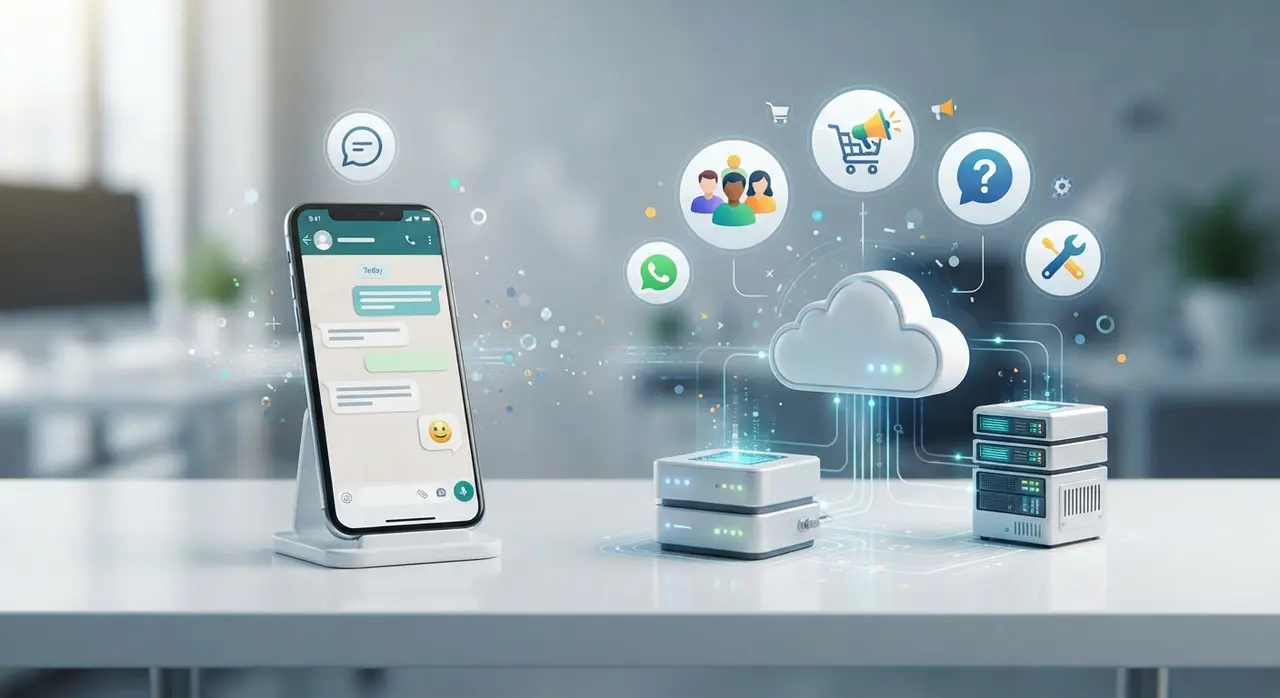
If your team or automated workflow sends a Marketing template to a customer inside an active Service session, a separate Marketing conversation window opens concurrently. This means two separate conversation fees can exist at the same time if categories overlap.
To avoid redundant charges, structured AI workflows like those built on IAChatbot enterprise AI solutions handle incoming inquiries instantly, resolving client needs within the initial 24-hour timeframe.
WhatsApp Business App vs API: Cost and Feature Breakdown
While the basic WhatsApp Business App is free for manual operation on a single device, the WhatsApp Business API offers automated scalability at a per-conversation price point. Understanding the shift from free manual chatting to API-based operational infrastructure helps companies choose the right path for their growth.
The standard free app is designed for micro-businesses with low messaging volume. However, it lacks crucial features required by scaling organizations, such as multi-agent team routing, central CRM integrations, AI automated self-service, and broadcast capacity without risk of phone number blocking.
- Standard WhatsApp Business App: Free download, limited to 1 smartphone and up to 4 linked web sessions, manual messaging, no advanced API integrations, risk of ban if used for bulk blasts.
- WhatsApp Business API: Paid per conversation session, unlimited multi-agent access, multi-channel AI automation, seamless connection to systems like CRM, ERP, and payment gateways.
For organizations looking to review cost structures before deploying automated systems, reviewing transparent platform tiers alongside Meta charges helps establish clear ROI expectations. You can explore our transparent pricing plans to see how software management fits into your budget.
How to Estimate and Optimize Your Monthly WhatsApp API Expenses
Calculating WhatsApp Business API costs requires multiplying your expected conversation volume by regional category rates and combining them with platform management software fees. Strategic communication planning significantly lowers monthly costs while maintaining top-tier customer experience.
Follow these actionable steps to keep your WhatsApp API spend lean and predictable:
- Combine Messages into Single Sessions: Encourage users to resolve full support journeys in one go. Using intelligent AI chatbots ensures immediate resolution before the 24-hour window expires.
- Use Utility Templates Wisely: Instead of sending multiple transactional updates, consolidate order alerts into single, informative Utility template notifications.
- Leverage Free Entry Points: Meta offers free conversation sessions when users launch a chat via Click-to-WhatsApp ads on Facebook or Instagram. Use these ads to initiate conversations without paying a starting conversation fee.
- Qualify Leads Before Triggering Templates: Use web forms or inbound links so customers reach out to you first, converting outbound marketing efforts into lower-cost inbound service sessions.

Case Study: Reducing WhatsApp API Operational Costs with IAChatbot
Automating customer interactions through intelligent routing enables companies to resolve inquiries within a single conversation session and minimize Meta API billing. A mid-sized retail client facing high monthly WhatsApp expenditure illustrates this impact in practice.
The company was experiencing skyrocketing API costs due to fragmented customer conversations. Support agents took longer than 24 hours to respond to simple inquiries regarding delivery status and product specifications, causing multiple 24-hour windows to open and close for a single customer issue.
By implementing an automated AI agent powered by IAChatbot, the company instantly automated 78% of incoming support requests. The AI agent answered order status questions, provided payment links, and routed complex inquiries to live agents within seconds. This ensured over 90% of customer issues were completely resolved within the original single 24-hour service window, drastically reducing overall conversation fees while boosting customer satisfaction metrics.
To explore how similar architectures work across various industries, check out our collection of real-world use cases.
Frequently Asked Questions
How does WhatsApp calculate conversation charges?
WhatsApp charges businesses per 24-hour conversation session, not per individual message. The exact rate depends on whether the conversation falls into the Marketing, Utility, Authentication, or Service category, as well as the destination country of the recipient.
Is the WhatsApp Business API free to use?
No, Meta charges a fee per 24-hour conversation window on the WhatsApp Business API. Additionally, businesses typically pay a monthly software platform fee to a provider like IAChatbot to manage automated flows, multi-agent dashboards, and AI integrations.
What is the difference between a user-initiated and business-initiated conversation?
A user-initiated conversation starts when a customer sends a message and the business replies, triggering a lower-cost Service session. A business-initiated conversation starts when the company proactively sends a pre-approved template message, categorized as Marketing, Utility, or Authentication.
Can I send unlimited messages within the 24-hour window?
Yes, once a 24-hour conversation session is active, your business and the customer can exchange an unlimited number of messages within that category without paying extra per-message fees.