
WhatsApp Business API: Numbering & Registration Guide
Learn how phone number registration works for the WhatsApp Business API. Master Facebook Business Manager verification, app migration, and setup step-by-step.
- WhatsApp API
- Facebook Business Manager
- Business Automation
- Customer Support
- WhatsApp Registration
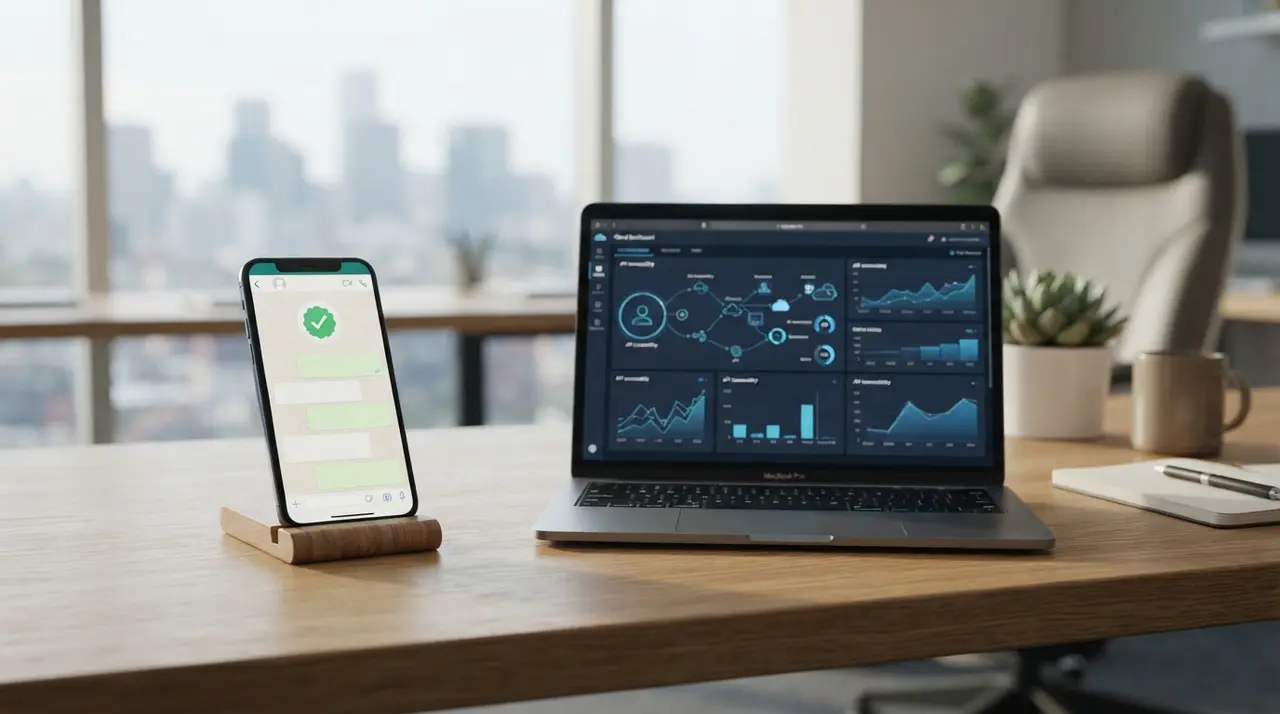
Registering a phone number on the api whatsapp para empresas (WhatsApp Business API) requires linking an active line to Meta's ecosystem and verifying your enterprise credentials. This process transforms a standard mobile or landline number into an official corporate channel managed through your facebook business manager whatsapp account or an authorized Business Solution Provider (BSP).
Understanding how phone numbering works is essential for companies aiming to scale customer support without risk of line disconnection. In this guide, we break down the registration workflow, technical requirements, number migration steps, and common setup pitfalls.
Understanding Phone Number Requirements for WhatsApp API
Every phone number registered on the WhatsApp API must be able to receive an international voice call or SMS for initial verification. You can register landlines, mobile numbers, 0800 toll-free lines, or virtual numbers, provided they are not actively linked to a standard WhatsApp consumer app.
Choosing the right number type depends on your business infrastructure and customer contact strategy. Here is how different phone line options compare when transitioning to an enterprise API setup:
| Line Type | SMS Support | Voice Call Verification | Best For |
|---|---|---|---|
| Landline (Local) | No | Yes (via phone call) | Established local businesses with existing landlines |
| Mobile (SIM Card) | Yes | Yes | Small to mid-sized teams upgrading standard mobiles |
| Toll-Free (0800) | No | Yes (via call routing) | Large enterprise support centers and national brands |
| Virtual / VoIP | Varies | Yes (if direct routing allowed) | Distributed digital teams and cloud call centers |
Before initiating registration, ensure your existing line is disconnected from any active WhatsApp or WhatsApp Business mobile application. A single phone number cannot operate simultaneously on the standard mobile app and the cloud API.
Connecting Your Number to Facebook Business Manager WhatsApp
Connecting your line to the Meta ecosystem requires a verified facebook business manager whatsapp account. Meta uses Business Manager to validate legal entity details, official domain ownership, and compliance with commerce policies.
The registration process involves three primary technical stages inside your Meta Business Suite:
- Business Verification: Uploading official company documentation (such as tax IDs or utility bills) to confirm legal business status.
- Display Name Approval: Submitting a brand name that directly matches your business entity or registered trademark.
- OTP Authentication: Receiving a 6-digit verification code via voice call or SMS on the target phone line.
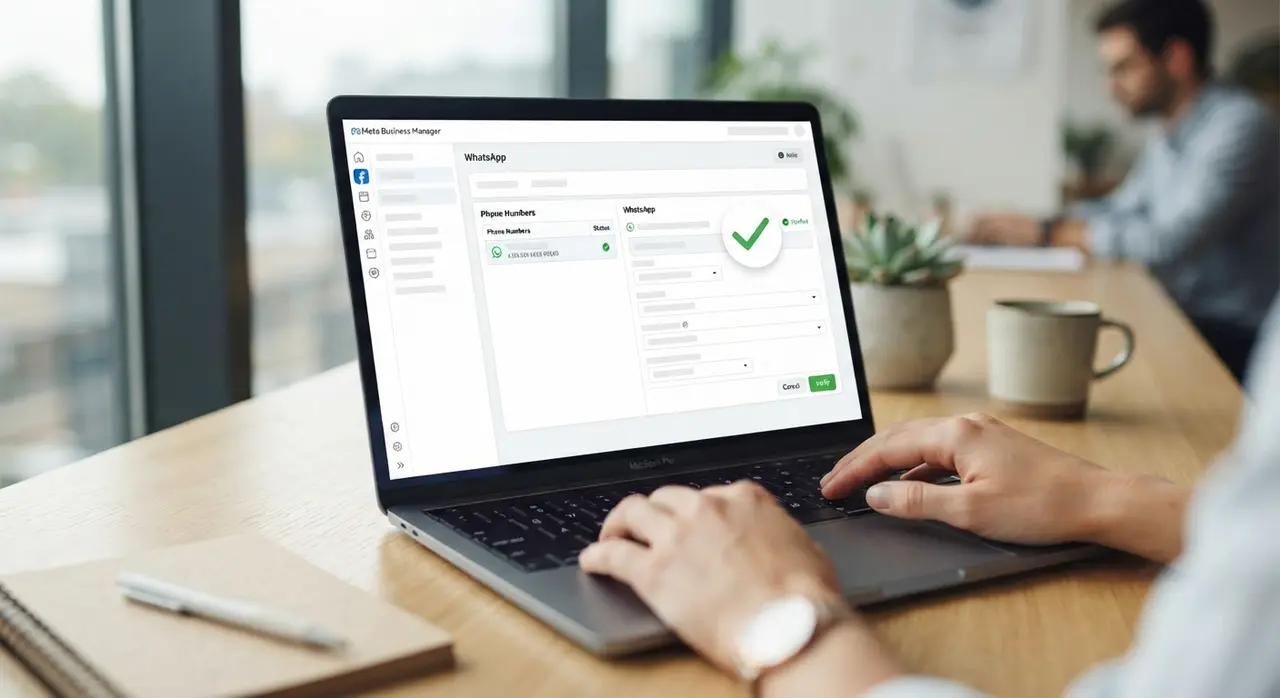
Once Meta approves your display name and validates the verification code, your number becomes permanently bound to your WhatsApp Business Account (WABA). At this stage, your team can integrate advanced automation and AI conversational flows. You can explore tailored AI chatbot solutions to handle high incoming message volume seamlessly.
App Migration: Transitioning from WhatsApp Business App to API
Migrating an existing business line from the free mobile application to the API requires deleting the existing app account first. Failing to delete the mobile app account correctly will cause the API registration token to fail during verification.
To ensure zero data loss during transition, back up your customer contact list and export essential conversation histories manually. Because message history from the mobile app does not sync automatically to cloud servers, businesses rely on platform integrations to manage fresh conversations post-migration.
Mini Case: How a Regional Retailer Upgraded Without Downtime
A growing retail distributor operating five regional branches was struggling to handle over 1,200 daily customer chats on two regular smartphones. Chat histories were lost, and support reps frequently answered the same inquiries manually.
By migrating their primary contact number to the enterprise API using IAChatbot, the retailer connected an automated AI workflow to handle order status checks and preliminary lead qualification. Within 30 days, their response time dropped from 45 minutes to under 10 seconds, while qualitative customer satisfaction metrics improved significantly across all branches.
Understanding Costs: Is There a WhatsApp Business API Grátis Option?
Many business owners search for a whatsapp business api gratis solution to avoid extra operational overhead. While Meta offers a free tier of 1,000 service conversations per month for every WhatsApp Business Account, the infrastructure itself is not entirely free.
Using the API involves three distinct cost components that every manager must budget for:
- Meta Conversation Fees: Pay-per-conversation rates based on conversation category (Utility, Authentication, Marketing, or Service).
- BSP Platform Fees: Hosting, API gateway maintenance, and technical management provided by official partners.
- AI & Automation Infrastructure: Intelligent orchestration software that processes messages and responds to customers automatically.

While basic access provides 1,000 free monthly conversations, commercial scaling requires robust infrastructure. You can review transparent pricing plans to estimate monthly platform costs as conversation volume grows.
Best Practices to Protect Your Phone Number Quality Score
Meta monitors account activity using a continuous Quality Rating system visible in your Business Manager. If your number receives frequent user blocks or spam reports, your messaging tier capacity drops automatically.
To maintain a high quality rating and prevent number restrictions, follow these essential operational guidelines:
- Obtain Clear Opt-in: Always secure explicit consent before sending outbound promotional notifications or campaign messages.
- Use Contextual Messaging Templates: Draft template messages that clearly state who you are and why you are reaching out.
- Implement Instant AI Handshake: Ensure incoming queries receive immediate, intelligent responses so users do not block your line out of frustration.
By connecting intelligent agents to your registered number, you preserve human agent bandwidth while maintaining high response rates. Review real-world use cases to see how automated routing protects number health across various industries.
Frequently asked questions
Can I use my current mobile phone number for the WhatsApp Business API?
Yes, you can register your existing mobile number on the WhatsApp API. However, you must first delete the account from the standard WhatsApp or WhatsApp Business mobile app before initiating API registration.
How long does the Facebook Business Manager verification process take?
Meta business verification typically takes between 1 to 5 business days, provided all legal documents and domain records match your official business name accurately.
Can I register a landline number on the WhatsApp API?
Yes, landlines are fully supported on the WhatsApp API. Verification is completed via an automated voice call that reads the 6-digit security code aloud to your landline operator.
Is the WhatsApp Business API completely free to use?
No, the WhatsApp Business API is not entirely free. While Meta grants 1,000 free service conversations per month per account, additional messaging costs and platform software fees apply based on conversation volume.