
WhatsApp Template Categories: Marketing, Utility & Auth
Master WhatsApp template categories to lower costs and boost approvals when migrating to WhatsApp Business API for orders and scheduling.
- WhatsApp Business API
- WhatsApp Templates
- Marketing Automation
- WhatsApp Scheduling
- IAChatbot

WhatsApp template categories dictate approval rules, conversation costs, and messaging formats on the Meta Business platform. Choosing between Marketing, Utility, and Authentication templates allows companies planning to migrar para whatsapp business (migrate to WhatsApp Business API) to streamline operations, cut messaging overhead, and enhance customer experience.
By organizing message triggers into distinct categories, Meta ensures users receive timely transactional alerts while giving businesses a clear framework to conduct customer engagement. Understanding these distinctions is critical for optimizing pedidos pelo whatsapp (WhatsApp orders), automated customer service, and appointment booking workflows.
Utility Templates Ensure High Delivery for Transactions and Scheduling
Utility templates deliver essential transactional updates triggered directly by user actions or critical operational changes. When a customer completes an order online or requests agendamento pelo whatsapp (WhatsApp scheduling), utility templates provide instant confirmation without triggering marketing flags.
Meta classifies any message that supports an ongoing transaction or account request as utility. These templates carry lower conversation fees than promotional messages and enjoy near-instant review approval when formatted correctly.
Common operational use cases for utility templates include:
- Order Confirmation and Tracking: Sending real-time updates for pedidos pelo whatsapp, delivery dispatches, and electronic receipts.
- Appointment Reminders: Automating confirmation notifications for calendar appointments, clinic consultations, or service slots.
- Account Status Alerts: Notifying clients about subscription renewals, billing updates, or changes to service terms.
Integrating automated utility messages into your workflow ensures high delivery rates and immediate customer trust. You can explore how smart automation fits into your operational workflows through our use cases guide.

Marketing Templates Drive Conversions and Sales Engagement
Marketing templates include any outbound message designed to promote products, services, offers, or brand awareness. Unlike utility messages, marketing templates encompass all promotional material, abandoned cart triggers, seasonal campaigns, and cross-selling messages.
Because marketing templates aim directly at driving revenue, Meta applies specific quality scoring and opt-in standards to prevent spam. Businesses that leverage marketing templates effectively can re-engage idle leads, send customized upsell offers, and convert outbound outreach into measurable sales.
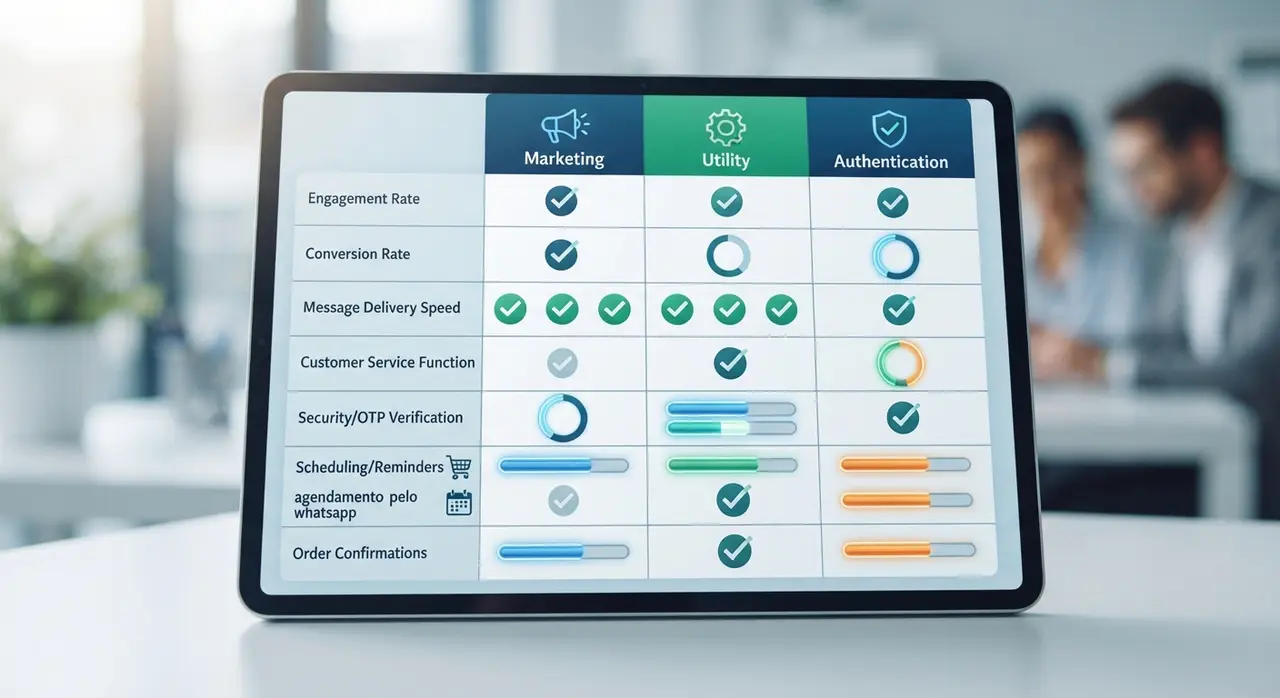
When planning your strategy to migrar para whatsapp business, understanding the operational and fee differences across template categories prevents budget overruns. Below is a comparison table detailing the core differences:
| Category | Primary Purpose | Trigger Source | Relative Cost Tier | User Opt-In Requirement |
|---|---|---|---|---|
| Marketing | Promotions, announcements, abandoned carts | Business-initiated campaign | Higher rate per conversation | Explicit marketing opt-in required |
| Utility | Order status, agendamento pelo whatsapp, receipts | User transaction or system event | Lower transactional rate | Transactional consent required |
| Authentication | One-time passcodes (OTP), account verification | User login or identity verification | Specialized auth rate | Explicit action (login attempt) |
Combining marketing campaigns with intelligent chatbots allows sales teams to capture interest instantly. Discover tailor-made AI tools designed for conversational sales on our AI solutions page.
Authentication Templates Protect Security with One-Time Passcodes
Authentication templates facilitate secure account verification by transmitting one-time passcodes (OTPs) to users during login or transactional security checks. Meta enforces strict formatting rules on authentication templates to guarantee data protection and prevent manipulation.
These templates must rely on standardized button formats such as "Copy Code" or "One-Tap Autofill." Businesses cannot add promotional text, URLs, or extra media attachments inside authentication templates.
Key rules for authentication templates include:
- Strict Standardized Text: Messages must only contain the verification code and essential security instructions.
- Pre-Configured Expiration: Code expiration timers must be explicitly defined within the template settings.
- Zero Promotional Copy: Any attempt to inject marketing material causes instant template rejection.
Correct Classification Prevents Rejection When You Migrar Para WhatsApp Business
Meta automatically scans every submitted template using AI and reclassifies or rejects templates that misuse category guidelines. Submitting a promotional discount under a utility category to save on conversation costs is the leading cause of template rejections and account restriction warnings.
To ensure seamless template approval during your API onboarding:
- Keep utility text purely informational: Avoid adjectives like "special," "exclusive," or "discounted" in order notifications for pedidos pelo whatsapp.
- Match variable parameters: Ensure placeholder variables represent expected dynamic values such as order numbers or appointment dates.
- Use appropriate CTA buttons: Reserve quick reply and call-to-action buttons specifically for the intended message goal.
Mini-Case Study: Scaling Service Operations with IAChatbot
A regional healthcare network faced frequent message rejections and high API costs after attempting to send promotional health check packages under utility classification. After partnering with IAChatbot to restructure their messaging framework, the organization correctly separated transactional booking updates for agendamento pelo whatsapp from promotional health packages. Consequently, template approval rates rose to 100%, operational message costs decreased by 28%, and appointment confirmation rates improved significantly.
Optimizing Your WhatsApp Message Strategy
Structuring your message templates correctly across Utility, Marketing, and Authentication categories forms the foundation of a successful enterprise WhatsApp strategy. Selecting the proper category ensures fast Meta approvals, compliant communication, and optimal cost efficiency across every customer interaction.
Whether you manage complex pedidos pelo whatsapp, handle automated customer queries, or plan to migrar para whatsapp business, aligning template categories with dedicated AI automation elevates your business performance. Review our flexible options on our plans and pricing page to build a scalable conversational strategy today.
Frequently asked questions
What happens if Meta reclassifies my WhatsApp template?
Meta automatically updates your template to the category that best matches its content during the review process. If reclassified, the message will be charged according to the new category rate when sent. You can appeal the decision through your Meta Business Manager if you believe the classification was incorrect.
Can I include promotional offers inside a utility template?
No, adding promotional copy, discount codes, or upsell offers into a utility template triggers immediate rejection or automatic reclassification to Marketing. Utility templates must remain strictly focused on transactional updates, billing alerts, or schedule notifications.
Why is my WhatsApp template being rejected during review?
Templates are typically rejected due to category mismatch, generic placeholder variables, missing opt-in context, or grammatical errors. Ensuring your text strictly adheres to Meta's category guidelines guarantees faster approval times.
How do conversation window charges work for different template categories?
When you open a conversation with a template message, a 24-hour conversation window begins based on that specific category rate. Sending templates from different categories during an active session may open separate conversation windows and incur corresponding category charges.