
Automate Event Reminders & Follow-Ups with n8n
Learn how to automate pre-event reminders and post-event communication using n8n. Boost operational efficiency, send surveys, and prepare for your next event.
- Event Automation
- n8n Workflows
- WhatsApp API
- Business Automation
- Customer Retention
The Hidden Challenge of Event Management
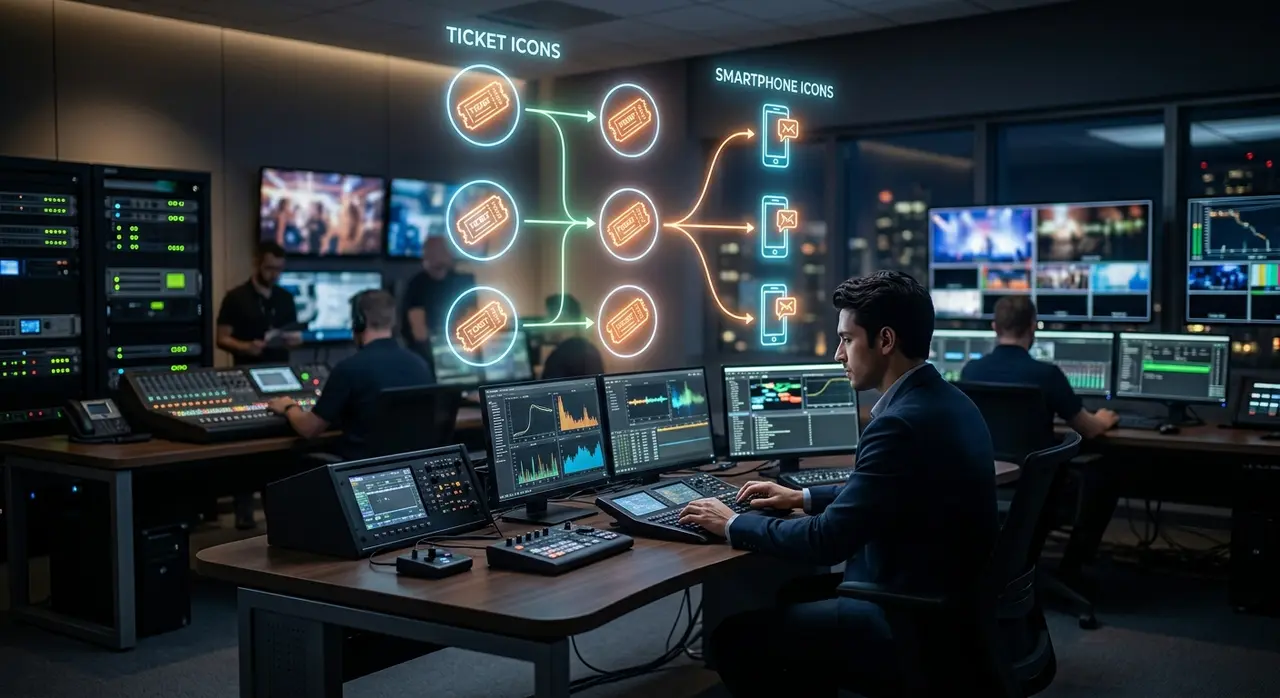
The final speaker leaves the stage. The crowd applauds. The lights go down. For the attendees, the event is over. But for you, the event producer, the most critical phase has just begun.
Post-event communication is where casual attendees transform into loyal brand advocates. However, managing this transition manually is a logistical nightmare. Sending individual thank-you notes, distributing presentation slides, and collecting feedback often gets buried under the exhaustion of the event day.
If you are looking for ways to scale your event production company without hiring a massive administrative team, you have probably searched for "n8n o que é" (what is n8n) to understand how automation can save your sanity. Achieving true eficiência operacional (operational efficiency) means letting software handle the repetitive tasks so your team can focus on relationships and strategy.
In this guide, we will walk you through a step-by-step process to automate your pre-event reminders and post-event communications using n8n. Say goodbye to manual spreadsheets and hello to seamless, automated guest experiences.
Why n8n is a Game Changer for Event Producers
Before diving into the workflows, let's clarify what makes n8n the perfect tool for event companies. n8n is a powerful, node-based workflow automation tool. Unlike other platforms that restrict how you connect your apps, n8n offers deep customization and flexibility.
It acts as the central brain of your operations. It can pull your attendee list from your CRM, check their payment status via the Omie API, and trigger a personalized WhatsApp message exactly 24 hours before the doors open.
- Visual Builder: You can see your data flowing from one app to another.
- Deep Integrations: Connects seamlessly with WhatsApp, Google Sheets, CRMs, and financial tools.
- Cost-Effective: Highly scalable for small and medium-sized event businesses handling hundreds or thousands of tickets.
By automating these touchpoints, you ensure no attendee falls through the cracks, setting the stage for a flawless event experience.
Phase 1: Automating Pre-Event Reminders
No-shows are the enemy of a successful event. A well-timed, friendly reminder can drastically increase your attendance rate. But sending these manually? That is a recipe for errors.
With n8n, you can build a workflow that automatically notifies your guests. Here is how you structure the pre-event automation:
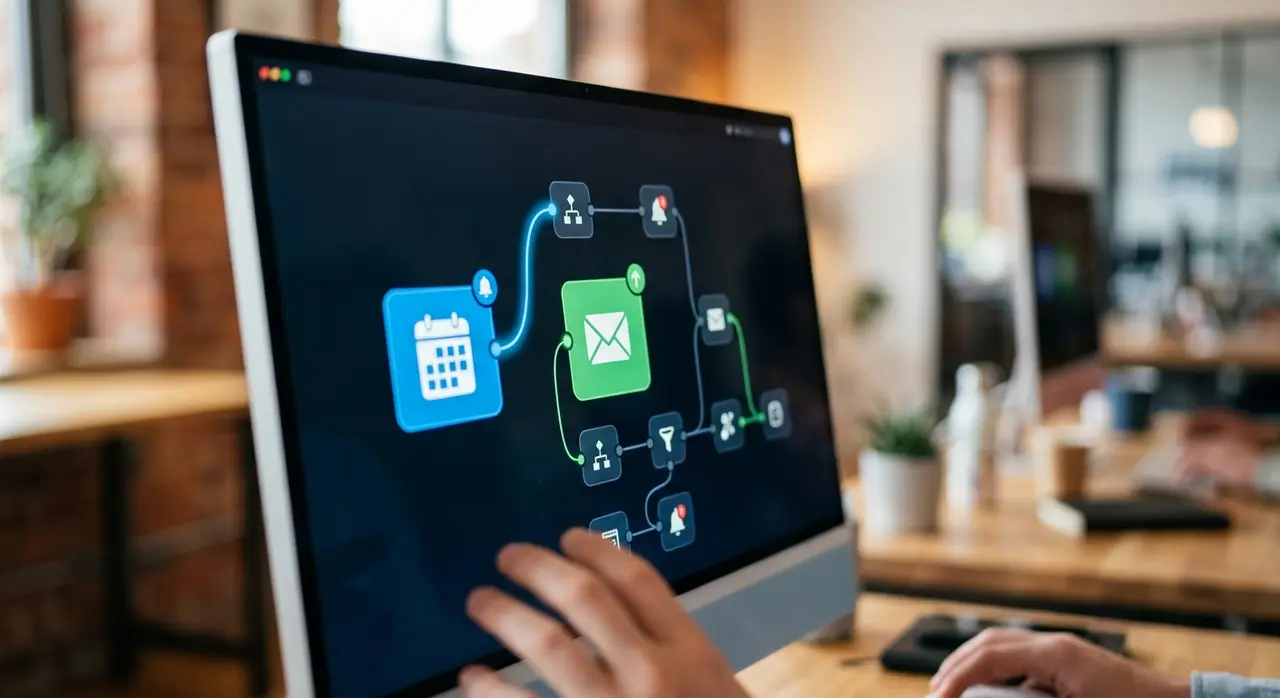
1. The Trigger Node (Schedule)
Everything starts with timing. In n8n, you use a Schedule Trigger Node set to run daily at a specific time, say 9:00 AM. This node wakes up your workflow and tells it to check for upcoming events.
2. Fetching the Data (CRM or Omie API)
Next, you need to know who is attending. You connect an HTTP Request Node to your CRM or use the Omie API to pull the list of clients whose tickets are confirmed for the next 24 hours.
Pro tip: Always filter out pending payments or canceled tickets at this stage to avoid sending awkward reminders to people who are not coming.
3. Crafting the Message (The Tone)
Automation does not mean sounding like a robot. The tone of your reminder should be warm, exciting, and highly informative. Use an n8n Set Node to map the variables: the attendee's first name, the event location, and the start time.
Example: "Hi {{Name}}! We are so excited to see you tomorrow at {{Event_Name}}. Doors open at 8 AM. Here is the Google Maps link to the venue. See you there!"
4. Sending via WhatsApp
Finally, connect to the WhatsApp Business API. The node takes the mapped data and fires off the messages instantly. Your attendees receive a helpful nudge right in their pockets, and your team didn't lift a finger.
Phase 2: The Post-Event Thank You and Material Delivery
The event was a success. Now, you have a golden window of about 24 to 48 hours where your attendees are still buzzing with excitement. Do not let this momentum fade.
Automating your post-event communication is crucial for building a community. Here is how you set up the follow-up flow in n8n.
The "Day After" Trigger
Set a new workflow triggered exactly 12 to 24 hours after your event's end time. This workflow will again query your database to find everyone who actually checked in (because you don't want to thank someone who didn't show up!).
Delivering Value Instantly
Instead of just saying "thanks for coming," provide immediate value. Did your speakers use presentation slides? Did you have an official photographer? Use n8n to send a personalized email or WhatsApp containing links to these materials.
- Node Setup: Use a Router Node in n8n to send VIP ticket holders an exclusive link, while standard ticket holders get the general presentation folder.
- The Tone: Keep it celebratory. "What an incredible day, {{Name}}! Thank you for making it special. As promised, here is the link to download all the presentation slides."
This level of prompt professionalism elevates your brand and builds immense trust for future editions. For more detailed strategies on this, check out our event automation guide.
Phase 3: Automating the Satisfaction Survey
Feedback is the lifeblood of event improvement. But getting people to fill out surveys is notoriously difficult. The secret? Make it frictionless and timely.
By integrating tools like Typeform or Google Forms with n8n, you can automate the entire feedback loop.
Structuring the Survey Flow
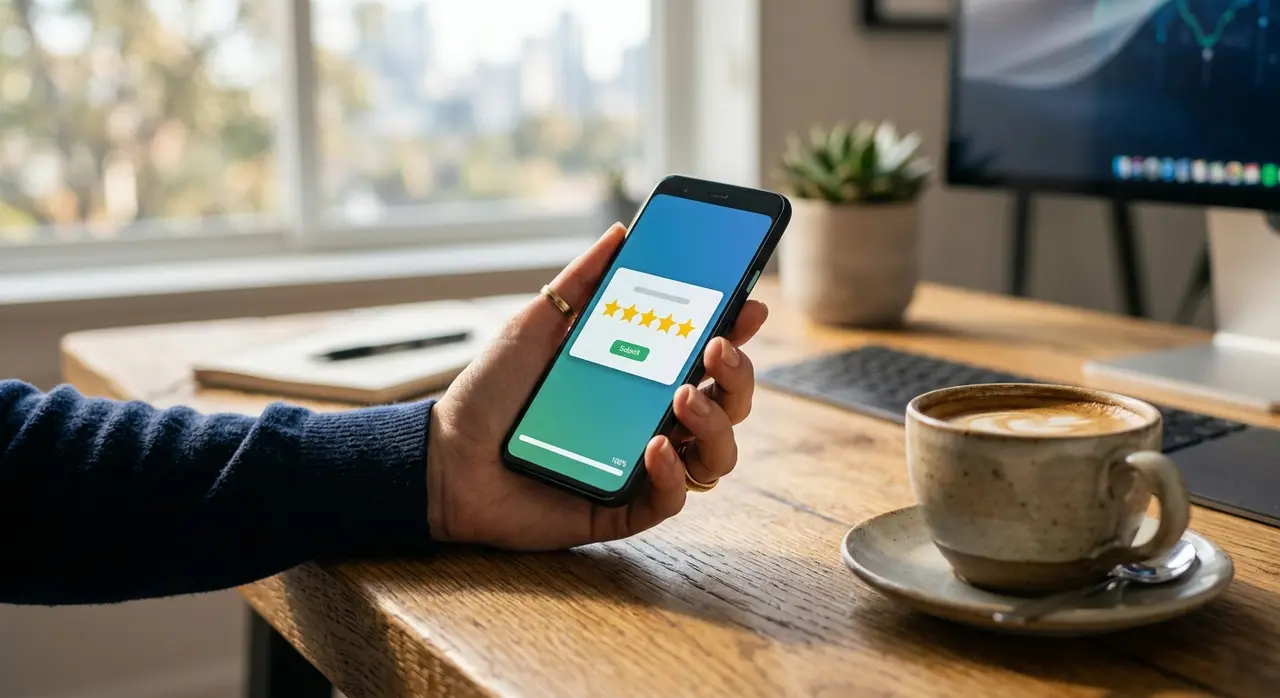
About 48 hours after the event, trigger a message asking for 2 minutes of their time. Keep the survey short: a rating out of 5, what they liked most, and what could be improved.
Catching the Responses with Webhooks
When an attendee submits the survey, your form tool sends a signal (a Webhook) back to n8n. Here is where the magic happens:
| Survey Rating | Automated Action via n8n |
|---|---|
| 4 or 5 Stars | Send an automated reply asking for a Google Review and offering a discount code for the next event. |
| 1 to 3 Stars | Alert your customer success team on Slack/Teams to reach out personally and resolve any negative experiences. |
This immediate categorization ensures that happy customers become promoters, while unhappy customers feel heard and valued. It is a brilliant way to boost event registrations for your next launch.
Phase 4: Preparing the Base for the Next Edition
The final step of your n8n workflow is preparing for the future. Every interaction, every survey response, and every attendance record is valuable data.
Use n8n to automatically update your CRM profiles. Add tags like "Attended_TechSummit_2024" or "VIP_Guest". If you use an ERP, you can sync this data using the Omie API to ensure your financial and marketing records perfectly align.
When it is time to announce your next event, you won't be starting from scratch. You will have a highly segmented, warm list of leads ready to buy. You can simply run a new n8n workflow targeting these specific tags with early-bird offers.
Conclusion: Stop Managing Tasks, Start Designing Experiences
Event production is chaotic by nature, but your communication doesn't have to be. By leveraging n8n to automate pre-event reminders, post-event thank yous, material distribution, and feedback collection, you drastically increase your operational efficiency.
You eliminate manual data entry, reduce the risk of human error, and most importantly, you provide a seamless, premium experience for your attendees. When technology handles the routine, your team is free to handle the human connection.
If you want to explore more ways artificial intelligence and automation can transform your business, take a look at our AI use cases tailored for modern companies.
Frequently asked questions
What is n8n and do I need to know how to code to use it?
n8n is a visual workflow automation tool that connects different apps and APIs. While having basic technical knowledge helps, you do not need to be a developer to build powerful automations. Its drag-and-drop interface makes it accessible for event managers willing to learn the basics of data routing.
How does integrating the Omie API help my event business?
Integrating your financial and management software, like Omie, allows you to automate tasks based on billing status. For example, you can set up n8n to automatically send tickets only after the Omie API confirms that the invoice has been paid, saving you hours of manual cross-checking.
Can I personalize the automated WhatsApp messages?
Absolutely! Using n8n, you can pull specific data from your CRM—such as the attendee's first name, their specific seat number, or the type of ticket they bought—and inject it directly into the WhatsApp message. This ensures the communication feels personal and human, not automated.
What is the best time to send a post-event survey?
Industry best practices suggest sending the satisfaction survey between 24 and 48 hours after the event concludes. The experience is still fresh in the attendees' minds, but they have had enough time to rest and reflect, leading to higher completion rates and more honest feedback.