
A Complete Botpress Tutorial for Veterinary Clinics: WhatsApp Triage & Scheduling
Learn how to build a WhatsApp bot for your veterinary clinic using Botpress. From safe triage and Vetsoft integration to scheduling and credit recovery.
- Botpress Tutorial
- Veterinary Automation
- WhatsApp Triage
- Clinic Management
- Vetsoft Integration
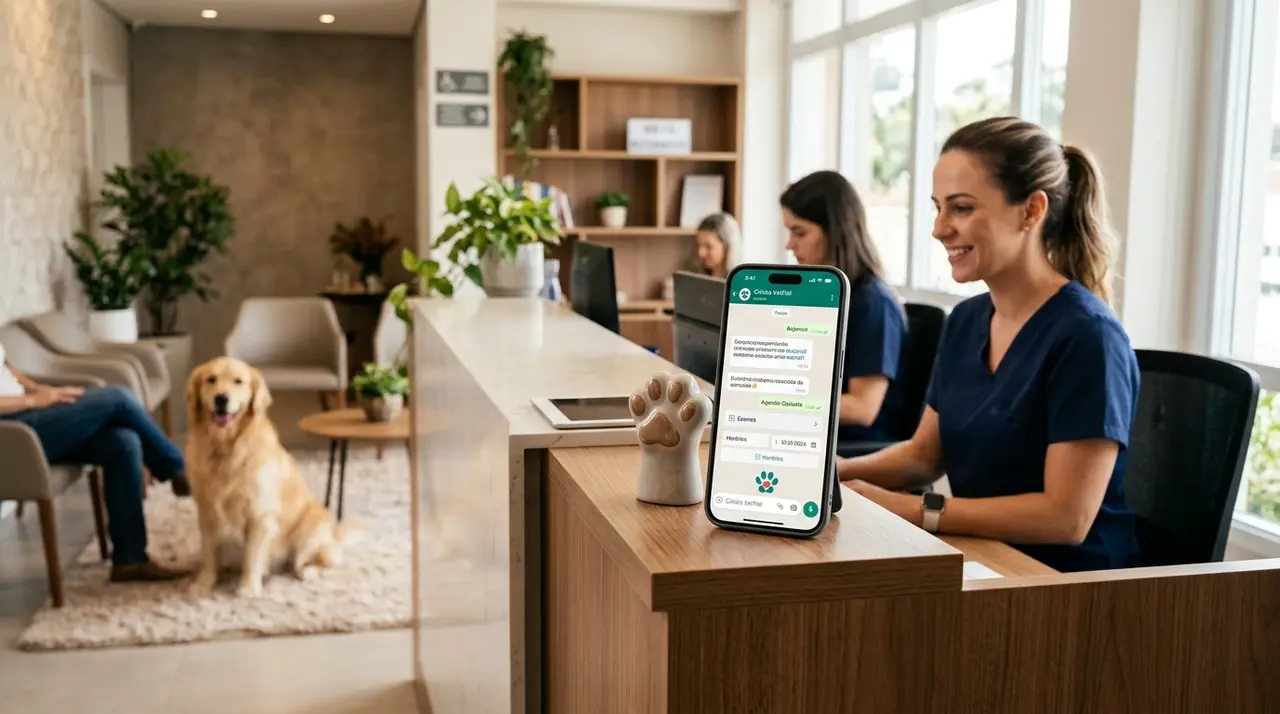
The Chaos of the Veterinary Reception Desk
Imagine this: it is a busy Tuesday morning. The clinic's phone is ringing off the hook, a client is waiting at the front desk to pay, and a panicked pet owner just rushed in with a bleeding dog. Meanwhile, your WhatsApp is blowing up with messages like, "How much is a rabies vaccine?" and "Do you have an opening for grooming today?"
For veterinary clinic owners and managers, this scenario is an everyday reality. Your front desk staff is overwhelmed, and when human attention is divided, mistakes happen. Missed messages mean lost revenue, and delayed responses to emergencies can have fatal consequences.
This is where automation becomes your most valuable team member. In this comprehensive botpress tutorial, we will show you how to build a smart WhatsApp assistant from scratch. You will learn how to model conversational flows, apply safe triage rules, integrate with management systems like Vetsoft, and handle everything from booking appointments to financial follow-ups.
Step 1: Understanding the Veterinary Chatbot Architecture
Before building anything, you need a blueprint. A veterinary chatbot is not just a digital answering machine; it is a smart triage system. Its primary job is to filter the noise, solve routine inquiries, and instantly escalate real medical emergencies to a human professional.
Using a visual builder like Botpress allows you to map out these interactions logically. As one of the official partners like Botpress, we know that successful automation relies on clearly defined intents.
Defining Core Intents
Your bot needs to understand what the user wants. In a veterinary context, these intents usually fall into four main categories:
- Emergencies: Hit by a car, seizures, breathing difficulties, poisoning.
- Scheduling: Routine check-ups, vaccines, grooming, surgeries.
- General Inquiries: Operating hours, location, pricing, preparation for exams.
- Financial & Administrative: Invoice requests, package renewals, and overdue payments.
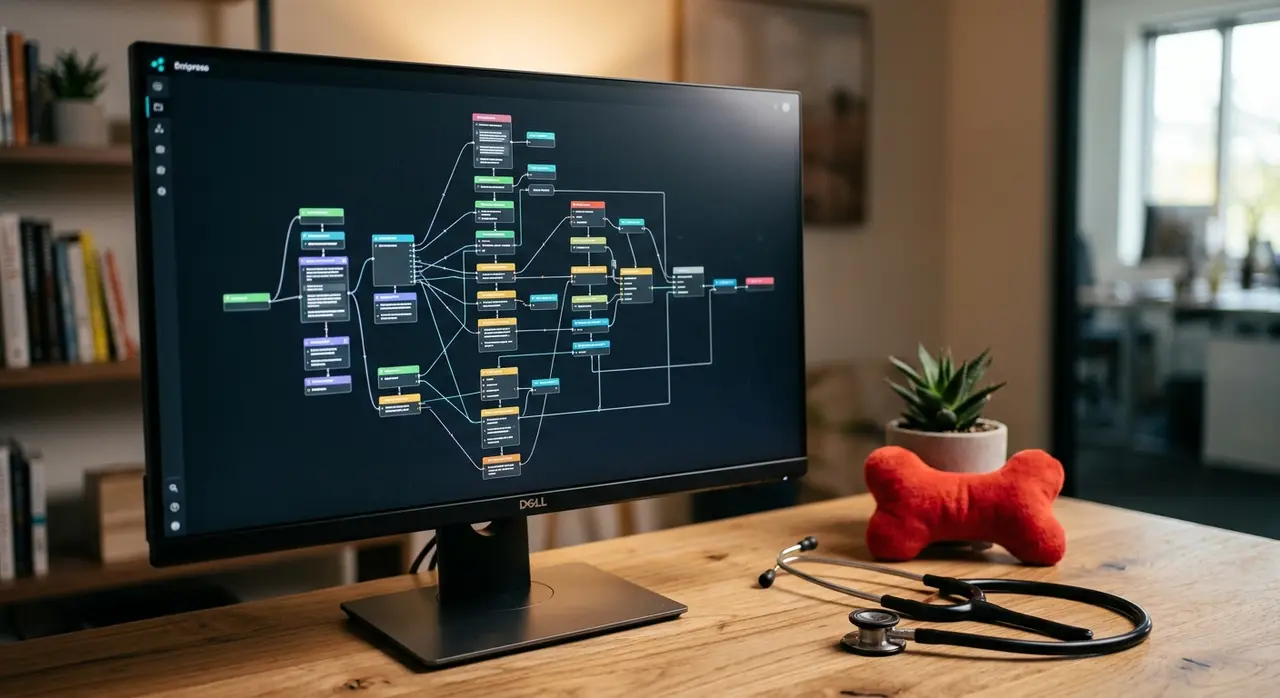
Step 2: Building the Triage Flow (Safety First)
In human medicine and veterinary care, safety is the absolute priority. An AI must never attempt to diagnose a pet or prescribe medication. Instead, it must act as a highly efficient receptionist that knows exactly when to hit the panic button.
Your Botpress flow should start with a warm greeting and an immediate disclaimer. For example: "Hello! I am the digital assistant at Paws & Claws Vet. I can help you schedule appointments and answer general questions. If this is a medical emergency, please type 'EMERGENCY' or call us immediately at [Phone Number]."
Creating the Red Flag Routing
In Botpress, you will set up an AI Task or Natural Language Understanding (NLU) node specifically designed to detect urgency. You must train the bot to recognize keywords and phrases such as:
- "Bleeding heavily"
- "Ate chocolate"
- "Not breathing"
- "Hit by a car"
- "Seizure"
When the bot detects any of these triggers, the flow must immediately route the conversation to a human agent. The bot should reply: "I am transferring you to our medical team right now. Please hold on." This ensures that critical cases bypass the standard queue.
Step 3: Seamless Scheduling and Vetsoft Integration
Once the bot determines that the user's request is not an emergency, it can proceed to scheduling. Asking a client for their preferred date and time manually involves a lot of back-and-forth. Automation eliminates this friction.
By using API calls within Botpress, your chatbot can connect directly to your clinic management software. If your clinic uses systems like Vetsoft, the bot can query the database in real-time to check the availability of specific veterinarians or grooming specialists.
The Automated Booking Process
Here is how the automated scheduling flow works in practice:
- The bot asks: "Would you like to book a consultation, vaccination, or grooming?"
- The user selects "Consultation".
- The bot asks for the pet's name and species (Dog, Cat, Exotic).
- The bot queries Vetsoft via API and presents available time slots for the next three days.
- The user selects a time, and the bot confirms the appointment, automatically blocking that slot in your system.
This level of integration transforms your WhatsApp into a 24/7 booking engine. If you want to see similar setups in action, explore our AI use cases in customer service to understand how different industries leverage these integrations.
Step 4: Managing Finances and Credit Recovery
A veterinary clinic is a business, and managing cash flow is just as important as providing excellent medical care. Chatbots are incredibly effective at handling administrative tasks that usually consume hours of your staff's time.
Many clinics offer recurring health plans, vaccination packages, or allow trusted clients to pay in installments. When payments are missed, following up can be awkward and time-consuming. Your Botpress assistant can automate these gentle reminders.
Automating Follow-ups
You can set up automated triggers to send WhatsApp messages to clients with outstanding balances. This process, often referred to in the Brazilian market as recuperação de crédito (credit recovery), is handled politely and efficiently by the AI.
The bot can say: "Hi [Name], we noticed an open invoice for Max's last vaccination. Would you like me to send you the payment link or PIX code to settle this?" This frictionless approach significantly increases recovery rates without straining client relationships. Furthermore, if your clinic sells health plans, the bot can seamlessly manage clinic packages and automatic renewals.

Step 5: Configuration, Testing, and Going Live
Building the flow is only half the battle. Before you connect your Botpress project to your official WhatsApp Business API, you must test every possible scenario. A poorly tested bot can frustrate clients and damage your clinic's reputation.
The Testing Phase
Use the Botpress emulator to simulate conversations. You need to test both the "happy paths" (where the user follows instructions perfectly) and the "unhappy paths" (where the user types unexpected things or asks complex questions).
Crucial tests include:
- Typing slang or typos to see if the NLU still understands the intent.
- Attempting to book an appointment outside of business hours.
- Triggering the emergency protocol to ensure the human handoff works instantly.
- Verifying that data entered in the chat correctly updates your Vetsoft calendar.
The Ultimate Go-Live Checklist
To ensure a smooth launch, we have compiled a strict checklist for veterinary clinics. Do not publish your bot until you can check off every item on this list.
| Category | Checklist Item | Status |
|---|---|---|
| Safety | Emergency keywords trigger immediate human handoff. | [ ] |
| Safety | Disclaimer stating the bot cannot provide medical advice is active. | [ ] |
| Integration | Bot successfully reads and writes data to Vetsoft (or similar CRM). | [ ] |
| Financials | Payment links and credit recovery (recuperação de crédito) flows are secure. | [ ] |
| User Experience | Fallback message (when the bot doesn't understand) is polite and helpful. | [ ] |
| Handoff | Staff is trained on how to take over a chat when the bot pauses. | [ ] |
Conclusion: From Zero to Automated Excellence
Implementing a WhatsApp chatbot in your veterinary clinic is no longer a futuristic luxury; it is a necessity for survival in a competitive market. By following this guide, you can move from a chaotic front desk to a streamlined, digital-first operation.
With Botpress, you have the power to create an assistant that never sleeps, never loses patience, and always follows the rules. It handles the repetitive tasks—like booking vaccines and managing credit recovery—so your highly trained human staff can focus on what they do best: saving lives and comforting pet owners.
Start small, focus on safe triage and simple scheduling, and gradually expand your bot's capabilities. The result will be a more profitable clinic, happier staff, and better care for the animals that rely on you.
Frequently Asked Questions
Can the bot recognize a real medical emergency?
The bot does not diagnose, but it is trained to recognize high-risk keywords like "bleeding," "seizure," or "unconscious." When it detects these words, it instantly pauses the automation and alerts a human staff member to take over the conversation.
Do I need to know how to code to use Botpress?
Botpress offers a visual, drag-and-drop interface that makes it accessible for non-programmers to build basic flows. However, integrating it with external databases like Vetsoft or setting up complex API calls for payment processing usually requires technical expertise.
Will my clients get frustrated talking to a robot?
Not if the bot is designed well. Frustration occurs when bots trap users in endless loops. By providing clear options, fast responses, and an easy way to request a human agent at any time, a well-built veterinary bot actually improves client satisfaction by eliminating hold times.
How does the bot connect to my clinic's WhatsApp?
The bot connects via the official WhatsApp Business API. This requires an approved Meta Business account. Once connected, multiple staff members can monitor the same WhatsApp number simultaneously while the bot handles the initial triage.