
WhatsApp CRM Follow-up Automation: Never Lose a Lead
Stop losing sales to cold leads. Discover how WhatsApp CRM follow-up automation, Kommo integration, and multi-agent tools boost your conversion rates.
- WhatsApp Automation
- CRM Integration
- Sales Follow-up
- Kommo WhatsApp
- Multi-agent
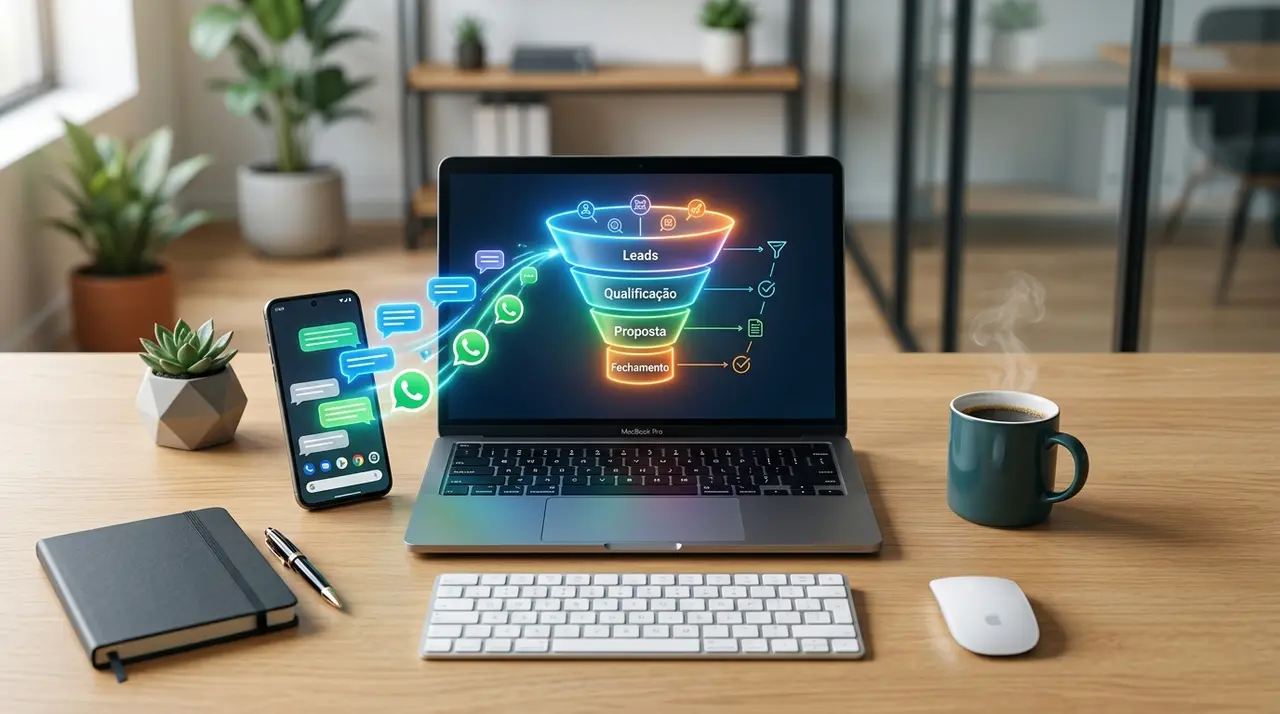
The Silent Killer of Conversions: WhatsApp Ghosting
Ghosting is the silent killer of modern sales. You spend hard-earned money on marketing campaigns to drive traffic to your business. A potential customer clicks your ad, opens a chat, and asks for a quote.
Your sales rep quickly replies with the pricing and a friendly greeting. Then, the worst happens: absolute silence. The blue ticks appear, but the prospect never replies back. In a busy company, this lead is often forgotten by the next day.
Manual follow-ups are incredibly hard to track when you are dealing with dozens or hundreds of conversations daily. This is exactly where WhatsApp CRM follow-up automation steps in to save your revenue.
By integrating a smart customer relationship management system with your messaging app, you ensure that no opportunity ever goes cold. Let us explore how you can automate your cadences, alert your team, and re-engage dormant leads effortlessly.
Why Manual Follow-ups Fail in Growing Businesses
When a small business first starts, the owner usually handles all WhatsApp messages personally. Remembering to text a prospect back after two days is easy when you only have five leads a week.
However, as your business grows, this manual method becomes a leaky bucket. Sales representatives get overwhelmed with new inquiries and naturally prioritize the "hot" leads who are ready to buy today.
The leads who need a little more nurturing—those who say "I need to think about it" or simply forget to reply—fall through the cracks. Relying on sticky notes, memory, or messy spreadsheets is a guaranteed way to lose money to your competitors.
To fix this, you need a system that works in the background. A system that knows exactly when a lead has gone quiet and automatically takes action to bring them back to the negotiation table.
Enter the Conversational CRM: Kommo WhatsApp Integration
To truly automate your follow-ups, your WhatsApp needs to be connected to a robust CRM. One of the most powerful tools for this job is Kommo WhatsApp integration.
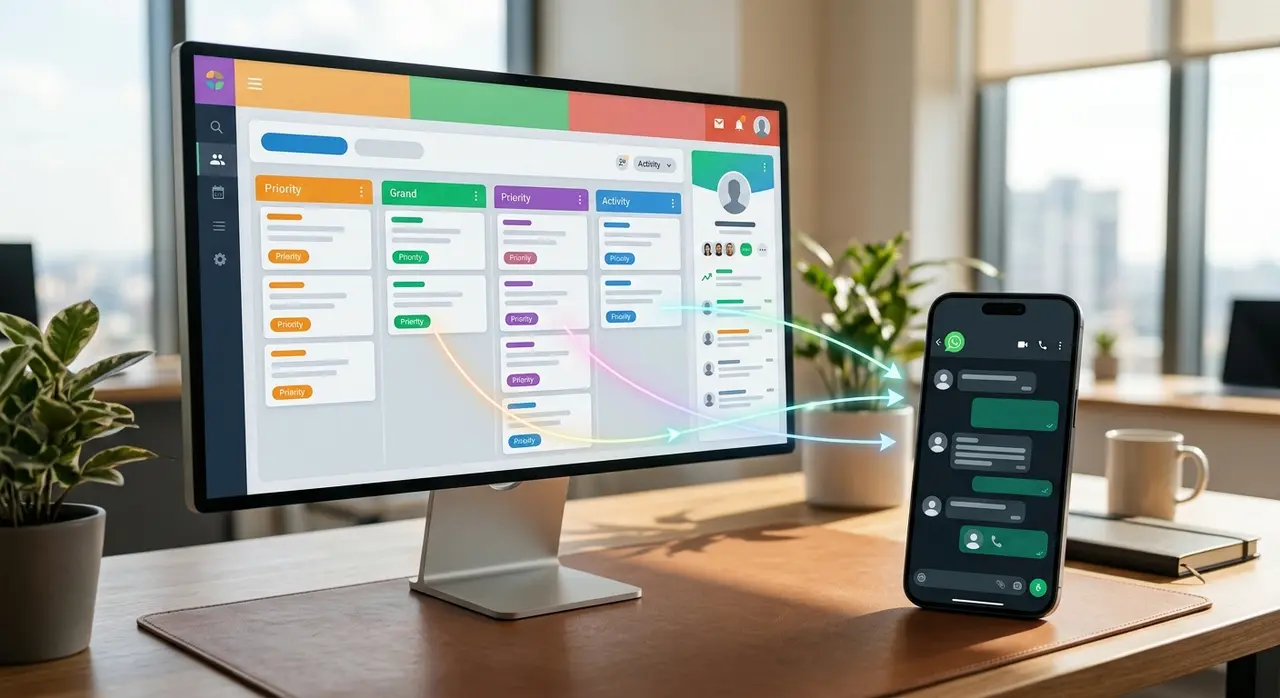
Kommo (formerly amoCRM) is a pioneer in conversational sales. It turns your standard chat app into a visual sales pipeline. Every time a new person messages your business, a "lead card" is automatically created in the system.
Instead of scrolling through an endless list of chats, your sales team looks at a structured board. They can instantly see who is a new lead, who is in the negotiation phase, and who is waiting for a contract.
Because IAChatbot works closely with official partners like Kommo, we help businesses map out these exact stages. This integration allows you to build triggers that fire automated messages based on the lead's position in the pipeline.
1. Setting Up Post-Contact Message Sequences
The core of follow-up automation is the message sequence. Imagine a prospect contacts you on Monday but stops replying after receiving your catalog.
With a CRM automation, you can set a rule: "If the lead is in the 'Catalog Sent' stage and there is no incoming message for 24 hours, send Follow-up Message 1."
This first message shouldn't be aggressive. It can be a simple: "Hi! Did you have a chance to look at the catalog I sent yesterday? Let me know if you have any questions about the models!"
If they still don't reply, the system can wait another 48 hours and send Follow-up Message 2, perhaps offering a small discount or sharing a customer testimonial. All of this happens without your sales rep lifting a finger.
2. Smart Reminders for the Sales Team
Sometimes, fully automated messages aren't the best approach, especially for high-ticket B2B sales where personalization is key.
In these cases, the CRM can be configured to send internal reminders. If a VIP lead has been silent for three days, the system creates an automated task for the assigned salesperson.
The rep gets a notification saying: "Time to follow up with John Doe regarding the enterprise software package." This ensures the human touch is applied exactly when it is needed, preventing the deal from stalling.
Organizing Chaos with WhatsApp Business Labels
If you are not ready for a full CRM yet, or if you want to enhance your current setup, mastering WhatsApp Business labels is mandatory.
Labels allow you to color-code your chats directly within the WhatsApp Business app. You can create tags like "New Customer," "Pending Payment," or "Follow-up Next Week."
When integrated with a CRM, these labels become incredibly powerful. Moving a lead to a new column in your CRM can automatically update their tag in WhatsApp, giving your agents instant visual context.
For example, if a payment goes through, the system removes the "Pending" label and adds a "Paid" label. This prevents the embarrassing mistake of asking a customer for a payment they have already made.
Re-engaging Cold Leads Automatically
Every business has a database of "dead" leads. These are people who showed interest months ago but never bought anything. Most companies ignore this goldmine.
With automated follow-ups, you can create a "Re-engagement Cadence." You can filter your CRM for leads who haven't been contacted in 90 days and enroll them in a broadcast sequence.
The automation sends a highly personalized message: "Hi [Name], it's been a while! We just launched a new collection that I think fits perfectly with what you were looking for back in March. Want to see a sneak peek?"
Because the CRM injects the lead's actual name and past interests into the message, it feels entirely organic. This strategy alone can resurrect 10% to 15% of your lost opportunities.
Scaling Your Team with WhatsApp Multi-Agent Solutions
As your follow-up automations generate more replies, your chat volume will spike. A single phone handled by one person will quickly become a bottleneck.
This is why implementing a WhatsApp multi-agent system is the natural next step. This technology allows you to connect a single WhatsApp business number to a cloud platform accessed by multiple employees simultaneously.
Whether you have three salespeople or a customer service team of fifty, everyone logs into their own dashboard. The system automatically distributes incoming chats in a round-robin format or based on agent availability.
If a lead replies to an automated follow-up, the multi-agent system routes that conversation directly to the specific rep who originally spoke to them. This creates a seamless, uninterrupted customer experience.

Mini-Case: The Travel Agency Re-engagement
Consider a busy travel agency. They receive hundreds of messages daily asking for flight quotes and hotel packages. Following up manually was impossible during the high season.
By implementing a CRM with multi-agent capabilities, they built a 3-step follow-up automation for undecided travelers. If a client stopped replying after receiving a quote, the system automatically checked in after 24 hours.
If the client replied, the multi-agent router instantly assigned the chat to an available travel consultant. If you want to see a deeper dive into this specific industry, check out how AI closes more travel packages with tailored automations.
The result? The agency recovered 22% of abandoned quotes without hiring extra staff, simply because the software did the heavy lifting of chasing the leads.
Step-by-Step: Building Your WhatsApp Follow-up Cadence
Creating a follow-up cadence requires a mix of good timing and persuasive copywriting. You don't want to spam your leads, but you also cannot afford to let them forget you.
Here is a proven, configurable cadence you can implement in your CRM today:
| Timeline | Action / Trigger | Message Angle |
|---|---|---|
| Day 1 (24h later) | Lead is in "Quote Sent" but hasn't replied. | The Gentle Check-in: "Hi [Name], did you receive the proposal? I'm here if you need me to clarify any details!" |
| Day 3 | Still no reply. | Value Addition: "Hi! Just wanted to share this quick case study of how a client achieved [Result] using our service. Thought you'd find it useful." |
| Day 7 | Lead remains silent. | The Break-up / Scarcity: "Hi [Name], I assume this isn't a priority right now, so I'll close your file. If you change your mind, we only have 2 spots left at this price. Have a great week!" |
Notice how the "Day 7" message is designed to provoke a response. By taking the offer away (the "break-up" technique), you often trigger a psychological reaction that makes the lead reply immediately.
With a proper CRM, this entire table runs on autopilot. You only step in when the customer actually types a response.
Conclusion: Stop Leaving Money on the Table
Every lead that goes cold because you forgot to text them back is money left on the table. In today's competitive landscape, speed and persistence are your biggest advantages.
By leveraging WhatsApp CRM follow-up automation, you remove human error from the equation. You ensure that every prospect is nurtured, every salesperson is reminded of their tasks, and every conversation is tracked.
Combining tools like Kommo, intelligent labeling, and multi-agent systems transforms your messaging app from a simple chat tool into a powerful, automated revenue engine. Stop relying on memory, and start relying on smart workflows.
If you want to explore more AI solutions to optimize your customer service and sales processes, the time to upgrade your tech stack is now.
Frequently Asked Questions
Can I automate follow-ups without sounding like a robot?
Yes, absolutely. The secret is in the copywriting and the CRM variables. By using personalization tags like the customer's first name, referencing the specific product they asked about, and keeping a conversational, casual tone, your automated messages will feel entirely human and organic.
Does Kommo WhatsApp integration require coding skills?
No coding is required. Modern CRMs like Kommo feature intuitive visual builders. You simply drag and drop blocks to create your automations. If you need complex AI agent integrations, companies like IAChatbot can build and customize the entire flow for you, ensuring a plug-and-play experience.
How do WhatsApp Business labels help in a CRM setup?
Labels act as a bridge between your chat interface and your CRM data. When integrated, changing a lead's status in the CRM automatically updates their label in WhatsApp. This gives your agents immediate visual cues about who they are talking to (e.g., VIP client, pending payment, new lead) without having to open the full CRM profile.
Is a WhatsApp multi-agent setup safe for my business number?
Yes, provided you use the official WhatsApp Business API. Using unofficial tools to share a number can lead to bans. By using official API providers connected to a certified CRM, your multi-agent setup is 100% compliant with Meta's policies, highly secure, and safe from unexpected blocks.