
Mensagem Automatica WhatsApp: Best Quote Message Templates
Discover the best templates to send a mensagem automatica whatsapp for quotes. Standardize pricing, speed up sales, and automate your WhatsApp Business.
- WhatsApp Business
- Sales Automation
- Quote Templates
- Customer Service
- AI Chatbot
The Hidden Cost of Manual Quoting on WhatsApp
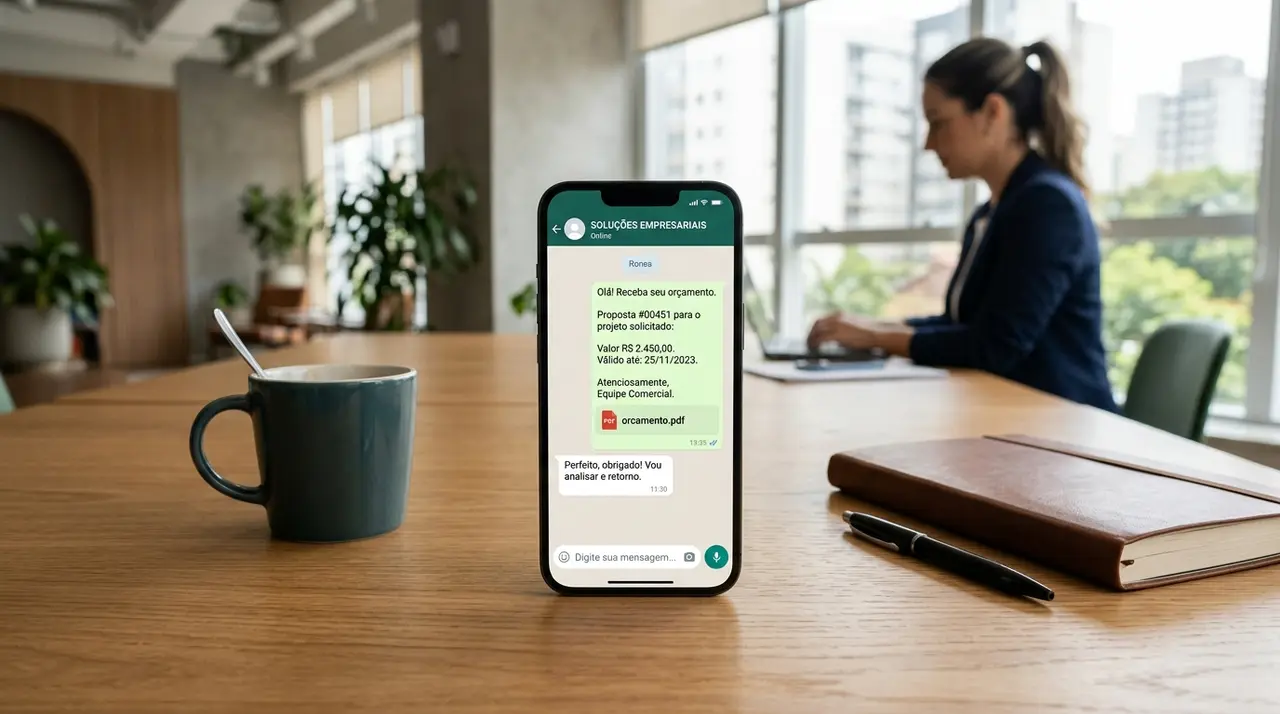
Time is your most valuable asset in sales. When a potential customer reaches out for a price, every minute you delay increases the chance they will buy from your competitor. That is where a solid automation strategy changes the game. By implementing a mensagem automatica whatsapp (automatic WhatsApp message), you can instantly acknowledge requests, gather necessary data, and deliver precise quotes without lifting a finger.
Many small and medium-sized businesses still rely on manual typing. Sales reps spend hours copying and pasting the same pricing information, adjusting names, and calculating totals. This repetitive work not only drains team morale but also opens the door to human error. Sending a quote with the wrong price or a misspelled client name immediately damages your brand's credibility.
To fix this, you need standardized templates. A well-structured template ensures that every customer receives a professional, clear, and accurate response. Furthermore, integrating these templates into an automated workflow allows your business to scale its communication effortlessly, handling dozens or hundreds of inquiries simultaneously.
The Anatomy of a Perfect WhatsApp Quote
Before diving into the templates, it is crucial to understand what makes a WhatsApp quote effective. Unlike emails, WhatsApp is an instant messaging platform. People expect quick, scannable, and actionable information. A wall of text will only overwhelm your prospect.
A high-converting quote message should always include the following elements:
- A friendly greeting: Personalize it with the customer's name.
- Clear itemization: List exactly what is included in the price.
- Transparent pricing: Highlight the total cost and any potential discounts.
- Validity period: Create urgency by stating when the quote expires.
- A clear Call to Action (CTA): Tell the customer exactly what to do next to close the deal.
When you configure a mensagem automatica whatsapp business, you can use dynamic variables to fill in these details instantly. This means the structure remains exactly the same, but the data adapts to each specific customer, ensuring a customized experience at scale.
Phase 1: Templates to Request Customer Data
You cannot provide an accurate quote without the right information. Often, customers send vague messages like "How much?" without specifying the product model, quantity, or their specific needs. Your first automated response should focus on gathering this crucial data efficiently.
Template 1: The B2B Service Qualification
If you sell complex services, you need context. Use this template to politely ask for the necessary details before drafting the proposal.
"Hi {{customer_name}}, thanks for reaching out to {{company_name}}! 🚀 To ensure we send you the most accurate quote for our services, could you please tell us: 1. The size of your team? 2. Your main goal with this project? 3. Your ideal timeline? Once you reply, we will have your custom proposal ready in minutes!"
Template 2: Retail and Product Inquiry
For physical products, you usually need specifics like size, color, or quantity. Keep the data request short and direct.
"Hello {{customer_name}}! We are thrilled you are interested in our {{product_category}}. 🛍️ To check our stock and give you the best price, please reply with: - Desired quantity - Preferred color/size. Let us know and we will send your quote right away!"
Phase 2: Sending the Quote with Variables
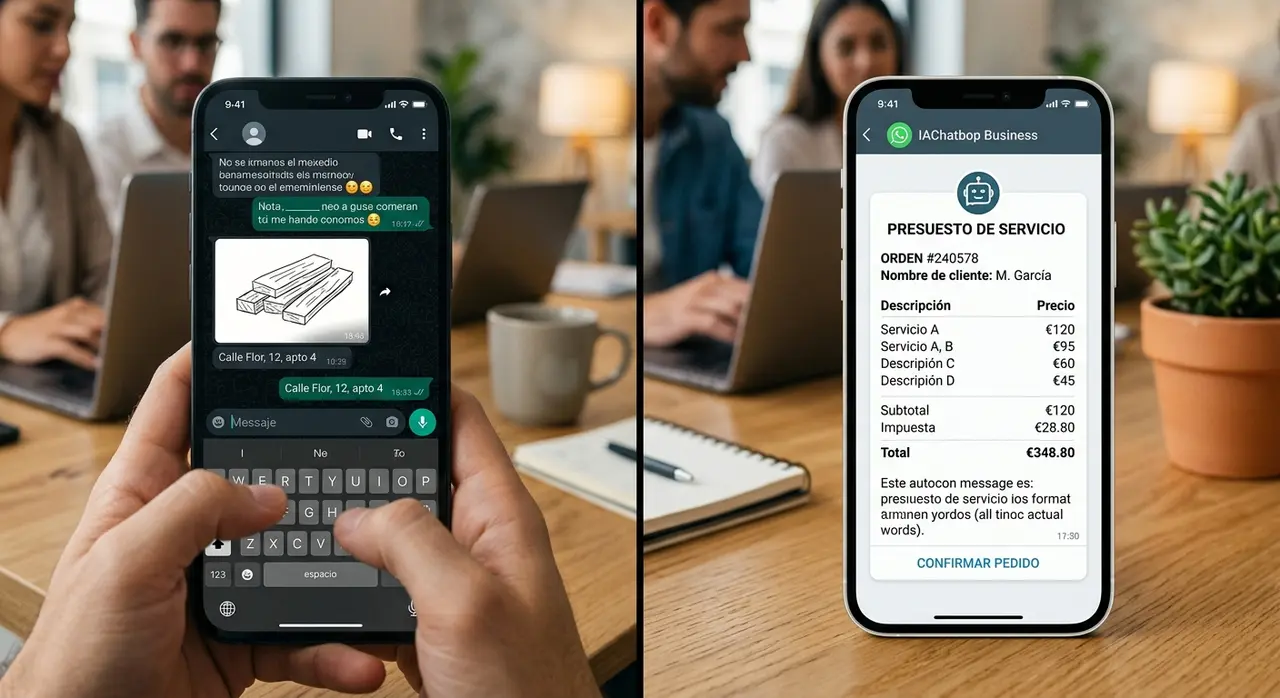
Once you have the data, it is time to deliver the numbers. This is where standardized variables shine. By using placeholders like {{item_name}}, {{total_price}}, and {{validity_date}}, you guarantee consistency across all your sales channels.
Template 3: Simple Product Quote
This template is ideal for straightforward transactions where the customer just needs to know the final price to make a decision.
"Great news, {{customer_name}}! Your quote is ready. 🎉 Here are the details for your request: 📦 Item: {{item_name}} 🔢 Quantity: {{quantity}} 💰 Total Price: {{total_price}}. This special price is valid until {{validity_date}}. Would you like to proceed with the payment via Pix or Credit Card?"
Template 4: Complex Service Breakdown
When quoting a service, breaking down the value helps justify the cost. Use a neat list format to make it readable on a small screen.
"Hi {{customer_name}}, here is the customized proposal for your project! 💼 Our package includes: ✅ {{service_inclusion_1}} ✅ {{service_inclusion_2}} ✅ {{service_inclusion_3}}. The total investment is {{total_price}}, with an estimated delivery of {{delivery_time}}. Let me know if you have any questions or if we can send the service agreement!"
By standardizing these messages, you not only save time but also project a highly professional image. Customers trust businesses that communicate clearly and promptly.
Phase 3: The Follow-Up Strategy That Closes Deals
Sending the quote is only half the battle. The real money is in the follow-up. Many customers view a quote, get distracted, and forget to reply. An automated follow-up message brings their attention back to your offer without being overly pushy.
Template 5: The 24-Hour Gentle Nudge
Send this message one day after the quote was delivered. It assumes the customer is busy and offers help.
"Hi {{customer_name}}! Just checking in on the quote I sent yesterday for the {{item_name}}. 🧐 Do you have any questions about the details or the pricing? I am here to help you make the best decision. Let me know!"
Template 6: The 48-Hour Urgency Trigger
If the quote has an expiration date, use it to create genuine urgency. This pushes the customer to make a final decision.
"Hello {{customer_name}}! Just a quick reminder that your special quote for {{total_price}} expires tomorrow. ⏳ We want to make sure you secure this price before the adjustment. Reply 'YES' if you want to lock in your order today!"
Automating these follow-ups ensures that no lead falls through the cracks. Your sales team can focus on closing hot leads while the system gently nurtures the rest.

Phase 4: Managing Inquiries After Hours
Customers do not sleep, and they certainly do not respect business hours when requesting a quote. If someone messages you at 11 PM on a Sunday, you need a strategy to keep them engaged until Monday morning. This is the perfect use case for a mensagem de ausencia whatsapp (away message).
Template 7: The After-Hours Expectation Setter
A good away message does more than say "we are closed." It sets an expectation and keeps the customer excited about the upcoming quote.
"Hi there! 👋 Thanks for reaching out to {{company_name}}. We are currently away, but your message is important to us. If you are looking for a quote, please leave the details of what you need (item, quantity, specific requirements). Our team will review it and send your customized pricing first thing on {{next_business_day}} morning!"
Template 8: The Holiday/Weekend Lead Capture
During extended breaks, offer an incentive for their patience so they do not immediately message a competitor.
"Hello! 🌟 We are currently enjoying the weekend and will be back on Monday at 9 AM. To thank you for your patience, please reply with 'QUOTE' and the item you want. We will prioritize your request and apply a special 5% welcome discount when we send your proposal!"
Avoiding Common Mistakes When Quoting on WhatsApp
Even with the best templates, things can go wrong if you do not follow basic etiquette. Here are a few pitfalls to avoid when automating your sales process:
- Ignoring formatting: WhatsApp supports bold, italics, and strikethrough. Use them to highlight prices and important dates. A flat text block is hard to read.
- Being too robotic: While the message is automated, it should sound human. Use emojis appropriately, but do not overdo it. Match the tone to your brand identity.
- Failing to update variables: If your automation pulls data from a messy CRM, you might send a message saying "Hi [Null]". Always ensure your data sources are clean.
- Forgetting the next step: Never end a quote with a dead end. Always ask a question or provide a payment link to keep the conversation moving forward.
Scaling Your Quotes with Artificial Intelligence
While basic WhatsApp Business features allow for quick replies and simple away messages, true scalability requires advanced technology. If your company handles a high volume of requests, manually triggering templates is still too slow.
By integrating AI agents, you can fully automate the entire quotation cycle. An AI can read the customer's natural language, cross-reference your inventory or ERP system, calculate the price dynamically, and generate the quote instantly. This is particularly useful in complex B2B scenarios, like custom manufacturing, where pricing depends on multiple variables.
Furthermore, AI does not just send messages; it understands context. If a customer asks a complex question about a quoted item, the AI can answer it immediately, overcoming objections in real-time. To see how different industries are applying these advanced bots, you can explore various AI use cases in customer service and sales.
Upgrading to robust AI solutions means your WhatsApp becomes an autonomous sales engine, working 24/7 to capture data, deliver precise quotes, and execute relentless follow-ups without human intervention.
Frequently Asked Questions
How do I set up a mensagem automatica whatsapp?
You can set up basic automatic messages directly in the WhatsApp Business app under 'Business Tools'. For more advanced, customized templates that pull data from your CRM or ERP, you will need to use the WhatsApp Business API connected to an automation platform or an AI agent.
Can I send automated quotes outside of business hours?
Yes. By configuring a mensagem de ausencia whatsapp, you can immediately reply to leads who contact you at night or on weekends. With AI integrations, the bot can even generate and send the actual quote instantly, regardless of the time or day.
What variables should I always include in a quote template?
At a minimum, your template should include the customer's name, the specific item or service requested, the total price, a breakdown of what is included, and the validity date of the offer. This ensures transparency and helps create urgency.
Does standardizing quotes improve sales conversion?
Absolutely. Standardized templates ensure that you reply faster and with clear, professional formatting. Speed is a critical factor in sales; the faster you deliver a precise and easy-to-read quote, the higher your chances of closing the deal before a competitor steps in.